

As more people use ChatGPT, Claude, Perplexity, and Google’s AI search features, AI crawlability is becoming increasingly important for website and business owners. If these platforms can’t access your website, your content may have little chance of being discovered, referenced, or cited in their answers.
In this guide, we’ll explain how AI crawlers work, how they differ from Googlebot, and how to check whether your website is accessible to them.
We’ll also help you decide which AI bots should be allowed to crawl your site based on your content and visibility goals.
What are AI Crawlers?
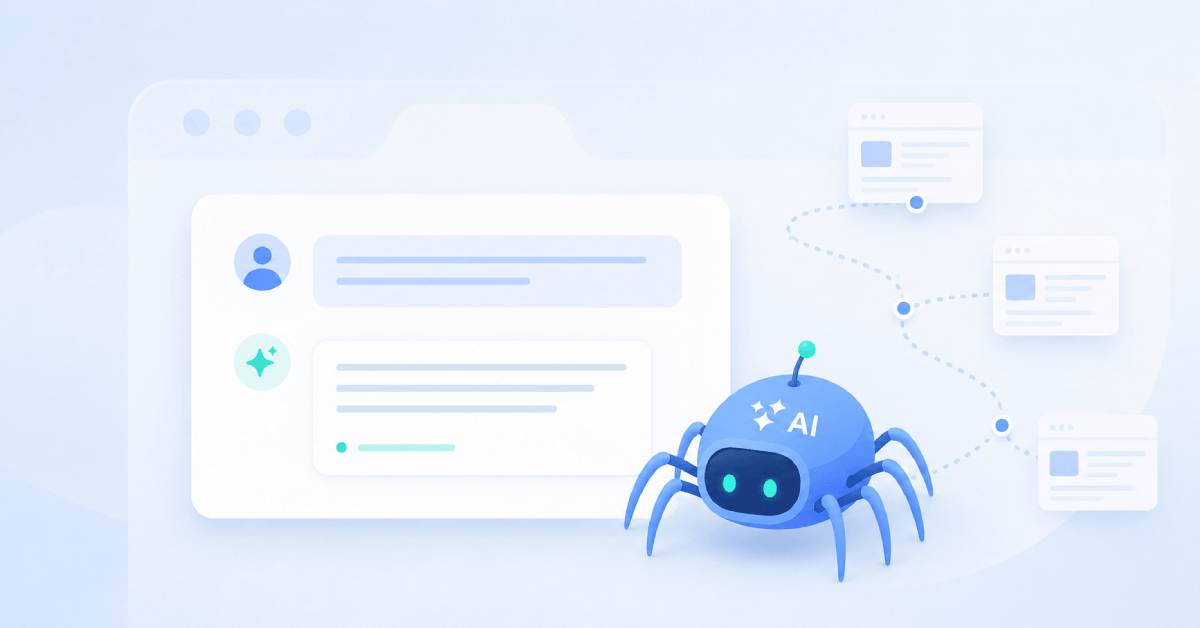
AI crawlers and bots are automated programs that visit websites, follow links, and read the content on each page. AI companies use these bots to discover and retrieve information that can be used in AI-generated answers, summaries, and citations.
Some AI crawlers may also collect publicly available content to help train or improve AI models.
Popular AI Crawlers and What They Do
Several AI companies operate more than one crawler, with each bot serving a different purpose.
One might index content for AI search, another may retrieve a page when a user asks a question, while another collects data that could be used to train future models.
Here are some of the most common AI crawlers website owners should know about:
| AI crawler | Operated by | What it does |
|---|---|---|
| OAI-SearchBot | OpenAI | Discovers and indexes pages so they can appear in ChatGPT search results. |
| ChatGPT-User | OpenAI | Visits a page when a ChatGPT user asks the platform to access or interact with it. |
| GPTBot | OpenAI | Crawls public web content that may be used to train or improve OpenAI’s generative AI models. |
| Claude-SearchBot | Anthropic | Crawls the web to improve the relevance and accuracy of Claude’s search results. |
| Claude-User | Anthropic | Retrieves website content in response to a request made by a Claude user. |
| ClaudeBot | Anthropic | Collects public web content that may contribute to the training of Anthropic’s models. |
| PerplexityBot | Perplexity | Indexes content so it can be surfaced and linked to in Perplexity search results. It is not used to train Perplexity’s foundation models. |
| Perplexity-User | Perplexity | Fetches pages when a user’s question requires Perplexity to access a particular website. |
| Googlebot | Crawls and indexes content for Google Search, including pages that may appear in AI Overviews and AI Mode. | |
| Applebot | Apple | Crawls content for Apple services such as Siri, Spotlight and Safari. Crawled content may also support generative AI features and model development. |
| CCBot | Common Crawl | Collects public web pages for Common Crawl’s open web archive, which can be accessed by researchers, developers and AI companies. |
| Meta-ExternalAgent | Meta | Crawls public web content that may be used to train or improve Meta’s AI models and related products. |
| Bytespider | ByteDance | Collects web content for ByteDance products, including the company’s search and AI technologies. |
OpenAI, Anthropic and Perplexity separate their search crawlers, user-requested fetchers and training bots.
This allows website owners to control these uses individually rather than either allowing or blocking everything.
You could, for example, allow OAI-SearchBot to support visibility in ChatGPT search while blocking GPTBot if you do not want your content used for model training.
Crawler names and functions can change, so check the latest documentation from OpenAI, Anthropic, Perplexity, Google, Apple and Common Crawl before updating your crawler rules.
Should You Allow AI Crawlers to Access Your Website?
Yes, you should allow AI crawlers to access your website if you want your content to appear in AI-generated answers.
Blocking crawlers such as OAI-SearchBot, Claude-SearchBot, or PerplexityBot could make it harder for their respective platforms to discover, retrieve, and cite your content.
Similarly, blocking Googlebot may prevent your pages from appearing across Google Search, including AI Overviews and AI Mode. Google has confirmed that access to its AI search features is managed through Googlebot.
However, that doesn’t mean you need to give every AI bot unrestricted access. Search crawlers, user-requested fetchers, and model-training crawlers have different purposes, so it makes sense to manage them separately.
A general guideline or rule of thumb would be to:
- Allow AI search crawlers if you want more opportunities to appear in AI answers and citations.
- Decide separately whether you are comfortable allowing crawlers that collect content for model training.
- Block crawlers from private, gated, sensitive, or proprietary areas of your website.
- Restrict access to low-value URLs
- Monitor server activity and limit bots that create excessive load or ignore your stated rules.
For example, you could allow OAI-SearchBot so your pages remain eligible to appear in ChatGPT search while blocking GPTBot if you do not want your content used to help improve OpenAI’s models.
Perplexity similarly recommends allowing PerplexityBot if you want your site to appear in its search results.
There may also be good reasons to restrict AI crawler access.
Publishers with licensed material, membership-based resources, original datasets, or commercially valuable content may not want that information collected or reproduced by AI systems.
For most businesses that use public content to attract customers, educate readers, or build brand awareness, allowing established AI search crawlers is the right choice.
Just remember that AI crawlability only makes your content accessible, it does not guarantee that an AI platform will mention or cite it.
Related Reading: LLM SEO: How to Get Cited by ChatGPT, Gemini, and Claude
Benefits of Allowing AI Crawlers
Greater Visibility in AI Answers
If AI search crawlers can access your pages, your content or business has a better chance of being discovered, referenced, or cited in AI-generated answers.
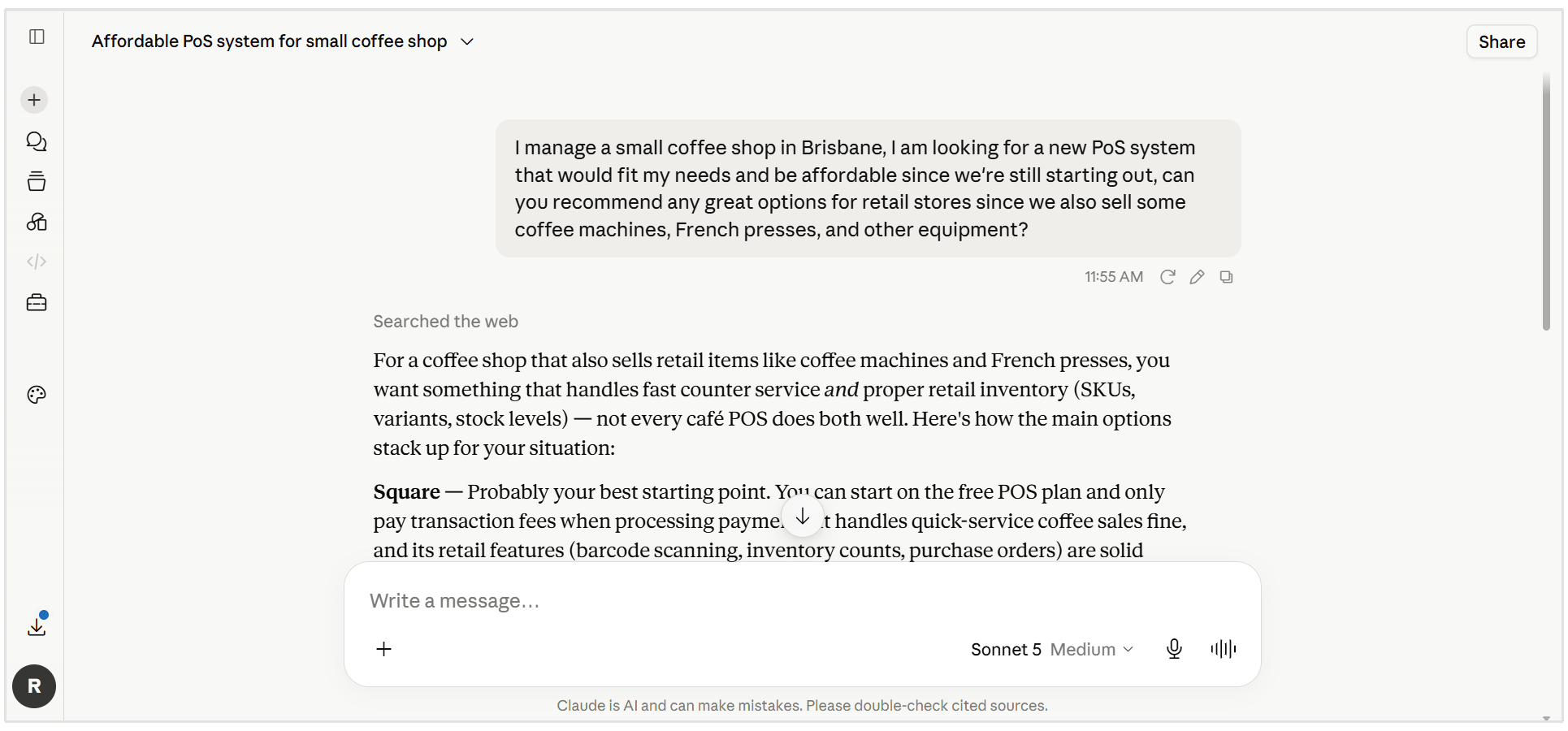
Access doesn’t guarantee visibility, but blocking these crawlers may remove the opportunity altogether.
More Opportunities for Referral Traffic
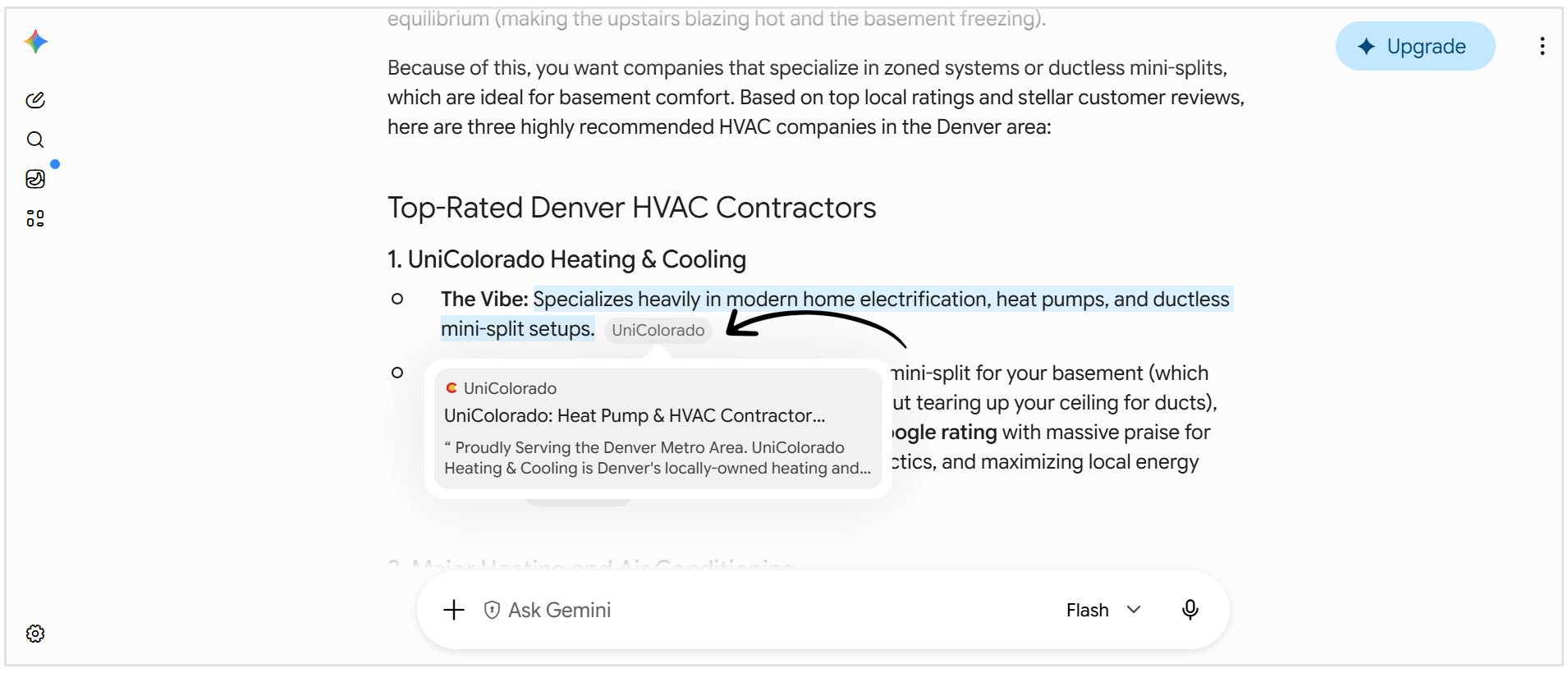
When platforms such as ChatGPT and Perplexity cite your website, users can follow the link to learn more.
This can create an additional source of qualified referral traffic from people already interested in the topic.
More Accurate Brand Information
Giving AI crawlers access to your latest product pages, company details, documentation, and original research can help platforms find current information about your brand.
This may reduce the likelihood of AI answers relying on incomplete or outdated third-party sources.
How to Check Whether AI Bots Can Access Your Website
Use SEOptimer’s GEO Audit
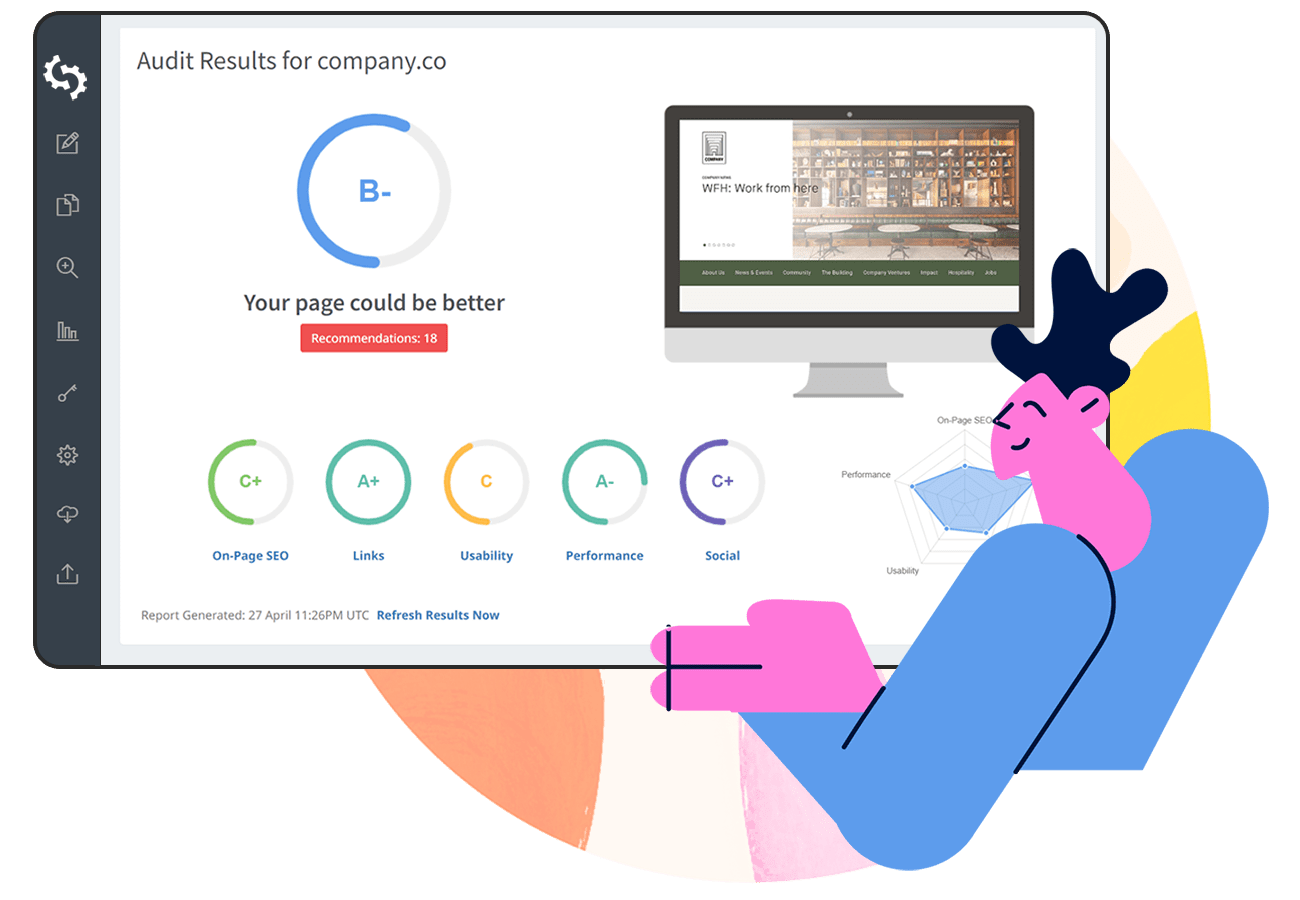
The easiest way to check whether AI bots can access your website is to use our GEO Audit report. The audit reviews your robots.txt file to identify whether any major AI crawlers are being blocked from accessing your content.
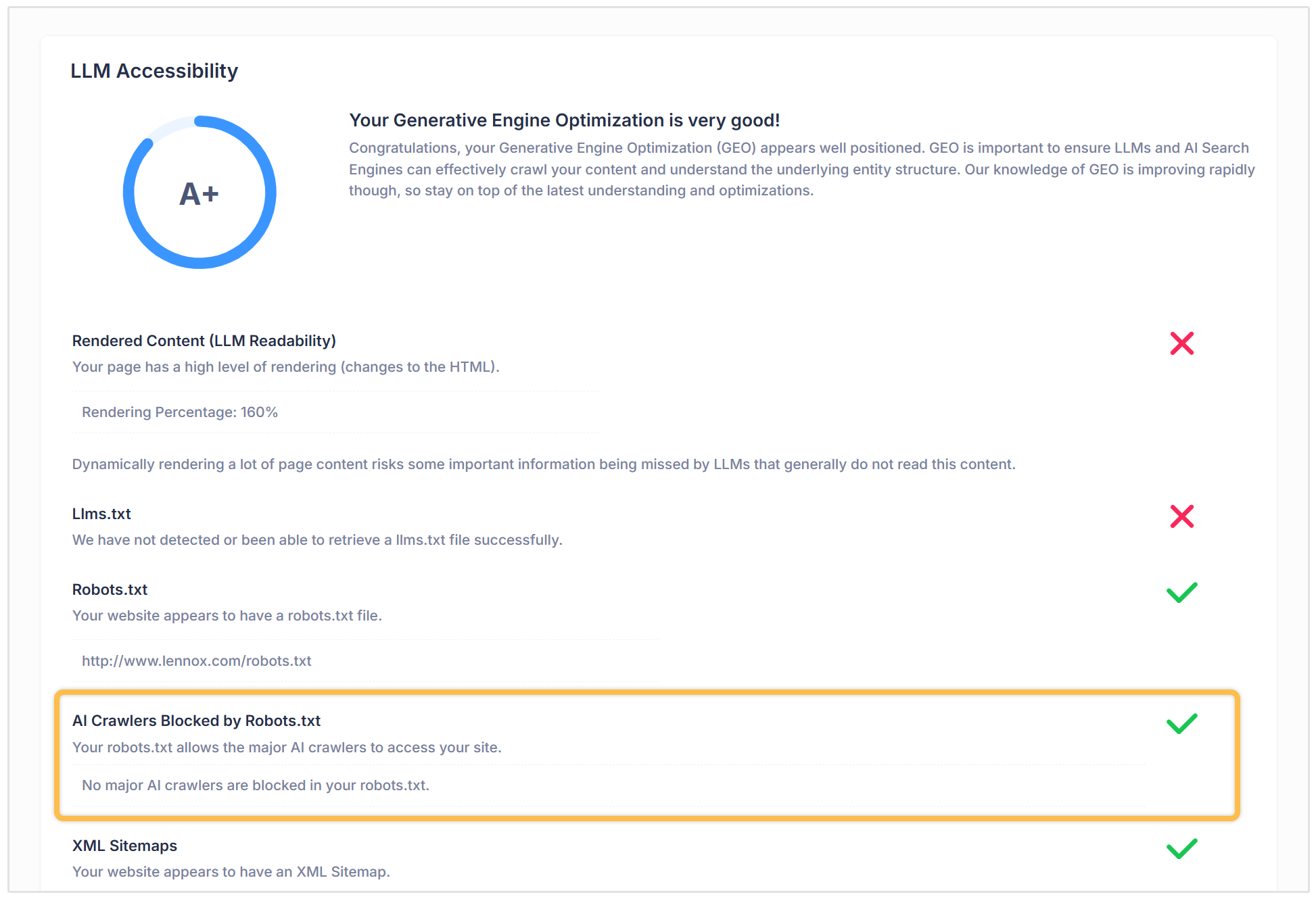
If no restrictions are found, the audit will confirm that your robots.txt file allows major AI crawlers to access your site. If bots are blocked, you’ll know that your crawler rules may need to be reviewed.
The GEO Audit goes beyond just basic AI crawler access. It also checks your site’s overall LLM Accessibility, Prompt Visibility, AI Citations, and other factors that may affect how your brand appears in AI-generated answers.
Review Your robots.txt File Manually
You can also check your robots.txt file manually by entering your domain followed by /robots.txt into your browser:
https://www.seoptimer.com/robots.txt
Look for rules that mention specific AI crawlers, such as GPTBot, OAI-SearchBot, ClaudeBot, or PerplexityBot. For example, this rule blocks GPTBot from accessing the entire website:
User-agent: GPTBot
Disallow: /
An empty Disallow field means the crawler is permitted:
User-agent: GPTBot
Disallow:
You should also review any rules listed under User-agent: *, as these may apply to all crawlers:
User-agent: *
Disallow: /
If you discover an AI crawler being blocked unintentionally, update the relevant rule in your robots.txt file.
Depending on your website, you may be able to do this through your CMS, SEO plugin, hosting dashboard, or by editing the file directly. Always double-check the syntax before publishing changes, since a small mistake could accidentally block important search crawlers too.
Inspect Server Logs
Your server logs record every request made to your website.
By reviewing them, you can see whether AI bots are visiting your site, which pages they are crawling, and whether they can access those pages successfully.
Search the logs for crawler names such as GPTBot, OAI-SearchBot, ClaudeBot, or PerplexityBot. Then check the HTTP status code returned for each request:
- 200 means the crawler accessed the page successfully.
- 403 means access was forbidden.
- 404 means the page could not be found.
- 429 means the crawler made too many requests and was rate-limited.
You can usually access server logs through your hosting dashboard, CDN, or analytics and log-monitoring platform. If you’re unsure where to find them, ask your hosting provider or website developer for help.
How to Make Your Website More Accessible to AI Bots
Once you’ve confirmed that AI crawlers can access your website, there are a few additional steps you can take to make your content easier for them to discover and understand.
1. Include Important Content in the HTML
Some AI crawlers may not render JavaScript as effectively as Googlebot. Make sure essential text, headings, links, product information, and other important content are available in the page’s initial HTML.
2. Strengthen Your Internal Linking
Use clear internal links to connect related pages and help crawlers find your most important content. Avoid leaving valuable pages orphaned without links pointing to them.
3. Maintain an Updated XML Sitemap
An XML sitemap gives crawlers a structured list of the pages you want them to discover.
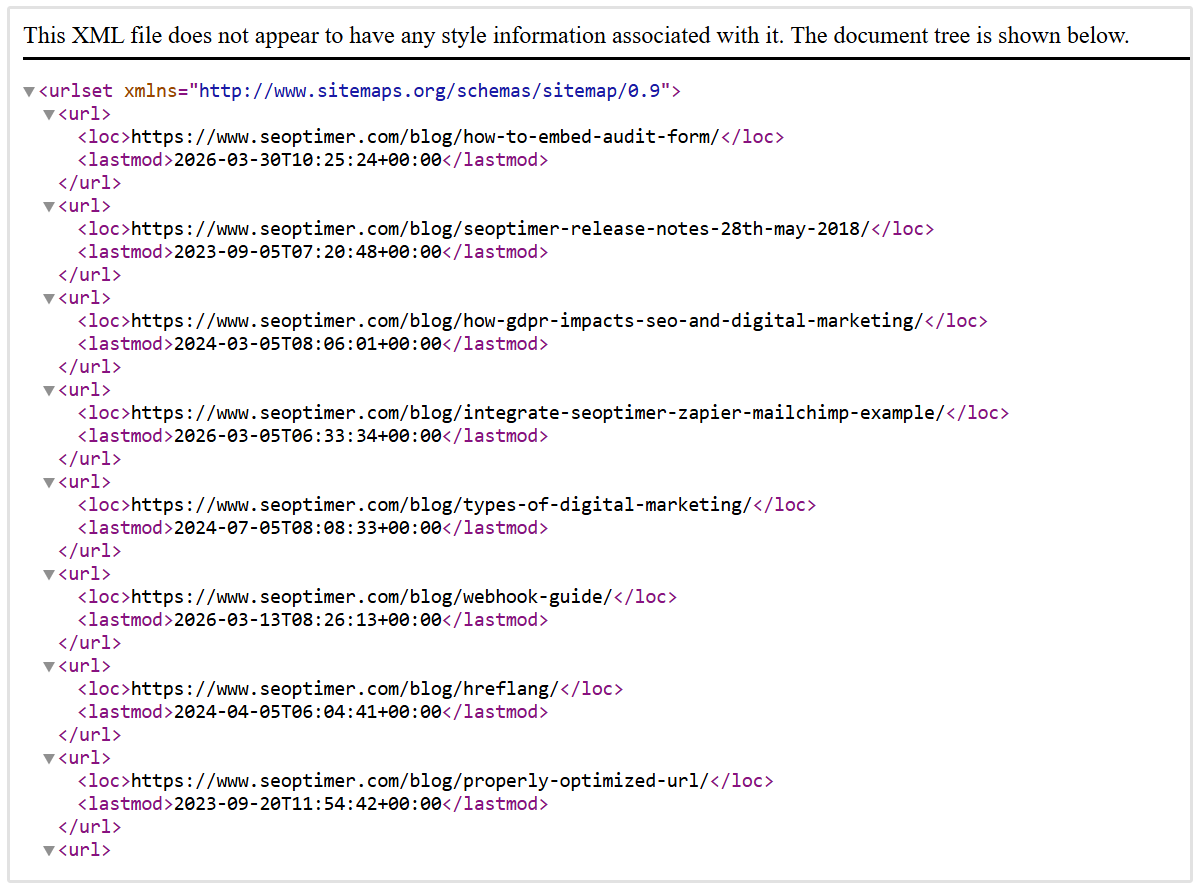
Keep it updated and remove broken, redirected, or unimportant URLs where possible.
4. Avoid Crawl Traps
Unnecessary URL parameters, internal search pages, and duplicate filters can waste crawler resources. Restrict or clean up these URLs so bots can focus on your useful content.
5. Keep Your Website Fast and Reliable
Slow responses, frequent downtime, and server errors can make crawling more difficult. Improving your site’s performance (metrics like Core Web Vitals and PageSpeed) creates a better experience for both AI crawlers and human visitors.
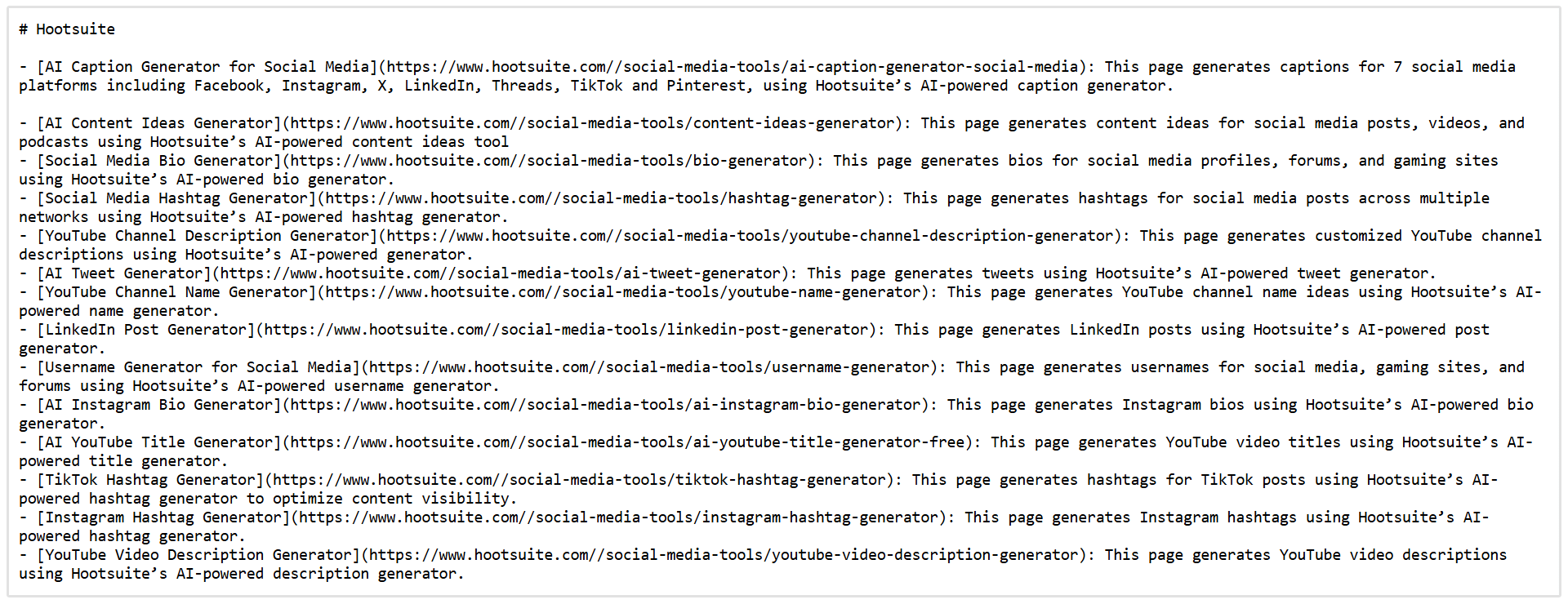
You can also create an llms.txt file to point AI systems toward important content. Although it should be treated as an additional signal and not a replacement for proper robots.txt rules, internal linking, XML sitemaps, or technical crawlability.
FAQs
Should I allow all AI crawlers to access my website?
Not necessarily. If AI visibility is important to your business, it generally makes sense to allow reputable search and retrieval crawlers. However, you can decide separately whether to allow bots that collect content for AI model training.
Can I allow AI search crawlers but block training crawlers?
Yes, many AI companies use separate crawlers for search and model training. For example, you can allow OAI-SearchBot so your content can appear in ChatGPT search while blocking GPTBot from accessing content for potential model training.
Does allowing AI crawlers guarantee that my website will appear in AI answers?
No, allowing access only makes your content available to be discovered and retrieved.
Whether it is mentioned or cited will also depend on its relevance, quality, authority, clarity, and how well it answers the user’s prompt.
Does blocking GPTBot stop my website from appearing in ChatGPT?
Blocking GPTBot does not automatically prevent your website from appearing in ChatGPT search because OpenAI uses OAI-SearchBot for its search features.
However, blocking OAI-SearchBot may limit your content’s ability to appear in ChatGPT search results.
How can I tell whether AI bots are crawling my website?
You can review your robots.txt file to check whether major AI crawlers are permitted and inspect your server logs to see which bots have visited your pages. Alternatively, SEOptimer’s GEO Audit can quickly identify whether your robots.txt file is blocking major AI crawlers.
Check if Your Website is Ready for AI Search
Want to know whether your website is genuinely AI-ready? Run a SEOptimer GEO Audit.
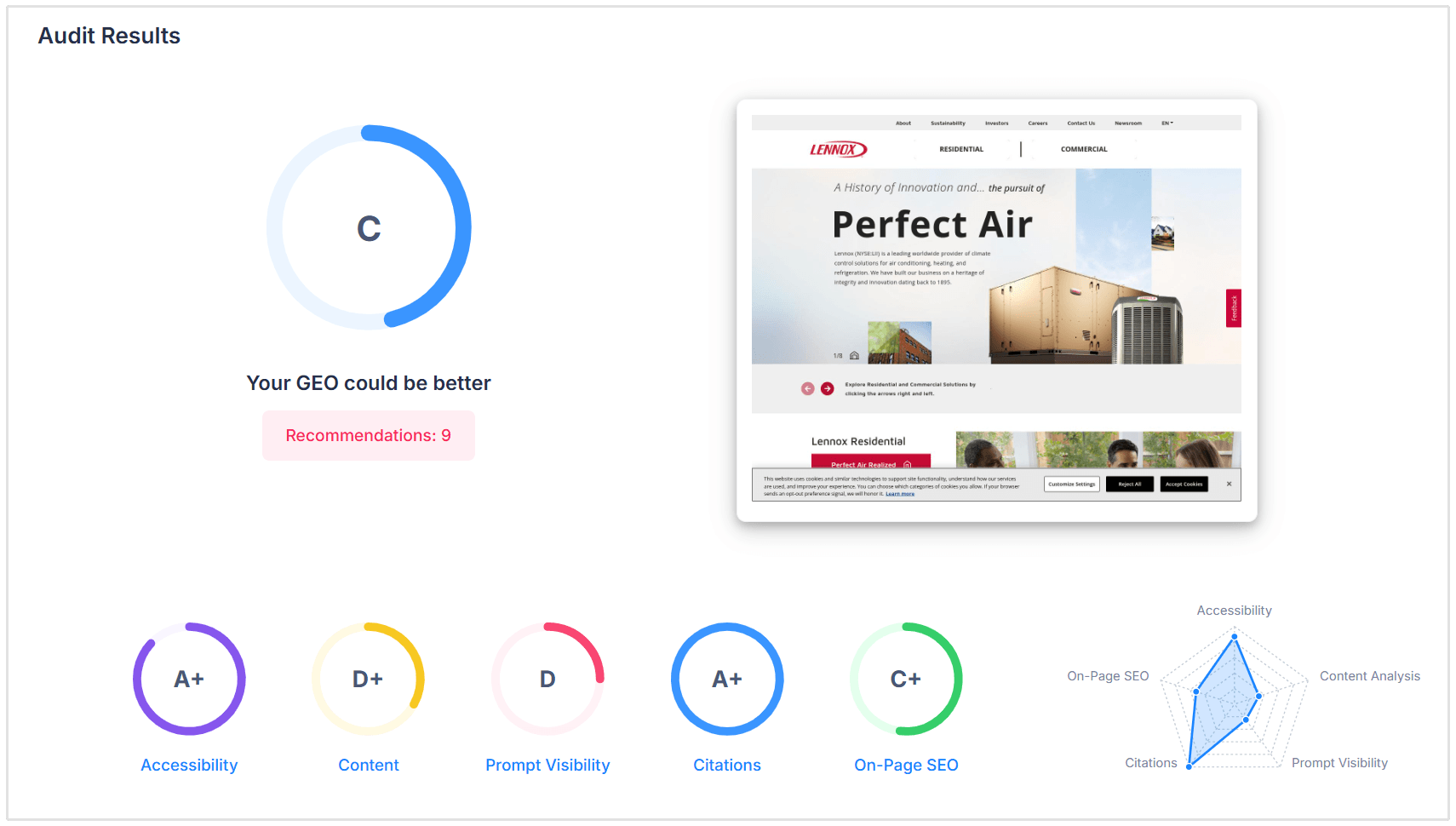
Our GEO Audit checks the key signals AI platforms use to access, understand, and evaluate your website, including:
- LLM Accessibility: See whether major AI crawlers can access your site and whether your content clearly explains your entity, offering, and supporting details in a way LLMs can understand and cite.
- AI Search Rankings: Discover how your website currently performs in generative AI search.
- Prompt Visibility: Measure how often AI platforms cite your business when answering relevant discovery questions.
- Important Citations: Check whether your brand is referenced across authoritative sources frequently used by AI systems, including Wikipedia, Reddit, and YouTube.
- On-Page SEO: Identify foundational SEO issues that could also limit your visibility in AI search. Strong on-page SEO remains an essential part of both LLM optimization and Generative Engine Optimization.
Instead of guessing whether AI crawlers can find your website, the GEO Audit gives you a clear breakdown of where your site performs well and what you should improve next.
Run your GEO Audit today and see how ready your website is for the future of search.