


Learning how to track SEO progress helps you see which tactics are paying off, where you need to focus your efforts and can reveal if you need to adapt your SEO strategy. Tracking SEO progress isn’t just about keyword rankings, it also monitors organic traffic, enquiries or leads, and sales.
For effective SEO tracking, you’ll also want a complete record of the changes you’ve made so you can review the results alongside the work completed.
The challenge is choosing the right SEO metrics to track and making sense of them over time. Higher rankings are great, but does it bring relevant visitors to your website? And are those visitors becoming customers?
In this guide, we’ll explain how to track SEO, which tools to use, and how to report SEO progress to clients. We’ll also cover how tracking SEO results can help you decide what to work on next.
What is SEO Tracking?
SEO tracking is the process of monitoring your website’s performance in search engines over time. It involves measuring keyword rankings, organic traffic, and conversions to understand whether your SEO efforts are helping you reach your goals.
And with the rise in AI tools like ChatGPT, Gemini, AI Overviews, etc., SEO tracking now also includes monitoring AI visibility across these platforms.
If you want to see how your site appears in generative AI tools like Claude and ChatGPT, check out our GEO Audit. It shows you how well-optimized your website is for AI crawlers and it gives you a breakdown of the most popular prompts your website/business might be cited and mentioned in.
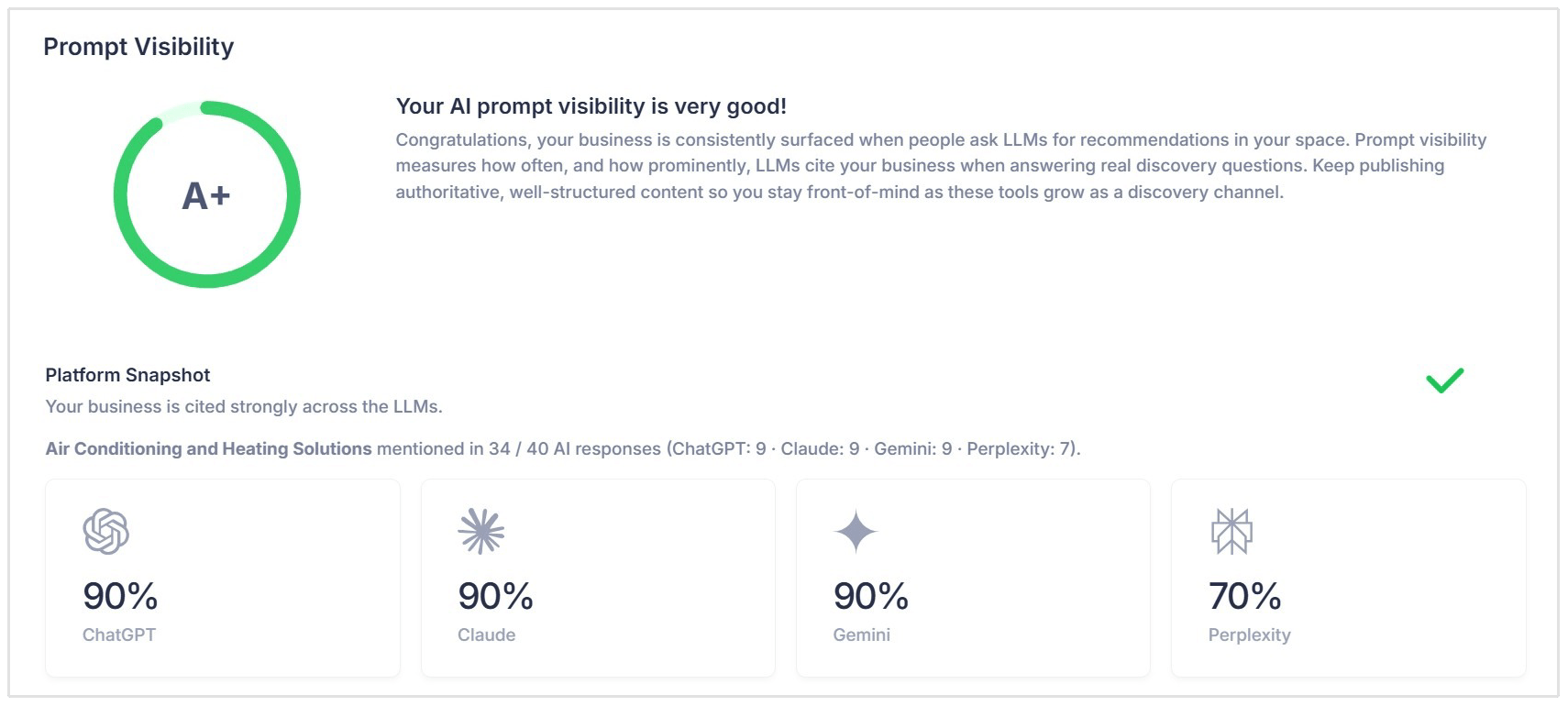
For both traditional search and Generative Engine Optimization, you should compare results against a starting point.
How to Track SEO
The process of tracking SEO progress can be broken down into 6 steps:
- Define your goals
- Set up your SEO tracking tools
- Establish an SEO baseline
- Track your target keyword rankings
- Tie keyword rankings to website conversions and key events
- Track website health and SEO tasks
Let’s take a closer look at each of these steps:
Define your SEO Goals
Before you start tracking SEO progress, decide what you want your SEO marketing to achieve. This gives you a clear reference point for judging results and helps you choose which metrics to monitor.
Start with your main business priorities.
An online store might want to increase sales from organic search, while a service business might focus on generating more qualified enquiries through their website or Google Business Profile.
Make each goal specific and measurable, with a timeframe for reviewing progress. For example:
- Lead generation: Increase qualified enquiries from organic search from 20 to 30 per month within six months.
- Ecommerce sales: Increase revenue attributed to organic search by 15% over the next six months.
- Search visibility: Move five priority service keywords into the top 10 within six months.
These are only illustrative targets.
Your own goals should reflect your starting performance, competition, resources, and available timeframe.
Once your goals are clear, you can select the tools and metrics needed to measure progress. (We’ll discuss key metrics to track in a later section)
Set Up Your SEO Tracking Tools
Once you’ve defined your goals, set up the tools that will help you measure them.
A good starting point is Google Search Console, Google Analytics 4, and a dedicated keyword tracking tool. Each gives you a different view of your SEO progress.
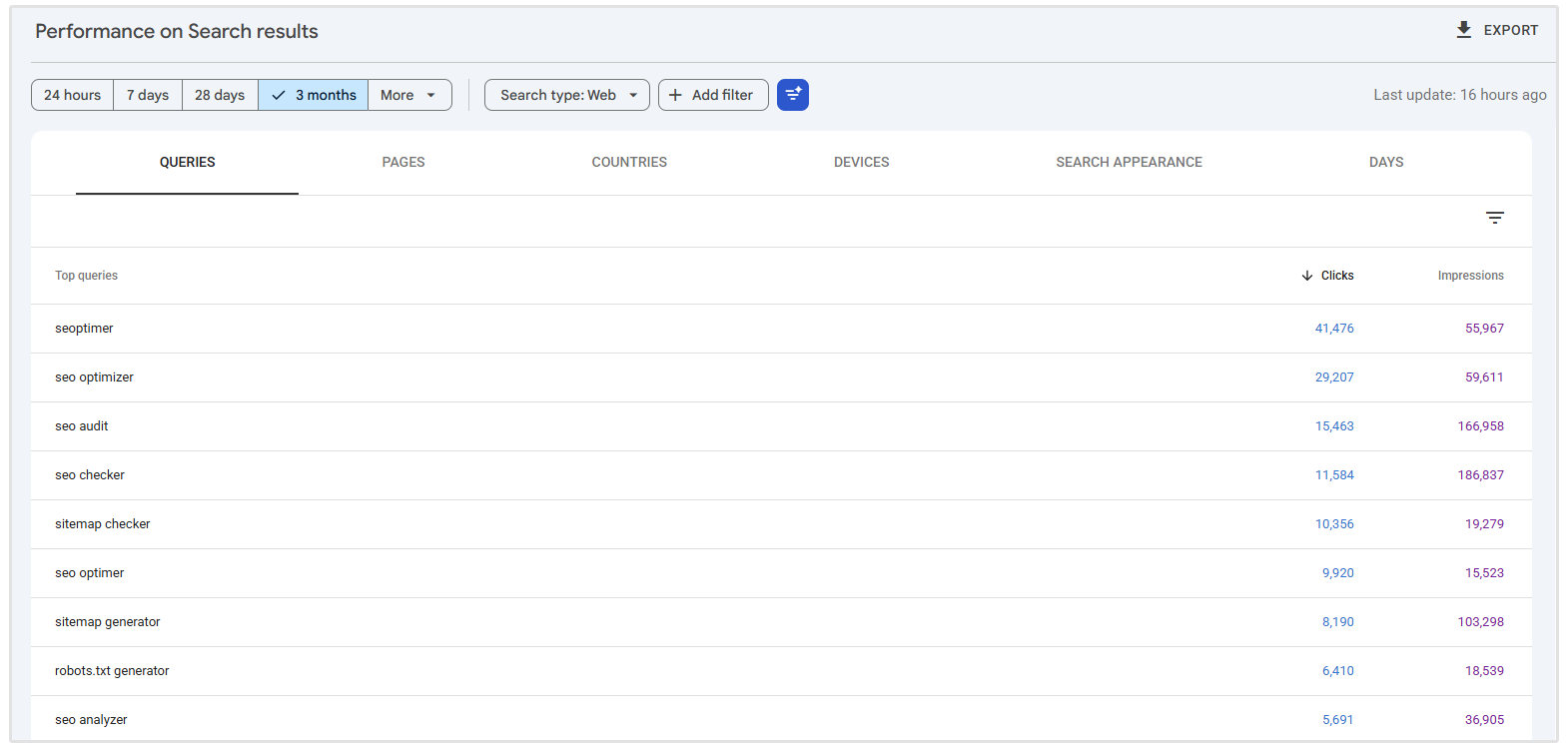
Google Search Console shows how your website performs in Google Search, including the queries your pages appear for, impressions, clicks, and average position. If you haven't done so already, add and verify your website so you can start collecting this data.
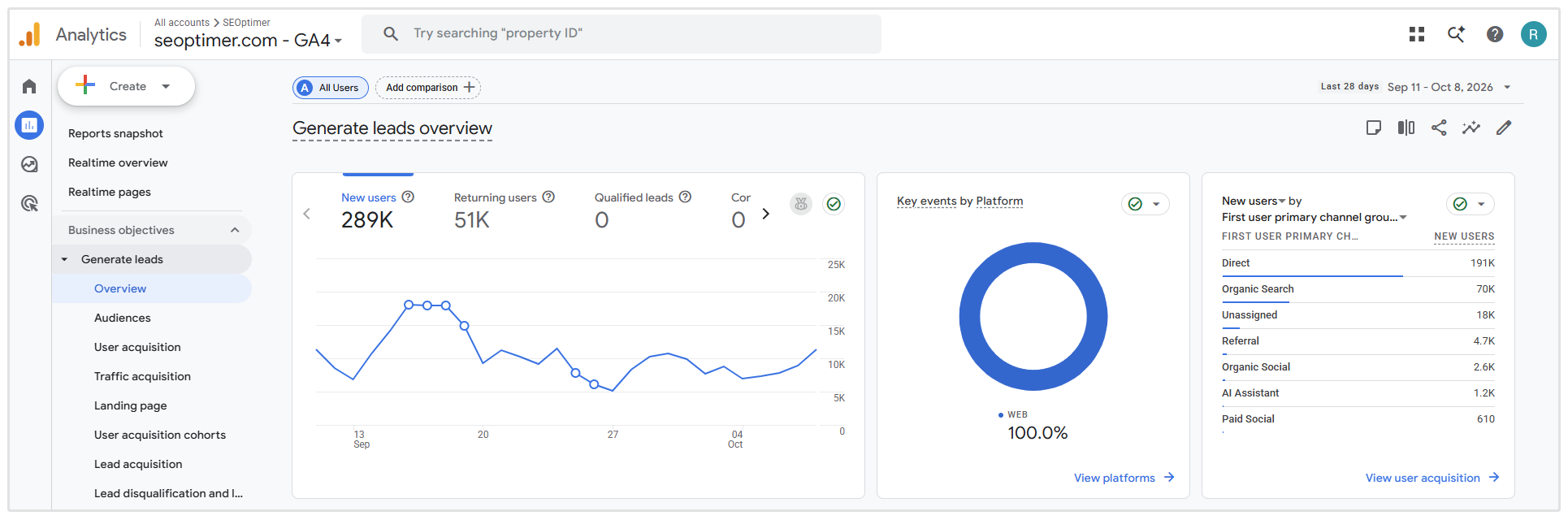
Google Analytics 4 (GA4) helps you understand what happens after someone reaches your website.
Set it up to measure organic traffic and important actions, such as enquiries, sign-ups, or purchases. Mark relevant actions as key events and test that they’re recorded correctly before using them to assess results.
A keyword tracking tool lets you monitor a selected set of target keywords over time. When choosing one, look for historical ranking data and support for the search engines, countries, and devices relevant to your audience.
For example, SEOptimer’s Keyword Tracking tool lets you monitor rankings across Google and Bing, with mobile tracking and country and language settings.
It also provides keyword recommendations and search-volume data to help you choose terms to monitor. These features make it easier to track visibility in the markets your business serves.
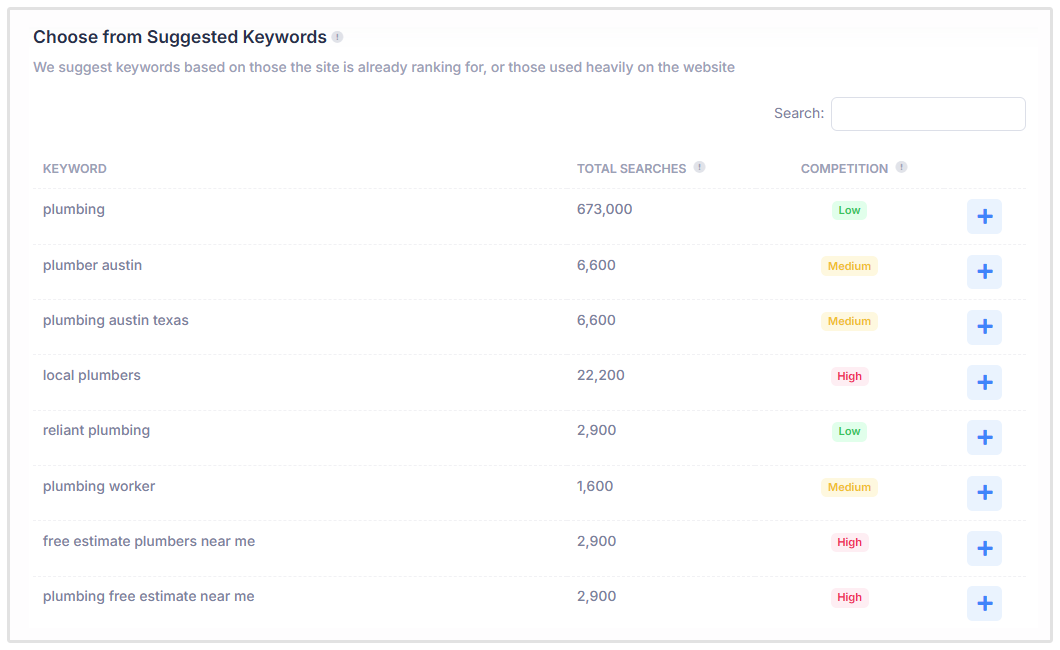
When setting up keyword tracking, add your website and target keywords, then select the relevant region, search engine, and device.
If you’re comparing keyword tracking tools, our guide to the best rank tracking tools for SEO lists the best tools, compares pricing, and highlights key features of each option.
Establish an SEO Baseline
An SEO baseline is a record of your website’s performance before you begin making improvements. It gives you a starting point for measuring whether your rankings, traffic, and conversions are improving over time.
This is where a dedicated rank tracker comes in handy. Once you set up tracking, the first recorded keyword positions become your baseline. The tool then continues monitoring those keywords, allowing you to compare future rankings against that starting point.
For example, our Keyword Tracking tool displays ranking changes over time on a graph, making it easier to see movements in SERP positions.
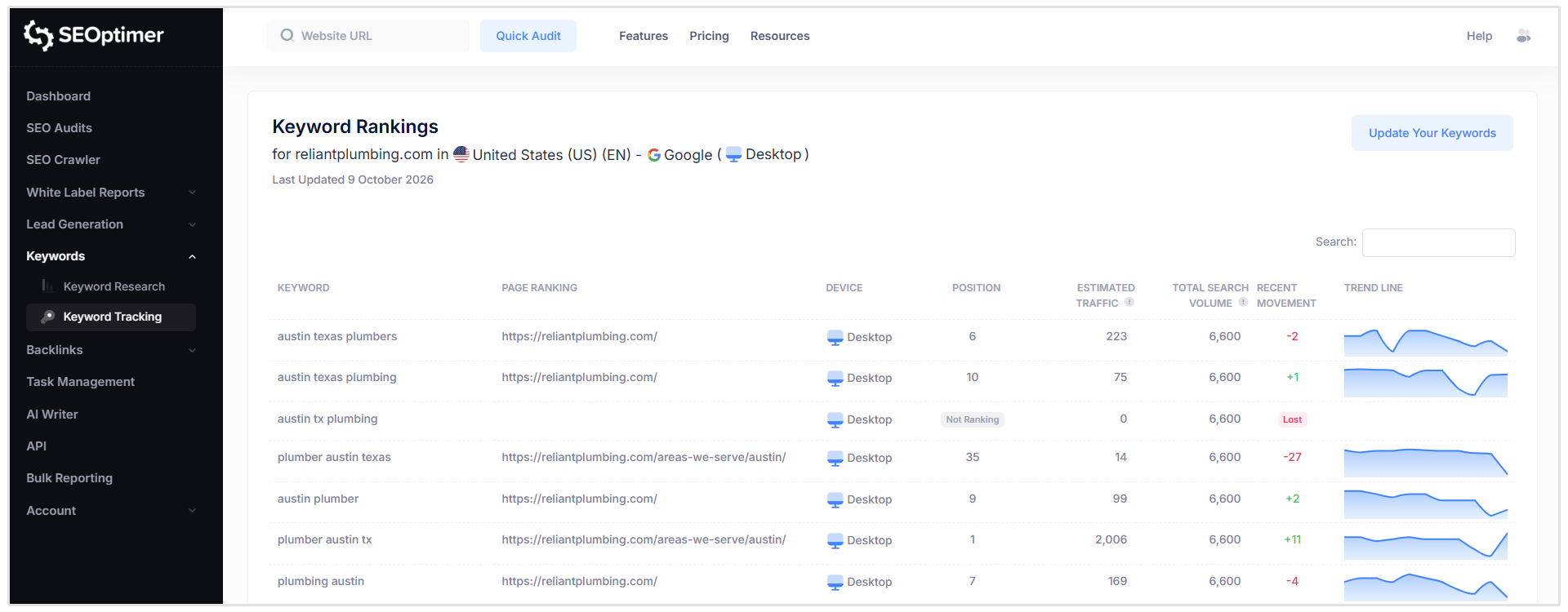
You can review the overall trend rather than relying on individual ranking checks.
As we mentioned earlier, SEO tracking is about more than just keyword rankings.
Therefore, your baseline should also include:
- Organic traffic: How many visits your website receives from organic search.
- Conversions and key events: How many enquiries, sign-ups, or purchases those visits generate.
- Website health: Existing technical issues and outstanding SEO tasks.
Record the dates and reporting periods alongside these figures.
For traffic and conversions, a recent, complete month can provide an initial reference point. If your business is seasonal, also record the equivalent period from the previous year where data is available.
Review Your Keyword Ranking Trends
Once your tracker starts collecting data, review how your target keywords perform over time. Look for patterns that help you decide which pages need attention and where your SEO efforts are gaining traction.
Focus on three things:
- Keywords gaining positions: Identify which pages are improving and review the work completed on them. Moving from position 40 to 18 shows progress, even if that keyword isn’t generating many visits yet.
- Keywords losing positions: Investigate sustained declines, especially for terms relevant to your products or services. Check whether the affected page has changed, developed technical problems, or been overtaken by competing content.
- Keywords approaching the top 10: Terms ranking just outside the top 10 can be useful candidates for further optimization. Review the ranking page for gaps in content, internal links, and alignment with search intent.
Also check which URL ranks for each priority keyword. If a blog post appears where you expected a service page, consider whether it meets the searcher’s needs and supports your business goal.
Prioritize sustained trends across related keywords over isolated daily movements. This gives you a stronger basis for deciding what to improve next.
Tie Keyword Rankings to Website Conversions and Key Events
Improving your rankings is encouraging, but you also need to know whether that visibility is generating enquiries, sign-ups, or sales.
Start by identifying the landing pages ranking for your target keywords. Then review their organic traffic and key events in GA4 over the same reporting period. The Landing page report lets you examine sessions, key events, and revenue, with traffic-source dimensions to distinguish organic visits from other channels.
For each priority page, ask:
- Are improving rankings accompanied by more organic visits?
- Are those visits generating more enquiries or purchases?
- Is the percentage of organic sessions resulting in your chosen key event improving?
For example, suppose a service page moves from position 15 to position 6 for a relevant keyword. If organic visits and qualified enquiries also increase, you have evidence that the page’s overall performance is improving.
If visits increase but enquiries remain flat, investigate whether the page attracts the right audience, explains your offer clearly, and makes contacting you easy.
Measure this relationship at the landing-page level. Standard GA4 and Search Console reports don’t directly connect an individual organic search query to a conversion, so you generally can’t say that a specific keyword generated a particular enquiry.
Reviewing rankings alongside landing-page outcomes helps you judge whether your SEO progress supports the business goals you defined earlier.
Track Website Health and SEO Tasks
Tracking SEO progress also means keeping an eye on your website’s health and the work needed to improve it. Rankings and traffic show how your site is performing, while regular audits help you identify issues that need attention.
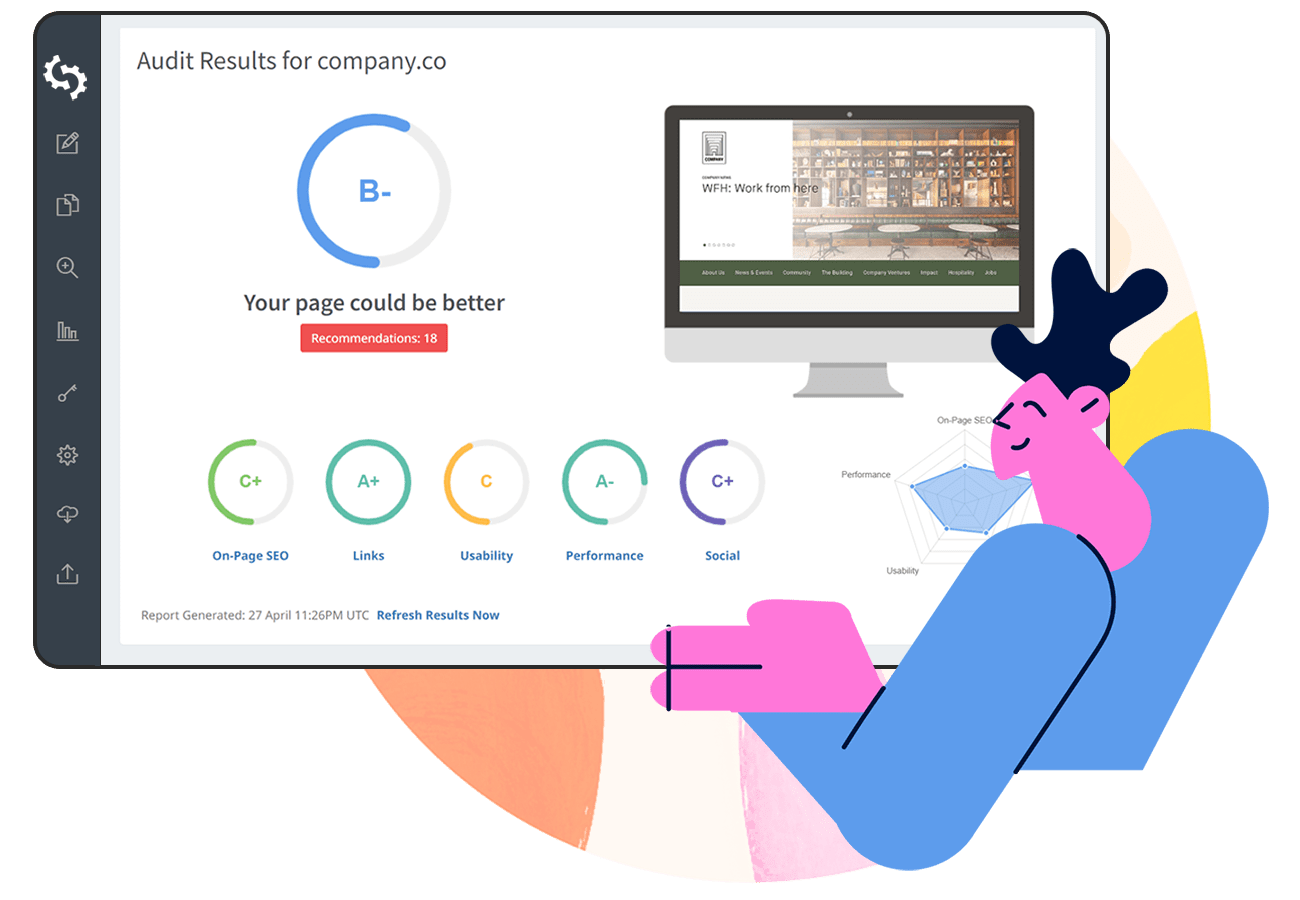
Use SEOptimer’s SEO Audit tool to review your website and get actionable recommendations for improvement. Save your initial report, then repeat the checks after implementing fixes to see what has changed.
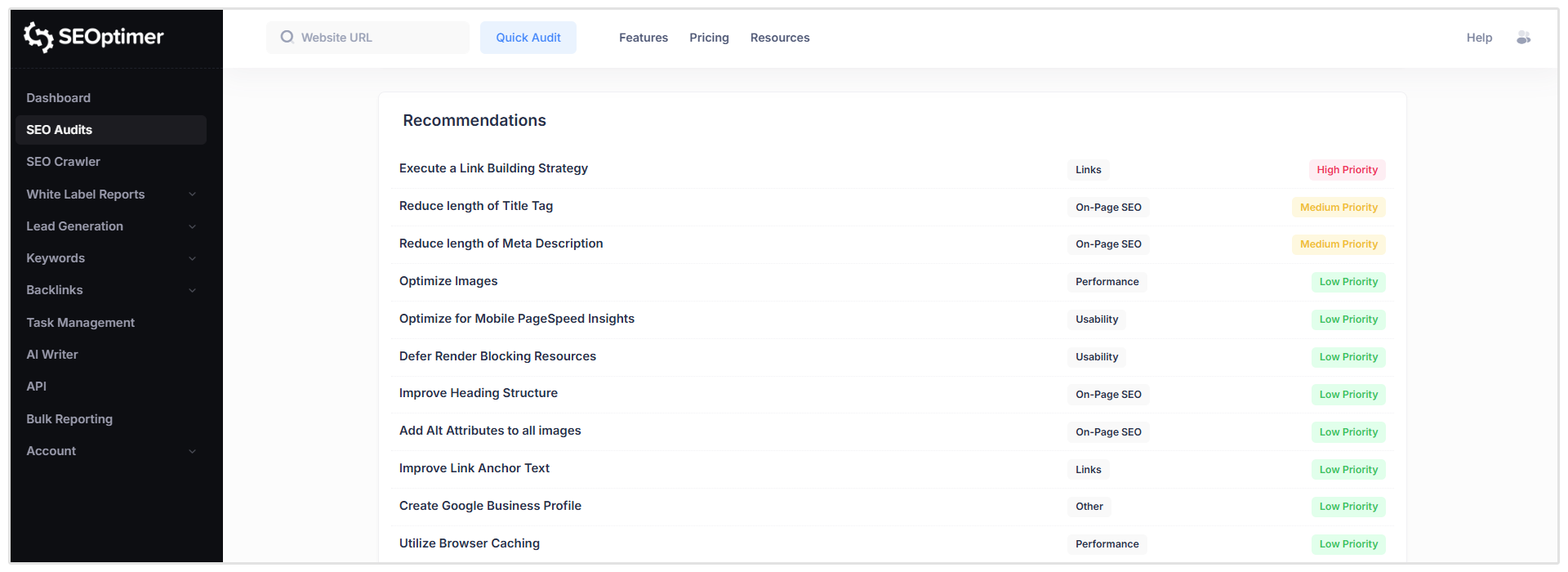
Turn those findings into a prioritized task list. Address issues affecting important pages first, particularly problems that prevent visitors or search engines from accessing content.
For each task, keep a record of:
- The issue and affected page: What needs fixing and where.
- Its priority: Which problems need attention first.
- Progress: What remains outstanding and what has been completed.
- The completion date: When the change was implemented.
Our SEO Task Management feature helps you organize this work with task recommendations, guides for different CMS platforms, and tracking of task and issue progress.
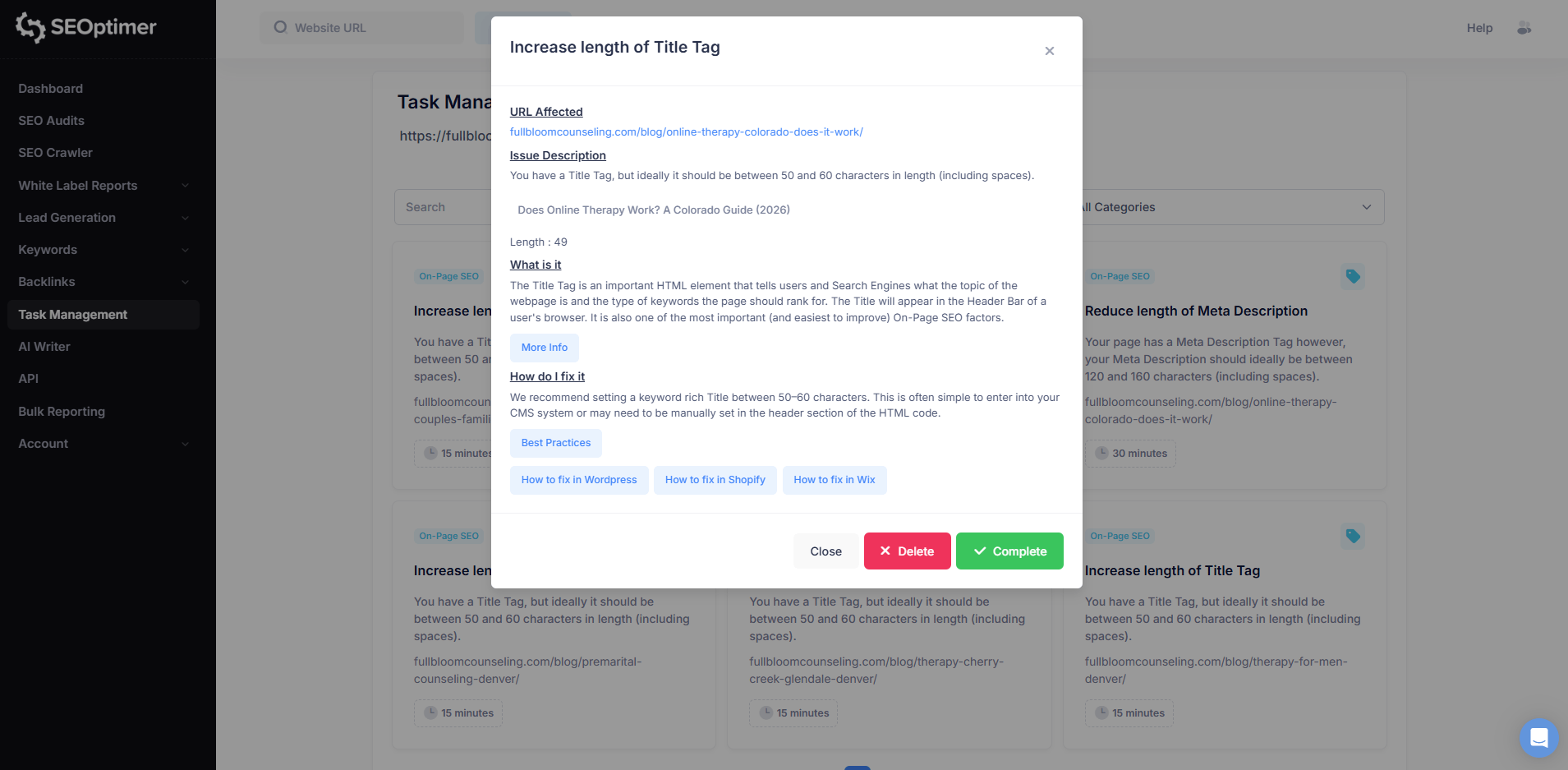
This makes it easier to keep track of the improvements you’re working through.
After completing a fix, check that the issue has actually been resolved. For example, updating a broken link should be followed by testing the replacement link and checking the affected page again.
Review this record alongside your ranking, traffic, and conversion trends. Completed tasks show that work is moving forward; the performance data helps you assess the results.
How to Track SEO for Clients
When tracking SEO for clients, make it easy for them to understand what’s improving, how it benefits their business, and what you’re working on next.
Agree on Goals and Reporting Expectations
Agree on the outcomes that matter most, such as qualified enquiries, sales, or visibility for specific services.
Decide which metrics you’ll report, how often you’ll share updates, and when you’ll review progress against those goals.
These details should ideally be decided on during the client onboarding process.
Maintain a Separate Baseline and Tracking Setup for Each Client
Keep each client’s keywords, target markets, analytics accounts, and starting performance separate. Use consistent settings and reporting periods so comparisons remain meaningful.
A dedicated solution such as our agency rank tracking tool helps you monitor keyword performance as part of this ongoing client workflow.
Report Business Results Alongside Search Performance
Show organic leads, sales, or revenue alongside rankings and traffic.
Where possible, include lead quality. This is because more enquiries are useful only if they come from potential customers. Compare results against the client’s baseline and agreed targets.
Explain What Changed and What Happens Next
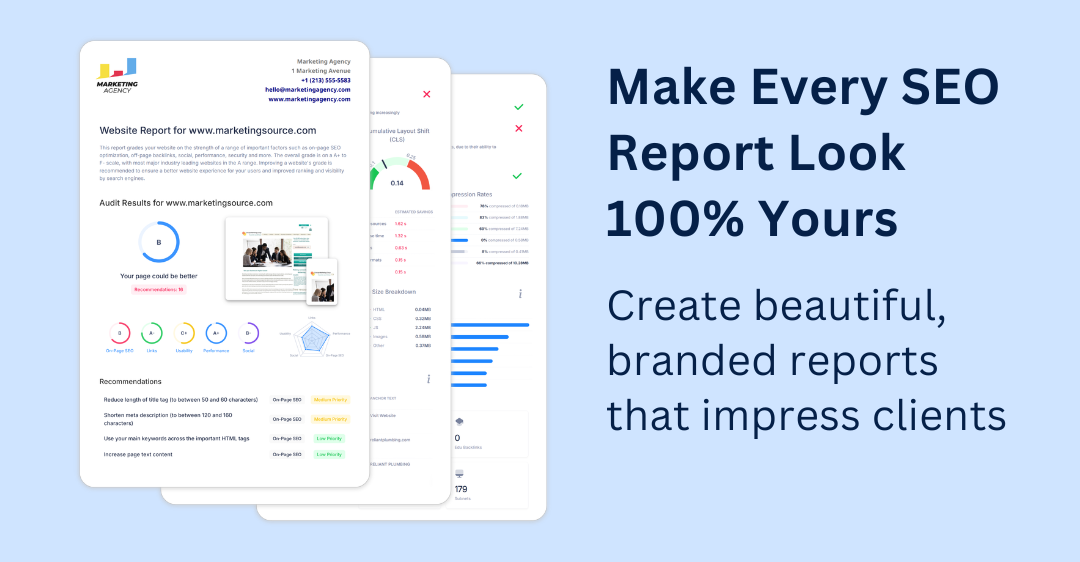
Add a short explanation of the main wins, setbacks, and likely contributing factors in your SEO client reports. Summarize completed work, highlight anything awaiting client input, and outline your next priorities. If results are below expectations, explain what you’ll investigate or adjust.
SEO Metrics to Track
The right SEO metrics to track depend on your goals.
A few important KPIs to start tracking include:
- Keyword rankings: Are you gaining visibility for relevant search terms?
- Organic traffic: Are more people reaching your website through search?
- Search impressions and clicks: How often do your pages appear, and do searchers click through?
- Organic conversions: Are those visits generating enquiries, sign-ups, or purchases?
- Organic revenue: How much recorded revenue comes from organic search?
- Website health: Are important technical issues being resolved?
Choose a manageable set that helps you assess progress and make decisions.
For example, a service business like a local plumber might prioritize qualified organic enquiries, supported by traffic and rankings for its main service pages like the homepage, emergency plumbing services, leak detection, etc.

For a more detailed breakdown of what to measure and why, read our guide to SEO KPIs.
How Often Should You Track SEO Results?
A practical schedule is to monitor weekly, report monthly, and review your strategy quarterly:
- Weekly: Check ranking trends, traffic changes, technical issues, and task progress.
- Monthly: Compare traffic, conversions, and revenue against your baseline and goals.
- Quarterly: Assess longer-term progress and adjust your priorities.
Monitor more closely after major website changes or sudden performance drops. Allow several weeks to assess SEO improvements, and avoid changing your strategy based on isolated daily fluctuations.
FAQ
Can you track SEO progress for free?
Yes. Google Search Console lets you monitor search clicks, impressions, and average keyword positions.
How long does it take to see SEO progress?
You may notice early ranking changes within a few weeks, while meaningful improvements in SEO can take several months. The timeline depends on your website’s starting point, competition, and the changes you make.
Why are my rankings improving but organic traffic isn’t?
Higher rankings don’t always bring more visits. Your keywords may have low search volume, demand may be declining, or your pages may still rank too far down to attract many clicks.
For example, moving from position 50 to 25 shows progress but may generate little additional traffic.
Check impressions and click-through rates in Google Search Console for the affected queries and pages. If visibility is increasing but clicks aren’t, review your titles, descriptions, and the competing results to understand why searchers might choose another option.
Why don’t Google Search Console and GA4 numbers match?
Search Console counts clicks from Google Search, while GA4 measures visits and activity on your website. Some clicks won’t become recorded visits because tracking is blocked or doesn’t load.
Should you track branded or non-branded keywords?
Track both branded and non-branded keywords, but review them separately. Separating them helps you see whether you’re gaining visibility among people who aren’t already searching for your business.
Conclusion
Tracking SEO progress helps you understand whether your work is moving your website or your clients’ toward its goals. Start with a clear baseline, review rankings alongside traffic and conversions, and keep a record of the improvements you make.
Over time, these insights help you identify opportunities, address problems, and decide where to focus next.
Both our Keyword Tracking tool and SEO Task Management feature help you monitor search performance and keep your SEO work organized, making it easier to follow progress from implementation through to results.
Try our 14-day free trial to test out these features.