


Negative SEO is probably not the first thing that comes to mind when your website’s rankings suddenly drop. You’re more likely to blame a Google update or a technical SEO problem and, in most cases, one of these will be the cause.
However, there are unique situations where someone deliberately uses harmful tactics to damage another website’s search visibility. Known as a negative SEO attack, this can involve building spammy backlinks, scraping content, or posting fake reviews.
Fortunately, negative SEO attacks are rare, and search engines have become much better at recognizing and ignoring obvious attempts at manipulation.
Still, knowing what to look for can help you distinguish a genuine attack from an ordinary ranking decline. In this guide, we’ll explain what a negative SEO attack is, the warning signs to watch for, and what you can do to protect and recover your website.
What is a Negative SEO Attack?
A negative SEO attack is a deliberate attempt to harm another website’s visibility in search results. Instead of improving their own website, the attacker uses manipulative or malicious tactics to make the targeted site appear untrustworthy to search engines.
The primary goal behind a negative SEO attack is usually to cause the targeted website to lose keyword rankings, organic traffic, authority, or customer trust.
However, not every suspicious backlink or sudden drop in rankings is evidence of a negative SEO attack.
Spam occurs naturally across the web, and decrease in traffic are more commonly caused by technical problems, Google algorithm updates, changes in search demand, or better competition.
That is why it is important to look for a clear pattern of unusual activity rather than treating one isolated issue as proof of a negative SEO attack.
Negative SEO vs Black Hat SEO
You might be wondering if negative SEO is part of black hat SEO, but there's a difference between the two.
Black hat SEO involves using practices that violate search engine guidelines to improve your own website’s rankings. Negative SEO, on the other hand, uses harmful tactics to damage another website’s rankings, traffic.
Does Negative SEO Still Work?
Negative SEO is much less effective than it once was, especially when an attack relies on creating large numbers of spammy backlinks.
According to Google, its algorithms are generally able to recognize and ignore spammy or low-quality links. Google advises website owners not to worry about these links and to allow its systems to handle them.
Google has also improved SpamBrain, its AI-powered spam-prevention system, to identify websites that create spammy backlinks and those established specifically to pass these links to other sites.
In 2022, Google reported that SpamBrain detected 50 times more link-spam sites than its previous link-spam update.
This is supported by Google’s guidance for its Disavow Links tool, which states that most websites do not need to use the tool because Google can usually determine which backlinks to trust without additional assistance.
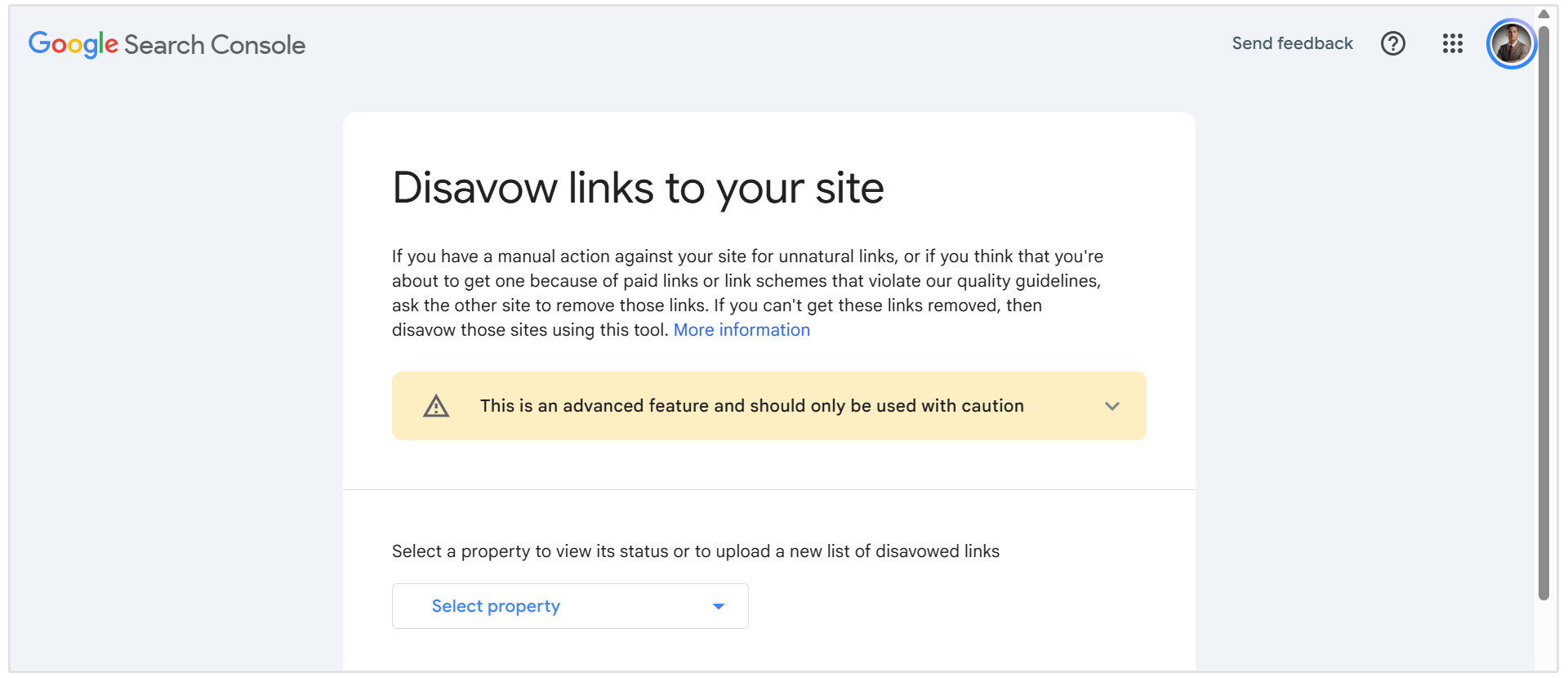
Google only recommends disavowing links when a website has a considerable number of artificial links and those links have caused, or are likely to cause, a manual action.
Types of Negative SEO Attacks
Negative SEO attacks can target a website’s backlink profile, content, security, reputation, or performance data. Here are the most common types to watch for.
Spammy or Toxic Backlinks
This attack involves creating large numbers of low-quality backlinks that point to a competing website. These spammy links may come from link farms, automated directories, hacked websites, or unrelated domains and often use repetitive, keyword-rich anchor text.

Google can usually recognize and ignore this type of link spam.
However, an unusual increase in suspicious links is still worth investigating, particularly if it is accompanied by ranking losses or a manual action.
Fake Link-Removal Requests
An attacker may impersonate a website owner or SEO agency and contact publishers asking them to remove legitimate backlinks. Losing valuable links from reputable websites can weaken the authority of the affected pages.
Monitoring lost backlinks can help you identify sudden or unusual removals. If a valuable link disappears, contact the publisher directly to confirm why it was removed.
This is where our Backlink Monitoring tool comes in handy.
Simply set up backlink monitoring for your website and our tool will monitor your backlink profile for new and lost links.
In this case, you want to be monitoring for lost backlinks.
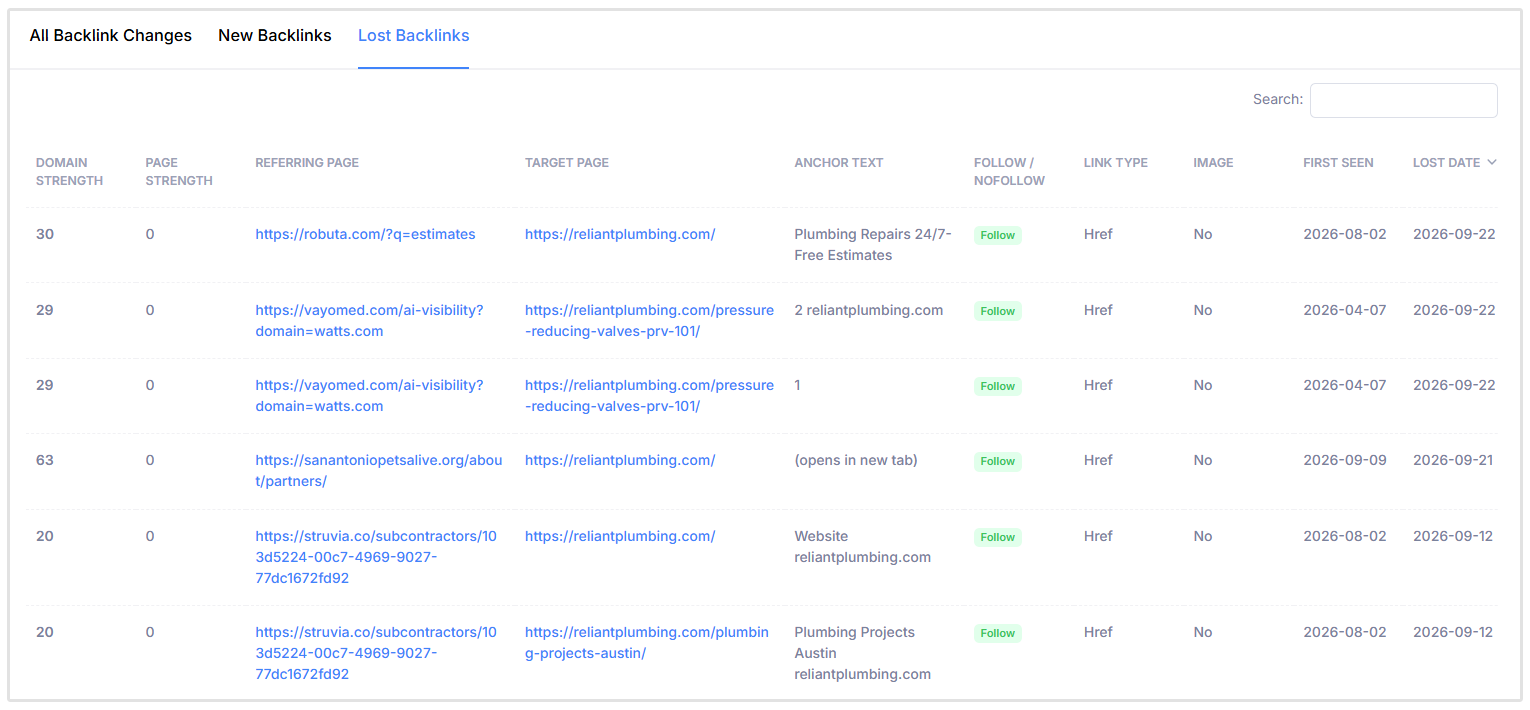
You can also set up the backlink monitoring tool to send you weekly or monthly reports on changes to your backlink profile (new and lost backlinks).
Website Hacking and Malicious Code Injection
Website hacking is one of the most damaging forms of negative SEO because it allows an attacker to make changes directly to your site.
They may create spam pages, inject hidden links, add malicious code, redirect visitors, or change canonical tags and indexing directives. These changes can harm rankings, expose visitors to security risks, and cause Google to display security warnings.
Content Scraping and Duplicate Content
Content scraping occurs when another website copies and republishes your content without permission. The attacker may attempt to get the copied version indexed before the original or use it across numerous low-quality websites.
Google is generally good at identifying the original source and demoting spammy scraped content. Even so, regularly checking whether your most valuable content has been copied can help you address copyright or attribution problems early.
Fake DMCA and Content-Removal Requests
Attackers may submit fraudulent copyright complaints or other removal requests in an attempt to have legitimate pages removed from search results.
Keep dated drafts, publication records, screenshots, and other evidence that proves you created the content. If you receive a questionable removal notice, review it carefully and respond through the appropriate platform or legal channels.
Fake Negative Reviews and Reputation Attacks
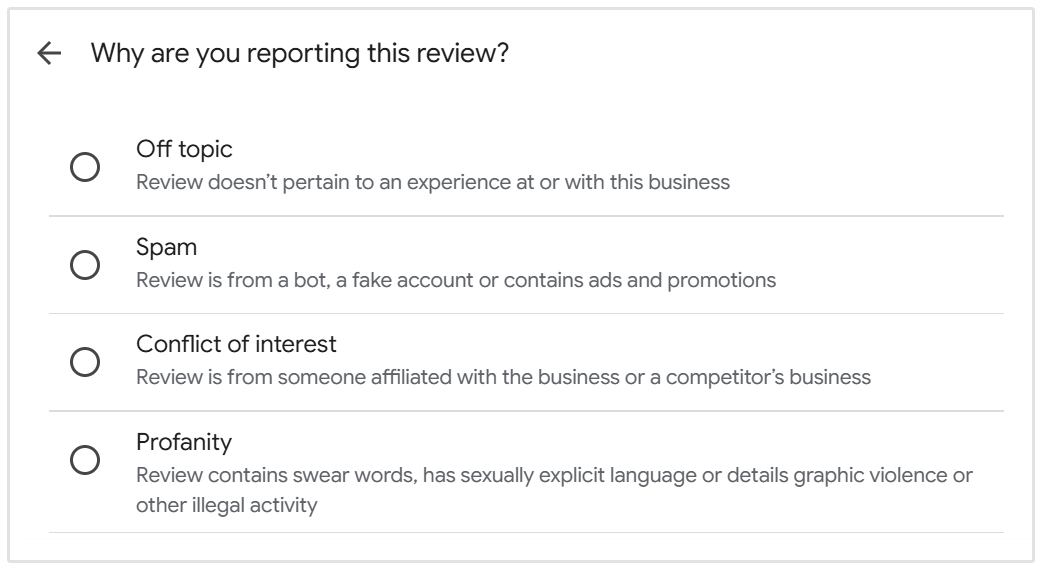
Attackers may also post fake negative reviews or publishing defamatory content about your business.
These methods can damage customer trust and, in the case of local businesses, may also affect search visibility since reviews are one of the major local ranking signals.
Monitor your reviews and brand mentions, document suspicious activity, and report content that violates the platform’s policies.
And if you see fake reviews on your Google Business Profile, Google has several ways to report Google Business Profile spam and steps to remove fake reviews.
Fake Traffic, Bot Activity, and Analytics Spam
Bots can generate fake visits, referral traffic, or conversions that make website analytics less reliable. Attackers may also send large volumes of automated requests to consume server resources and slow down the website.
Fake analytics traffic does not necessarily harm search rankings, but it can make performance difficult to measure.
Signs Your Website May Be Under a Negative SEO Attack
The most apparent warning signs of a negative SEO attack include:
- A sudden increase in spammy backlinks from irrelevant or low-quality websites.
- Unknown pages, redirects, or hidden links appearing on your website.
- Security warnings in Google Search Console relating to hacking or malware.
- A large number of fake negative reviews appearing within a short period.
- An unexplained drop in rankings and organic traffic alongside other suspicious activity.
None of these signs confirms an attack on its own.
Before assuming negative SEO is responsible, rule out more common causes such as a Google update, technical problems, tracking errors, or recent changes to your website.
How to Tell Negative SEO from a Normal Ranking Drop
Check for a Google Algorithm Update
Compare the date your rankings started falling with Google’s confirmed ranking updates. You can view all of the most recent Google algorithm updates in the Google Search Status Dashboard, when the update was rolled out, and the duration of the roll-out.
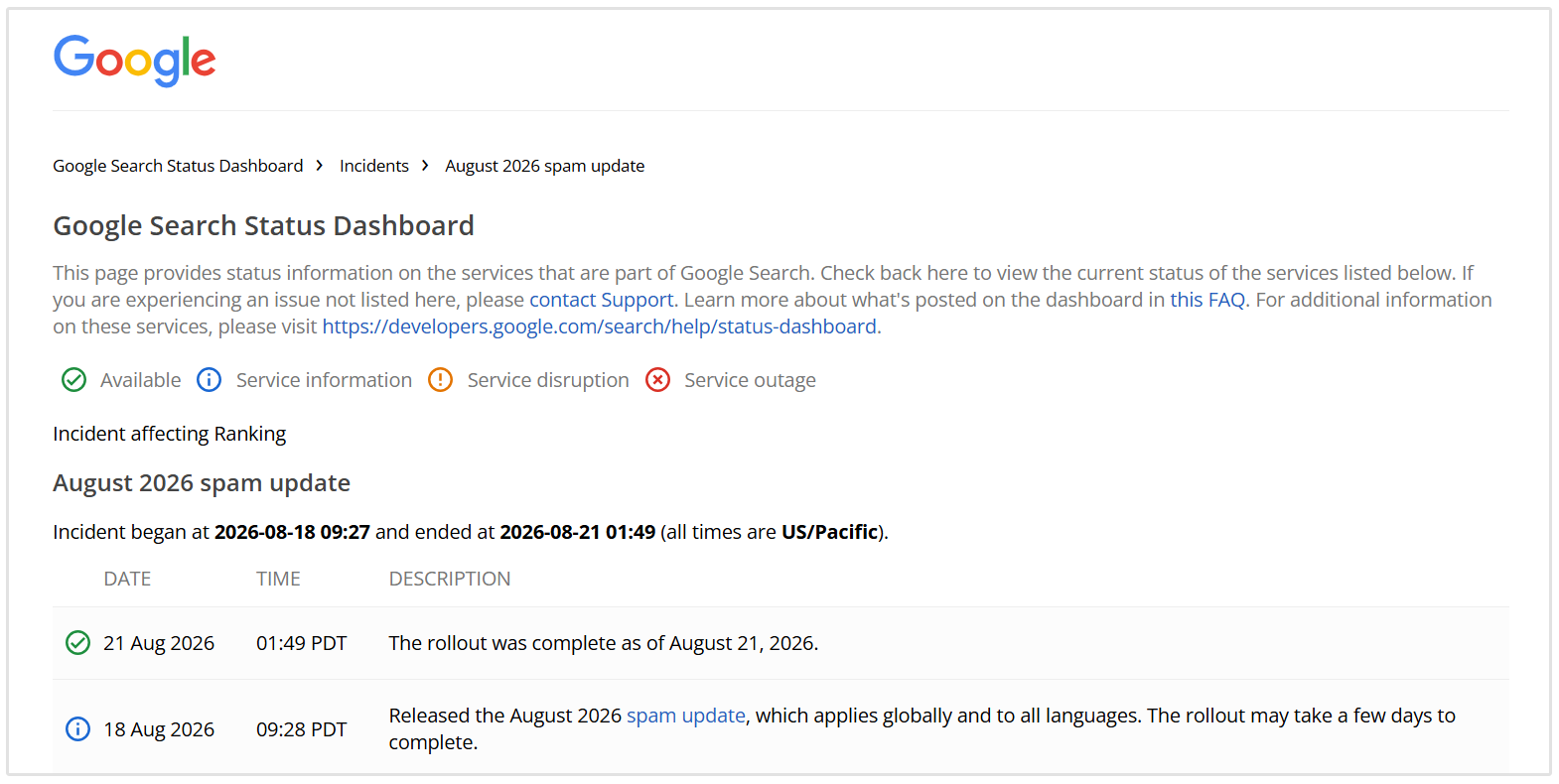
If other websites in your industry experienced similar changes at the same time, an algorithm update is more likely to be responsible.
Review Recent Website Changes
Consider whether any pages, URLs, internal links, redirects, or SEO settings were recently changed.
A migration, website redesign, deleted page, or accidental noindex tag can quickly affect search visibility.
Look for Technical SEO Problems
Crawl and indexing problems can prevent Google from accessing or understanding your website.
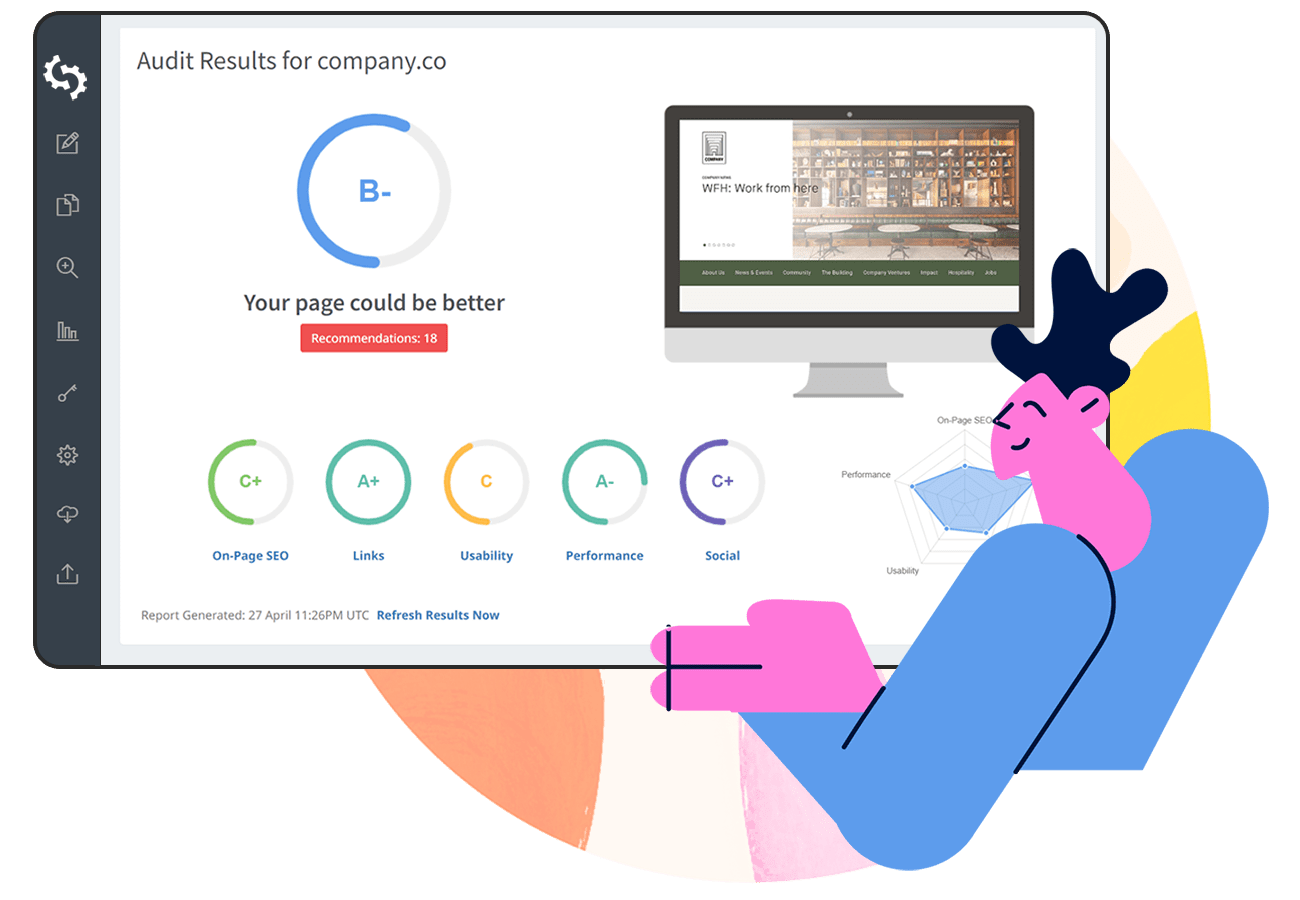
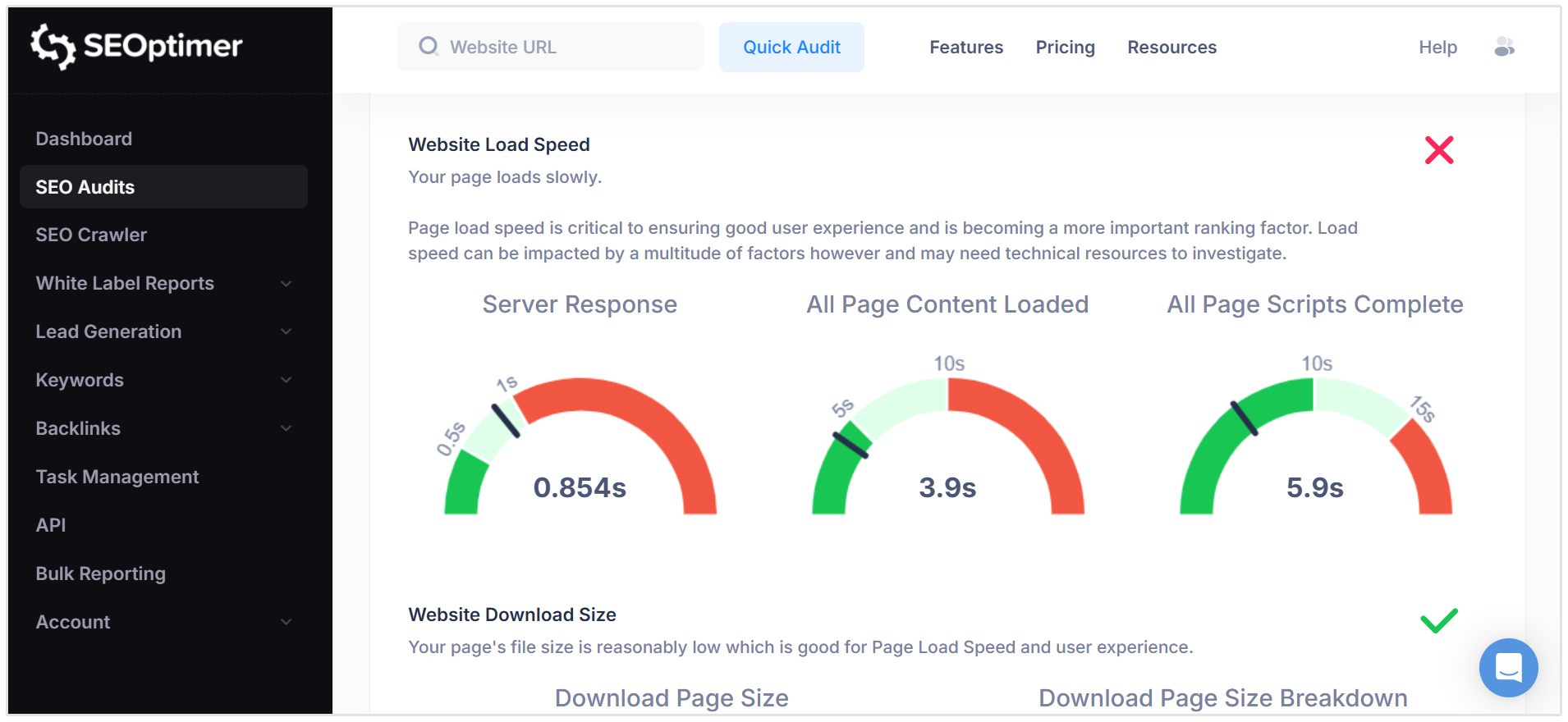
Run an SEO audit with SEOptimer to check for broken pages, incorrect canonical tags, redirect errors, slow loading times, server problems, and blocked resources.
Analyze Competitor and SERP Changes
Your rankings may have fallen because competitors improved their content, earned stronger backlinks, or better matched the search intent.
Google may also have changed the search results by introducing new SERP features or prioritizing a different type of content.
Check for Manual Actions and Security Issues
Open Google Search Console and review the Manual Actions and Security Issues reports.
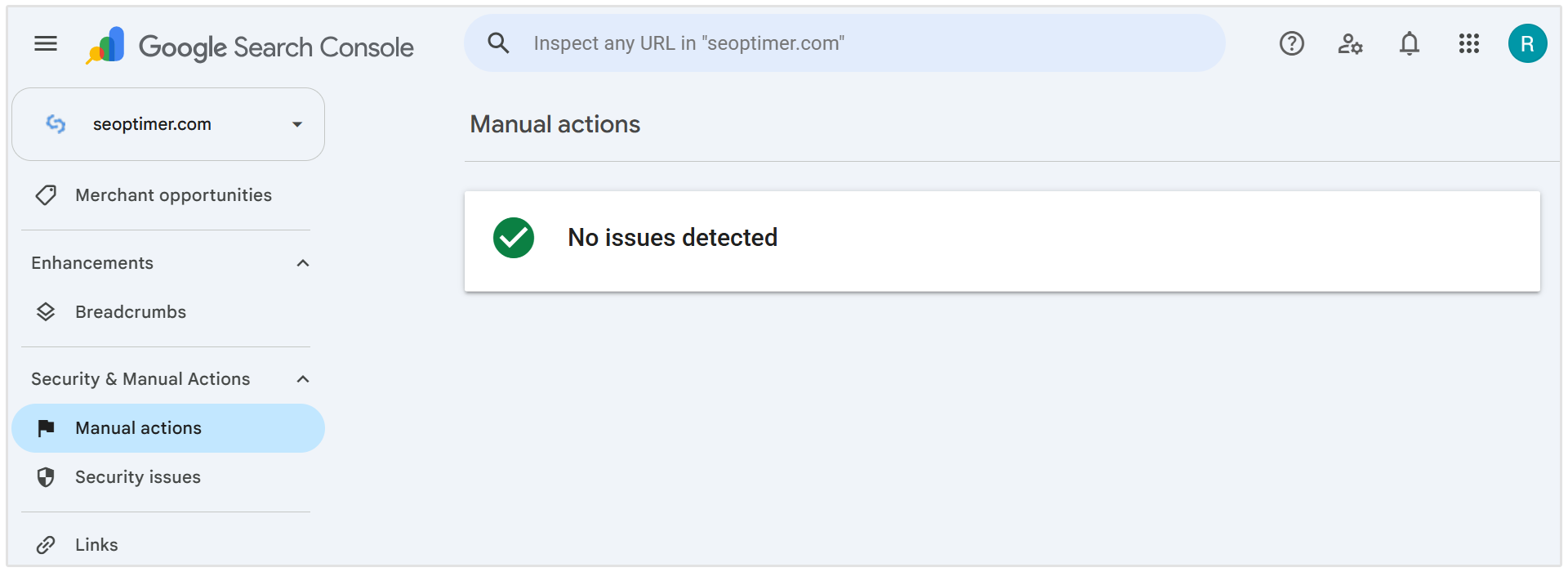
A manual action provides much stronger evidence of a serious problem than a ranking decline on its own.
What to Do if You Confirm a Negative SEO Attack
Your response will depend on the type of attack, but these steps will help limit the damage and begin the recovery process:
- Secure your website: Change passwords, enable multi-factor authentication, remove unknown administrator accounts, and update your CMS, plugins, and themes.
- Remove unauthorized changes: Delete injected pages or malicious code and restore any altered redirects, canonical tags, indexing directives, or website content.
- Document the attack: Save screenshots, suspicious emails, server logs, backlink reports, and Search Console notifications. This evidence may be needed when reporting the attack.
- Report harmful activity: Flag fake reviews, copied content, impersonation accounts, and fraudulent removal requests through the relevant platform. Contact your hosting provider if the website has been compromised.
- Address malicious backlinks carefully: Google can ignore most spammy links, so avoid disavowing every suspicious backlink. Only use Google’s Disavow Links tool when there is a substantial pattern of artificial links that has caused, or is likely to cause, a manual action.
- Monitor the recovery: Track rankings, traffic, indexing, backlinks, and security notifications to confirm that the problem has been resolved.
How to Prevent Negative SEO Attacks
You cannot really prevent every attempt, but you can make your website more difficult to target and identify suspicious activity sooner:
- Strengthen website security: Use strong passwords, multi-factor authentication, security monitoring, and limited administrator access.
- Keep your website updated: Regularly update your CMS, plugins, themes, and server software to close known security vulnerabilities.
- Create regular backups: Maintain recent backups so you can restore a clean version of your website after an attack.
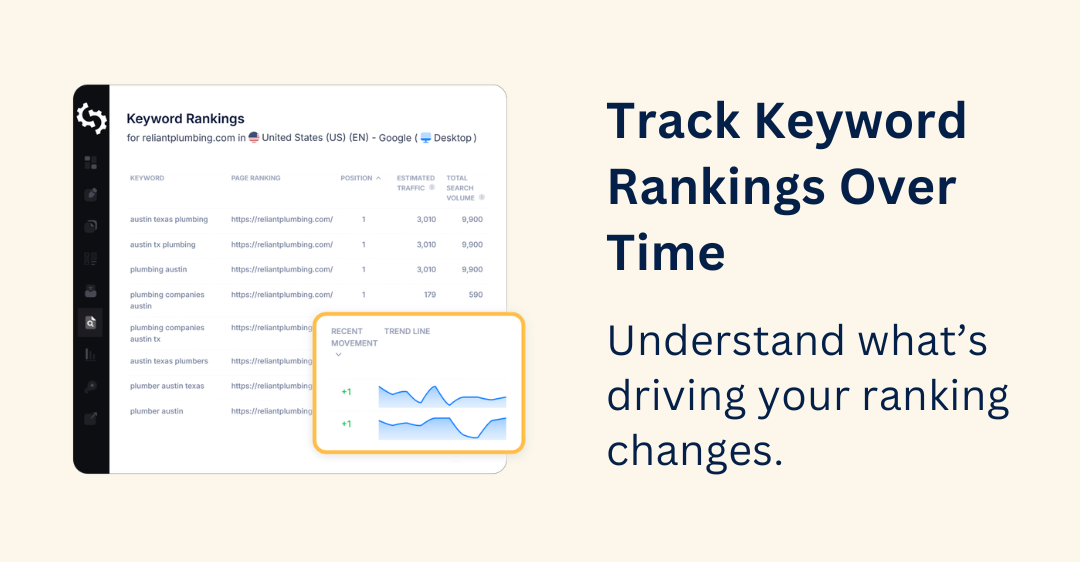
- Monitor rankings and backlinks: Track important keywords and review new or lost backlinks for unexpected changes.
- Run regular SEO audits: Check for new pages, redirects, indexing problems, broken links, and other unauthorized changes.
- Use Google Search Console: Enable notifications so you are alerted to manual actions, security issues, and significant indexing problems.
The earlier you detect an attack, the easier it will usually be to contain the damage and recover.
Conclusion
Negative SEO attacks are far less effective than they once were, but they can still cause damage when they involve website hacking, content spam, fake reviews, or unauthorized changes.
The best protection is to monitor your website consistently and investigate unusual activity before it develops into a larger problem.
With SEOptimer, you can audit your website, monitor keyword rankings, and analyze your backlink profile to identify changes that may affect your search performance.