


One of the key ingredients to growing a digital marketing agency is the tools and software you are using. Make no mistake, there are tons of marketing agency tools available, with new ones cropping up every day.
Because of all these options, choosing the best marketing agency tools can be a daunting task.
The best digital marketing agency tools will help you to deliver work efficiently, manage agency operations, communicate with clients, and put you in a position to scale to more clients.
In this guide, we will compare the leading tools for marketing agencies. We also asked some founders, executives, and leaders at agencies from around the world to share their thoughts on which tools they are using within their agencies.
Thanks to the following individuals for taking the time to share their insights, thoughts, and opinions:
- Logan Willliams, Founder and SEO Strategist at Eleventh Peak Digital
- Alex Tkacovs, CEO at 94n Digital
- Kaitlin Petrillo, Lead Strategist at Reach Detroit
- Ben Metcalfe, Founder at BlackFire Marketing
- Charlie Marchant, CEO at Exposure Ninja
- Joshua Uebergang, Founder and Director at Digital Darts
Now let's take a look at some of the best marketing agency tools available.
Best Marketing Agency Tools for SEO and AI Visibility
1. SEOptimer
Best for: Agencies that want SEO and GEO audits, rank tracking, and branded client reports in one platform.
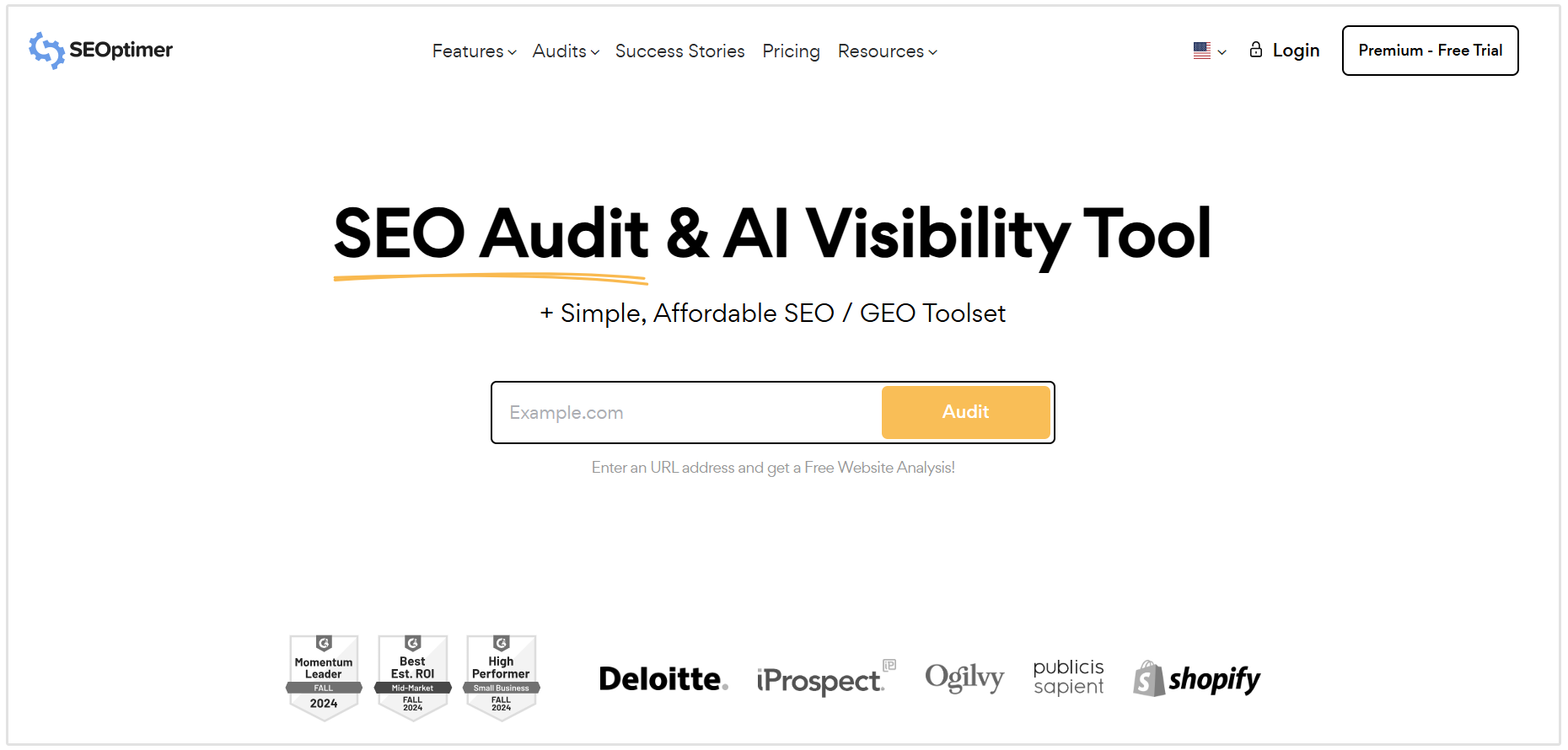
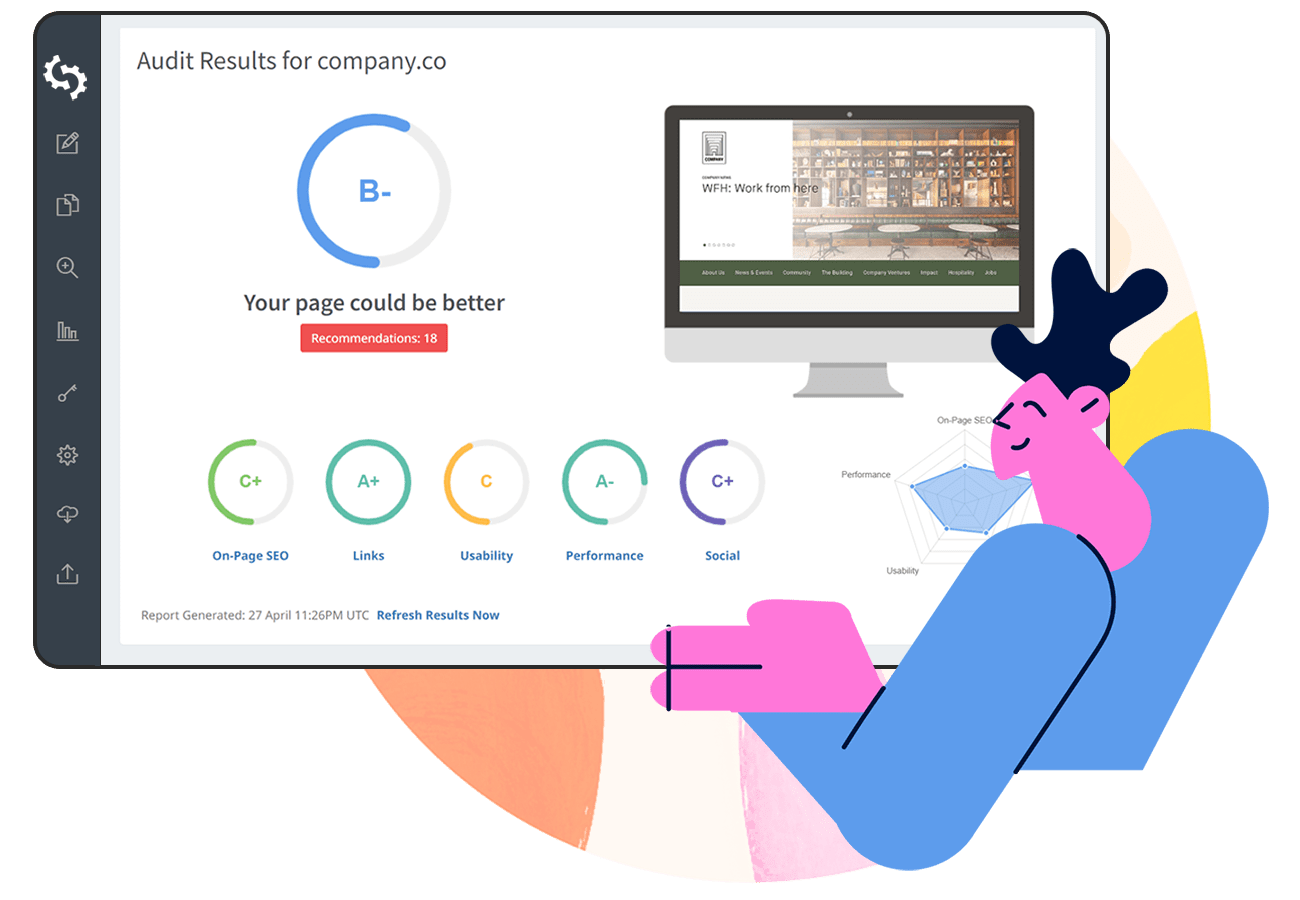
Summary: SEOptimer is one of the top marketing agency tools especially for those selling SEO, Local SEO, and GEO services. The SEO toolkit helps agencies assess a prospect’s website, identify SEO and AI visibility issues, and turn the findings into a report they can easily share with a client. It also supports ongoing work through keyword research, rank tracking, backlink research tools, and local SEO features.
Key features:
- SEO audits with actionable recommendations and GEO-related checks
- Dedicate GEO (Generative Engine Optimization) audits
- Keyword research and rank tracking
- Backlink research and monitoring
- Local SEO audits and Google Business Profile analysis
Pricing: SEOptimer plans start at $29/month. The White Label plan costs $39/month, while White Label & Embedding costs $59/month.
Annual billing is available at a 25% discount compared to monthly plans.
2. Google Search Console
Best for: Understanding how a client’s website performs in Google Search and diagnosing indexing issues.
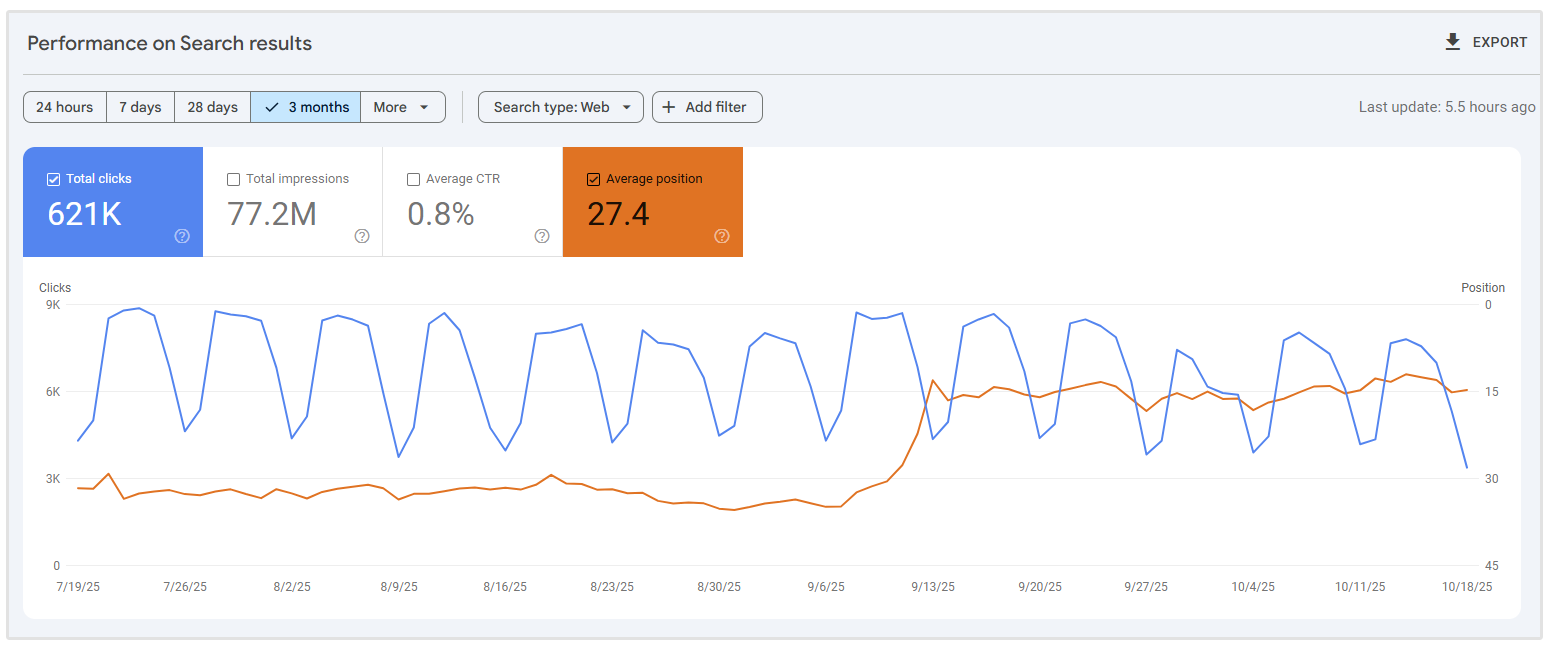
Summary: Google Search Console gives agencies data directly from Google. Marketing agencies can see which queries and pages earn impressions and clicks, check whether important URLs are indexed, and investigate issues that could affect their appearance in search results. It is an essential starting point for client SEO work, although agencies will typically pair it with other tools for audits, competitor research, and client-facing reports.
Key features:
- Search performance data by query, page, country, and device
- URL Inspection for checking crawl and indexing information
- Page indexing and sitemap reports
- Core Web Vitals reports
- Structured data and search appearance reports
Pricing: Free
3. Screaming Frog SEO Spider
Best for: Detailed technical SEO audits across larger or more complex websites.
Summary: Screaming Frog crawls a website so your team can investigate issues across its pages at scale. Agencies can use it to find broken links and redirect problems, review metadata and directives, inspect duplicate content, and examine JavaScript-rendered pages. Screaming Frog is useful when an initial audit points to a technical problem that needs closer investigation.
Screaming Frog is another essential tool. It’s the OG of SEO software and it's tried and true. We are constantly finding new use cases for the product and with the recent MCP feature, we have been able to analyze content at scale and interact with other tools inside Claude, creating a more robust analysis and actionable spreadsheet of findings.
- Logan Willliams, Founder and SEO Strategist at Eleventh Peak Digital
Key features:
- Broken link, error, and redirect analysis
- Page title, metadata, canonical, and robots directive checks
- Duplicate and near-duplicate content detection
- JavaScript rendering and structured data validation
- Integrations with Google Search Console, Google Analytics, and PageSpeed Insights
Pricing: The free version crawls up to 500 URLs. A paid licence costs $279 per user per year and unlocks larger crawls and advanced features.
4. BrightLocal
Best for: Agencies managing local SEO for businesses with one or more physical locations.
Summary: BrightLocal can help with several parts of local SEO like tracking rankings across locations, auditing Google Business Profiles, checking citations, managing listings, and monitoring reviews. That makes it useful when an agency’s local SEO service extends beyond just website optimization into how a client appears across maps, directories, and review sites.
Key features:
- Local rank tracking and map-based ranking views
- Local SEO and Google Business Profile audits
- Citation tracking and building
- Business listing management
- Review monitoring and reputation tools
Pricing: Pricing depends on the number of locations and the plan. For one location, monthly plans start at $41/month for Track, $54/month for Manage, and $65/month for Grow.
Are you a digital agency looking for more local clients? Check out our detailed guide where we asked for tips from SEO founders on how you can get local SEO clients.
5. Bing Webmaster Tools
Best for: Monitoring search performance on Bing and exploring how client pages appear in supported Microsoft AI experiences.
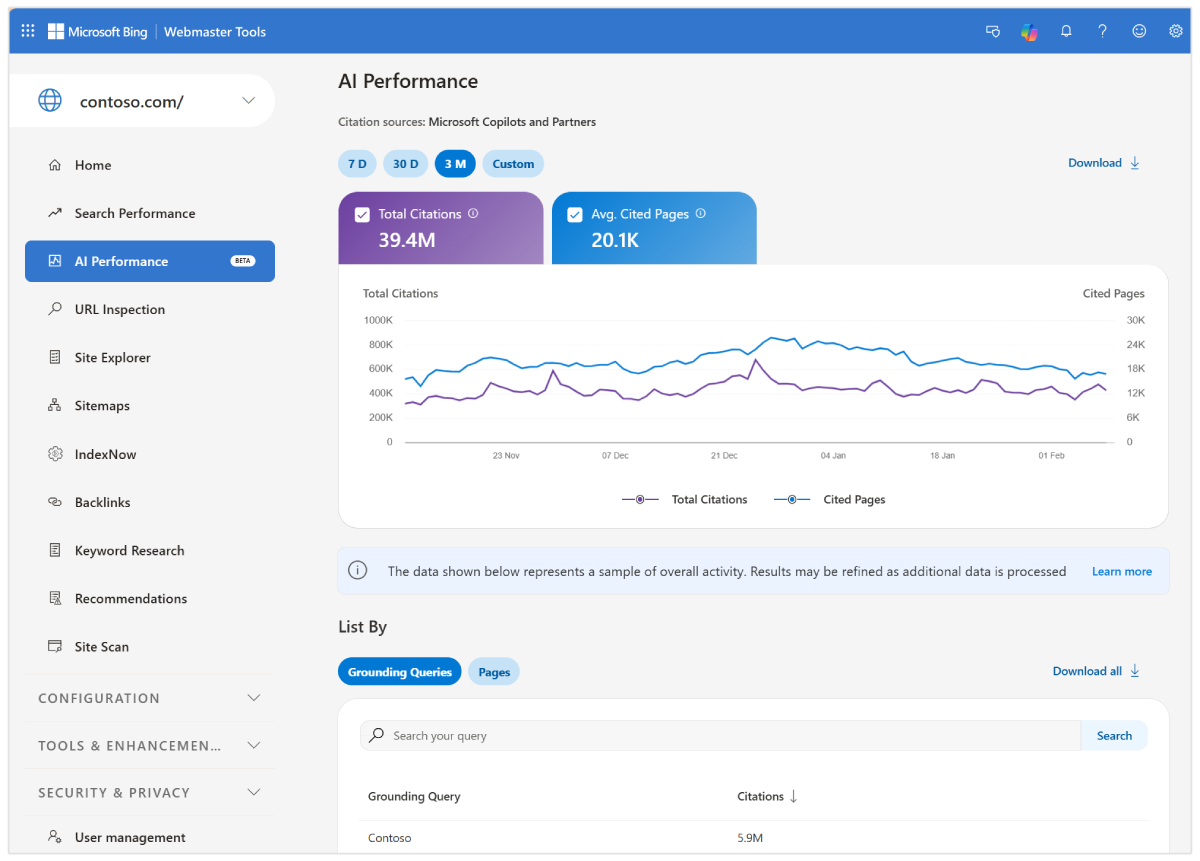
Summary: Bing Webmaster Tools gives agencies another source of search data other than Google Search Console. Its toolkit includes search performance reports, keyword and backlink research, indexing tools, and an on-demand site scan. Its AI Performance report also provides visibility into citations across Microsoft Copilot, Bing AI-generated summaries, and select partner experiences; that report is in public preview.
Key features:
- Bing search performance reporting
- Keyword research and backlink insights
- Site Scan for technical issues
- Sitemap and indexing tools
- AI Performance reporting for supported AI experiences
Pricing: Free
Related Reading: Bing SEO: 9 Ways to Boost Rankings and Traffic on Bing
Best Agency Tools for Paid Advertising
1. Google Ads
Best for: Agencies running search, shopping, video, and other campaigns across Google’s advertising network.
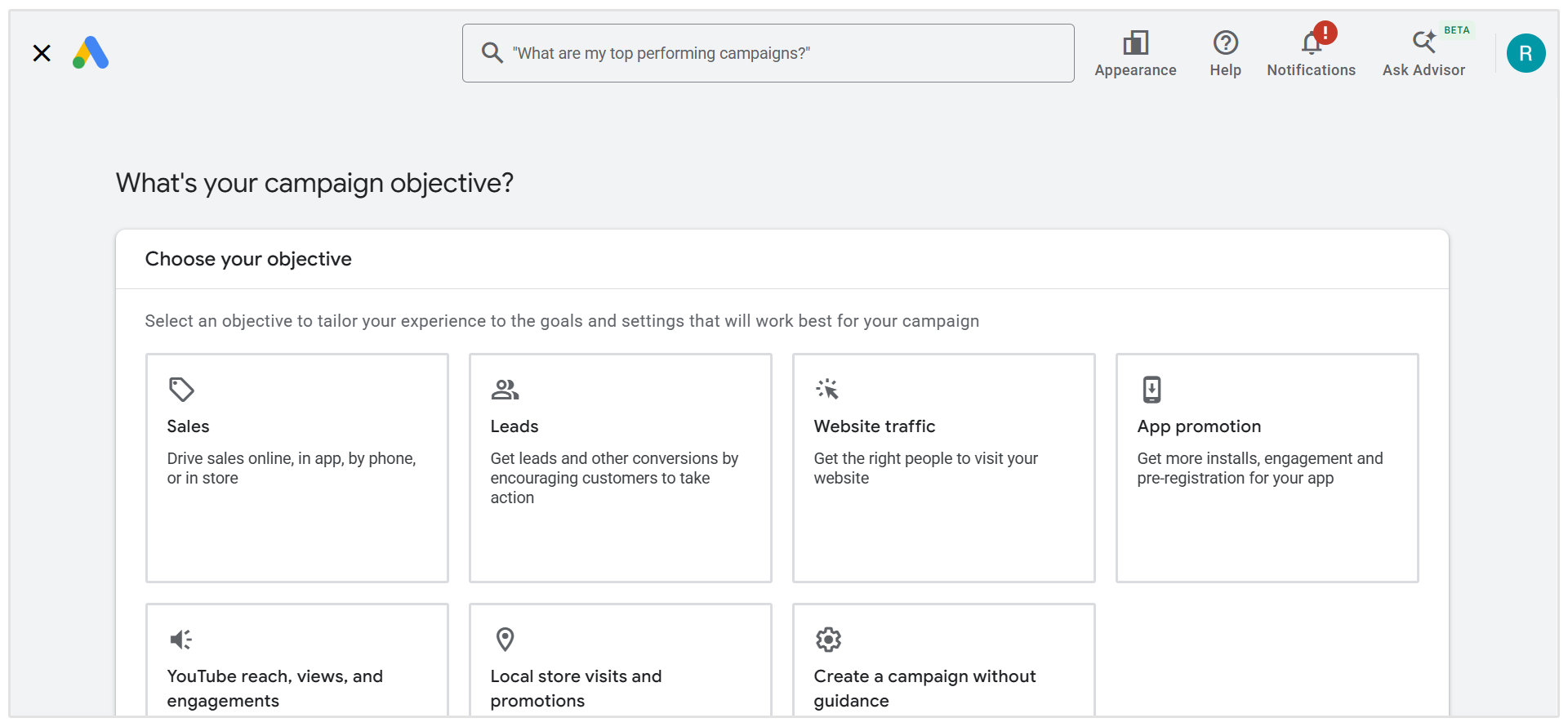
Summary: Google Ads is where agencies create and manage campaigns across Google Search, YouTube, Shopping, Display, and other placements. Its range of campaign types makes it useful for clients with different goals, from generating leads to selling products online. Agencies can also use a manager account to access multiple client accounts from one place.
Google Ads are also essential to our business. While there are a number of tools out there that are designed to complement Google Ads, I find that their inbuilt analytics get us at least 95% of the way there in most cases. Many of the external tools we see clients using create redundancy somewhere along the line, so we tend to only seek out complementary tools if there is absolutely no way to achieve a client’s goals within the existing Google Ads suite.
- Alex Tkacovs, CEO at 94n Digital
Key features:
- Search, Shopping, Video, Display, and Performance Max campaigns
- Keyword and audience targeting options
- Budget and bidding controls
- Conversion tracking and campaign performance reports
- Manager accounts for overseeing multiple clients
Pricing: There is no separate software subscription to use Google Ads. Clients pay for the advertising they run, with costs determined by their campaigns, bids, and budgets.
2. Meta Ads Manager
Best for: Agencies running paid campaigns on Facebook and Instagram.
Summary: Meta Ads Manager lets agencies create, manage, and measure campaigns across Meta’s platforms. It covers the core work of paid social advertising, from choosing an objective and building audiences to setting budgets, reviewing creative, and analysing results. It is the natural starting point for agencies managing Facebook and Instagram ads, even if they later add a separate testing or automation tool.
Key features:
- Campaign objectives for different business goals
- Audience creation and targeting
- Placement, budget, and scheduling controls
- Ad creative and format options
- Campaign reporting and performance breakdowns
Pricing: Ads Manager has no separate subscription fee. Advertising spend is charged through the client’s Meta ad account according to the campaigns they run.
3. Optmyzr
Best for: PPC agencies managing campaigns across several clients and advertising platforms.
Summary: Optmyzr adds analysis, monitoring, reporting, and automation to an agency’s paid advertising workflow. It supports platforms including Google Ads, Microsoft Advertising, Amazon Ads, Meta Ads, and LinkedIn Ads, making it useful when checking budgets and performance across accounts has become a substantial daily task. Its marketing agency tools are built around reducing repetitive account work while keeping specialists in control of decisions.
Key features:
- Account audits and performance insights
- Budget monitoring and optimization
- Rules and workflow automation
- Cross-platform campaign management
- Client reporting and alerts
Pricing: Optmyzr offers Essentials, Premium, and Enterprise plans. The price depends on connected ad spend, plan, and billing term. Agencies should use its pricing page to calculate their current cost. Plans start at €299 per month.
4. AdEspresso
Best for: Smaller agencies that want a simpler way to test and report on Facebook and Instagram ads.
Summary: AdEspresso focuses on the practical work of creating variations, comparing results, and sharing campaign updates. Agencies can test combinations of creative and audiences, view results side by side, and generate client reports. Its higher plans add collaboration features such as campaign approvals and view-only access, which can help when clients need to sign off before ads go live.
Key features:
- Facebook and Instagram campaign creation
- Split testing for ads and audiences
- Campaign performance comparisons
- PDF and scheduled reporting
- Client approvals and team access on eligible plans
Pricing: Starter is $49/month, with a $1,000 monthly ad spend limit for campaigns created through AdEspresso. Plus is $99/month and removes that spend limit while adding agency collaboration features.
Ad spend is billed separately by the advertising platform.
5. Smartly
Best for: Larger agencies producing and managing high volumes of ads across multiple channels.
Summary: Smartly combines campaign management with creative production and optimization. It supports advertising across platforms including Meta, Google, TikTok, Pinterest, Snapchat, and others. Its most useful when an agency needs to produce many creative variations, coordinate launches across channels, and analyze creative and media performance together.
Key features:
- Cross-platform campaign creation and management
- Creative templates and production at scale
- Automated ad updates from feeds or other data sources
- Budget and campaign optimization tools
- Cross-channel creative insights and reporting
Pricing: Smartly does not publish a standard subscription price on its site so agencies need to request a demo to get pricing.
Best Marketing Agency Tools for Social Media Management
1. Hootsuite
Best for: Agencies that want publishing, engagement, listening, and reporting in one platform.
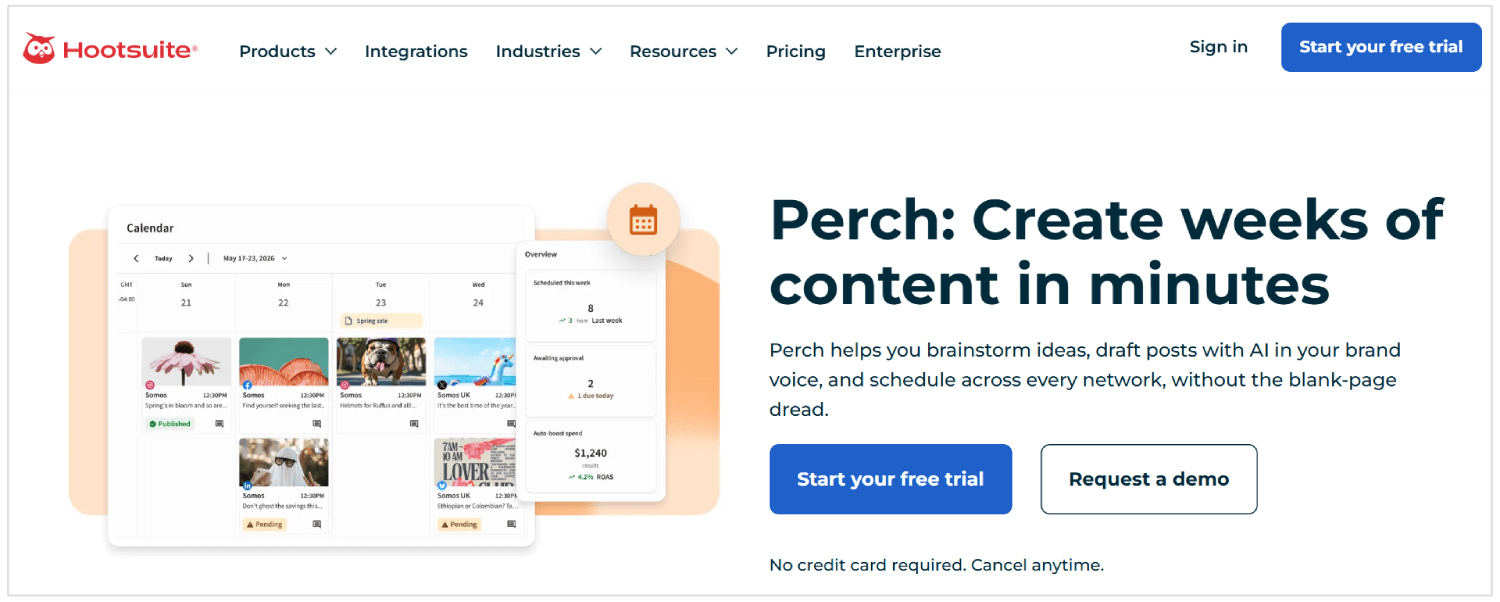
Summary: Hootsuite brings multiple social accounts into one single dashboard, so teams can plan posts, monitor conversations, respond to messages, and review performance without switching between every network. Its higher plans add more advanced team workflows, making it an ideal fit as the number of clients and people involved in approvals grows.
Key features:
- Cross-platform scheduling and content calendars
- Social inbox and engagement tools
- Social listening and trend monitoring
- Analytics and reports
- Team permissions and approval workflows on eligible plans
Pricing: Hootsuite’s Standard plan starts at $99 per user/month, with higher-priced Professional and Advanced plans and custom Enterprise pricing.
2. Sprout Social
Best for: Agencies that place a high priority on social engagement and detailed client reporting.
Summary: Sprout Social combines publishing, customer care, and analytics in one platform. Agencies can use it to manage conversations, understand how individual posts and profiles perform, and build reports for clients. More advanced analytics and social listening are available through higher plans or add-ons, so it is worth checking which features an agency needs before choosing a tier.
Sprout is essentially our external source of truth. We use it across nearly every part of our client work—from social strategy and scheduling to community management, client approvals, reporting and analytics. Most recently, moving our reporting into Sprout Premium Analytics has reduced the time it takes our agency to deliver reports by 35%.
- Kaitlin Petrillo, Lead Strategist at Reach Detroit
Key features:
- Publishing and content planning
- Inbox and engagement management
- Post and profile performance reports
- Team collaboration tools
- Optional premium analytics and social listening
Pricing: The Essentials plan starts at $79 per seat/month with annual billing, or $99 per seat/month billed monthly. More advanced plans and add-ons cost extra.
3. Buffer
Best for: Small agencies that want straightforward scheduling with flexible pricing as they add client channels.
Summary: Buffer gives teams a simple place to develop ideas, schedule posts, respond to comments, and review performance. Its per-channel pricing can work well for agencies with a small client roster or a changing number of social accounts. The Team plan adds unlimited team members and content approvals, which are more relevant when several people work on a client’s calendar.
Key features:
- Post scheduling and a visual content calendar
- Ideas, drafts, and an AI writing assistant
- Comment management
- Social analytics
- Team access and approval workflows on the Team plan
Pricing: Buffer has a free plan for up to three channels. Essentials starts at $6 per channel/month and Team at $12 per channel/month.
4. Later
Best for: Agencies planning visual content across several social platforms.
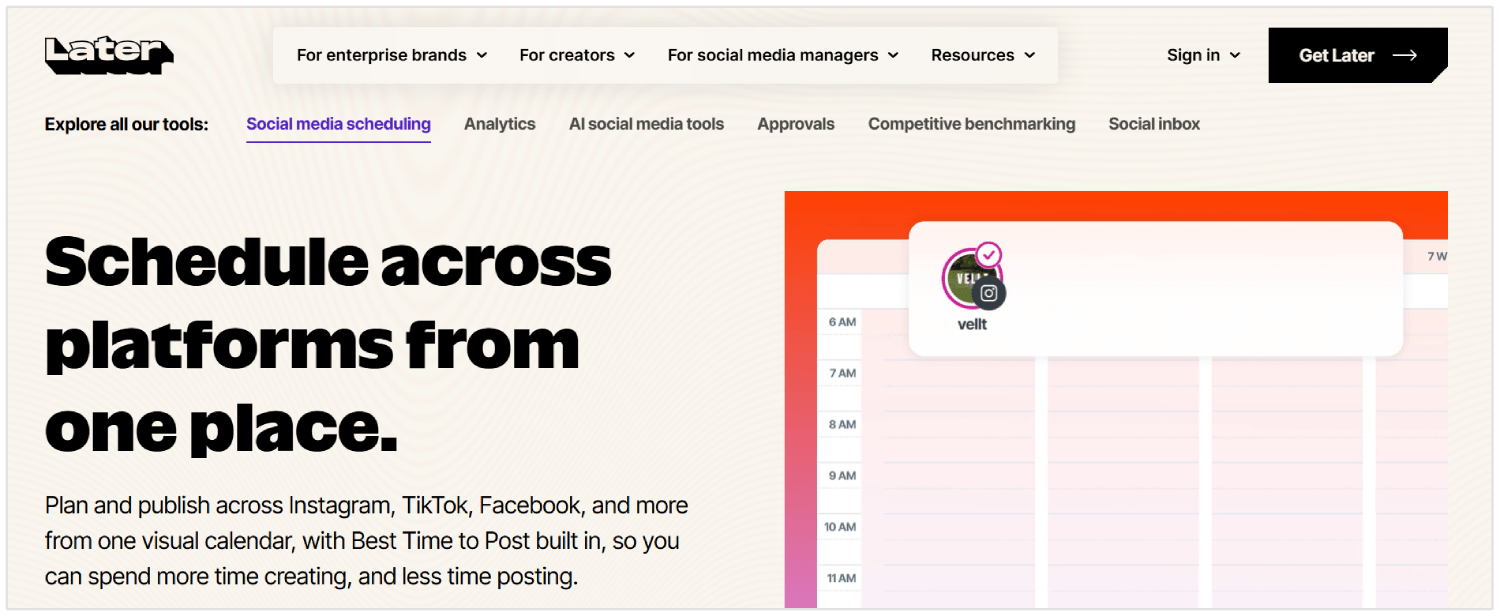
Summary: Later is for teams producing a steady flow of posts, Reels, and short-form video. Marketing agencies can organize accounts into social sets, schedule content, review analytics, and collaborate on approvals. Because each plan includes a set number of profiles and users, agencies should calculate how many social sets they will need for their clients.
Key features:
- Visual planning and cross-platform scheduling
- Scheduling for posts, Reels, Stories, and short-form video
- Suggested posting times
- Platform analytics
- Collaboration, approvals, and a social inbox on eligible plans
Pricing: Starter starts at $18.75/month billed annually for one social set and one user. Growth starts at $37.50/month billed annually and adds a second social set, collaboration, and approvals. Extra sets and users are available as add-ons on eligible plans.
5. Sendible
Best for: Agencies that need separate workspaces and approval processes for multiple clients.
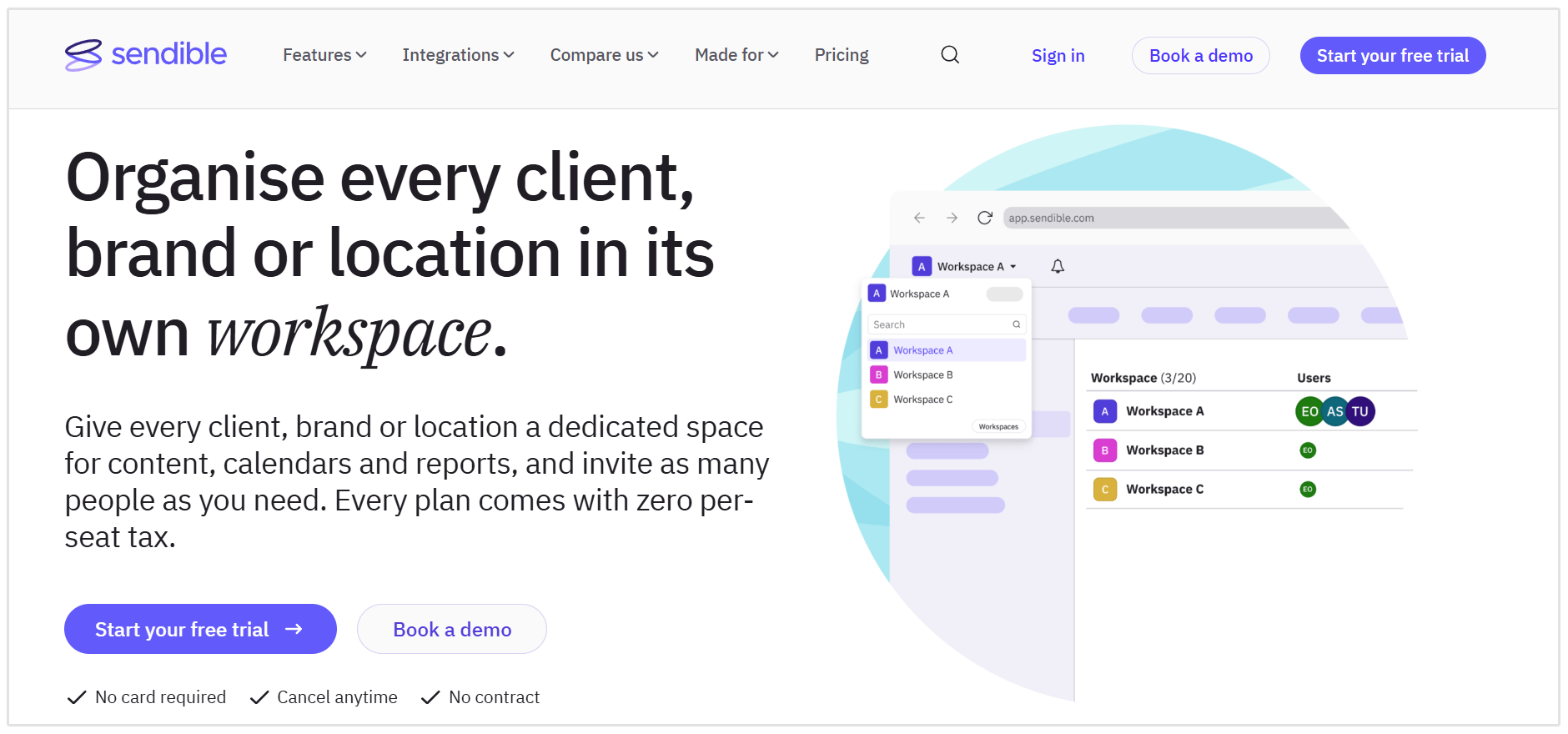
Summary: Sendible is built around keeping client work organized. Each workspace has its own profiles, content calendar, inbox, and reports, helping teams avoid mixing up accounts and approvals. It also includes unlimited users across its plans, while higher tiers add branded reports and more workspaces for agencies with a larger client roster.
Key features:
- Dedicated client workspaces
- Scheduling and bulk publishing
- Assignment and approval workflows on eligible plans
- Inbox monitoring and replies
- Reporting, with custom branded reports on higher plans
Pricing: Core starts at $35/month for one workspace and six social profiles. Plus costs $99/month for three workspaces and adds assignments and approvals. Premium costs $199/month for seven workspaces and adds custom branded reports.
Best Marketing Agency Tools for SEO Content Creation
1. SEOptimer AI Writer
Best for: Creating SEO articles and refreshing existing client content.
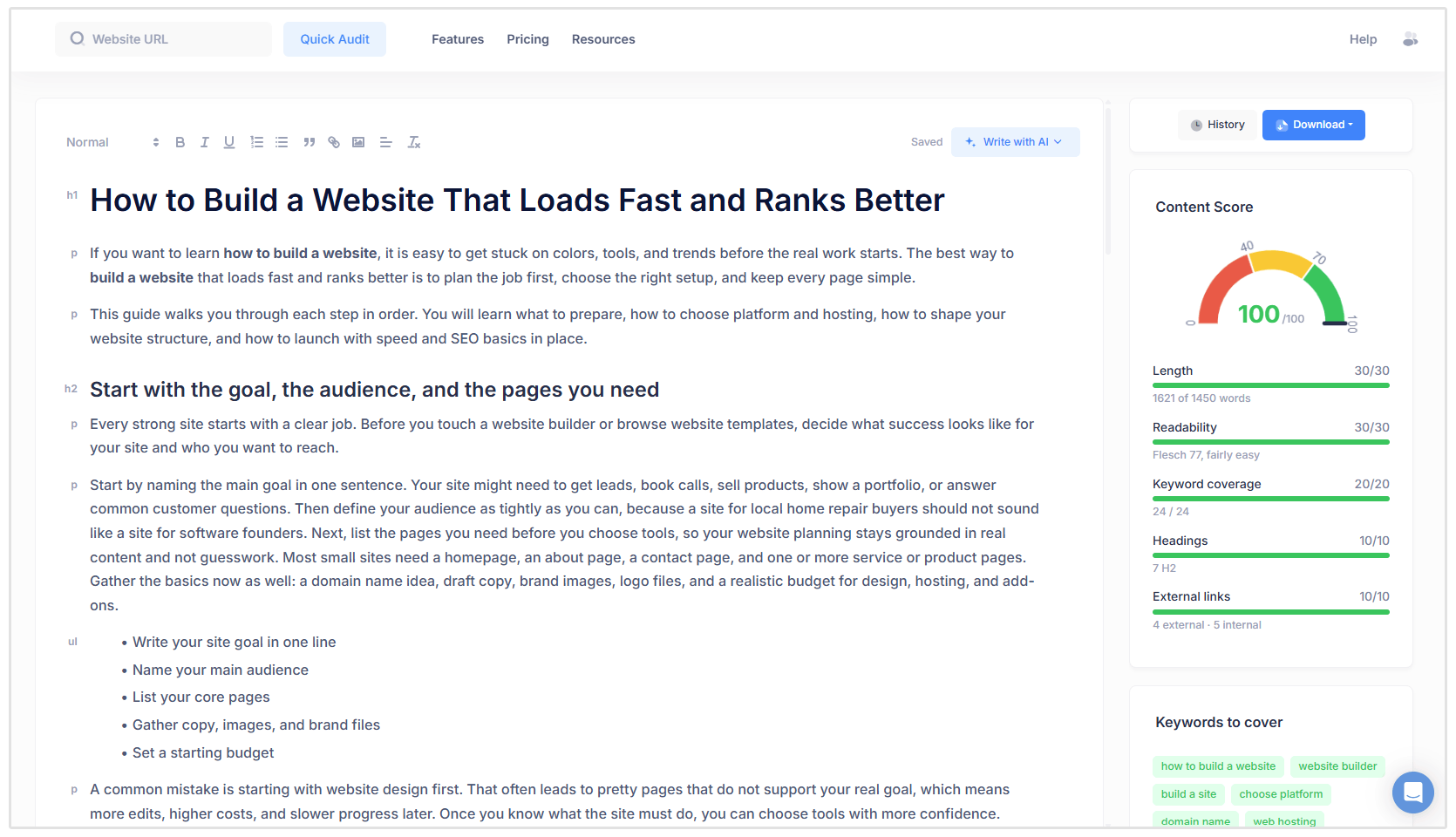
Summary: SEOptimer AI Writer helps agencies move from a target keyword to an article outline and draft. You can choose a format, such as a how-to guide, listicle, or comparison, and provide the client’s website to find internal linking opportunities. The editor also gives writers a content score and suggests keywords to cover as they refine the article. It’s especially useful when an agency needs a repeatable writing process across several client sites.
Key features:
- Generate a full article or start with an outline.
- Research competing pages for the target keyword.
- Review content scores and suggested keywords.
- Find relevant internal linking opportunities.
- Improve and update existing articles.
Pricing: SEOptimer’s AI writing tool is included in all paid plans at no additional cost.
2. Surfer
Best for: Optimizing drafts against search results while writers work.
Summary: Surfer gives writers recommendations based on search results, a Content Score, and an AI assistant for revising copy. Agencies can use it to guide a new draft or identify gaps in an existing article. Its higher plans also add team features and AI search visibility tools.
Key features:
- Content Editor with optimization guidance.
- Content Score for drafts.
- AI writing and rewriting assistance.
- Tools for improving existing pages.
- Internal linking and team features on eligible plans.
Pricing: Discovery starts at $49 per month billed annually. Standard starts at $99 per month billed annually and adds collaboration features.
You can also just use their AI Search Analytics plan (starting at $82 per month) if you want to track visibility across different AI models.
3. Frase
Best for: Researching search results and building content briefs.
Summary: Frase brings research, writing, and optimization into one easy workflow. An agency can examine competing content, prepare a brief, draft an article, and review SEO and GEO scores before publishing. It also offers options for managing content across multiple sites, which may suit teams producing articles for several clients.
Key features:
- Search result and topic research.
- Content briefs and AI-assisted drafts.
- SEO and GEO scoring.
- Internal linking suggestions on eligible plans.
- Publishing integrations and content monitoring.
Pricing: Starter costs $39 per month billed annually or $49 month to month. The Scale plan, aimed at agencies and multi-site brands, costs $239 per month billed annually or $299 month to month.
4. Clearscope
Best for: Giving writers clear content recommendations and reviewing drafts.
Summary: Clearscope is a good choice when an agency already has writers and editors but wants a more consistent editing and optimization process. Teams can explore topics, work on drafts, share content for review, and track published pages. Its recommendations are designed to help writers address search intent while keeping the article useful to readers.
Key features:
- Topic exploration for content planning.
- Draft optimization recommendations.
- Search intent guidance.
- Tracking for published pages and queries.
- Sharing and exporting for editorial review.
Pricing: Essentials costs $129 per month and includes 20 monthly drafts. Business costs $399 per month; Enterprise pricing is custom so you'll have to contact their team.
5. MarketMuse
Best for: Planning topic coverage and creating detailed SEO briefs.
Summary: MarketMuse helps agencies decide what to write before assigning another article. It examines a site’s existing content, identifies topic gaps, and provides briefs and optimization guidance. This makes it particularly useful for clients with a large content library, where the next step might be updating an existing page or filling a gap in a topic cluster.
Key features:
- Topic and content gap analysis.
- Site content inventory.
- Article briefs for writers.
- Content scoring against relevant subtopics.
- Guidance on whether to create or improve content.
Pricing: MarketMuse offers a limited free plan with 10 queries per month. Paid plans include Optimize, Research, and Strategy, but you'll have to contact MarketMuse for current rates.
Best Marketing Agency Reporting Tools
1. SEOptimer White Label Reports
Best for: Branded SEO and website audit reports.
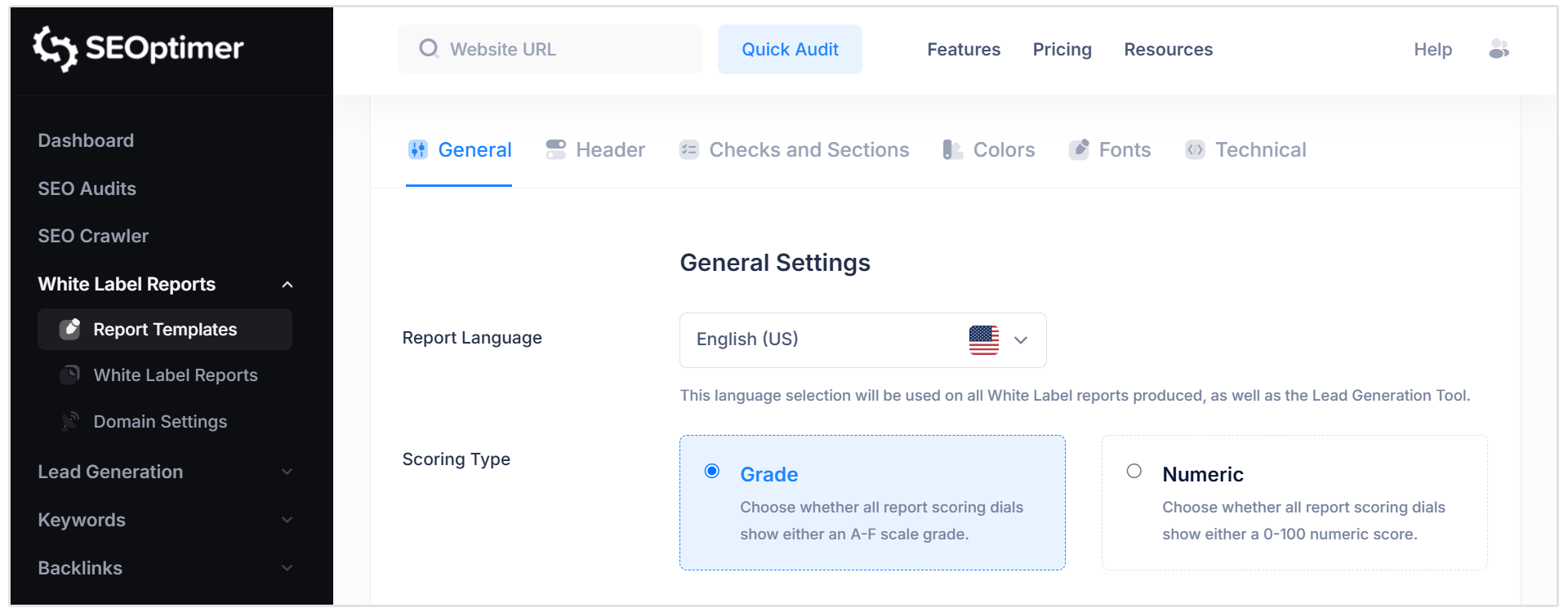
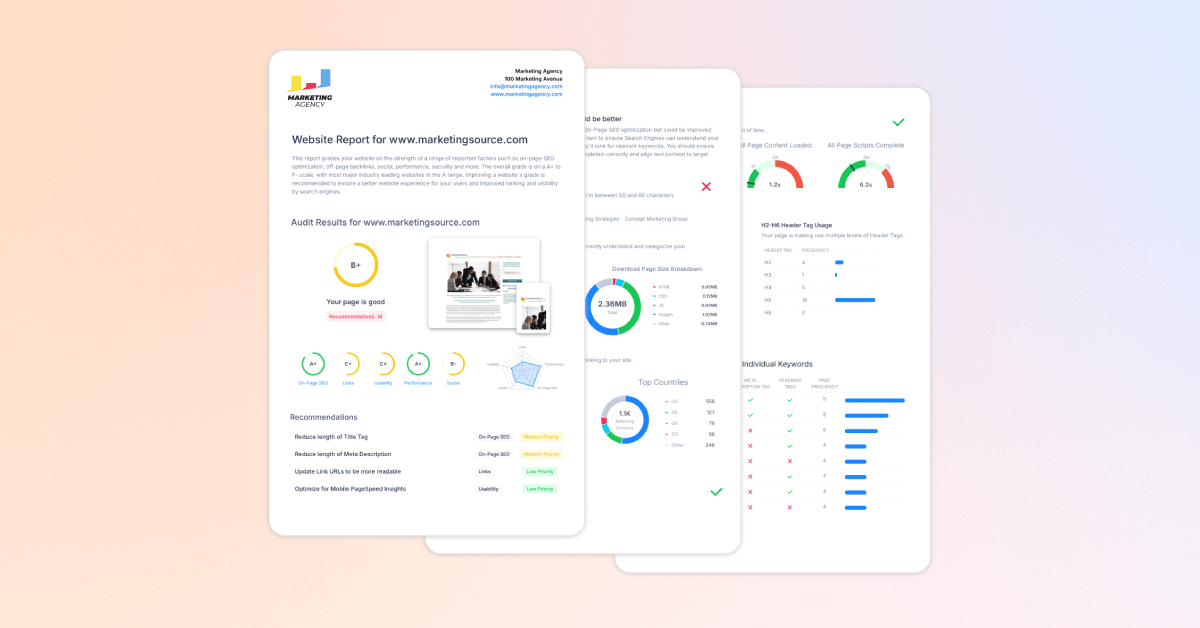
Summary: SEOptimer’s White Label Reports help agencies turn website audits into client-ready PDFs. You can add your agency’s branding and choose which checks to include, making the reports useful for prospecting, onboarding, and explaining SEO opportunities to clients. SEOptimer also includes AI visibility checks, so agencies can discuss search and AI discoverability in their reporting. Its focus is on site findings and recommendations, rather than combining every marketing channel into one dashboard.
Key features:
- White-label PDF audit reports.
- Custom logo, colours, introductory text, and report sections.
- SEO and website checks with recommended improvements.
- AI visibility and GEO audit insights.
- Reports available in multiple languages.
Pricing: The White Label plan is listed at $39 per month, while White Label & Embedding is $59 per month.
2. AgencyAnalytics
Best for: Reporting across several marketing channels for each client.
Summary: AgencyAnalytics is built around the agency reporting cycle. It connects marketing platforms, brings their metrics into client dashboards, and automates recurring reports. Agencies can also give clients access to a branded portal. This agency tool is a great option when one monthly report needs to cover SEO, paid advertising, social media, and other services together.
Key features:
- Integrations with 85+ marketing platforms.
- Automated reports and report scheduling.
- Custom dashboards for each client.
- White-label client portal.
- Goals, alerts, and AI-assisted insights.
Pricing: The core plan costs $20 per client per month when billed annually. Rank tracking and AI tracking are optional add-ons.
If you’re weighing it against other reporting platforms, see our guide to the best AgencyAnalytics alternatives for a more detailed comparison.
3. Google Data Studio (formerly Looker Studio)
Best for: Building custom dashboards on a limited software budget.
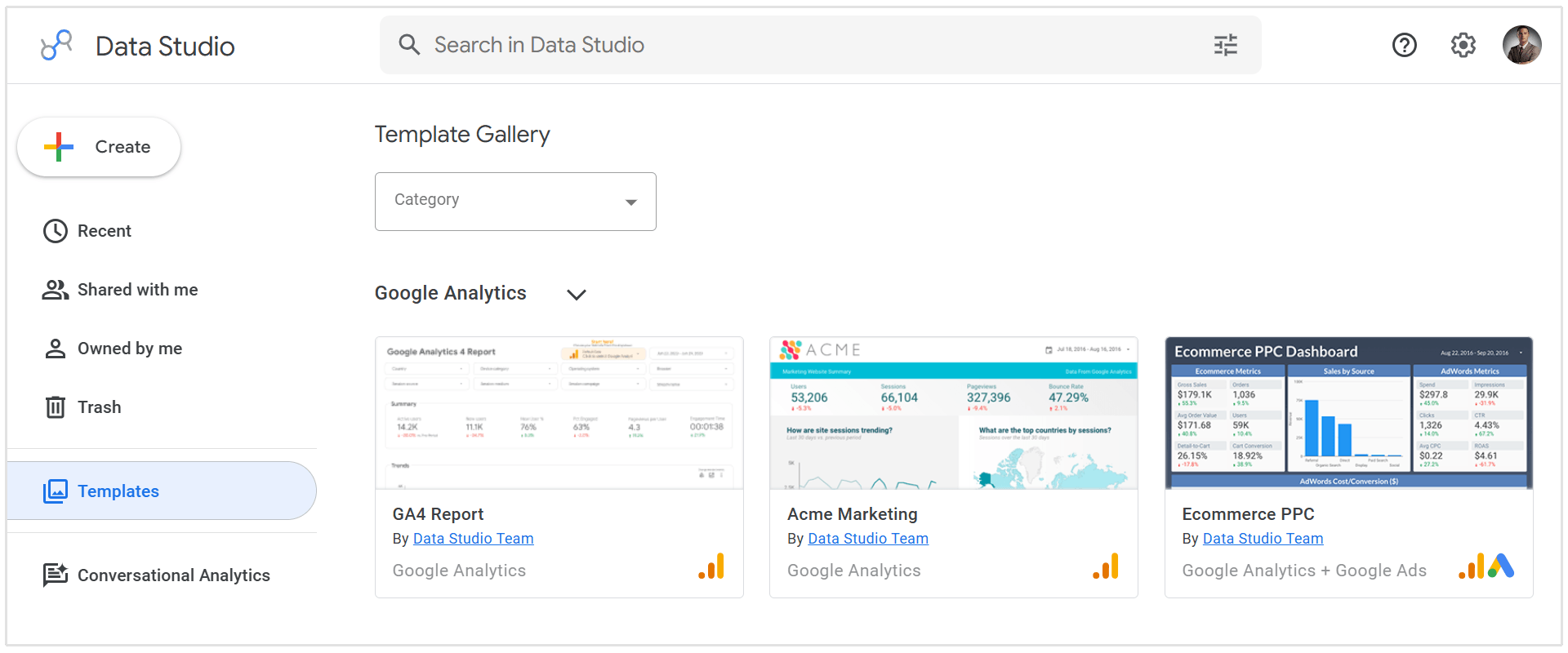
Summary: Google Data Studio lets agencies build interactive reports from connected data sources. It’s particularly useful when a client needs a tailored view of its analytics, advertising, or spreadsheet data. The trade-off is setup time: your team needs to choose the right metrics, build the dashboard, and check that each data source stays connected. Google brought back the Data Studio name in 2026; many marketers will still recognise it as Looker Studio.
I have to say that by far the biggest measurable workflow shift was standardising reporting in Looker Studio, before that, updates were slower and much harder to compare week to week. Once the reporting was templated, our account managers spent much less time assembling decks and more time acting on the numbers, and clients could see paid and organic together without chasing screenshots and a bunch of emails.
- Ben Metcalfe, Founder at BlackFire Marketing
Key features:
- Custom charts and interactive dashboards.
- Connections to Google products and other data sources.
- Shareable client reports.
- Calculated fields for tailored metrics.
- Team content management with Pro.
Pricing: The self-service version is free. Data Studio Pro is listed at $9 per user per project per month.
4. Databox
Best for: Monitoring client KPIs between formal reporting meetings.
Summary: Databox gives agencies dashboards, goals, alerts, and reports for keeping an eye on performance throughout the month. Its Agency plan supports multiple clients and cross-client analysis, which can help account managers spot a change before the next scheduled report. White-label branding is available as an add-on.
Key features:
- Client dashboards and report templates.
- Connections to marketing and sales data sources.
- Goals and anomaly detection.
- Cross-client reporting and AI-assisted analysis.
- Optional white-label branding.
Pricing: The Agency plan starts at $79 per month billed annually and scales through additional client packs. White-label branding is a $200 per month add-on.
5. Whatagraph
Best for: High-volume, cross-channel reporting for larger agencies.
Summary: Whatagraph brings marketing data from different platforms into automated client reports. Agencies can combine data across channels, create custom metrics, and produce reports for many clients without rebuilding each one by hand. Its pricing makes it a more natural fit for teams with substantial reporting volume.
Key features:
- Automated client reports.
- Cross-channel data aggregation.
- Custom metrics and data transformations.
- Goals and alerts.
- Unlimited users and reports on its current plans.
Pricing: The Max plan starts at $812 per month billed annually and includes 50 source credits. Prime has custom pricing for larger teams.
Best CRM and Lead Management Tools for Agencies
1. HubSpot
Best for: Agencies that want one place to capture leads and manage their sales pipeline.
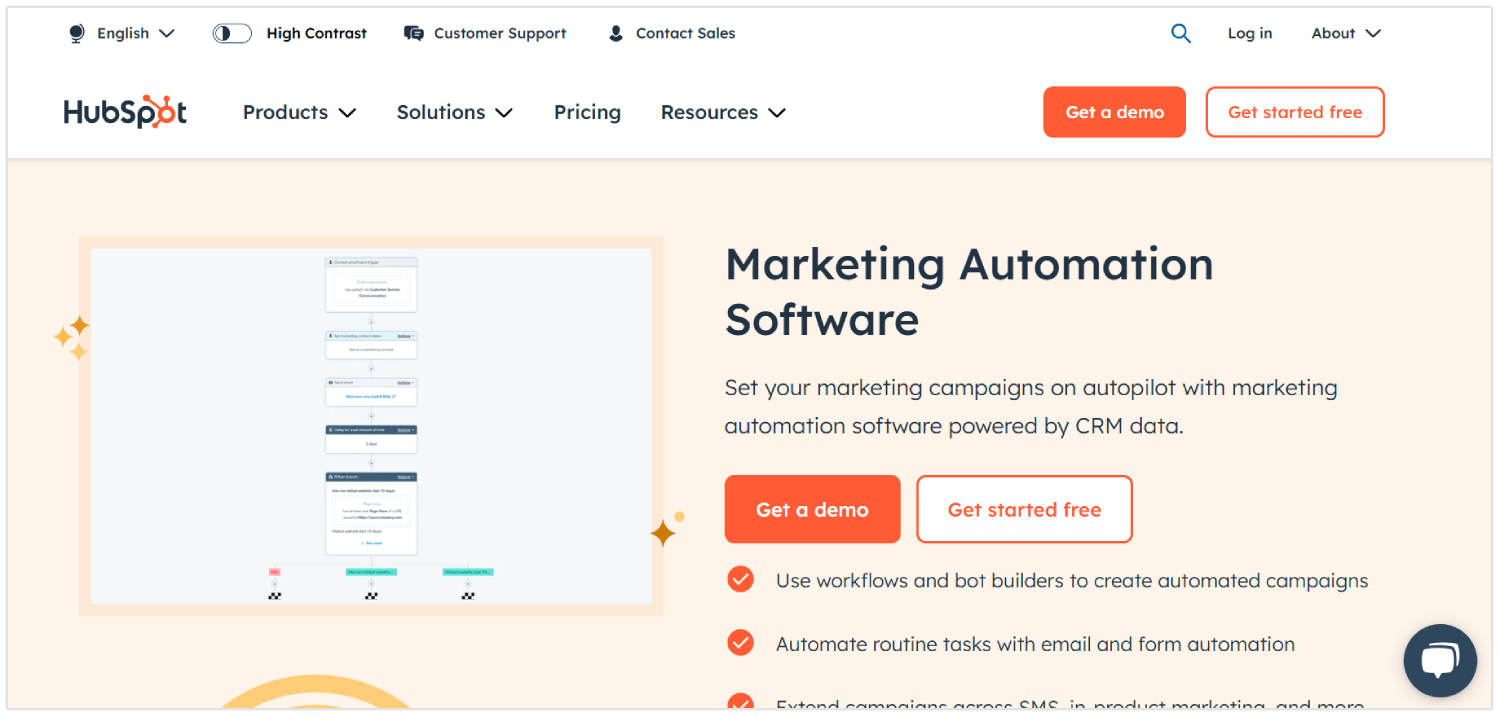
Summary: HubSpot combines several features in one, including contact records, forms, deal tracking, email activity, and reporting. An agency can capture an inquiry through its website, assign the lead to a team member, and keep the conversations attached to the contact record. Its free tools make it a practical starting point, with paid Sales Hub plans available as the sales process grows.
HubSpot runs our digital PR outreach. We keep one central media database and one master outreach workflow, which we duplicate for each campaign, so follow-ups and reporting stay consistent across every client.
- Charlie Marchant, CEO at Exposure Ninja
Key features:
- Website forms that add leads to the CRM.
- Contact records and interaction history.
- Deal pipelines and task management.
- Email tracking and templates.
- Sales reporting and automation on eligible plans.
Pricing: HubSpot’s free sales tools support up to two users. Sales Hub Starter is listed from $7 per seat per month, with pricing dependent on billing terms.
2. Pipedrive
Best for: Keeping agency sales opportunities organized in a visual pipeline.
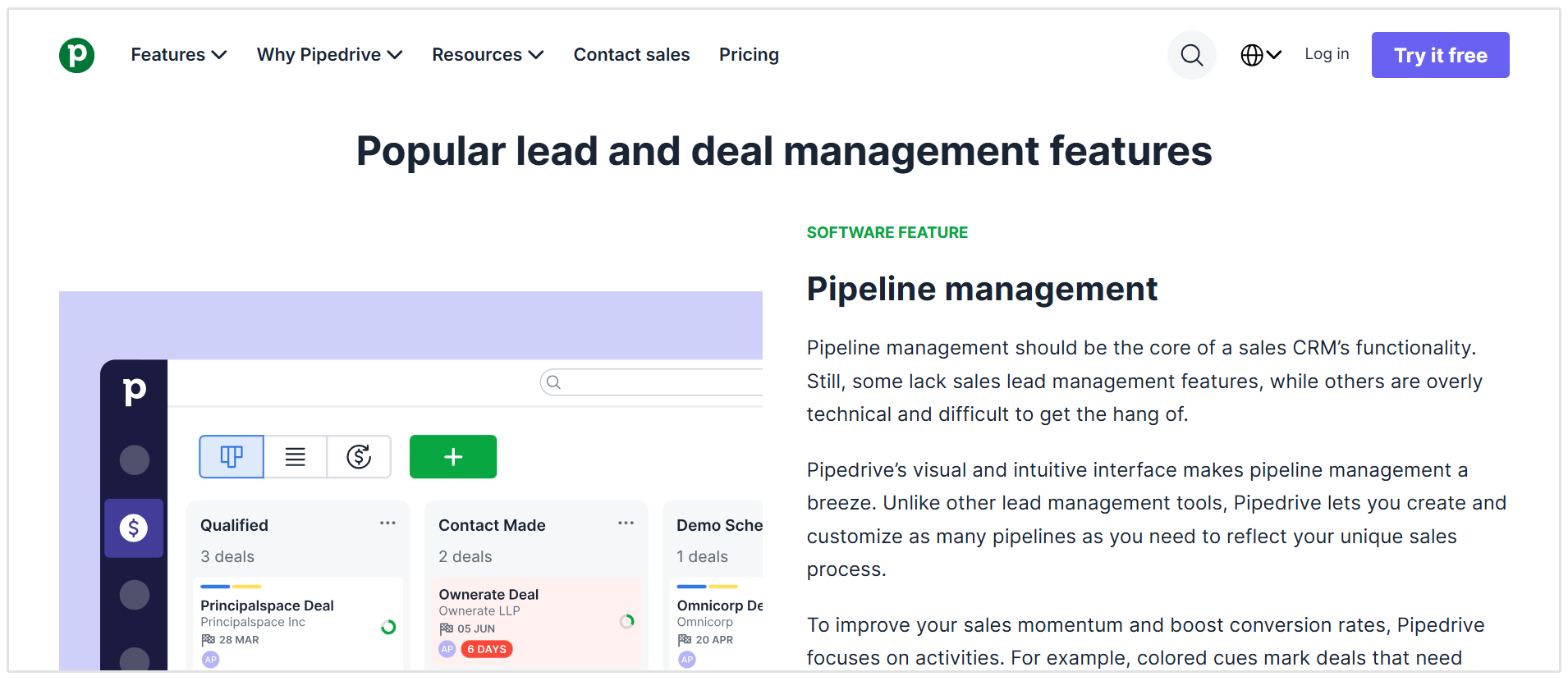
Summary: Pipedrive makes it easy to see which prospects need a discovery call, proposal, or follow-up. Agencies can adapt the pipeline to their own sales stages and keep leads, contacts, activities, and deals together. It suits a team whose main priority is managing opportunities consistently rather than setting up a broader marketing platform.
Key features:
- Visual deal pipelines.
- Lead and contact management.
- Tasks, calendars, and activity reminders.
- Email sync and follow-up automation on higher plans.
- Sales reports and integrations.
Pricing: Lite starts at $14 per seat per month billed annually. Growth starts at $24 per seat per month billed annually and adds email sync and automation.
3. HighLevel
Best for: Agencies managing lead capture and follow-up for both themselves and their clients.
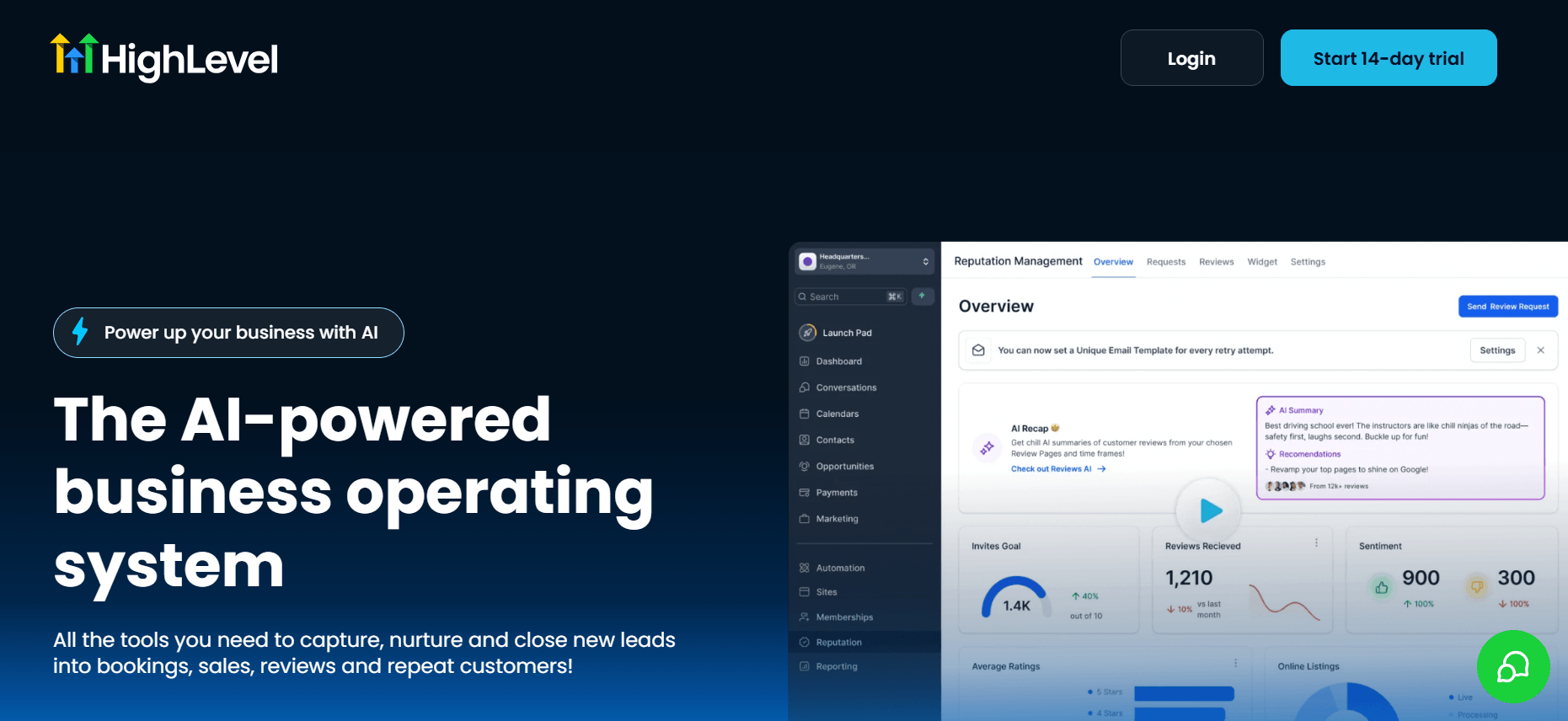
Summary: HighLevel combines a CRM with forms, funnels, booking calendars, email, SMS, and workflow automation. Agencies can create separate sub-accounts for clients, making it a fit for those that also deliver lead management as a service. It offers considerable scope, though teams should account for usage-based charges when planning costs.
Key features:
- CRM and sales pipelines.
- Forms, funnels, and booking calendars.
- Automated email and SMS follow-up.
- Separate client sub-accounts.
- Unified conversations and reporting.
Pricing: Starter costs $97 per month and includes three sub-accounts. Unlimited costs $297 per month and supports unlimited sub-accounts. Phone, email, SMS, and some AI features may incur additional usage charges.
4. Zoho CRM
Best for: Agencies that want an adaptable CRM at a modest starting cost.
Summary: Zoho CRM lets teams manage leads, contacts, deals, and follow-up activities while customising fields and pipelines to fit their process. An agency might, for example, track a prospect’s requested service, monthly budget, and proposal stage in one record. Workflow rules can help assign or flag new leads for follow-up.
Key features:
- Lead, contact, and deal management.
- Custom fields and sales pipelines.
- Workflow rules for follow-up.
- Dashboards and reports.
- Integrations with other Zoho apps.
Pricing: The free edition supports up to three users. Standard is listed at $14 per user per month billed annually in US dollars, but local pricing may differ for your region.
5. Close
Best for: Agencies that rely on calls and direct outreach to win clients.
Summary: Close puts calling, email, SMS, forms, and deal management inside the CRM. This can help a business development team work through prospect lists and keep every conversation tied to the right opportunity. For agencies doing regular outbound sales, that makes it easier to see who has been contacted and who needs another follow-up.
Key features:
- Lead and pipeline management.
- Built-in calling, email, and SMS.
- Forms that send submissions into the CRM.
- Shared inbox and task list.
- Sales reporting and automation on eligible plans.
Pricing: Solo starts at $9 per month billed annually for one user. The team-focused Essentials plan starts at $35 per user per month billed annually.
For agencies offering SEO, SEOptimer’s SEO lead generation tool can sit before the CRM in this workflow. So a prospect requests an audit on your site, and your team follows up on the opportunity. SEOptimer has also documented sending audit-form lead data into HubSpot through Zapier.
Best Project Management Tools for Digital Agencies
1. Teamwork.com
Best for: Managing client projects and billable work.
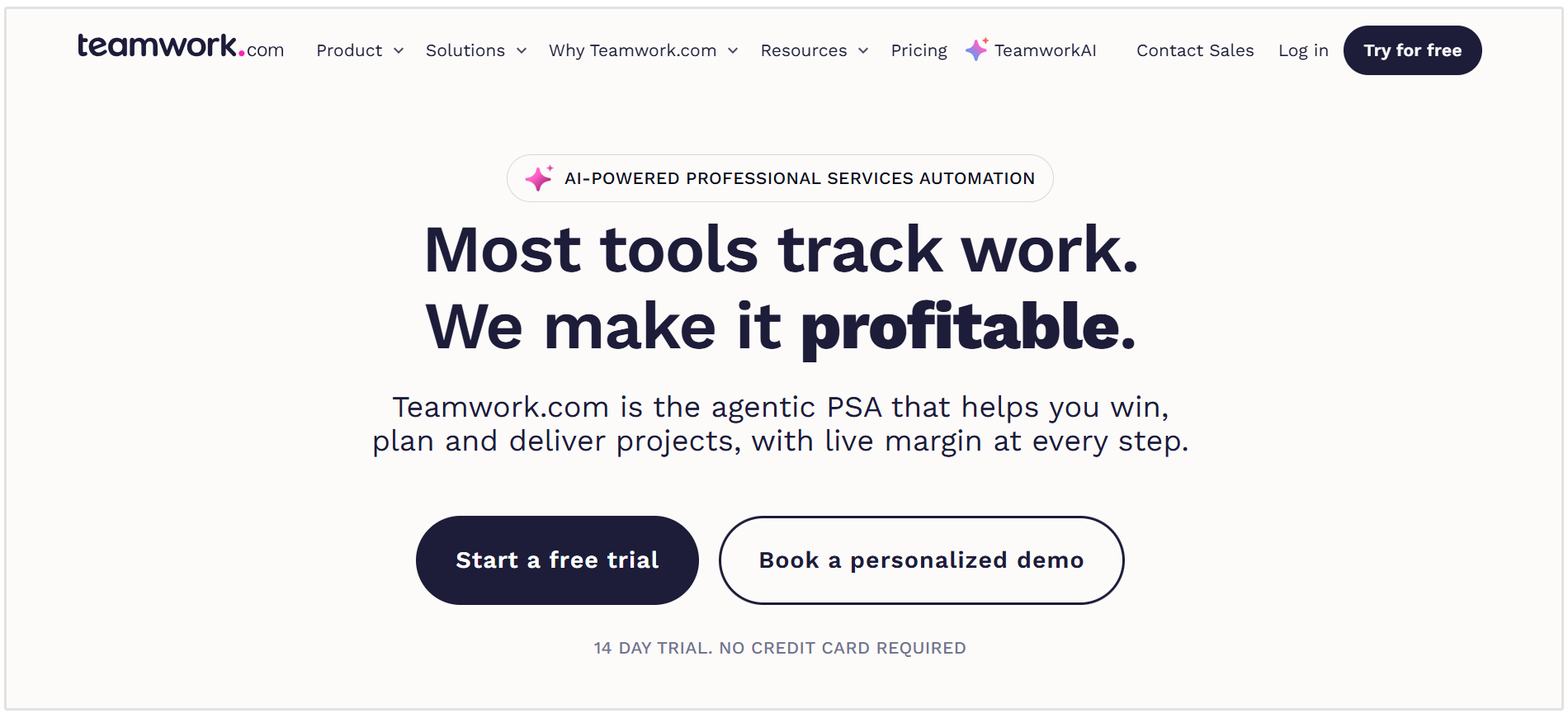
Summary: Teamwork.com is built around delivering work for clients. Agencies can organize projects by client, assign tasks, track time, and use different views to keep deadlines visible. Its higher plans add workload planning, time budgets, retainers, and invoicing from logged time, making it useful when project delivery and commercial oversight need to sit together.
Key features:
- Task, list, board, and Gantt views.
- Project templates.
- Billable time tracking.
- Client-specific project organisation.
- Workload and budget management on higher plans.
Pricing: A limited free plan is available. Basics starts at $9.99 per user per month billed annually; Accelerate starts at $24.99 per user per month billed annually.
2. Asana
Best for: Coordinating campaigns and recurring content workflows.
Summary: Asana gives agencies a clear way to move work from a client request through production and approval. A campaign can be broken into tasks for strategy, writing, design, review, and publication, with owners and deadlines for each step. Forms and templates are helpful when similar requests arrive across multiple clients.
Key features:
- List, board, calendar, timeline, and Gantt views.
- Intake forms for new requests.
- Project templates and custom fields.
- Task dependencies and deadlines.
- Automations and reporting dashboards.
Pricing: Personal is free for up to two users. Starter costs $10.99 per user per month billed annually or $13.49 with monthly billing.
3. ClickUp
Best for: Agencies that want to customise how different teams manage their work.
Summary: ClickUp combines tasks, documents, forms, time tracking, goals, and several project views. An SEO team can use a different workflow from a design or paid media team while keeping their work in one platform. That flexibility is useful for a growing agency, although it takes some planning to keep the workspace easy to navigate.
ClickUp runs the work. If we're doing something and there isn't a task for it, I question whether we should be doing it at all. Client work has an owner, a deadline and a process. That keeps work from disappearing into someone's head or inbox. If ownership changes, someone else can pick it up without having to figure out what was happening from scratch.
- Joshua Uebergang, Founder and Director at Digital Darts
Key features:
- Custom task statuses and project views.
- Docs and forms.
- Native time tracking.
- Goals and portfolio management.
- Dashboards, workload tools, and proofing on eligible plans.
Pricing: A Free Forever plan is available. Unlimited starts at $7 per user per month billed annually, and Business starts at $12 per user per month billed annually.
4. monday.com
Best for: Visual campaign planning and client-facing workflows.
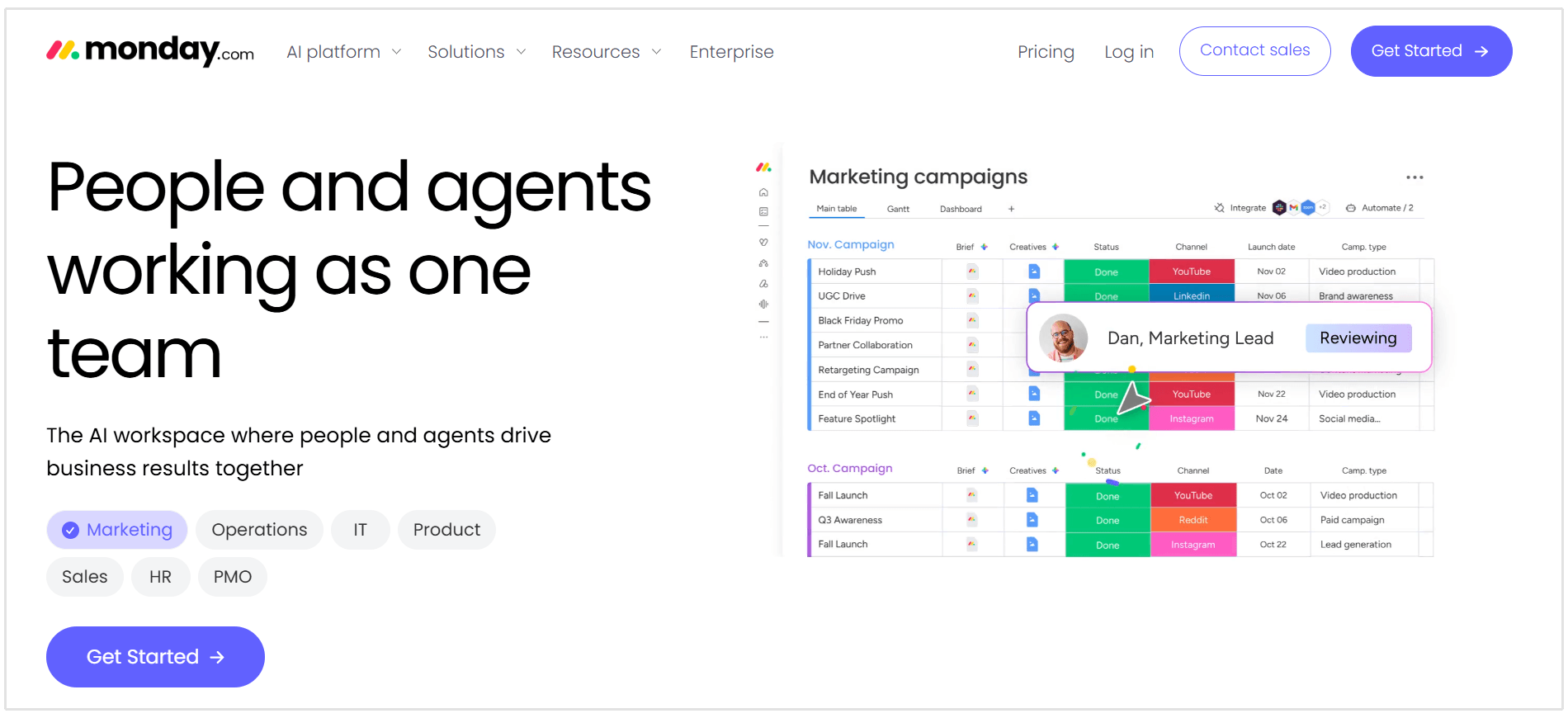
Summary: monday.com lets agencies build boards around campaigns, production schedules, and client deliverables. Its visual approach makes it easy to see what is in progress and what is waiting on feedback. On the Standard plan, teams can use timelines, calendars, automations, and guest access to bring clients into selected parts of a project.
Key features:
- Customisable project boards.
- Timeline, Gantt, and calendar views.
- Workflow automations.
- Guest access for external collaborators.
- Integrations with other work tools.
Pricing: A free plan supports up to two seats. For monday work management, Basic starts at $9 per seat per month and Standard at $12 per seat per month, both billed annually.
5. Productive
Best for: Planning agency capacity and tracking project profitability.
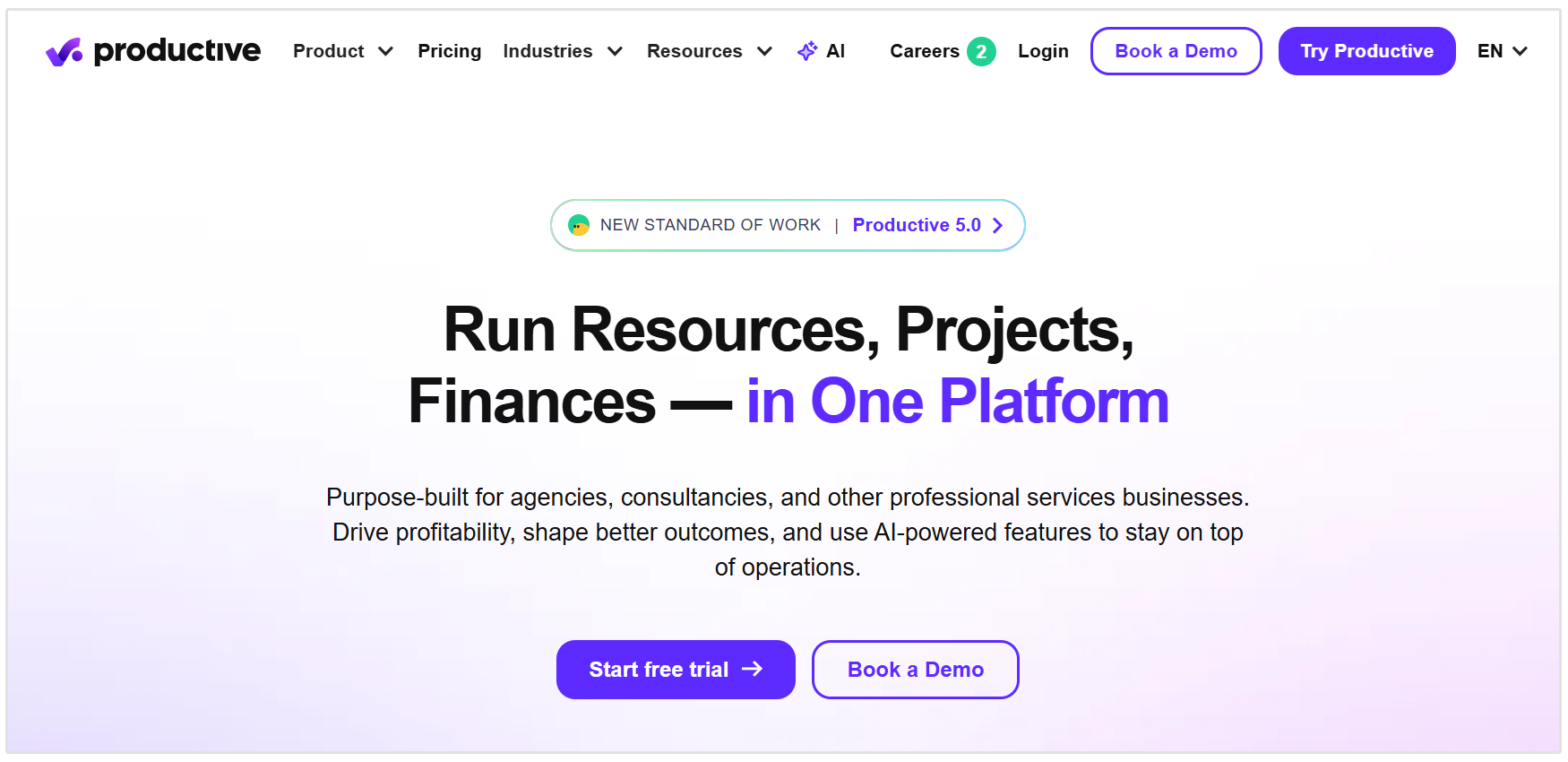
Summary: Productive is an agency management platform that connects project tasks with resource planning, time tracking, budgets, and expenses. That makes it useful for agencies that need to know whether they have enough people available for upcoming work and whether a client project is staying within its budget. Agencies can also invite clients into projects without paying for additional client seats.
Key features:
- Project and task management.
- Resource and workload planning.
- Time and expense tracking.
- Project budgets and profitability reporting.
- Client collaboration within projects.
Pricing: Productive offers a 14-day trial. Its Essential plan is priced by user, with a three-seat minimum (starting at $12 per month).
Best Email Marketing Tools for Digital Agencies
1. Mailchimp
Best for: Managing newsletters and email campaigns for a range of clients.
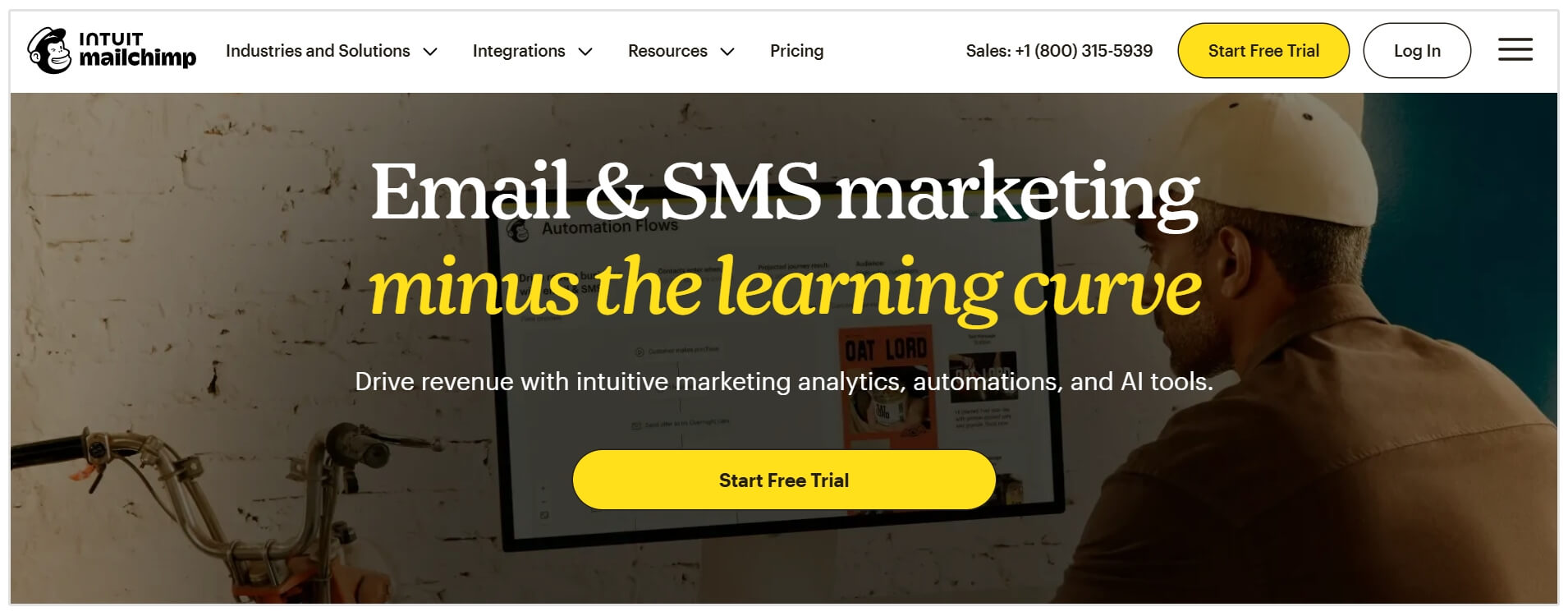
Summary: Mailchimp is a familiar marketing agency tool that gives marketers familiar tools for creating campaigns, managing audiences, and reviewing results. Through Mailchimp, an agency can connect to and switch between client accounts without sharing passwords. It’s a practical choice when clients already use Mailchimp or need a straightforward newsletter program; more involved automation depends on the plan selected.
Key features:
- Drag-and-drop email creation and templates.
- Audience segmentation.
- Signup forms.
- Marketing automation on eligible plans.
- Access to multiple client accounts through Mailchimp & Co.
Pricing: A basic Free plan is available. Essentials, Standard, and Premium pricing varies by contact count and sending volume, but you can expect to pay $20 per month for the Standard plan.
2. ActiveCampaign
Best for: Building more detailed email automation and lead-nurture journeys.
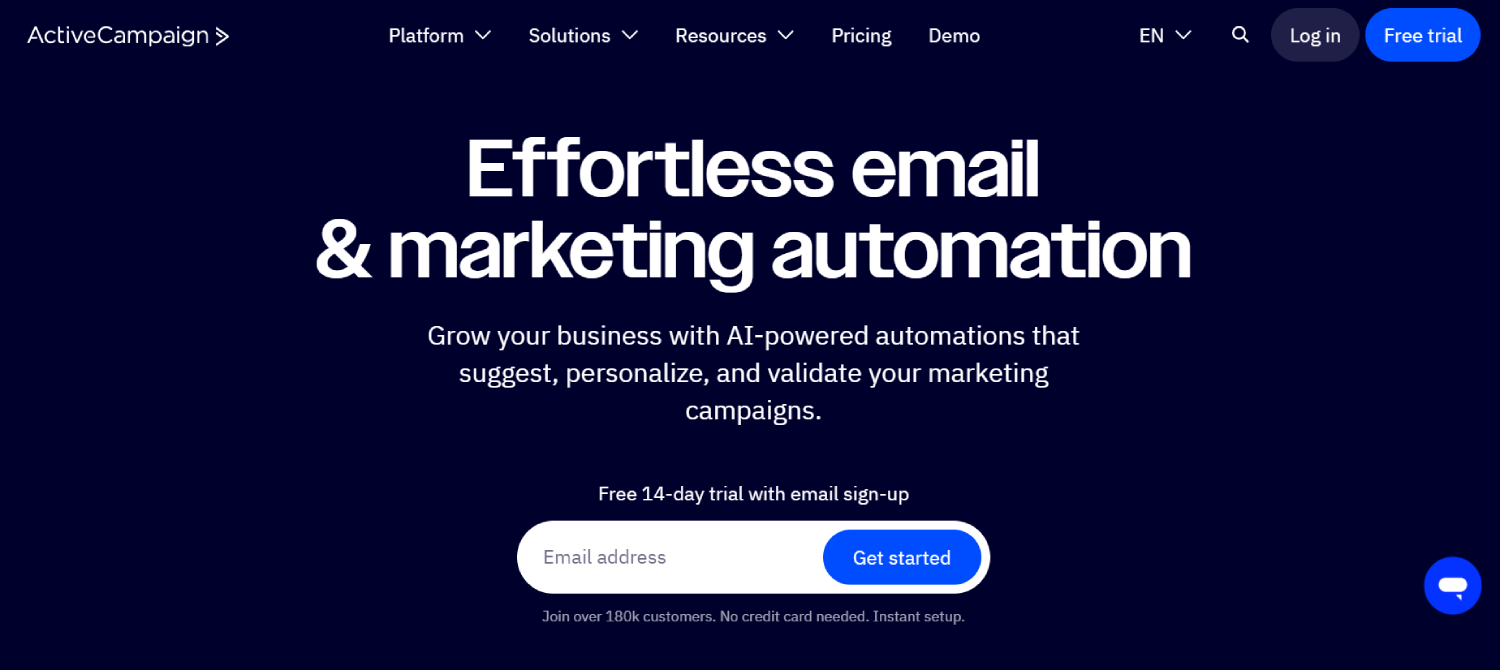
Summary: ActiveCampaign suits agencies whose email work extends beyond occasional campaigns. Teams can build entire user journeys that respond to subscriber behaviour, segment contacts, and connect email activity with other marketing agency tools. Its agency program also provides a way to manage multiple client accounts.
Key features:
- Email campaigns and newsletters.
- Behaviour-based marketing automation.
- Contact segmentation.
- Forms and integrations.
- Agency partner account management.
Pricing: Starter is listed from $15 per month for 1,000 contacts. Costs increase with contact volume and the features selected.
3. Klaviyo
Best for: Email programs for ecommerce clients.
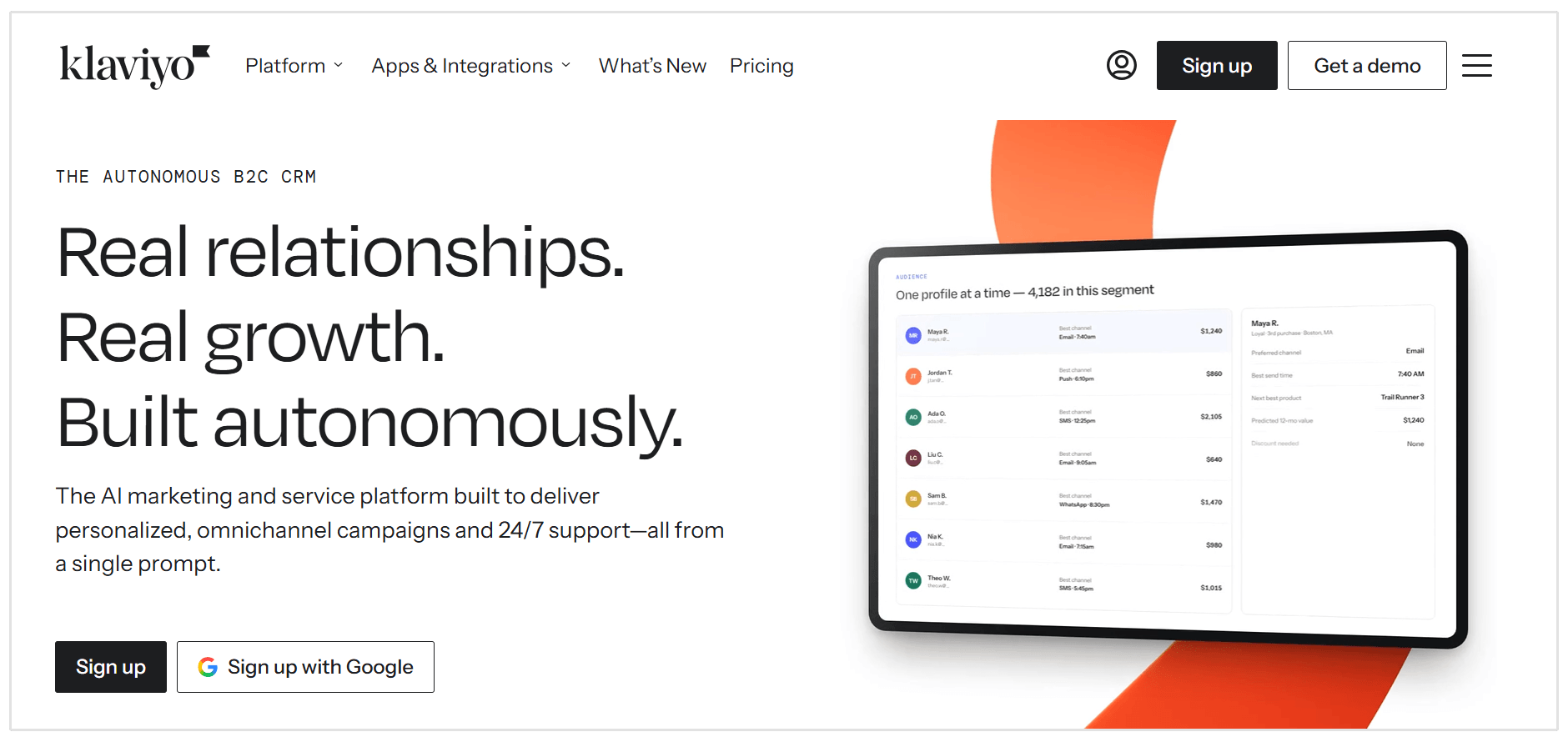
Summary: Klaviyo is a for agencies marketing online stores and want to create campaigns informed by customer and purchase data. Teams can segment shoppers, build automated flows, and report on revenue associated with email activity. That makes it good for tracking welcome journeys, repeat-purchase campaigns, and other ecommerce work.
Key features:
- Ecommerce customer segmentation.
- Automated email flows.
- Signup forms.
- Campaign and revenue reporting.
- Email and mobile messaging options.
Pricing: The free plan supports up to 250 active profiles and 500 email sends per month. Paid pricing scales with active profiles and sending needs; Klaviyo’s email marketing page lists pricing from $60 per month.
4. Brevo
Best for: Smaller client email programs that may also need transactional messages.
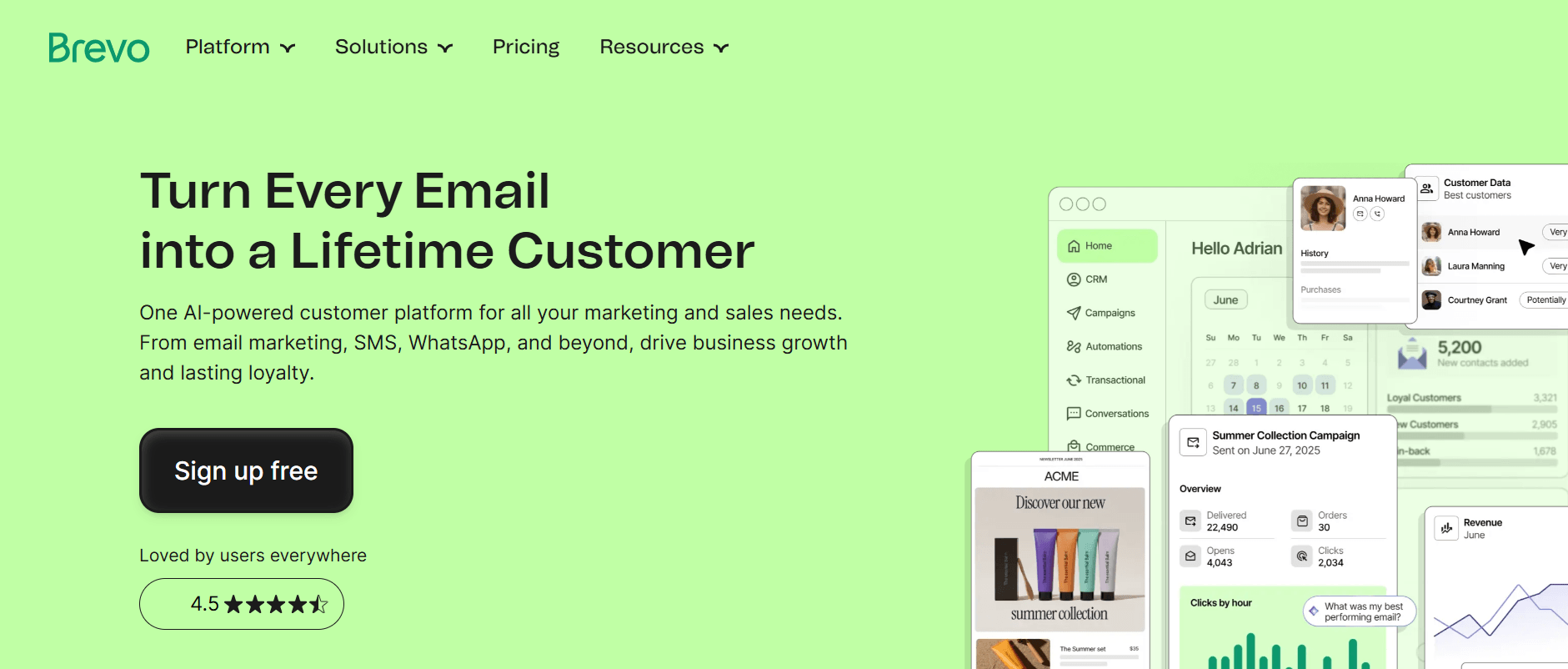
Summary: Brevo brings marketing emails, automation, and transactional email into one platform. Its free tier gives agencies a way to test a client’s program before committing to a paid sending allowance. Check the branding options when preparing client campaigns: removing Brevo’s footer branding is an add-on on Starter and is included on higher plans.
Key features:
- Email campaign builder and reusable templates.
- Marketing automation.
- Transactional email.
- Basic reporting and analytics.
- SMS and other messaging options.
Pricing: Free includes 300 email sends per day. The Starter begins at $9 per month, while Standard begins at $18 per month.
5. Campaign Monitor
Best for: Agencies that want to manage many client email accounts under their own brand.
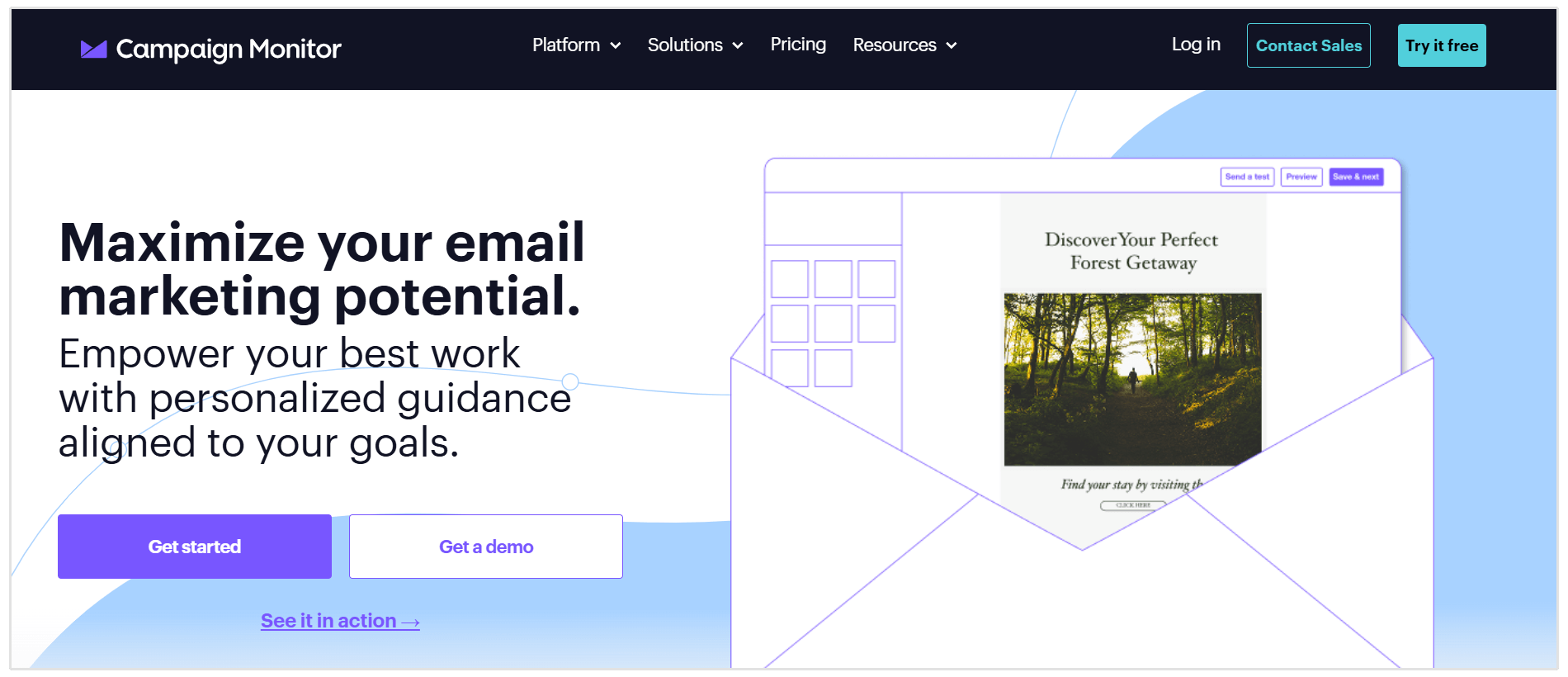
Summary: Campaign Monitor puts agency account management at the centre of its offering. Each client can have a separate account for subscribers, campaigns, templates, and results. Agencies can control access, share templates across accounts, and use private-label options for the client-facing experience. It also supports client-specific billing arrangements.
Key features:
- Separate client sub-accounts.
- Shared campaign and automation templates.
- Client roles and permissions.
- Private-label branding.
- Cross-client activity and performance views.
Pricing: Campaign Monitor offers Lite, Essentials, and Premier plans, with pricing determined by contacts and billing choice. A free trial is available if you want to test out the features and UI.
Best Accounting, Time-Tracking, and Invoicing Tools for Digital Agencies
1. Xero
Best for: Agencies that want a dedicated accounting system as their client base grows.
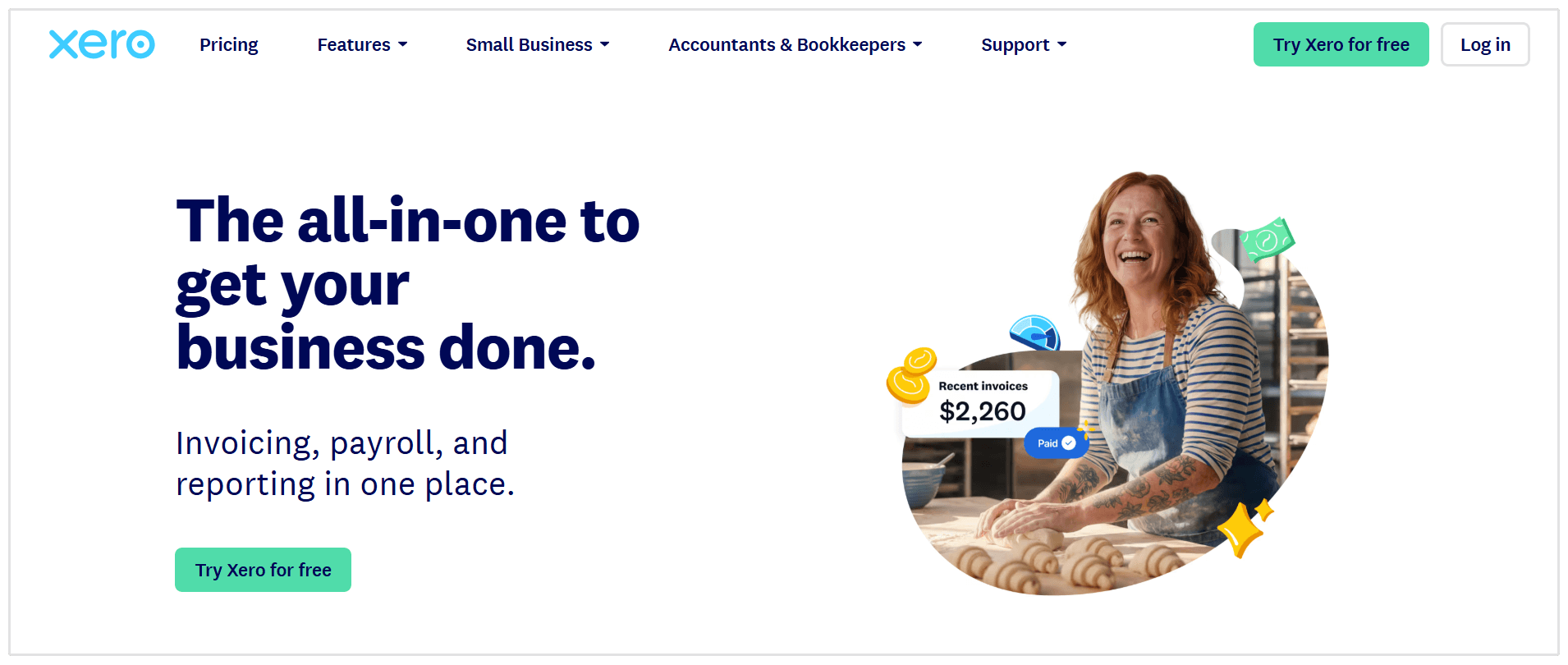
Summary: Xero brings invoicing, bills, bank reconciliation, and financial reports into one place. Its Standard plan is a better fit than Starter for agencies sending more than 20 invoices a month, while the Premium plan adds features such as multicurrency accounting and project cost tracking.
Key features:
- Invoices and quotes
- Bill tracking
- Bank reconciliation
- Financial reports and dashboards
- Multicurrency accounting on Established
Pricing: In the US, you can expect to pay $29 per month for the Starter plan, but pricing varies by region so it might be different if you are in the UK, Australia, etc.
2. QuickBooks Online
Best for: Agencies that want detailed bookkeeping and financial reporting with accountant access.
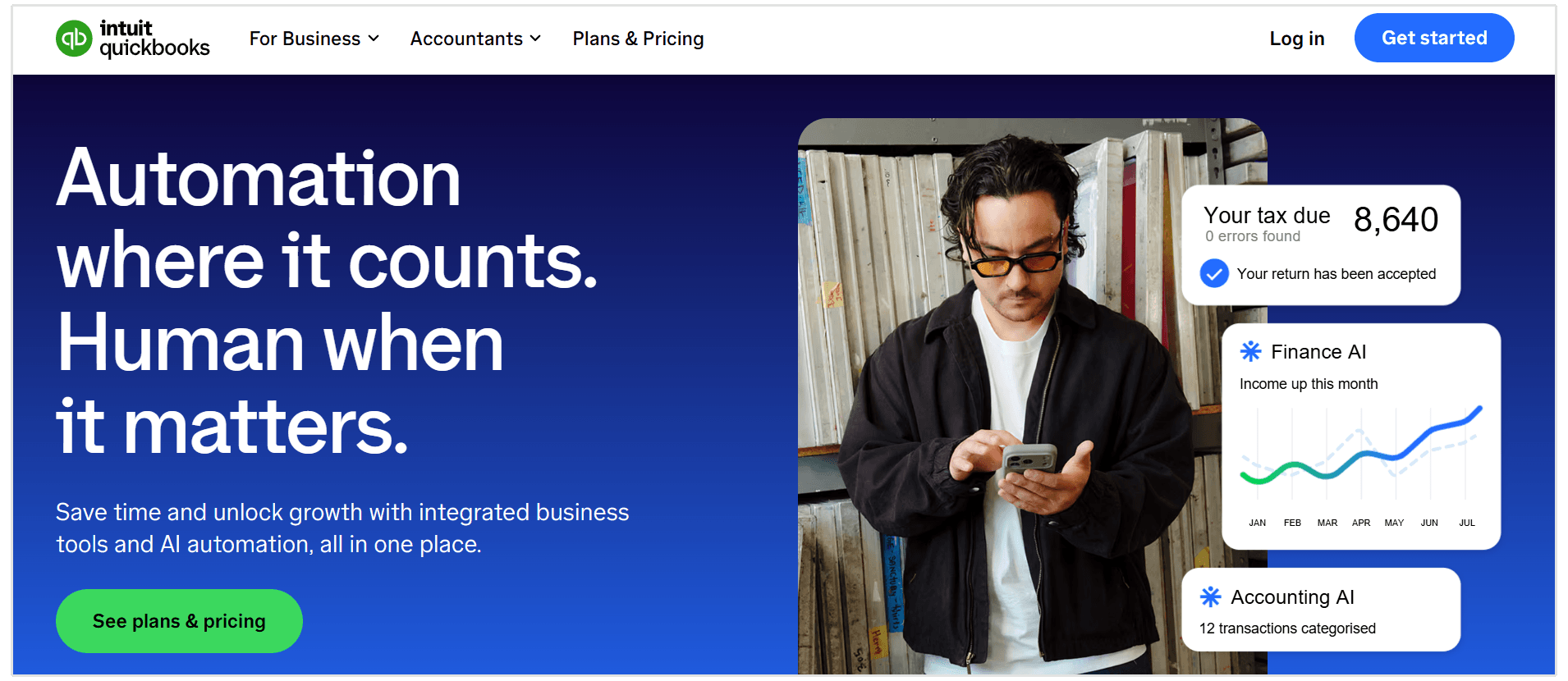
Summary: QuickBooks Online covers everyday accounting tasks, including expense categorization, invoicing, bill payments, and profit and loss reports. Agencies that need to assess project profitability should look at the Plus plan; that feature is not listed on Simple Start.
Key features:
- Automated transaction categorization
- Invoicing and payment reminders
- Bill payment
- Profit and loss reports
- Project profitability tracking on Plus
Pricing: US list prices start at $38/month for Simple Start. Whereas, the Plus is $140/month.
3. FreshBooks
Best for: Smaller service agencies that want invoicing, time tracking, and accounting in one tool.
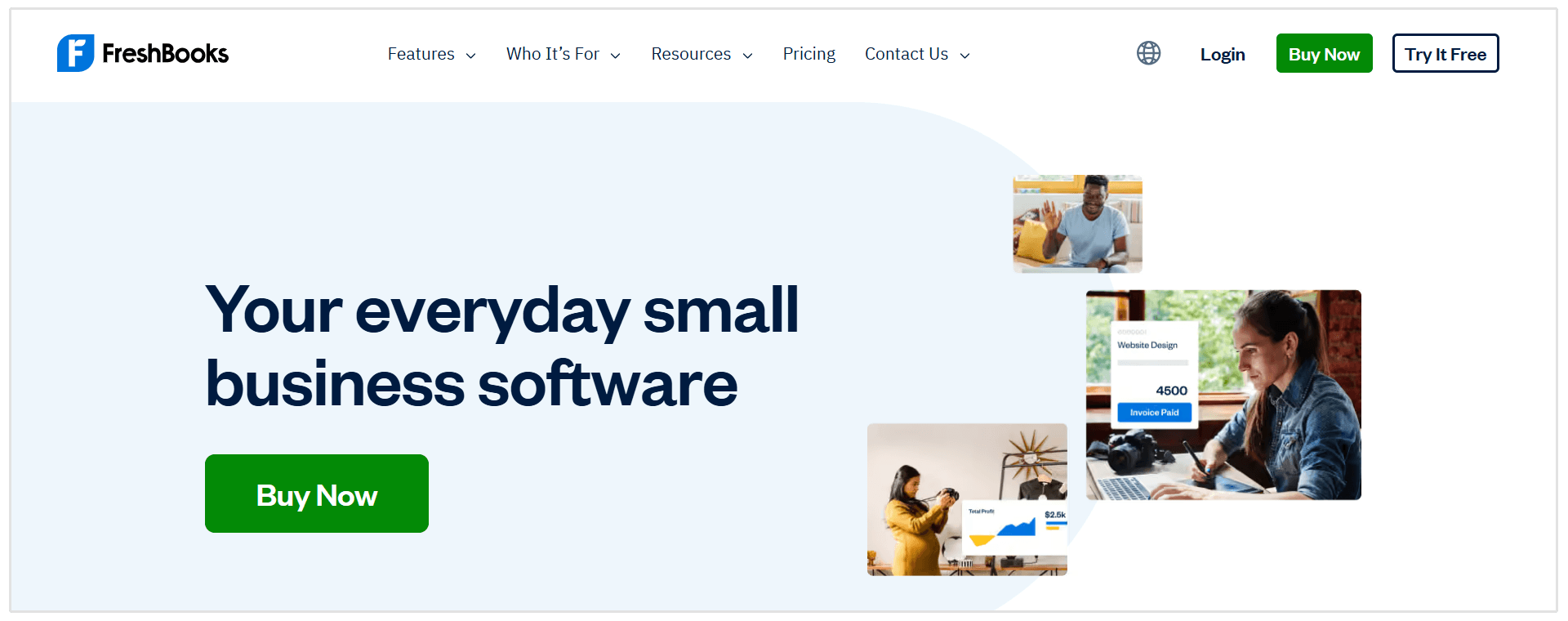
Summary: FreshBooks is a good option if you want to track team hours and bill clients for hourly work. It supports estimates, recurring invoices, expenses, and time tracking. The Plus plan adds proposals, retainers, bank reconciliation, and accountant access; Premium adds project profitability reporting.
Key features:
- Time tracking
- Custom and recurring invoices
- Estimates and proposals
- Expense tracking
- Project profitability on Premium
Pricing: Regular US monthly prices are $23 for Lite, $43 for Plus, and $70 for Premium, but that's excluding temporary promotions and paid add-ons, so you might be able to get a lower-priced plan.
4. Harvest
Best for: Agencies that need to track billable time and turn it into client invoices.
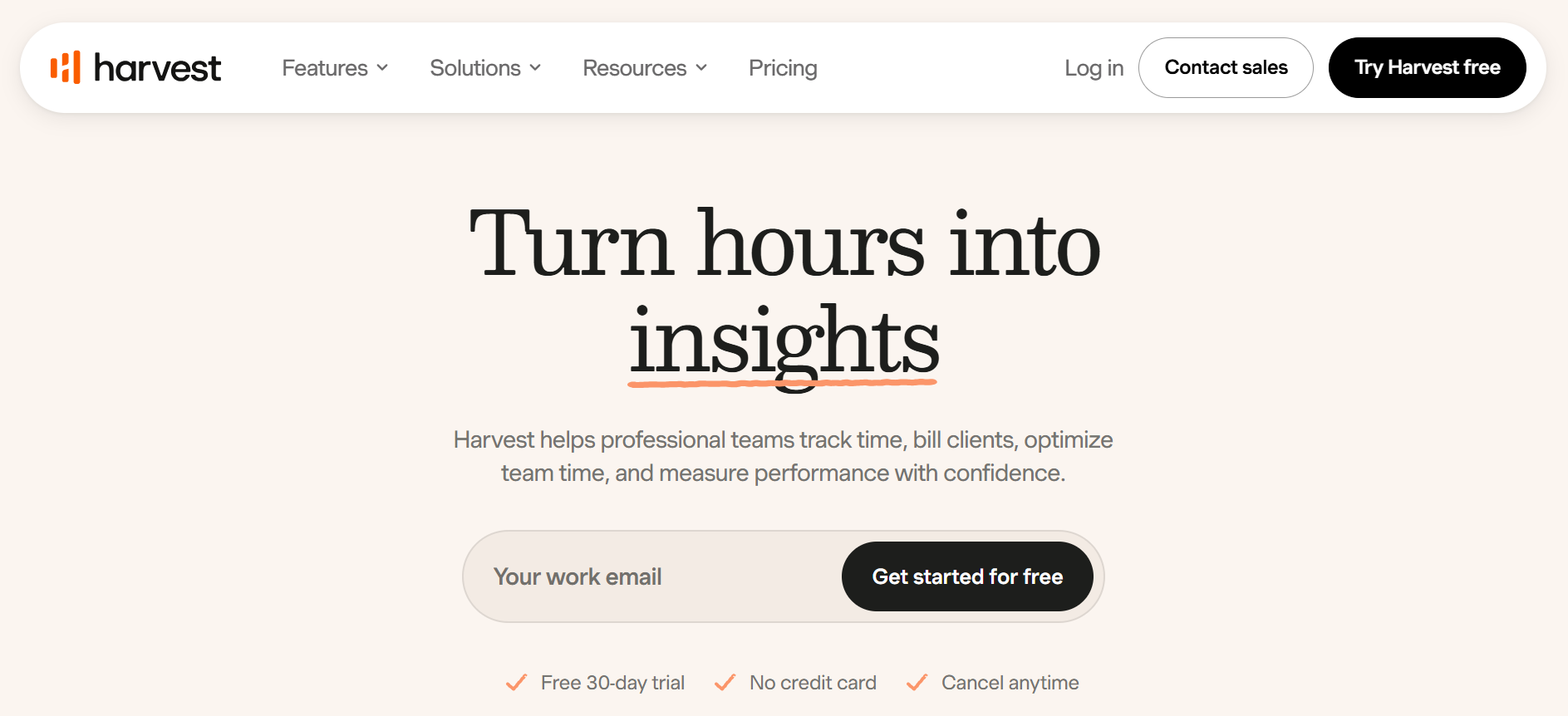
Summary: Harvest makes it easier to see where team hours go across clients and projects. You can track time and expenses, create invoices, and connect the workflow to accounting tools such as QuickBooks Online or Xero. It is a focused choice if your project management tool does not give you enough detail about billable work.
Key features:
- Timers and timesheets
- Billable and cost rates
- Project estimates
- Invoicing
- Team capacity reports
Pricing: A free plan covers one person and two projects. Teams starts at $11 per seat/month on monthly billing, or $9 per seat/month billed annually. Additional usage fees can apply as your number of projects, clients, tasks, or invoices grows.
5. Bonsai
Best for: Agencies that want proposals, contracts, time tracking, and invoicing in one client workflow.
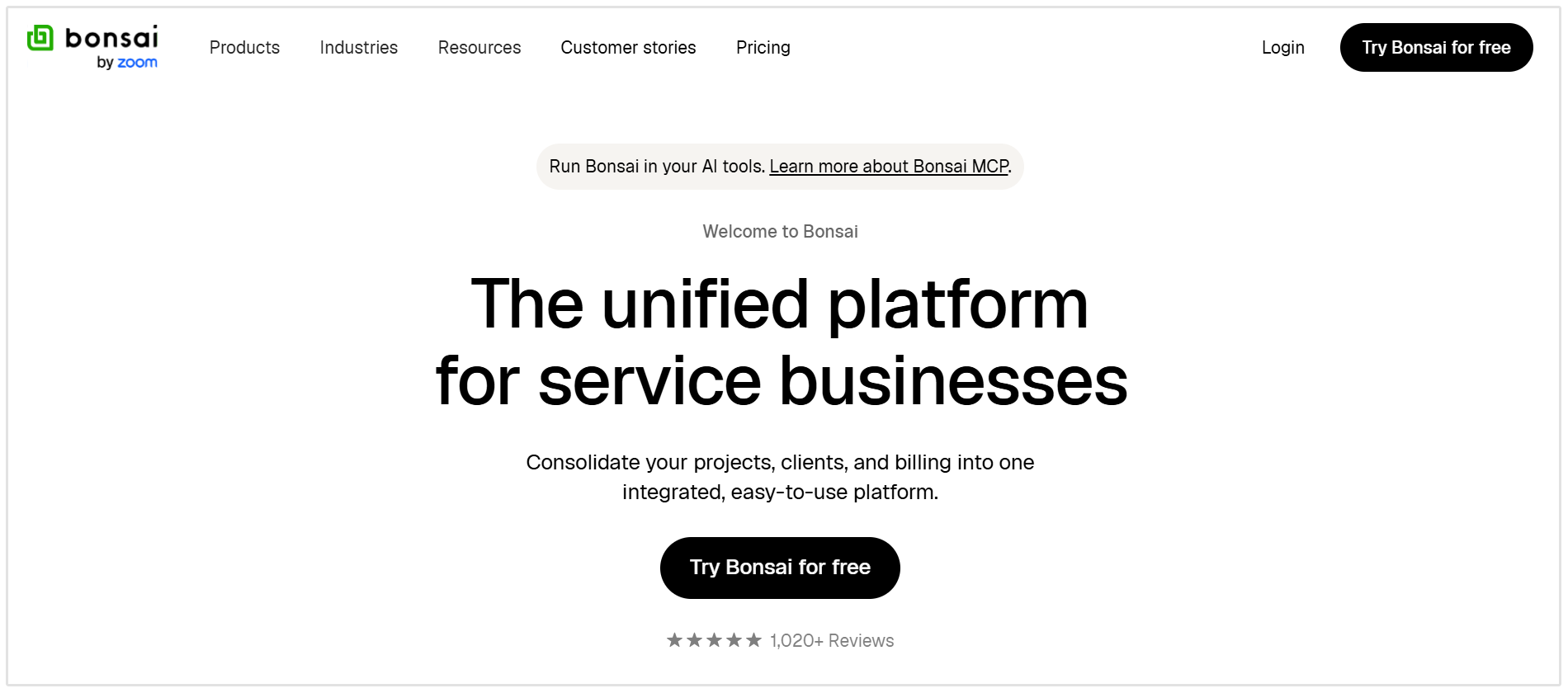
Summary: Bonsai allows users to manage client relationships, send proposals and contracts, track the work, and invoice the client. Its Essentials plan includes invoicing and payments; the cheaper Basic plan does not. Bonsai also offers QuickBooks and Xero integrations on Premium.
Key features:
- Proposals and contracts
- Time tracking
- Invoices and payments
- Client portal
- Expense and income tracking
Pricing: The Essentials whic offers all of the features you need costs $25 per user/month on monthly billing, or $19 per user/month when billed annually.
For most agencies, the practical choice is one accounting system such as Xero or QuickBooks paired with a time and billing tool only if the accounting system does not cover the team’s workflow. FreshBooks and Bonsai may cover more of that workflow in a single subscription.
How much does a Typical Agency Spend on Marketing Tools?
Promethean Research found that digital agencies spend about 4% of their revenue on tools. That includes software used to run the agency as well as tools used to deliver client work.
Your actual spend will depend on team size, the services you offer, the number of client accounts you manage, and which subscriptions clients pay for directly.
Conclusion
The best marketing agency tools depend on the work you do and how your team delivers it. An SEO agency may need strong auditing and reporting tools, while a full-service agency also needs reliable systems for social media, paid advertising, projects, and billing.
Start with the tools that support your core services, then add software when it solves a clear problem or saves your team time. Review your stack as your agency grows: the goal is to deliver better work for more clients without letting subscriptions and disconnected workflows slow you down.
If SEO and AI visibility are part of your offering, SEOptimer brings audits, AI writing, and white-label reporting into one platform.