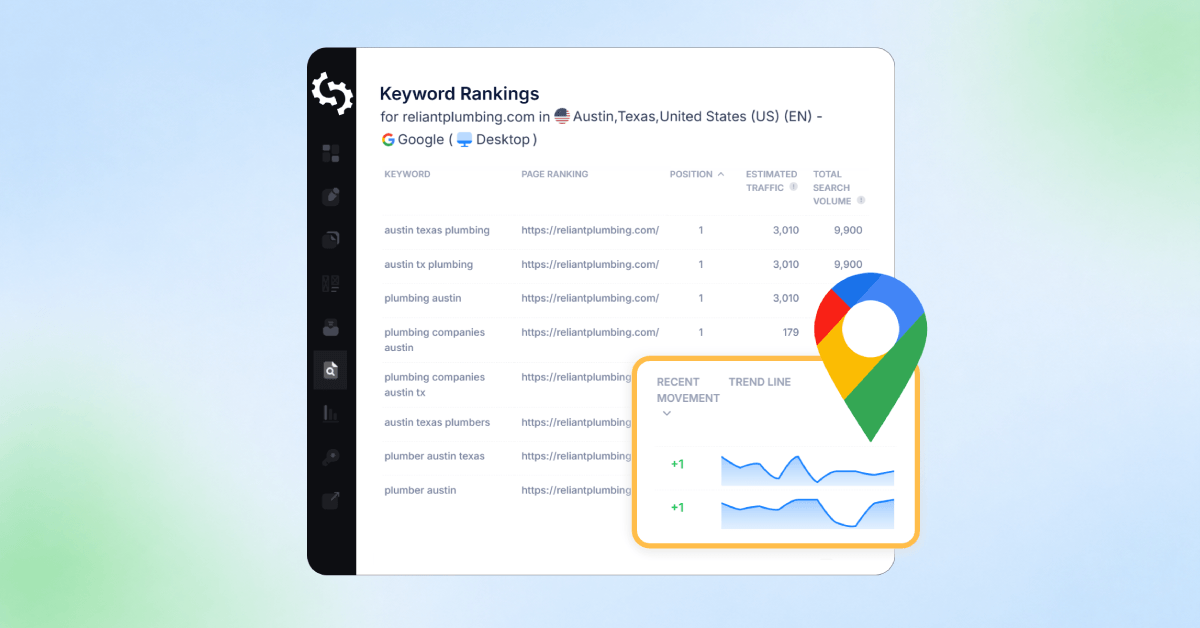
Local search rankings are not the same everywhere. A business can rank well in one city and not even appear in another nearby area.
This is why tracking local SEO performance is so important. It helps you see exactly where your business shows up when people search in different locations (cities, towns, etc.).
With SEOptimer’s Local Keyword Tracker, you can monitor your keyword rankings across specific cities, regions, and search engines in a simple and clear way.
In this guide, we will show you how you can track local SEO rankings with SEOptimer.
What is Local Keyword Tracking?
Local keyword tracking is the process of checking where your website appears in search results for specific keywords in specific locations.
Instead of seeing one national ranking, you can see how your rankings change at a more granular geographic level.
For example, you might rank differently for:
- “best coffee shop” in one neighborhood
- “coffee shop downtown” in another part of the city
- “coffee shop open now” on mobile vs desktop
With our Local Keyword Tracker, you can track these rankings over time and across different locations. This helps you understand where your business is visible and where your local SEO needs improvement.
What the Local Keyword Tracker Monitors
The Local Keyword Tracker shows how your website performs across different search engines and devices.
This gives you a more complete view of your local SEO performance, not just a single ranking.
It tracks:
- Google search results: the most common search engine for local queries
- Bing search results: an additional source of search visibility
- Desktop rankings: how your site appears on computer searches
- Mobile rankings: how your site appears on phone searches
By combining all of these, SEOptimer helps you understand how your visibility changes depending on where and how people are searching.
This makes it easier to spot gaps, compare performance, and improve your local SEO strategy.
Now, let’s take a closer look at how you can track local rankings with SEOptimer.
How to Set Up Local Keyword Tracking in SEOptimer
Step 1: Go to Keyword Tracking
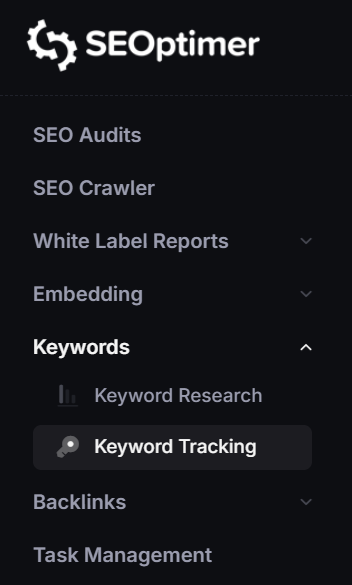
Open SEOptimer and click on the Keywords menu item. Then click on the Keyword Tracking section.
Step 2: Add Your Website
Enter the website you want to track in the open text field and then click on Track Keywords.
Step 3: Choose Your Search Engine and Device
Select whether you want to track rankings on Google or Bing.
You can also choose desktop and mobile rank tracking. We recommend adding both to the same keyword tracking setup so you can view and compare results in one place, instead of switching between separate screens.
Step 4: Add Your Specific Location
This is where local rank tracking differs from traditional keyword tracking.
Instead of only tracking rankings at a country or national level, you can choose the specific area where you want to measure visibility. This could be a city, suburb, region, county, or postcode.
Start by typing the desired location that you want to see rankings for and our tool will suggest different options.
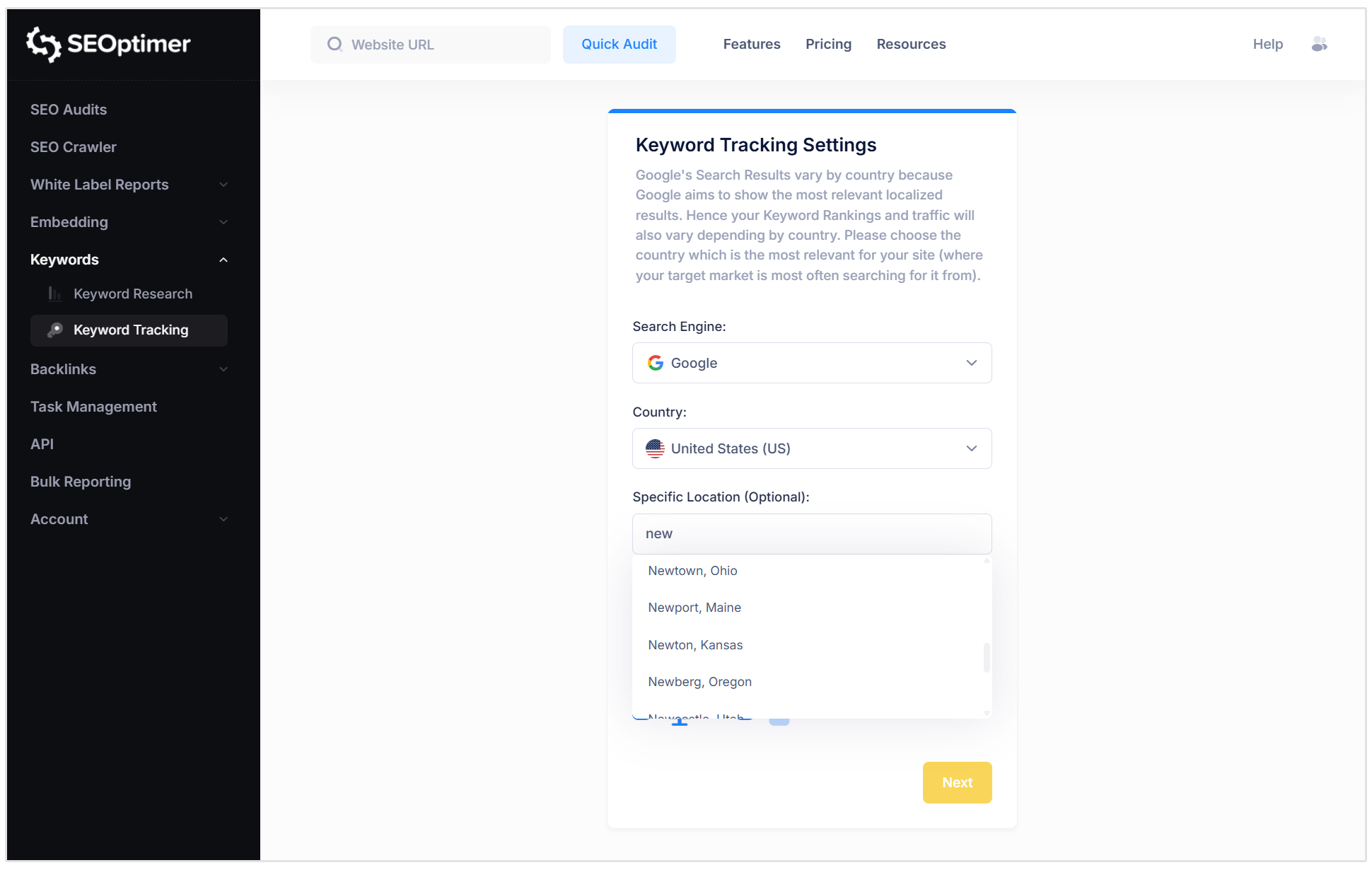
Then click on Next.
Step 5: Add Your Keywords
Next, add the keywords you want to monitor. These should be the search terms your customers are actually using to find businesses like yours.
SEOptimer makes this easier by scanning your website and suggesting keywords your site is already ranking for, as well as keywords that are used frequently across your pages.
You can choose from these suggestions or add your own keywords manually. This is useful if you already know which services, products, or local search terms are most important to your business.
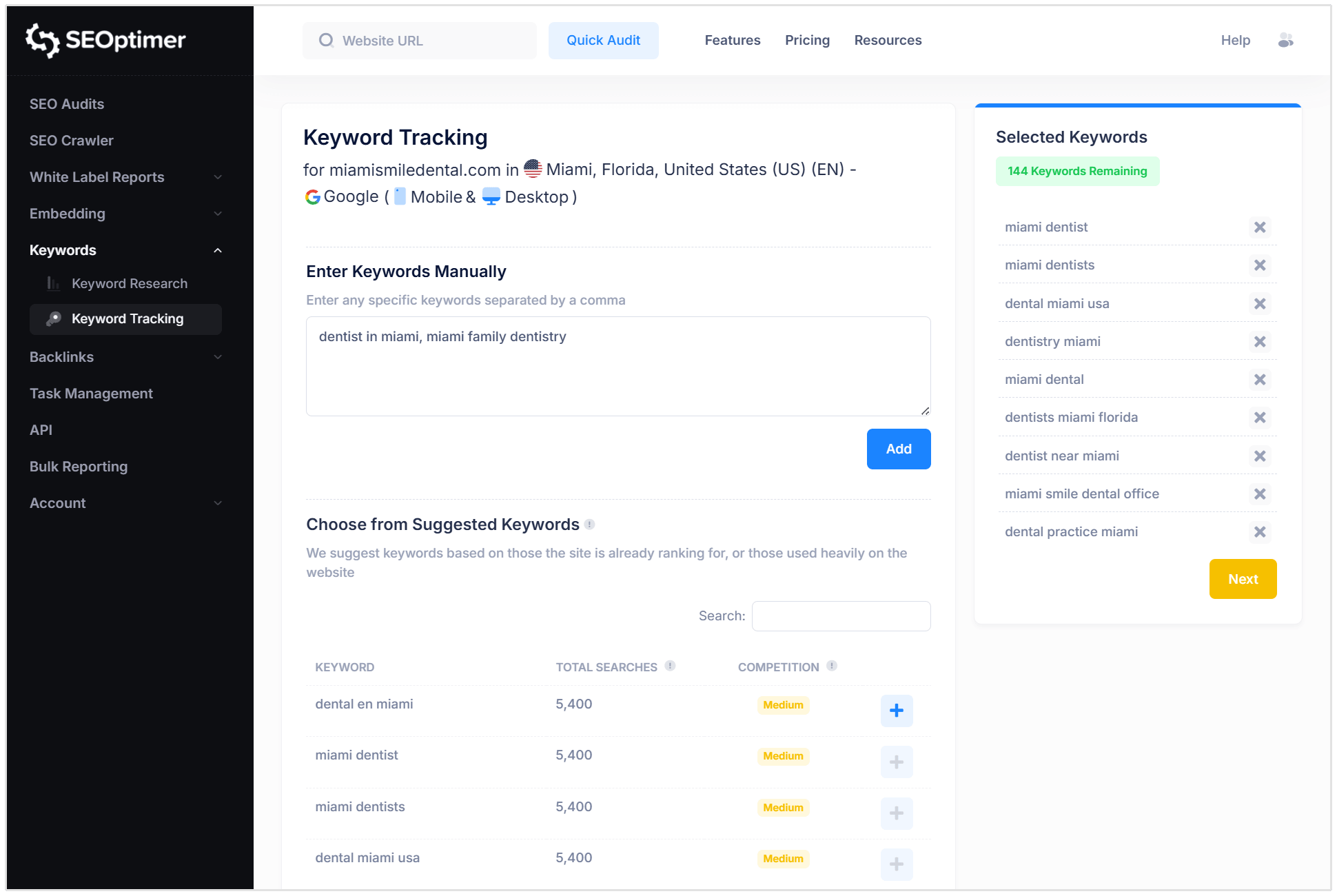
Once you've selected the keywords you want to track, click on Next.
Step 6: Monitor Your Rankings Over Time
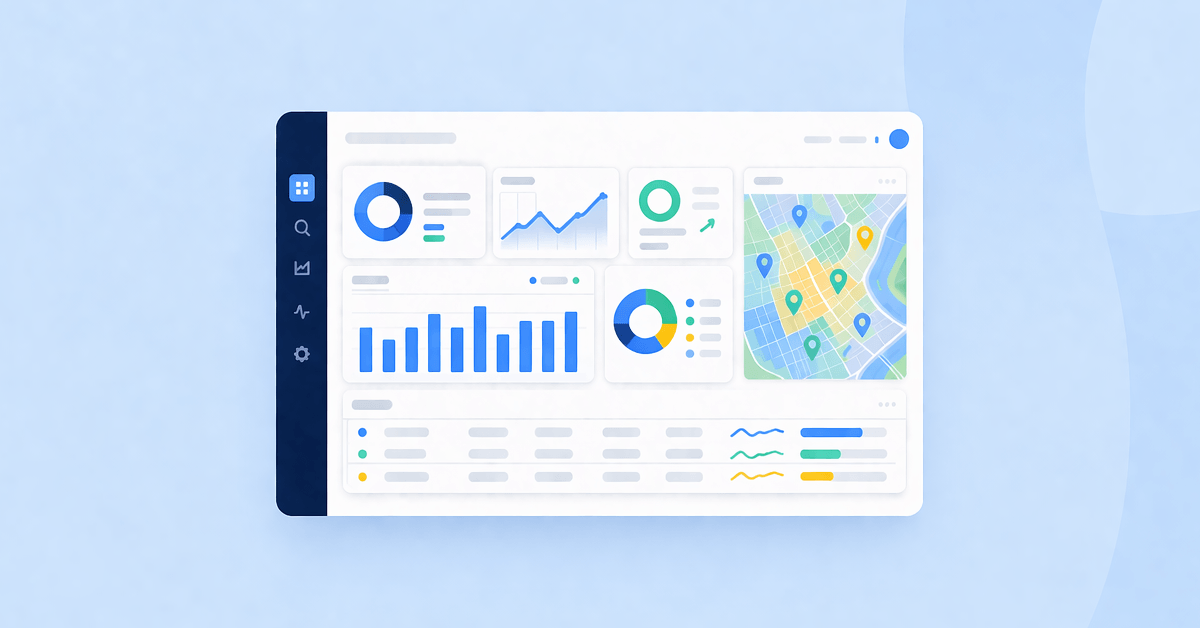
Once everything is set up, you can start tracking your rankings and see how they change over time.
What Keywords Should You Track?
To get the best results from local rank tracking, it helps to focus on the right types of keywords.
These usually fall into a few simple groups.
Core Service Keywords
These are the main services your business offers.
Examples of these include:
- plumber
- dentist
- electrician
- SEO agency
These keywords show your overall visibility in search.
Location-Based Keywords
These combine your service with a specific place.
Examples of location-based keywords include:
- plumber in Austin
- dentist in Cape Town
- SEO agency London
These are important for understanding performance in specific areas.
Near Me Keywords
These are used when people are searching on the go.
Examples of these include:
- coffee shop near me
- emergency plumber near me
- lawyer near me
These are strongly tied to mobile searches and local intent.
High-Intent Keywords
These are searches where someone is ready to take action.
Examples of high-intent keywords for local businesses include:
- book dentist appointment
- call electrician now
- best SEO agency for small business
Tracking these helps you understand which searches are most likely to lead to customers.
With SEOptimer Local Keyword Tracker, you can monitor all of these keyword types in one place and see how they perform across different locations.
Related Reading: How to Check SERP Competitor Rankings
Conclusion
Local SEO rankings are not fixed. They change depending on location, device, and search engine, which makes regular tracking essential.
By monitoring your keywords over time, you can clearly see what is working, where you are improving, and where you need to focus next.
With SEOptimer Local Keyword Tracker, you get a simple way to stay on top of your local rankings and make smarter SEO decisions without guessing.