Local search is where customers make decisions.
Whether it’s finding the best bakery in town, calling an emergency plumber, or booking a last-minute haircut, people are turning to search to find and choose businesses nearby.
For businesses, that means visibility in local search directly impacts calls, visits, and revenue.
For agencies, it also creates a clear opportunity to expand into a high-intent, conversion-driven service.
So we built a set of tools to make that easier.
Today, we’re introducing a new set of Local SEO tools inside SEOptimer, designed to help you audit, track, and improve local search performance, all in one place.
What’s Included in the New Local SEO Toolkit?
We’ve introduced three new tools to help you manage and improve your local SEO performance:
Let’s take a closer look at each of these in more detail.
GBP Audit Tool
What it Does
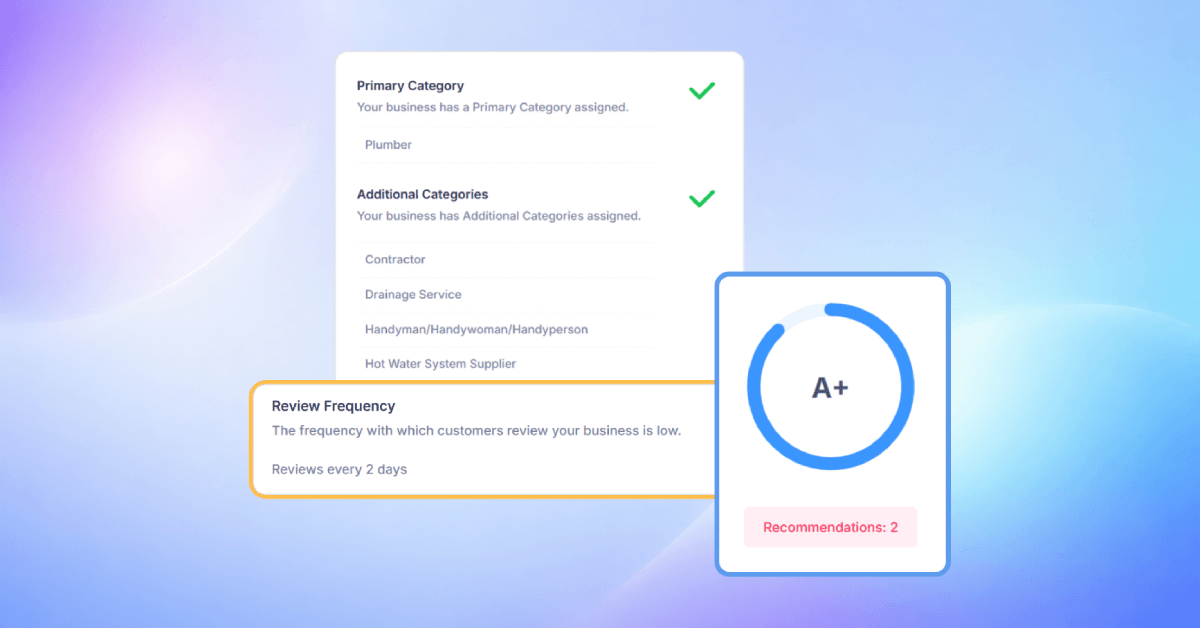
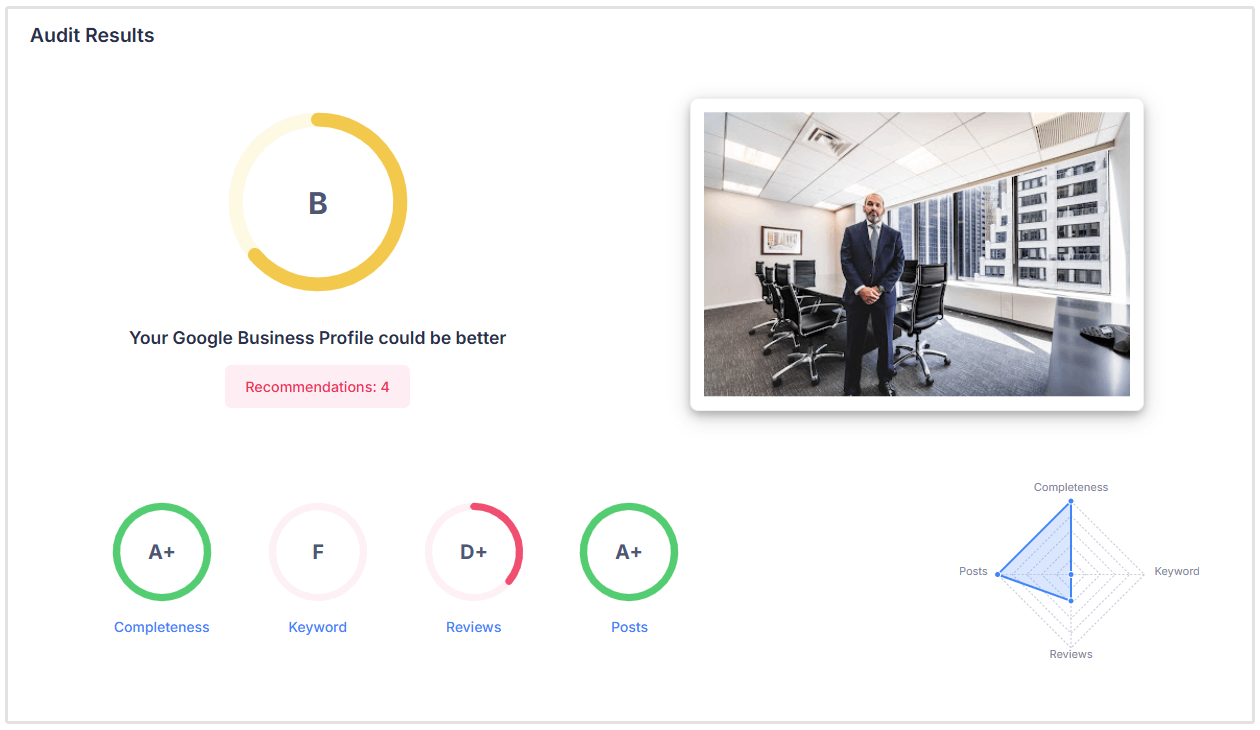
The Google Business Profile (GBP) Audit tool evaluates how well a business’s Google Business Profile is optimized for local search.
It checks key elements such as profile completeness, keyword usage, reviews, and posting activity to help improve visibility and engagement.
How to Access the Tool
You can access the GBP Audit tool from your dashboard:
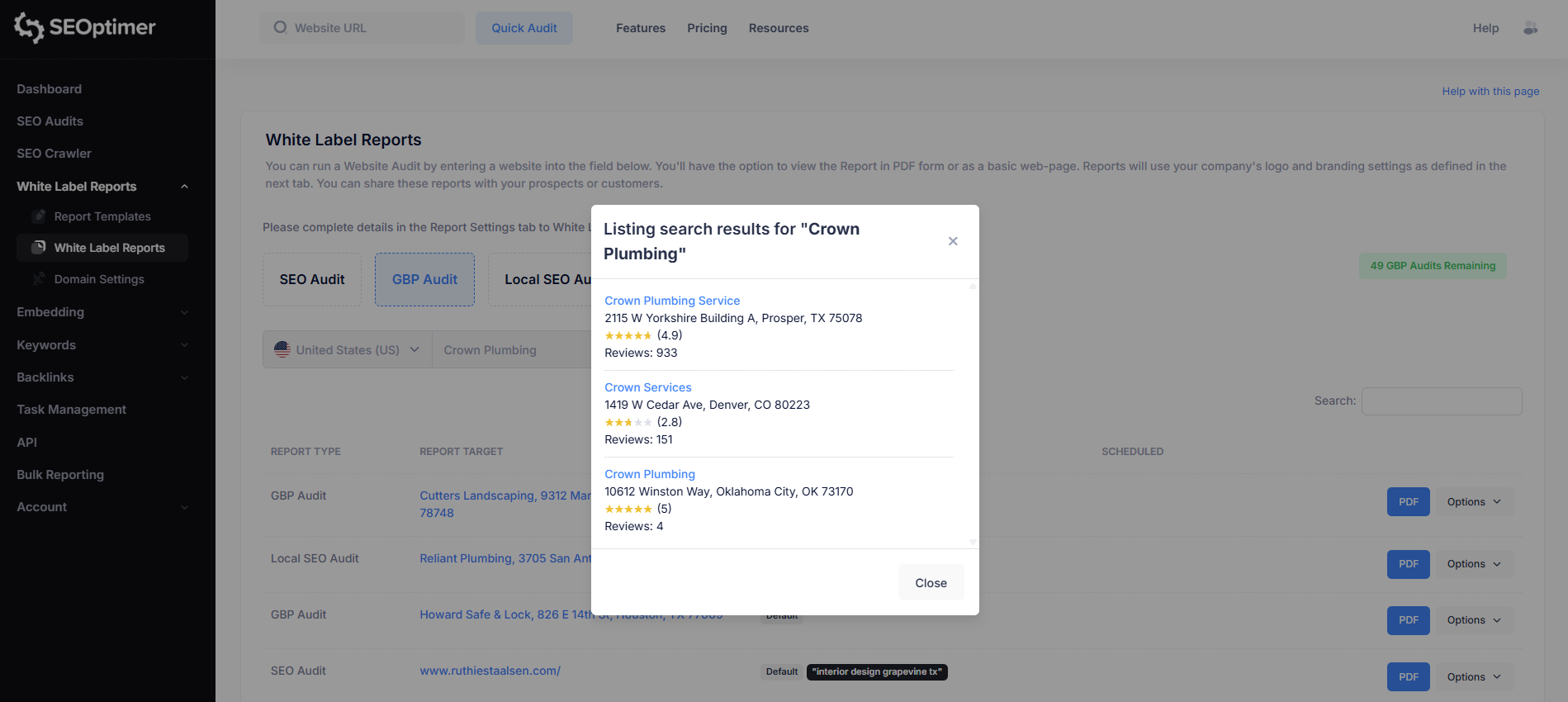
- Navigate to the White Label Reports section in your SEOptimer dashboard
- Choose GBP Audit
- Select your target country and enter the business name. You’ll then be shown a list of matching businesses. Simply choose the correct listing to run the audit.
Use Case
Use the GBP Audit tool to quickly identify gaps in a business listing and uncover opportunities to improve visibility in Google Maps and local search results.
It’s especially useful for agencies auditing client profiles, optimizing listings, and demonstrating clear areas for improvement.
Local SEO Audit Tool
What it Does
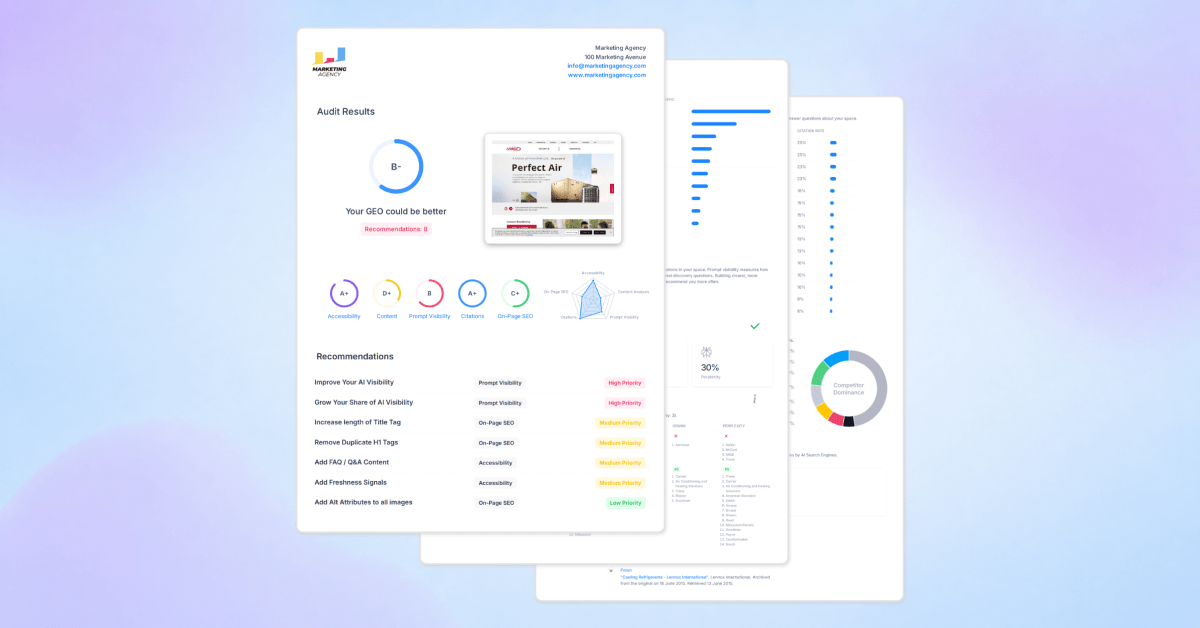
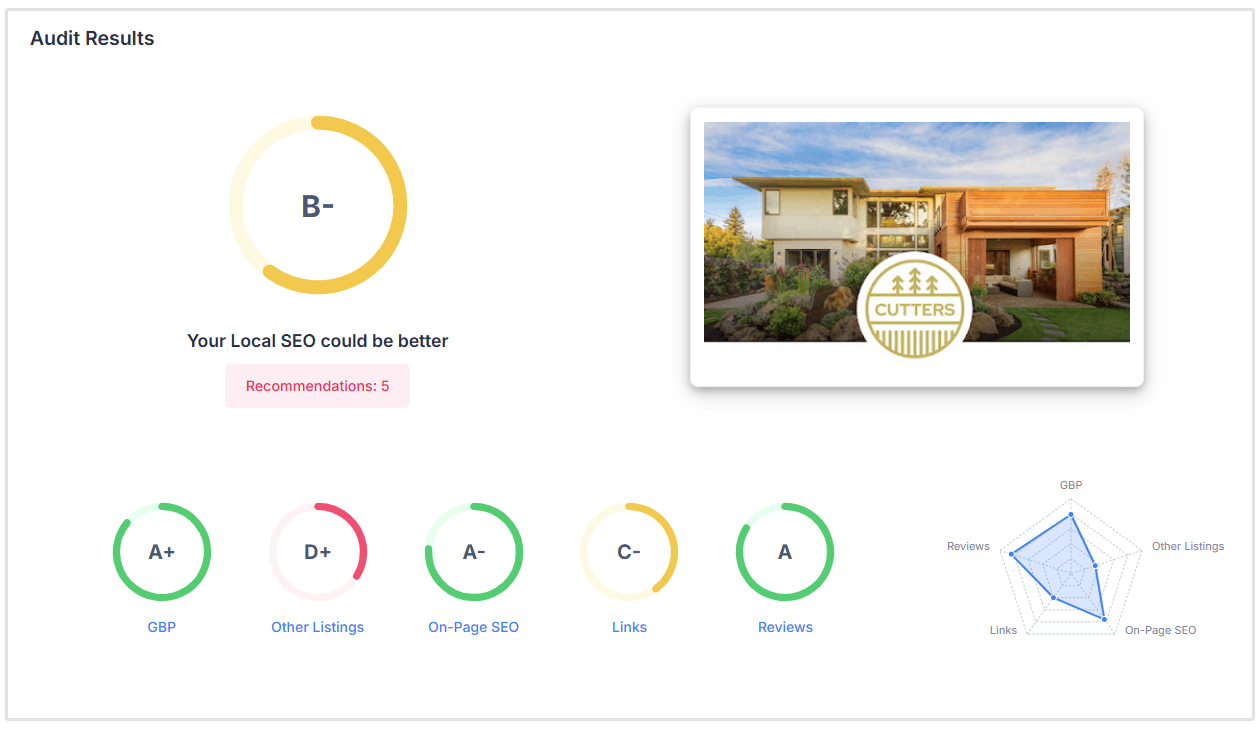
The Local SEO Audit tool analyzes a business’s overall local search performance, giving you a clear view of how well it’s optimized and where improvements can be made.
It evaluates key ranking factors including on-page SEO, Google Business Profile, links and authority, local listings, and reviews.
You’ll also get a GeoGrid view of rankings, which shows how a business performs across different locations in a specific area, rather than relying on a single ranking position.
How to Access the Tool
You can access the Local SEO Audit tool from your dashboard:
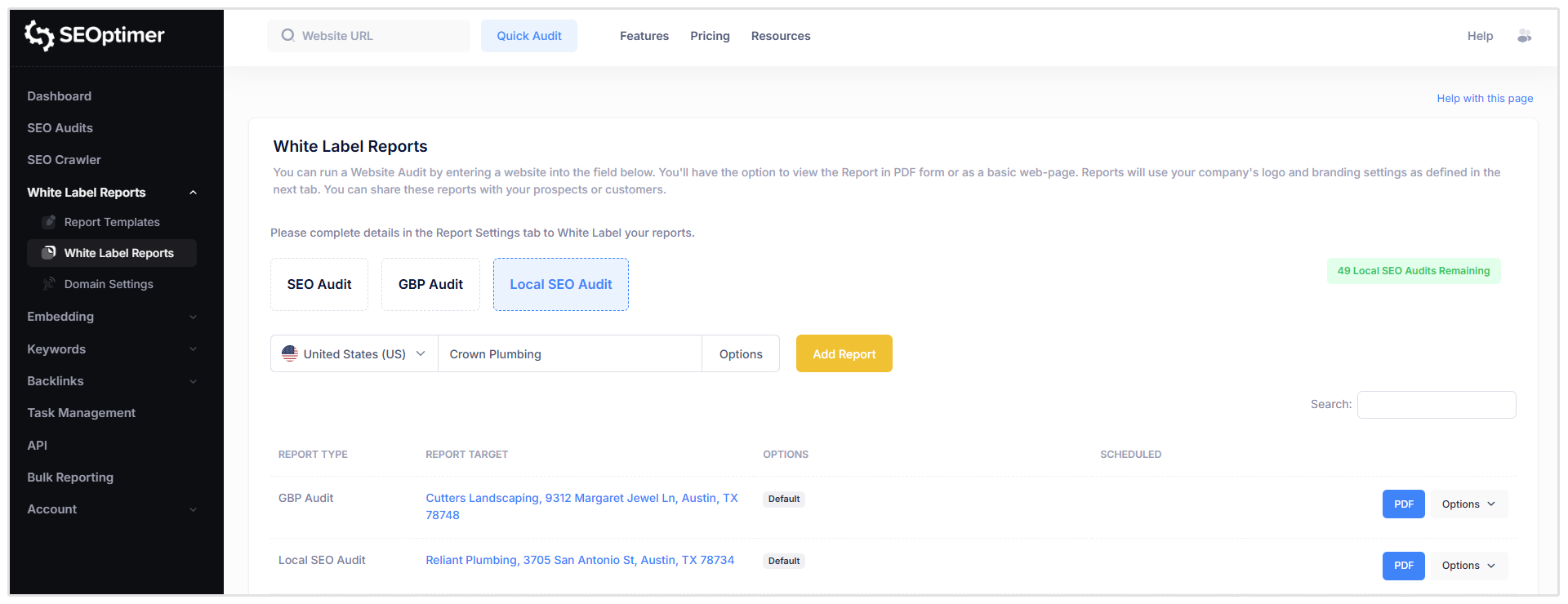
- Navigate to White Label Reports
- Now choose Local SEO Audit
- Select your target country and enter the business name.
Use Case
Use the Local SEO Audit tool to get a complete picture of a business’s local SEO performance and identify the biggest opportunities for improvement.
It’s ideal for prospecting, auditing client websites, and uncovering gaps across multiple ranking factors in one place.
Local Rank Tracker
What it Does
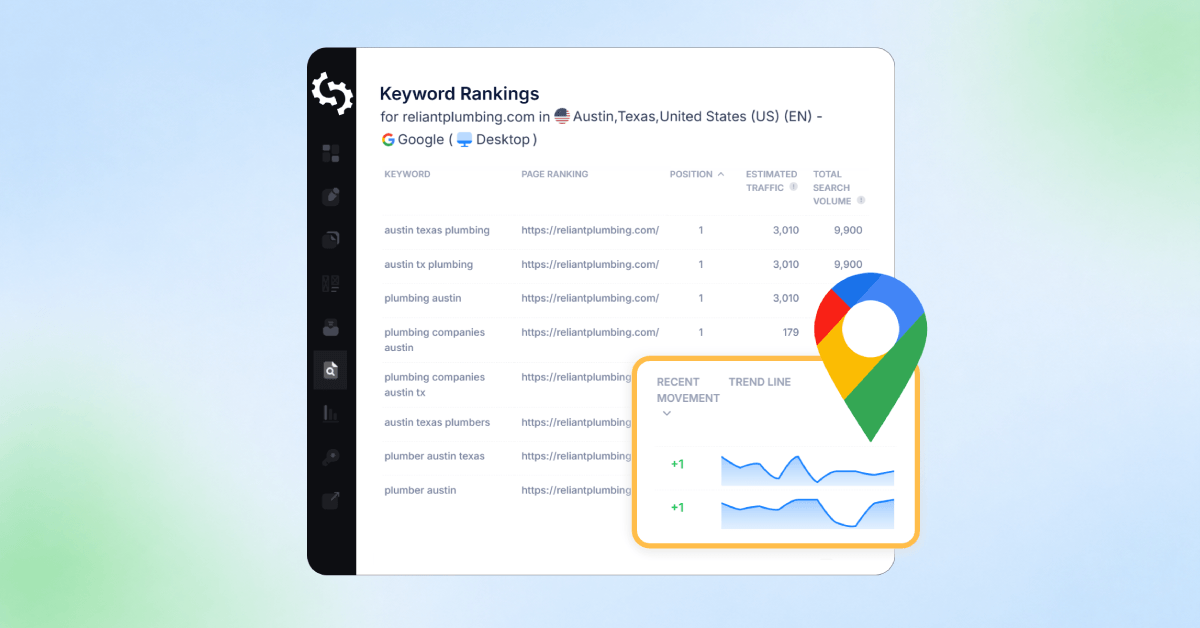
The Local Rank Tracker shows how your keywords perform in specific locations, giving you a more accurate view of your local search visibility.
You can track rankings at a granular level, including city, state, county, and postcode, as well as across mobile and desktop devices, and both Google and Bing search engines.
How to Access the Tool
You can access the Local Rank Tracker from your dashboard:
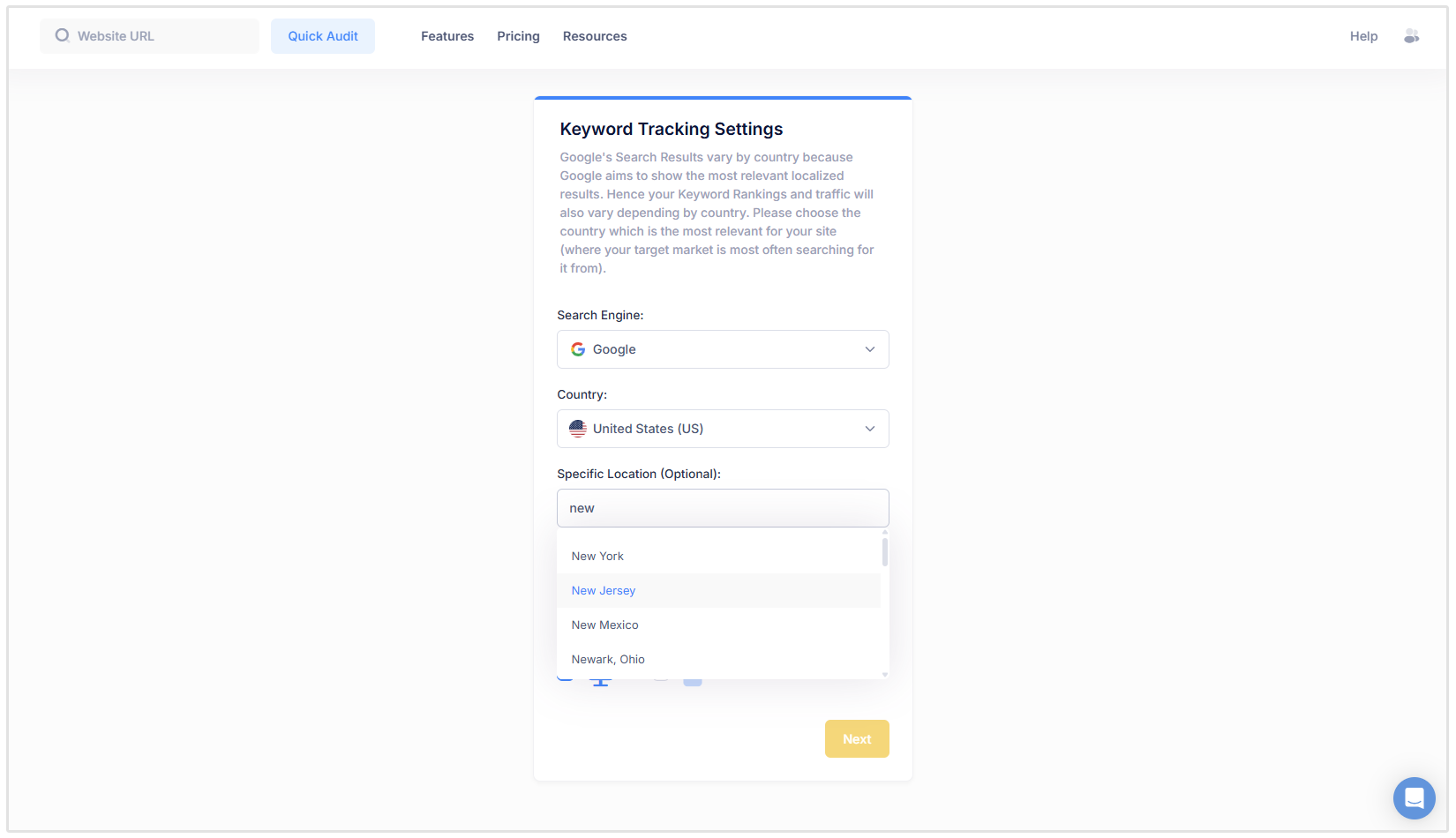
- Click on Keywords
- Select Keyword Tracking
- From there, you can add your keywords and choose the specific location you want to track.
Use Case
Use the Local Rank Tracker to monitor how rankings change across different locations, devices, and search engines.
It’s ideal for agencies managing multiple clients or locations, as well as businesses targeting specific service areas and wanting a more realistic view of their performance.
How to White Label GBP Audits and Local SEO Audits
The Google Business Profile Audit and Local SEO Audits can be completely customized as well. This is a great feature for agencies as it allows them to upload their logo, business details, change report fonts and colors, and much more.
To customize these reports, navigate to the Report Templates section in SEOptimer.
Here you can create a new template or edit an existing one.
Take note, whatever changes you make in one report template, will be applied across all three of your audits (SEO Audit, GBP Audit, Local SEO Audit).
Meaning, if you change the font settings, that font will be applied across all three audits.
How to Add Local SEO Tools to Your SEOptimer Plan
SEOptimer’s Local SEO tools are available as a standalone product or as an add-on to your existing SEOptimer subscription.
This means you can use the Local SEO toolkit on its own if you only need local SEO features, or you can add it to your current SEOptimer plan if you want to manage local SEO alongside your existing SEO audits, reports, and tracking tools.
To get started, visit the SEOptimer Pricing page and choose the Local SEO package that best matches your needs.
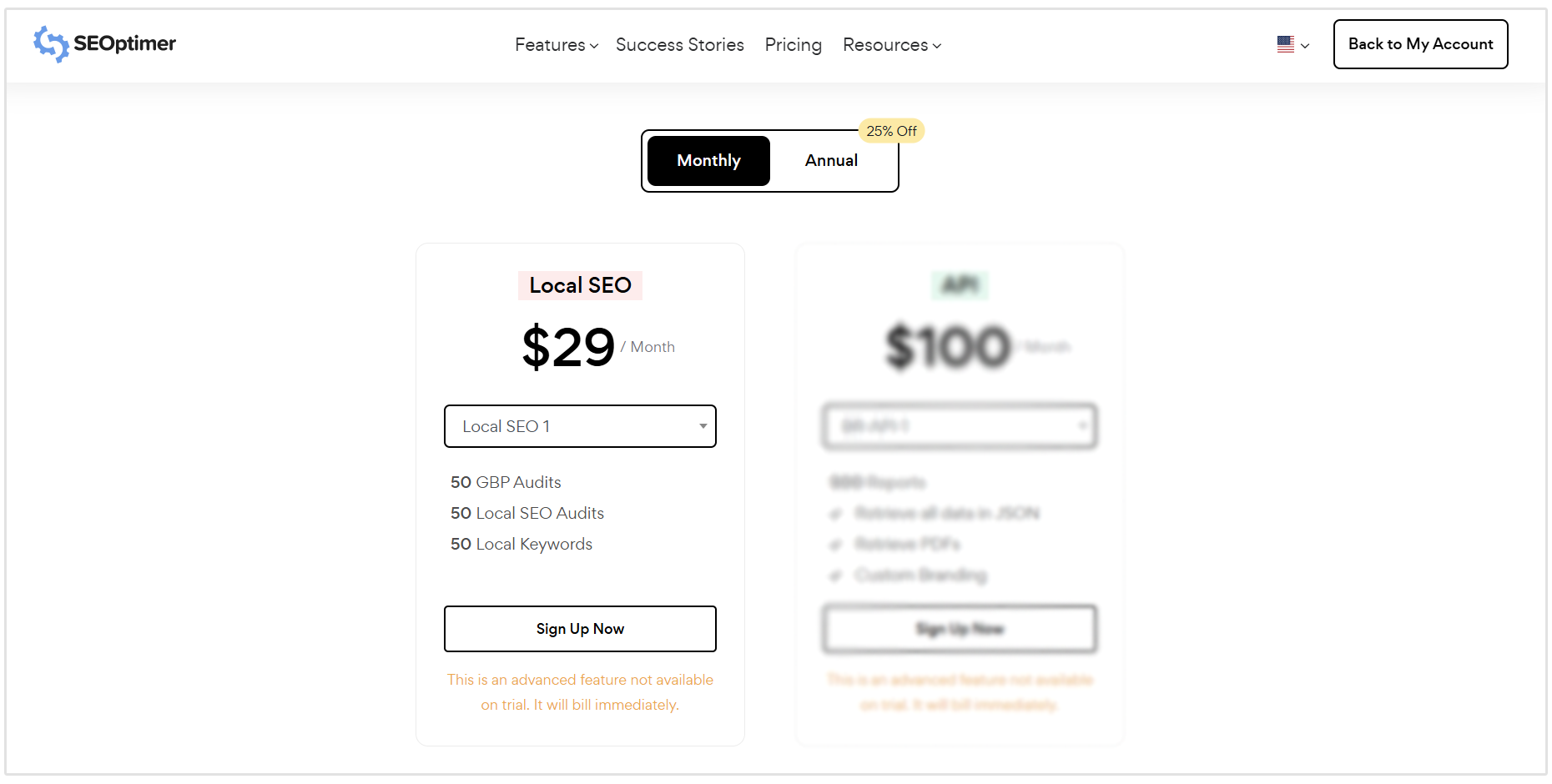
There are different Local SEO plan tiers available, each with different quotas depending on how many audits, reports, or locations you need to manage.
All of these tools (Local SEO Audits, GBP Audits, and Local Rank Tracking) are also available with a trial quota on existing SEOptimer plans, allowing you to test the new audit types before upgrading. If you need higher audit quotas, you'll need to subscribe to one of our Local SEO plans.
Conclusion
Local SEO is no longer something marketers and business owners can afford to overlook.
With more people relying on search to find and choose local businesses, having the right tools in place makes all the difference.
With SEOptimer’s new Local SEO tools, you can audit performance, track rankings across specific locations, and optimize your presence with confidence.
Whether you’re managing multiple clients or growing your own business, we’ve built these tools to help you uncover opportunities, demonstrate results, and win in the local search results.
Need Help?
Live Chat: Click Live Chat (bottom right)
Email: [email protected]
Response time: Within 24 hours