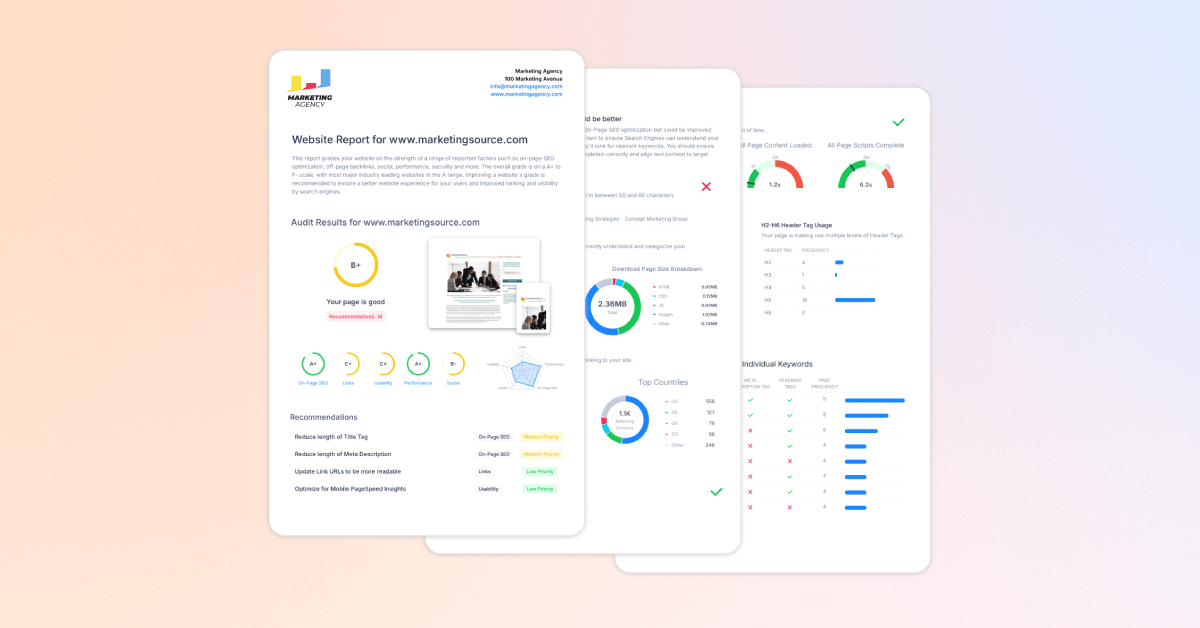
Sharing SEO reports should be simple.
You run the report, send it to the client or stakeholder, and they can quickly see what is happening with their website.
But in reality, SEO report sharing often becomes more complicated than it needs to be.
Reports get exported as PDFs. Screenshots get pasted into emails. Spreadsheets get passed around. Then someone asks for the latest version, another person cannot find the attachment, and suddenly a simple report turns into another unnecessary admin task.
An SEO report should be easy to send, easy to open, and easy to understand.
Whether you are reporting to a client, a manager, a sales prospect, or your own team, the goal is the same: give people a clear view of SEO performance without making them dig through files or log into tools they do not use every day.
In this guide, we will look at the easiest ways to share SEO reports, when to use PDFs or dashboards, and why a simple shareable report URL can make SEO reporting much easier.
Common Ways to Share SEO Reports
There is more than one way to share an SEO report.
Here are some of the most common ways marketing agencies share SEO reports.
Email Summaries
Email summaries are one of the simplest ways to share SEO updates.
You can write a short message that highlights the most important wins, issues, or changes from the report. This works well when the person receiving the update does not need every detail, but still wants to know what is happening.
For example, you might send a client a short monthly update that explains which pages improved, which technical issues were fixed, and what you are working on next.
The downside is that an email summary usually does not show the full picture.
It is useful for context, but it is not always enough on its own. If the client wants to see the full report, you still need to attach a file, send screenshots, or link to another report.
PDF Reports
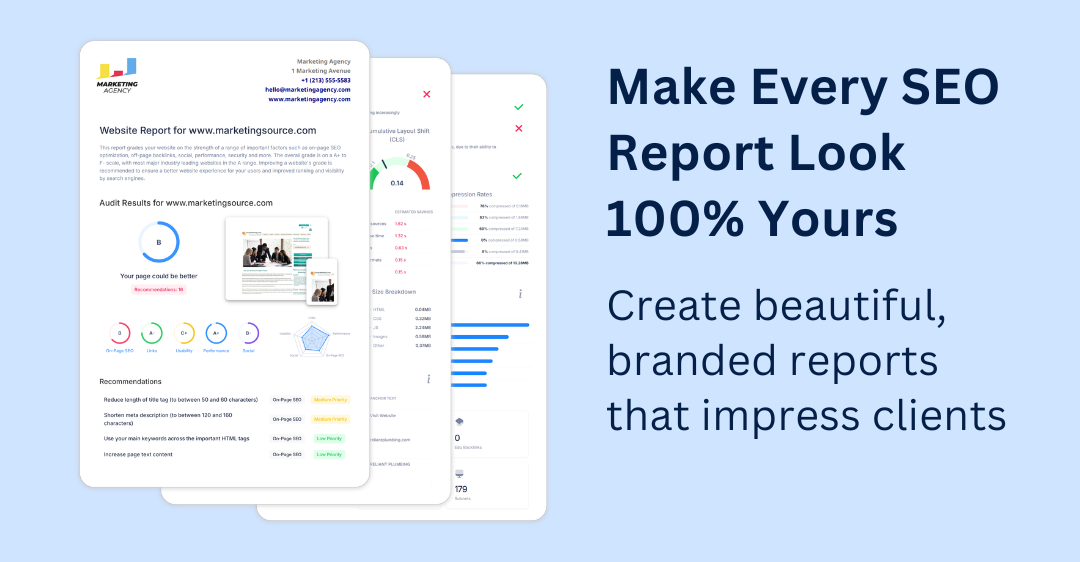
PDF reports are still a popular way to share SEO reports, especially with clients.
They are easy to download, attach to an email, and save for later. They also work well for monthly reporting because they give the client a fixed snapshot of SEO performance at a specific point in time.
PDFs are especially useful when you want the report to look polished and professional. For agencies, a branded PDF report can also help show the value of the work being done.
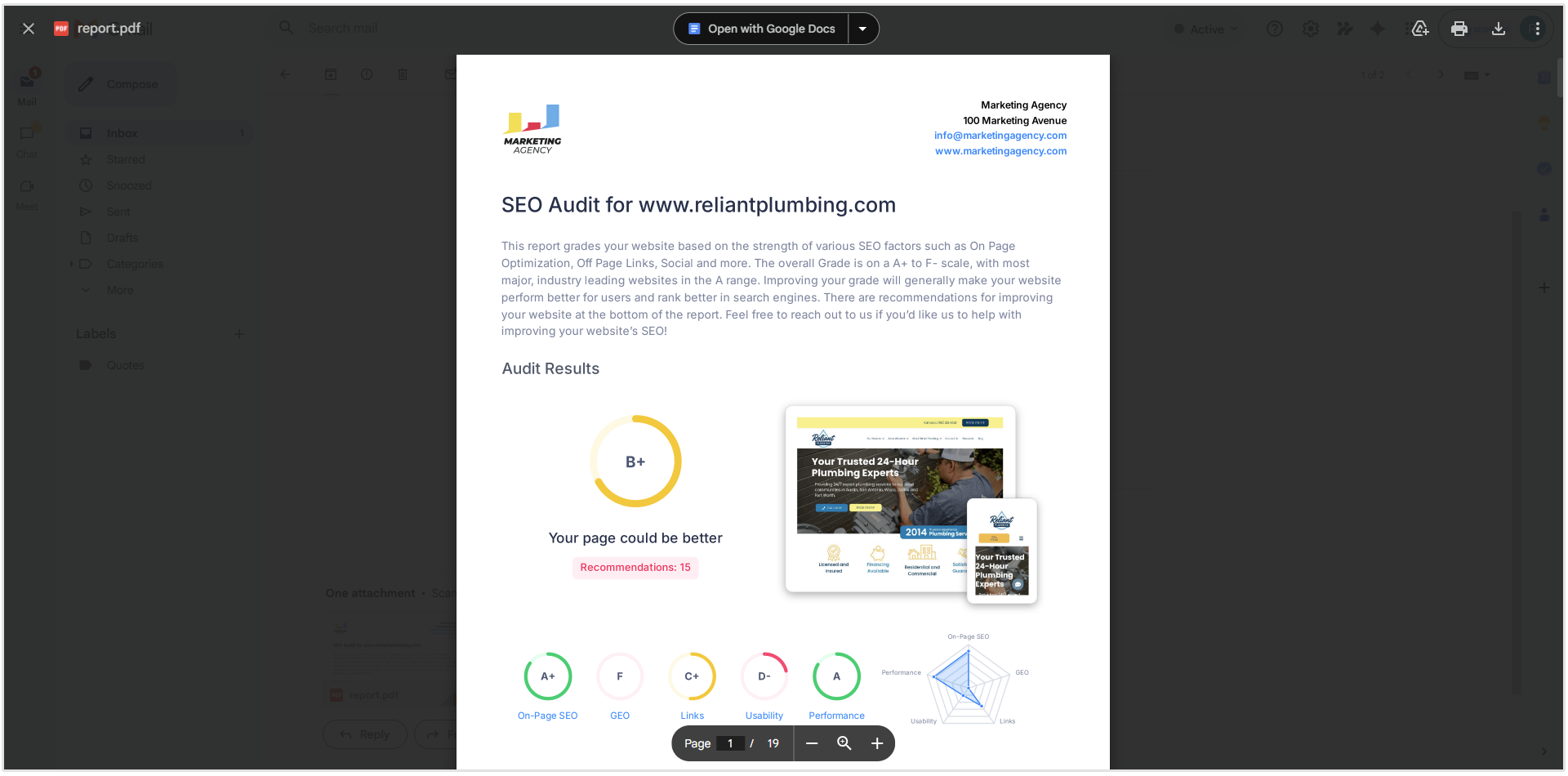
With SEOptimer, you can create professional White Label SEO Reports and send them as PDF reports directly by email. This makes it easy to share reports with clients without needing to download the file first, open your email, attach the PDF manually, and write the message from scratch.
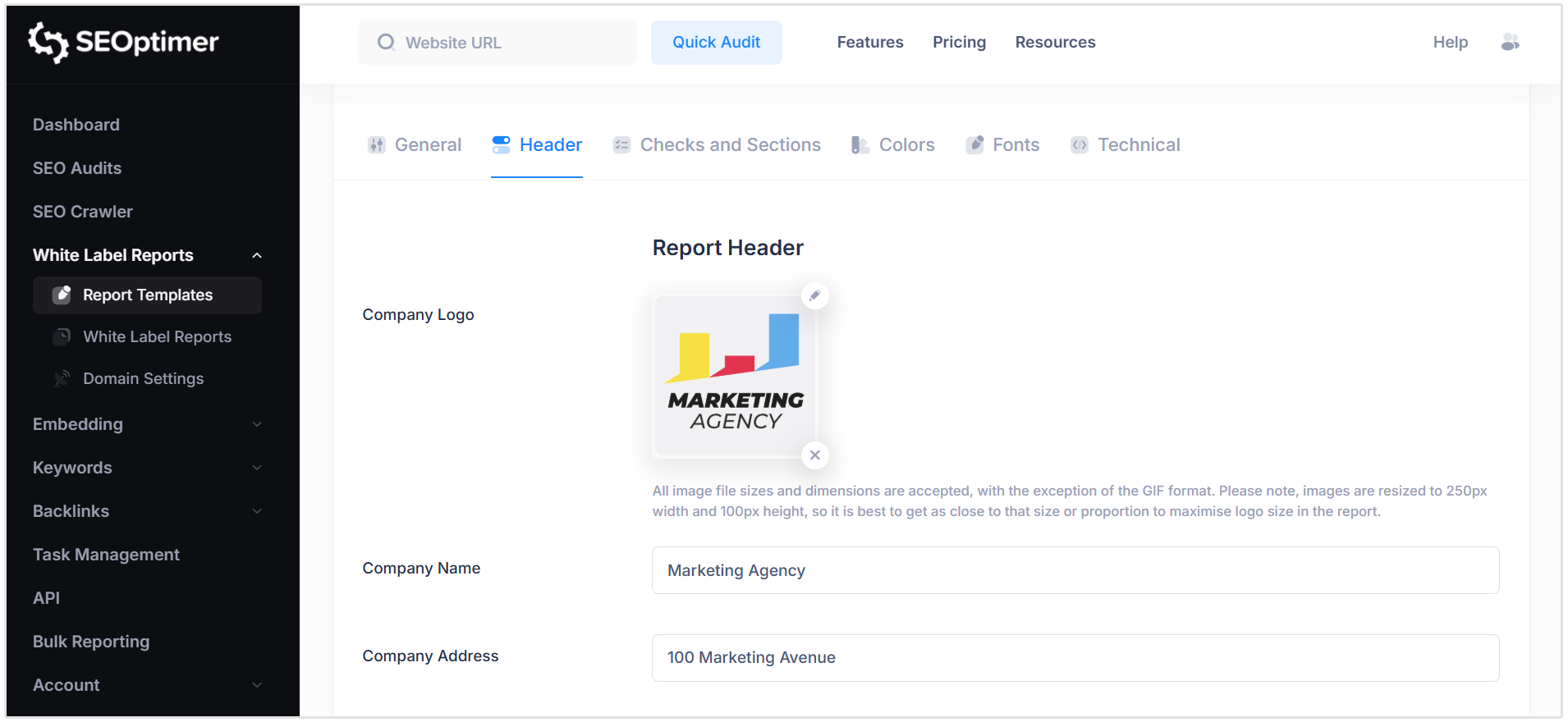
You can also customize the report with your own branding, including your logo, business details, colors, and report style.
Shareable Report Links
A shareable report link is one of the easiest ways to send an SEO report.
Instead of exporting the report, attaching it to an email, and sending a file, you can simply copy the report URL and send it to the person who needs to view it.
This makes SEO report sharing much faster. You can send the link in an email, add it to a SEO project management tool, share it in Slack or Teams, or include it in a client portal.
Shareable links are also helpful when more than one person needs to view the report.
You do not have to resend the same file to different people. You can send one link and let each person open the report when they need it.
This is a good option for agencies, freelancers, sales teams, and internal marketing teams that want to make reporting easier without adding extra admin work.
Dashboards
Dashboards are useful when you want to track SEO performance over time.
They can show keyword rankings, traffic data, technical issues, backlinks, and other SEO metrics in one place. This makes them helpful for teams that need ongoing access to SEO data.
Dashboards work especially well for internal teams or clients who want to check performance regularly and in real-time.
The thing is that dashboards often require more setup and technical knowledge.
Some clients may also find them overwhelming if they are not familiar with SEO tools. They may not know where to click, what to look at, or which metrics matter most.
For this reason, dashboards are powerful, but they are not always the easiest option for simple client reporting.
In many cases, the best approach is to use a short email summary together with a PDF or shareable report link. The summary explains what matters, and the report gives the client the details when they are ready to look deeper.
How SEOptimer Makes SEO Report Sharing Simple
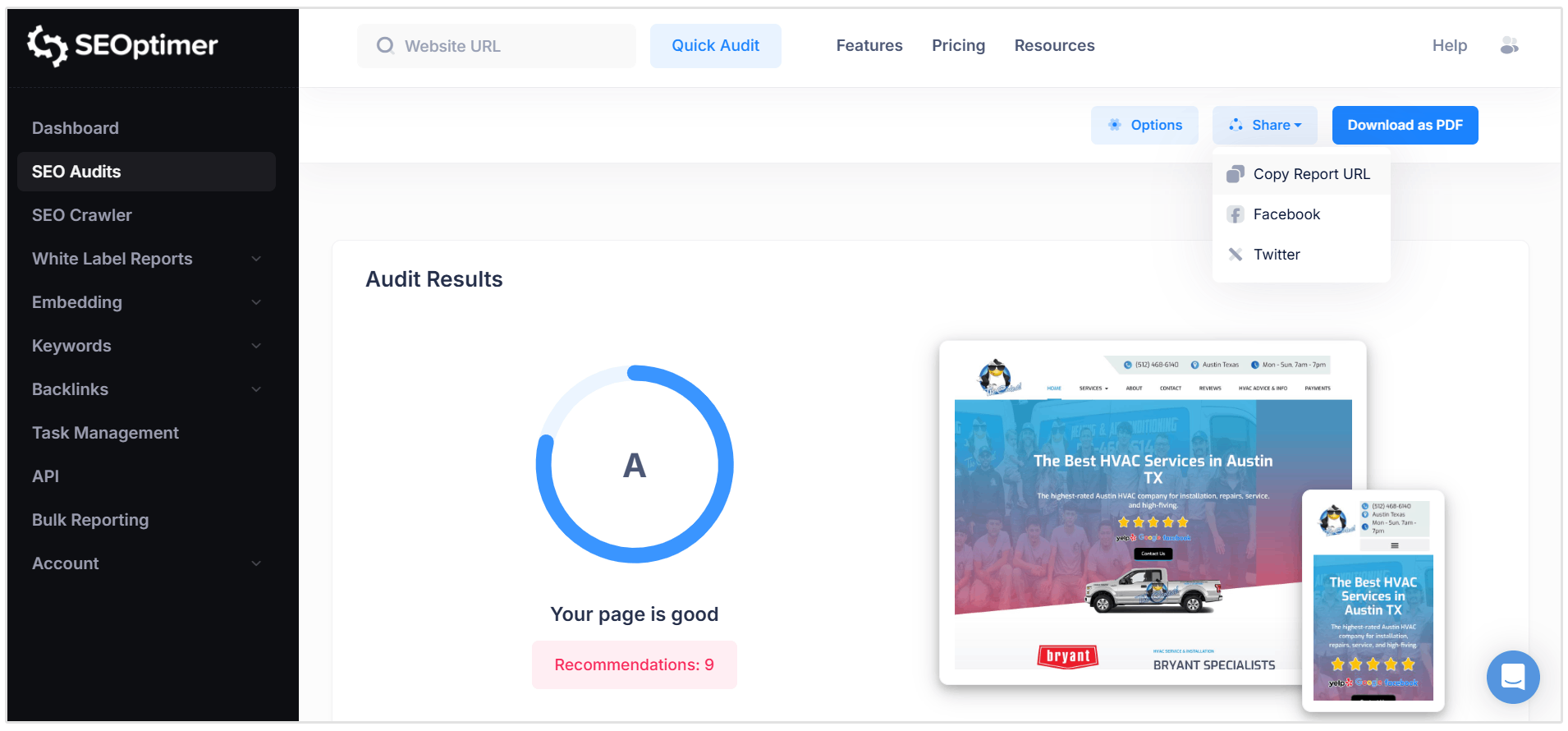
SEOptimer makes SEO report sharing easy with the Copy Report URL option.
Instead of downloading a report and sending it as an attachment, you can create a shareable link directly inside SEOptimer. This gives clients, prospects, or team members a simple way to open and view the report online.
This is especially useful for agencies and marketers who want to send professional SEO reports without adding more admin to the reporting process.
With SEOptimer, you can share reports for:
This means you can use the same simple sharing process whether you are reporting on a website’s technical SEO, local search performance, or Google Business Profile optimization.
How to Share an SEO Report URL in SEOptimer
Sharing a report URL in SEOptimer only takes a few steps:
- Run a White Label Report.
- Open the completed report inside SEOptimer.
- Click the Share button at the top of the report.
- Choose Copy Report URL.
- Paste the link into an email, proposal, client portal, project management tool, or internal message.
The person receiving the link can open the report directly, without needing you to send a large file or explain where to find the report.
When Should You Use a Shareable SEO Report Link?
Prospecting
A report link can make your client prospecting and outreach more useful.
Instead of sending a cold email that only says, “We can help improve your SEO,” you can include a real audit that shows the prospect what needs work.
It also helps move the discussion away from vague promises and toward real issues, such as missing meta tags, slow page speed, broken links, or weak local SEO signals.
Client Onboarding
A shareable SEO report link is also useful at the start of a new client relationship.
Before any work begins, you can send an audit report that shows the current state of the website. This gives both sides a clear starting point.
The client can see what needs fixing and why certain tasks should be prioritized first.
Related Reading: New Client Questionnaire Template for Digital Agencies (with PDF)
Monthly Updates
Monthly SEO updates should be easy to understand.
A report link lets you keep your email short while still giving the client access to the full report.
You can use the email to explain the main points, such as what improved, what was fixed, and what still needs work. Then the report link gives them the option to explore the details if they want to.
This works well because most clients do not want a long technical breakdown in the body of an email. They want the highlights first and the full report nearby.
And did you know that you can set up scheduled SEO reporting with SEOptimer?
All you have to do is choose the repeat interval, start date and time, and the email to where the report should be sent.
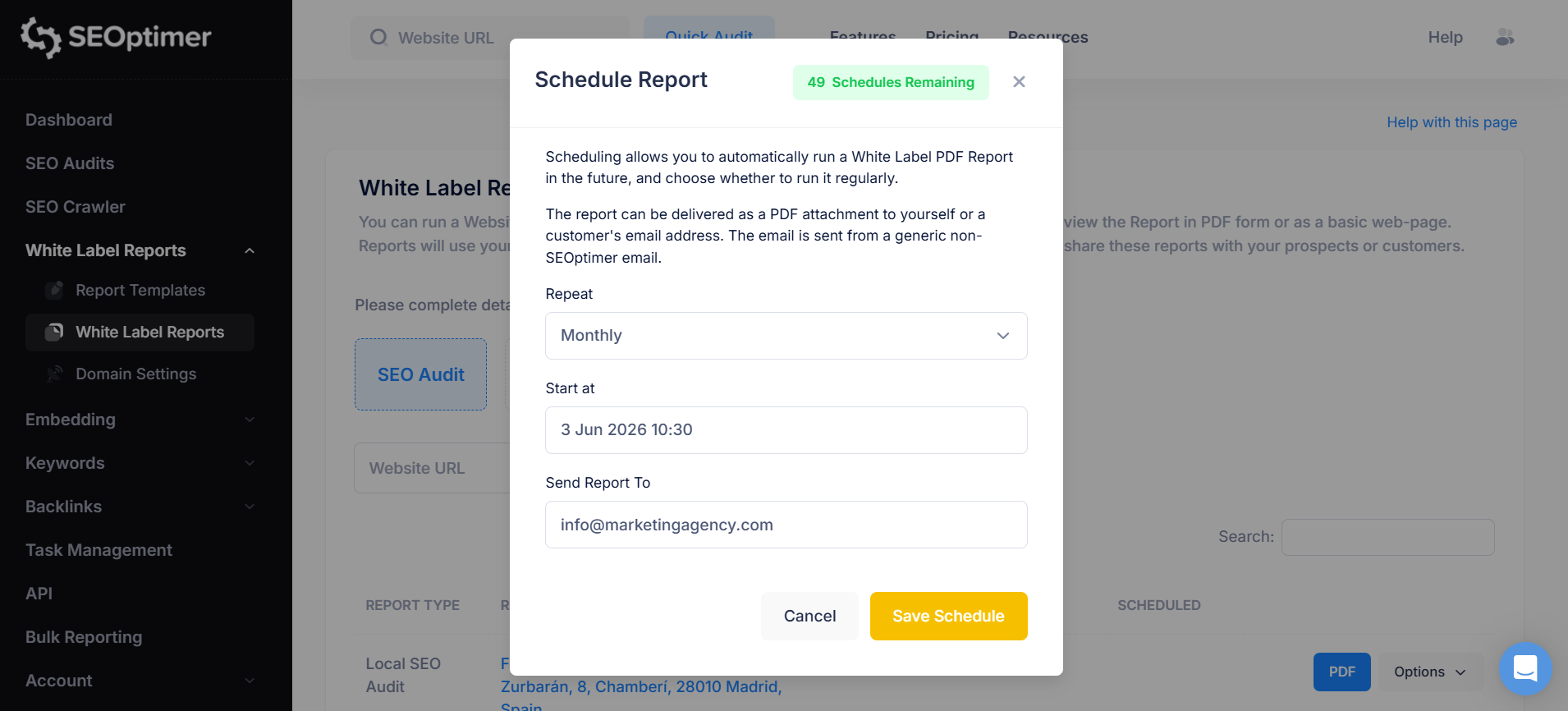
Our tool will then automatically send out a PDF report based on your chosen schedule to the recipient. This can be used for automatic client reporting so that you don't have to run the reports yourself.
Internal Reviews
SEO reports are often shared with more than one person.
A developer may need to review technical issues. A content writer may need to check missing headings or thin content. An account manager may need to prepare for a client call.
A shareable report link gives everyone access to the same report, which keeps the conversation cleaner.
Instead of sending screenshots or copying data into different tools, you can point the team to one report and focus the discussion on what needs to happen next.
SEO Report Sharing Best Practices
Before you share an SEO report, make sure it is easy for the other person to understand and act on.
Here are a few simple best practices to follow.
Add a Short Summary
Do not send the report link or PDF on its own.
Add a short summary that explains what the person should look at first. This helps them understand the main points without having to read the full report straight away.
Highlight the Most Important Issues
Most people do not want to review every single SEO KPI and check.
Point them to the issues that matter most.
This could include things like missing title tags, poor mobile performance, or other on-page SEO problems.
Keep the focus on the items that will have the biggest impact.
Explain What Happens Next
A report is more useful when it leads to action.
After sharing the report, explain what you plan to do next or what you recommend the client should fix first.
This turns the report from a list of issues into a clear action plan.
SEOptimer also makes this easier by including a recommendations section in each audit report. You can use these recommendations to explain the next steps, prioritize fixes, and show the client what should be done after reviewing the report.
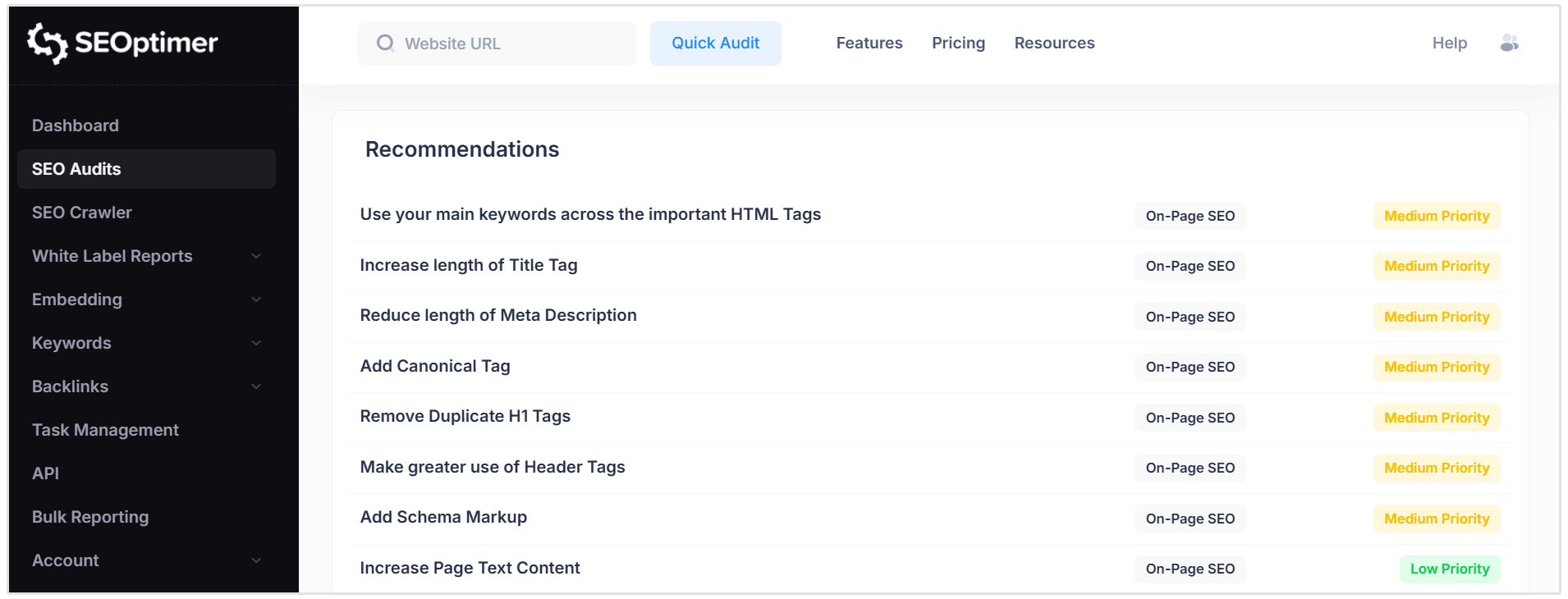
You can use these recommendations to guide the conversation and help the client understand what needs attention first.
Use Plain Language
Avoid sending a report full of SEO terms without context.
If the report mentions technical issues, explain them in simple terms. The client or stakeholder does not need to know every technical detail. They need to understand what the issue means and why it matters.
Keep the Format Consistent
Use the same reporting format each time.
This makes it easier for clients or managers to follow progress from one report to the next. They know where to find the main score, key issues, completed fixes, and next steps.
Consistency also makes your reporting look more professional.
Use Branded Reports for Clients
If you are sending reports to clients or prospects, use branded reports where possible.
Adding your logo, business details, and branding helps the report feel more polished. It also keeps the client experience consistent with the rest of your communication.
Conclusion
SEO report sharing should not feel like extra admin.
Whether you are sending a report to a client, prospect, manager, or internal team member, the goal is simple: make the report easy to open, understand, and act on.
PDFs and dashboards still have their place, but a shareable report URL is often the fastest option.
With SEOptimer, you can run a White Label Report and use the Copy Report URL option to share traditional SEO Audits, Local SEO Audits, and Google Business Profile Audits in just a few clicks.
Create the report, copy the link, and send it.