

If you’re looking for an AgencyAnalytics alternative, you have a wide range of options, from specialized SEO platforms and free dashboard builders to advanced marketing data pipelines.
AgencyAnalytics gives agencies a convenient way to bring client data together, build dashboards, and automate recurring reports.
However, you might need deeper SEO insights, more flexible dashboards, advanced data modeling, broader integrations, or a pricing structure that works better as your client base grows.
Some AgencyAnalytics competitors focus on straightforward client reporting, while others provide specialized SEO tools. The right choice depends on what you report on, how much customization you need, and how your agency works with its data.
In this guide, we compare the best AgencyAnalytics alternatives based on their features, pricing, ideal use cases, strengths, and limitations to help you find the right reporting solution for your agency.
Top AgencyAnalytics Alternatives at a Glance
Here is a quick overview of the best AgencyAnalytics alternatives and where each one stands out:
- SEOptimer: Best AgencyAnalytics alternative for SEO agencies that need white-label audits, reporting, and lead generation.
- Swydo: Good direct alternative for automated client and PPC reporting.
- Whatagraph: Best for combining and visualizing cross-channel marketing data.
- DashThis: Best for creating straightforward client dashboards quickly.
- Looker Studio: Best free AgencyAnalytics alternative for building highly customizable reports.
- Databox: Best for tracking live KPIs, goals, and business performance.
- Supermetrics: Best for moving marketing data into spreadsheets, BI tools, and data warehouses.
- Klipfolio: Great for advanced dashboard customization and metric modeling.
- Windsor.ai: Best for affordable marketing data integration and attribution.
- NinjaCat: Best for enterprise agencies managing large or multi-location client accounts.
What Exactly is AgencyAnalytics?
AgencyAnalytics is a client reporting platform designed for digital marketing agencies. It brings data from SEO, PPC, social media, ecommerce, email marketing, call tracking, and other channels into one centralized dashboard.
Agencies can use the platform to create white-label dashboards, schedule automated reports, monitor client goals and budgets, and give clients access to their own reporting portal.
It also includes features such as custom metrics, report templates, AI-generated insights, alerts, forecasting, and integrations with popular marketing platforms.
These capabilities give us a useful baseline for evaluating AgencyAnalytics alternatives.
A strong alternative to AgencyAnalytics should make it easy to connect client data, create custom reports, automate delivery, manage multiple accounts, and clearly communicate marketing performance.
Why Look for an AgencyAnalytics Alternative?
AgencyAnalytics offers a strong collection of reporting and client management features.
However, agencies differ considerably in the services they offer, the data they work with, and how they charge their clients.
Here are some of the main reasons you might consider an alternative.
You Need More Than Client Reporting
AgencyAnalytics is primarily designed to bring marketing data together and present it through dashboards and reports.
Your agency might need a platform that also helps you perform the work behind those reports.
This could include running detailed SEO audits, tracking local rankings, analyzing backlinks, monitoring AI visibility, researching competitors, or generating leads through embedded website audits.
Choosing a platform with built-in execution tools can reduce the number of separate subscriptions your team needs and make it easier to move from identifying an issue to resolving it.
Per-Client Pricing May Not Suit Your Agency
AgencyAnalytics uses a per-client pricing model, meaning your monthly costs increase as you add more clients.
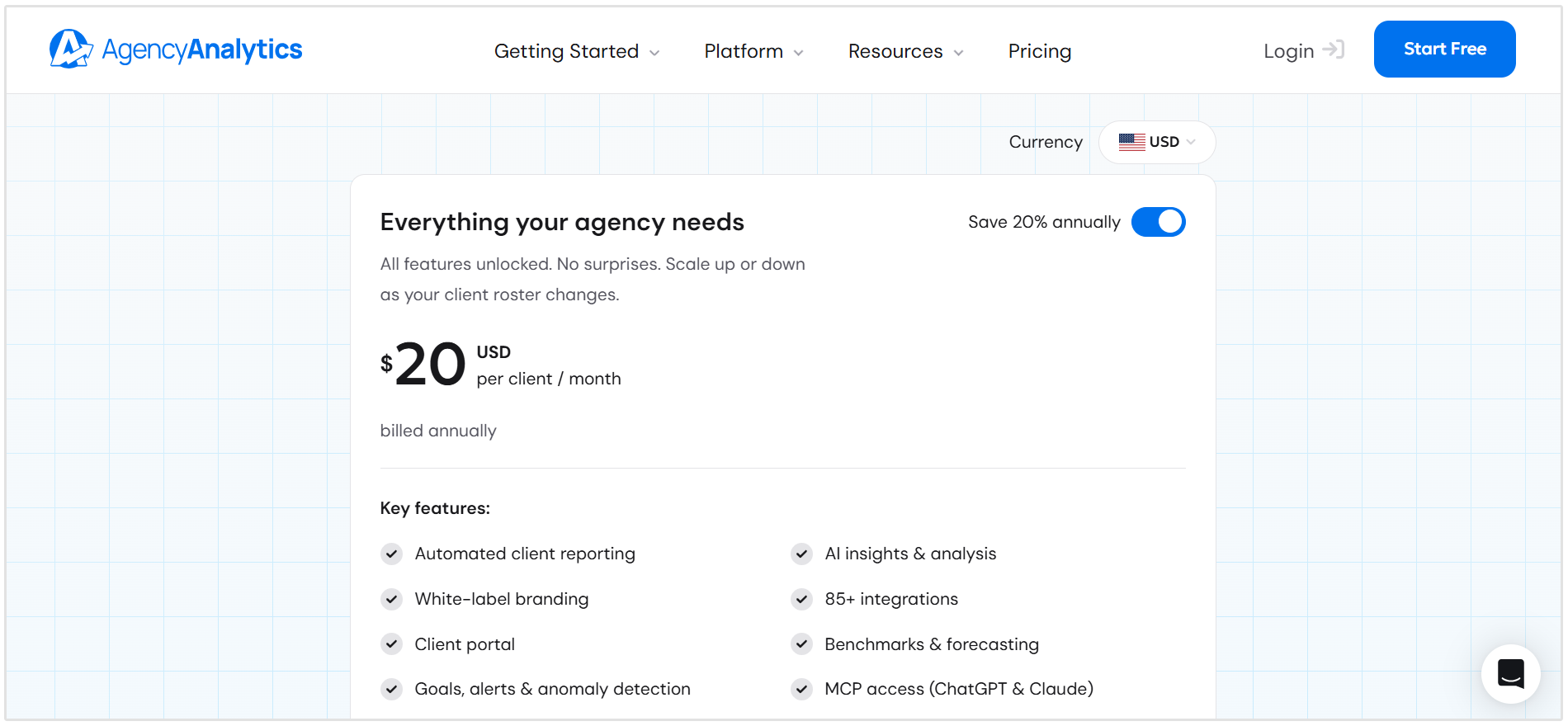
This model can work well when each client uses numerous integrations, dashboards, and reports. However, it may be less economical for agencies managing many smaller clients with relatively simple reporting requirements.
Some AgencyAnalytics alternatives charge per dashboard, data source, connected account, user, or volume of data instead.
Comparing these pricing models against your actual client structure will give you a much better idea of the long-term cost than simply comparing starting prices.
You Want Simpler or More Flexible Report Templates
Report templates can save your team hours, but agencies don’t all need the same level of customization.
Some teams want simple templates that can be connected to a data source and sent to clients within minutes.
Others need complete control over layouts, calculations, branding, data blending, and how reports are updated across multiple client accounts.
The best AgencyAnalytics alternative should match the way your team builds reports. It should also make it easy to reuse successful templates without forcing account managers to rebuild the same report for every client.
So now, let's take a closer look at the different AgencyAnalytics alternatives that you can choose from.
SEOptimer
Best for: SEO agencies that need auditing, white-label reporting, and lead generation tools.
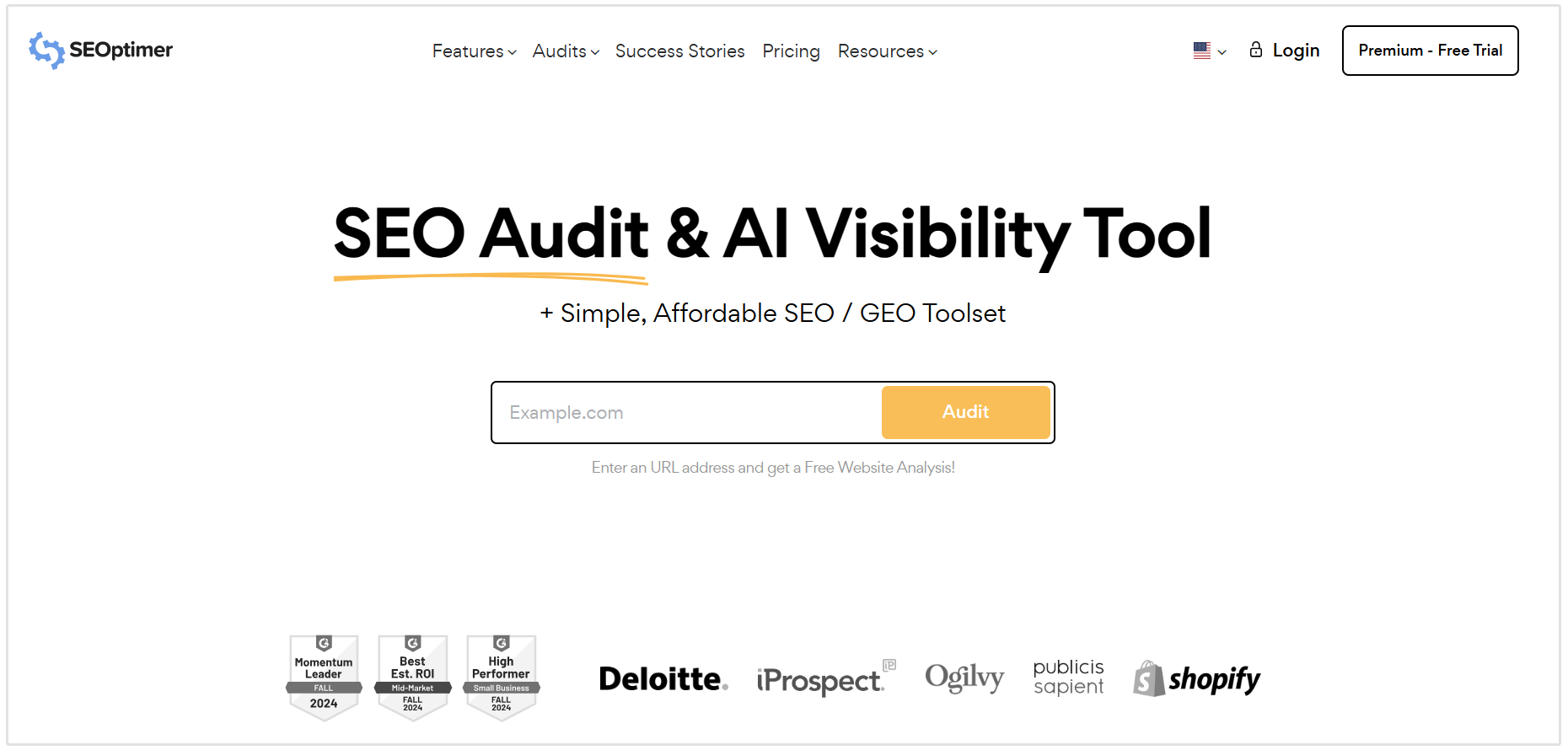
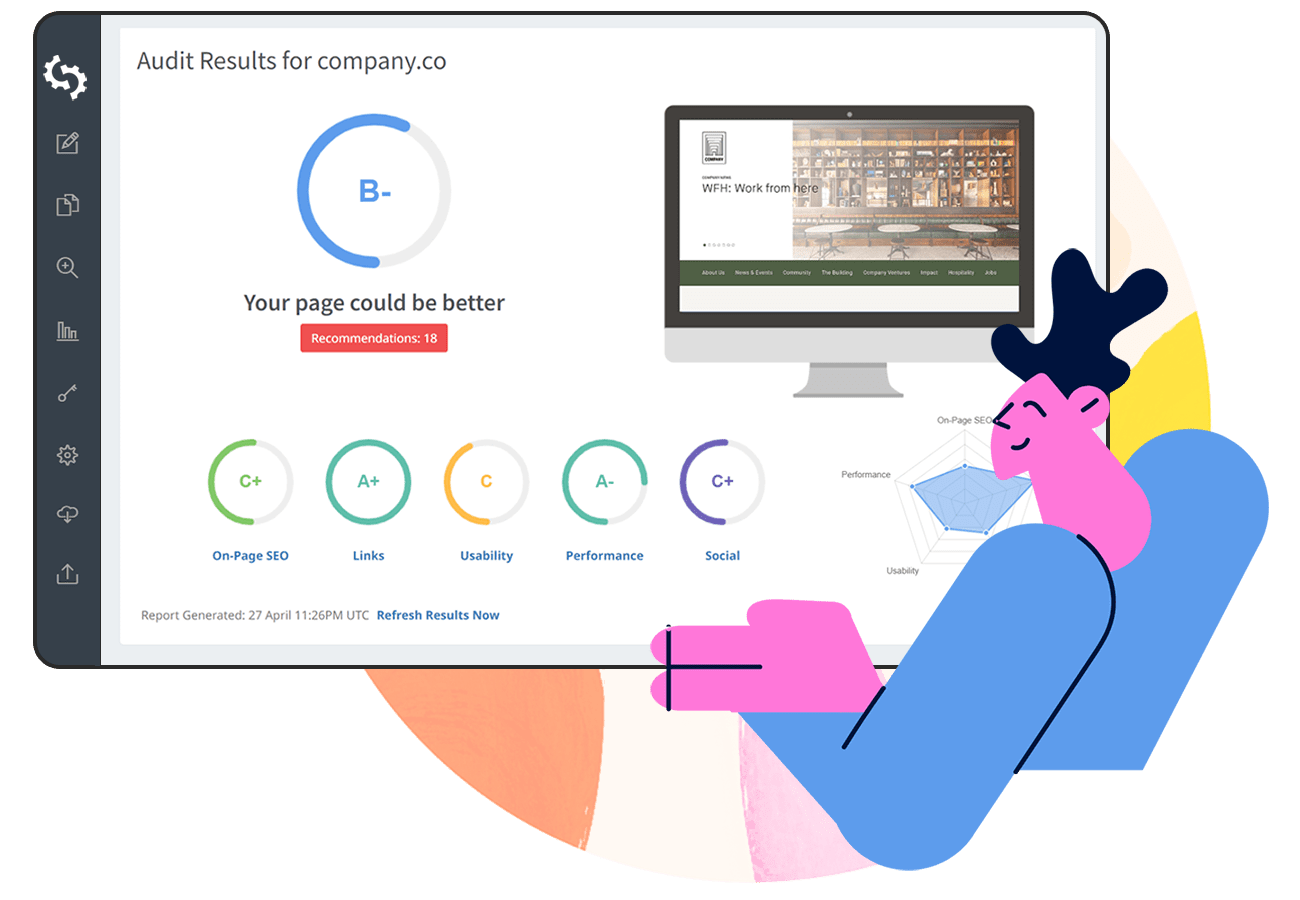
One of the best AgencyAnalytics alternatives is SEOptimer.
The toolset is an SEO auditing and reporting platform built for digital agencies, marketers, and website owners.
Instead of simply pulling data from external marketing platforms, SEOptimer includes tools agencies can use to audit websites, identify SEO issues, monitor search performance, and create branded reports for clients.
SEOptimer is an ideal tool for agencies offering SEO, GEO, and local search services because it combines analysis and reporting within one platform.
Key Features
- Comprehensive website audits: Analyze more than 100 SEO, usability, performance, security, and technical factors.
- White-label reporting: Customize PDF reports with your agency’s logo, colors, fonts, company details, and preferred audit sections.
- SEO, GEO, and local audits: Run standard SEO audits, dedicated GEO audits, Local SEO Audits, and Google Business Profile Audits.
- SEO research and monitoring: Access keyword tracking, local rank tracking, keyword research, backlink research, backlink monitoring, and an SEO crawler.
- Embeddable audit tool: Add a branded audit form to your agency website to capture leads and automatically generate reports for prospective clients.
Pricing
SEOptimer offers three main plans:
- DIY SEO: $29 per month
- White Label: $39 per month
- White Label & Embedding: $59 per month
Discounted annual plans are also available. SEOptimer offers a 14-day free trial across its plans, allowing agencies to test the platform before subscribing.
You can view the latest limits and plan details on the SEOptimer pricing page.
Data Studio
Best for: Agencies that want a free and highly customizable reporting platform.
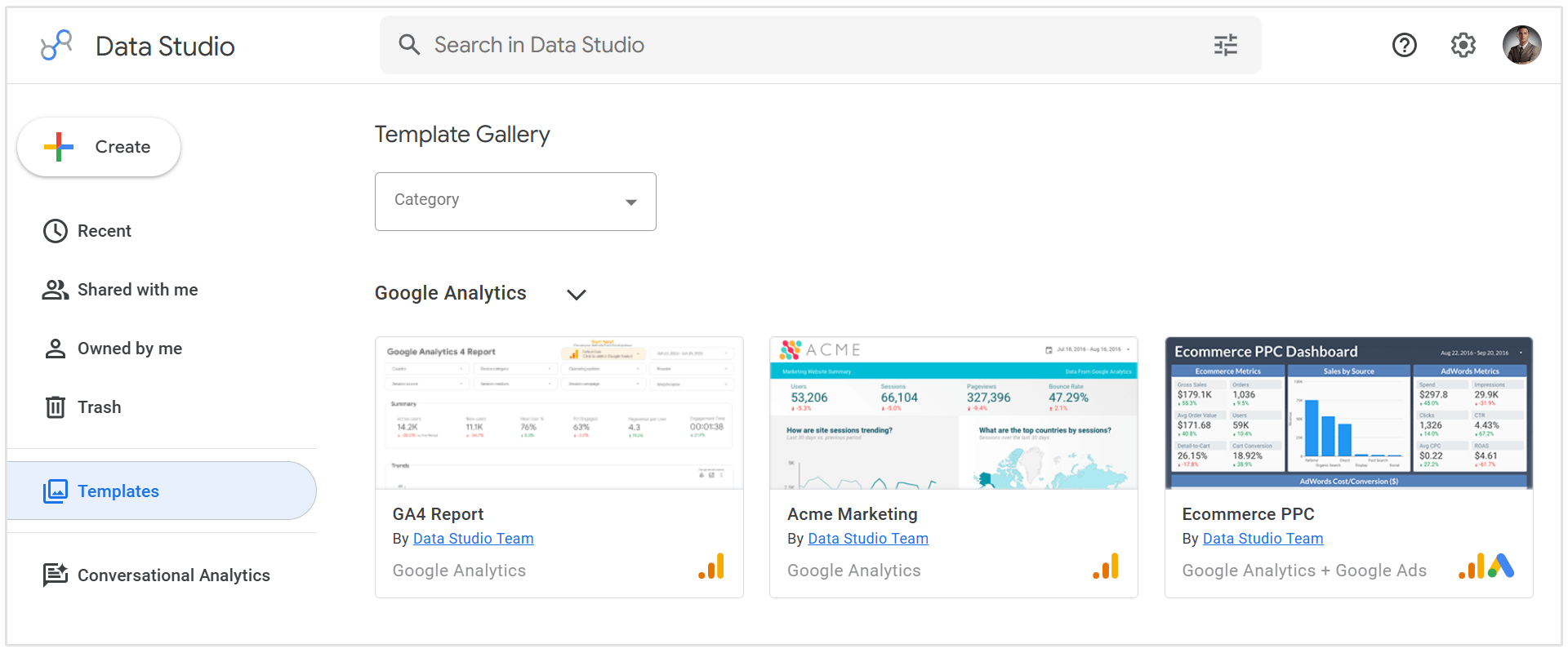
Data Studio is a data visualization and reporting platform from Google.
It allows agencies to turn data from different sources into interactive dashboards and shareable client reports.
Unlike AgencyAnalytics, Data Studio provides a relatively blank canvas rather than a reporting environment designed specifically for agencies.
This gives users considerably more control over report layouts, charts, filters, and calculated metrics, but it also means reports usually require more time and technical knowledge to build.
Key Features
- Customizable dashboards: Build interactive reports using charts, tables, scorecards, filters, images, and branded design elements.
- Native Google integrations: Connect directly to Google Analytics, Google Ads, Google Search Console, Google Sheets, YouTube, and BigQuery.
- Third-party connectors: Import data from social media, advertising, ecommerce, CRM, and other platforms using partner connectors.
- Data blending and calculated fields: Combine data sources and create custom metrics based on your agency’s reporting requirements.
- Flexible report sharing: Share dashboards through a link, embed them on a website, download them as PDFs, or schedule email delivery.
Pricing
The standard version of Data Studio is available for free and does not limit how long you can use it.
Data Studio Pro costs $9 per user, per Google Cloud project, per month. It adds features such as team workspaces, organizational content ownership, additional access controls, technical support, and more advanced report scheduling.
A 30-day free trial of Data Studio Pro is available. However, agencies may still need to pay separately for third-party connectors and Google Cloud services such as BigQuery.
Whatagraph
Best for: Mid-sized and large agencies that need advanced cross-channel reporting and AI-powered insights.
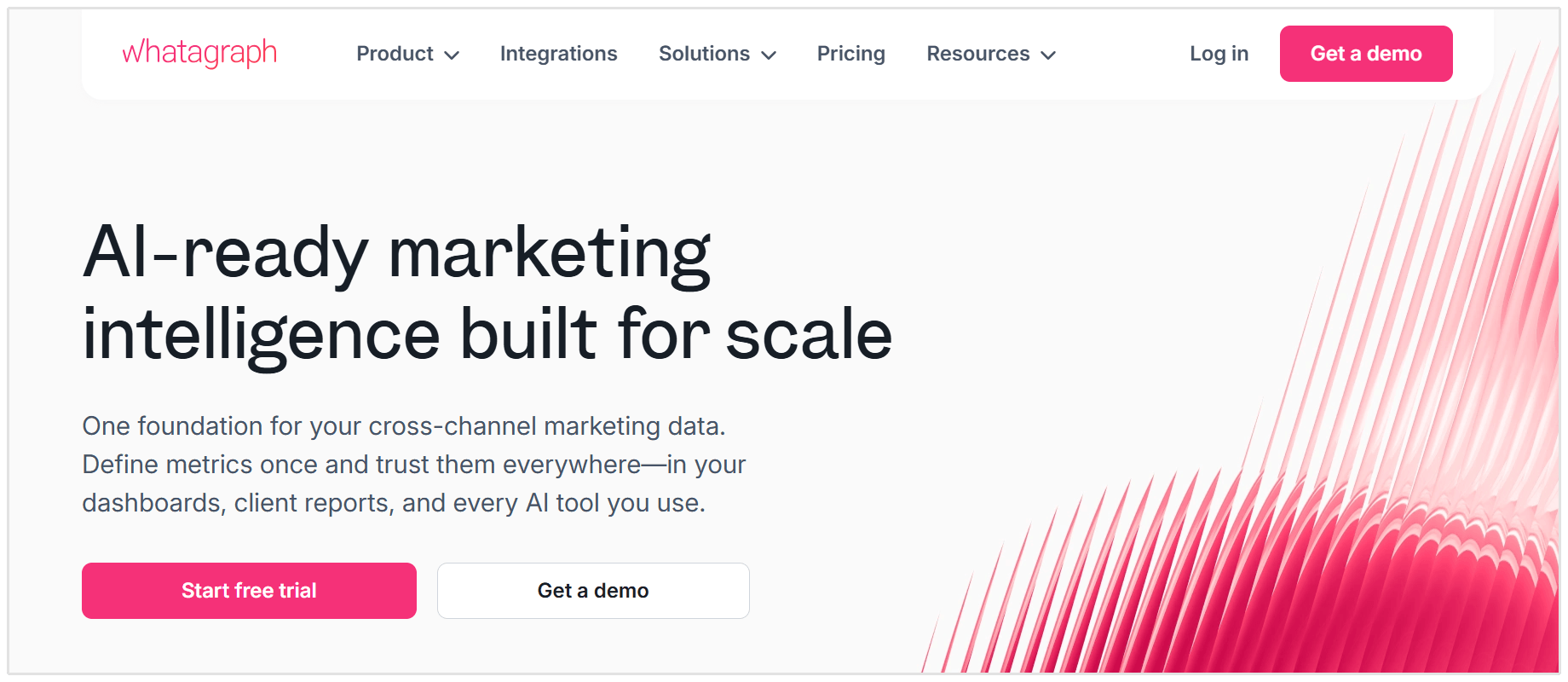
Whatagraph is a marketing intelligence platform that helps agencies collect, organize, analyze, and present data from multiple marketing channels. It connects data from advertising, analytics, social media, ecommerce, email marketing, and other platforms within one reporting environment.
Compared to AgencyAnalytics, Whatagraph places greater emphasis on data transformation, cross-channel analysis, AI-generated insights, and highly polished client reports.
It is a good option for agencies managing complex reporting requirements across numerous clients or locations.
Key Features
- Cross-channel integrations: Connect data from more than 60 advertising, analytics, social media, ecommerce, and marketing platforms.
- Data blending and transformation: Combine sources, create custom metrics and dimensions, apply currency conversions, and standardize data across client accounts.
- Whatagraph IQ: Use AI to build reports, summarize results, answer questions about performance, and identify important changes in the data.
- White-label reporting: Customize reports with your agency’s branding and automate their delivery as PDFs or interactive dashboards.
- Linked templates and KPI monitoring: Update related client reports from a central template and monitor goals, spending, and performance using automated alerts.
Pricing
Whatagraph uses a source-credit pricing model, where one credit represents one connected data account.
- Max: Starts at approximately $812 per month when billed annually and includes at least 50 source credits, unlimited users, unlimited reports, advanced integrations, white-label reporting, data blending, and a dedicated Customer Success Manager.
- Prime: Custom pricing for agencies and organizations requiring premium integrations, a custom report domain, API access, BigQuery or Looker Studio transfers, tailored onboarding, and priority support.
Whatagraph offers a 14-day free trial of its Max plan, with no credit card required. It does not currently offer a permanent free plan. You can check the latest limits and localized pricing on the Whatagraph pricing page.
Databox
Best for: Agencies that need live KPI dashboards, goal tracking, and AI-assisted performance analysis.
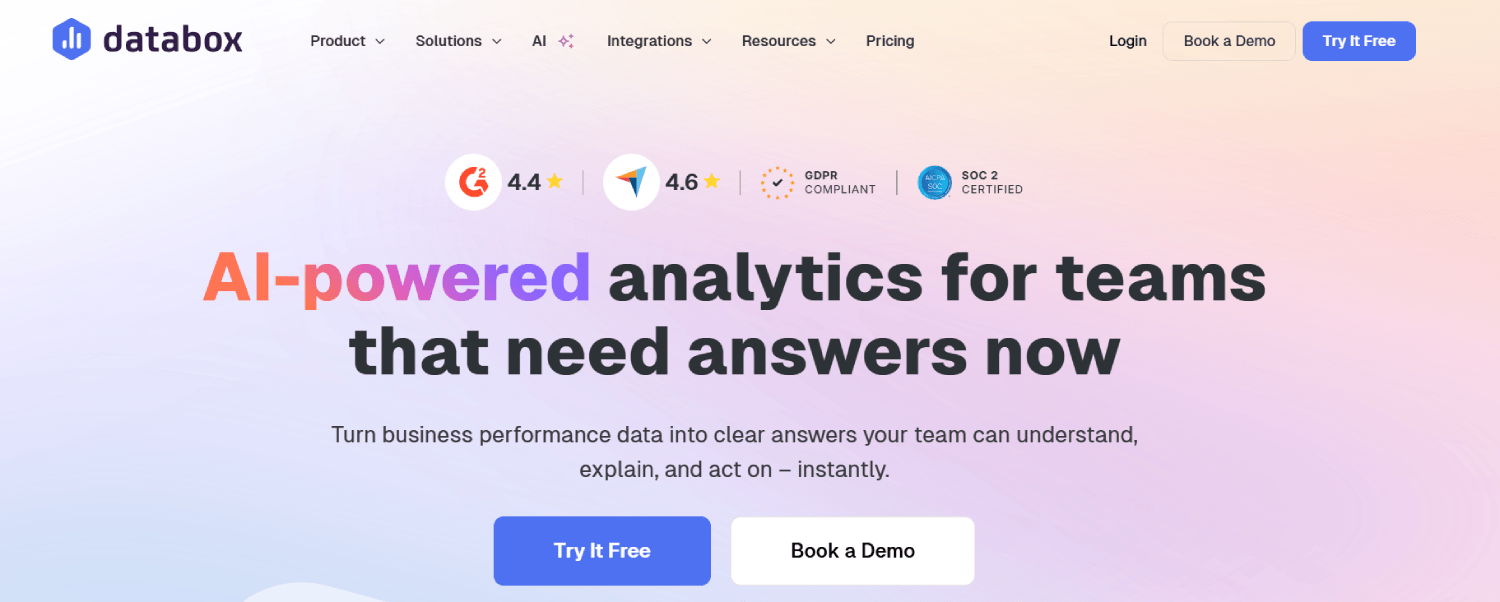
Databox is a business analytics and reporting platform that brings data from marketing, sales, financial, ecommerce, and operations into customizable dashboards and reports.
Its agency plans include dedicated client accounts, allowing teams to separate client data while managing reporting from one central platform.
Compared to AgencyAnalytics, Databox places more emphasis on live KPI monitoring, business goals, forecasting, anomaly detection, and AI-powered analysis.
This makes it great for agencies that want to provide ongoing performance insights rather than relying exclusively on monthly client reports.
Key Features
- Live dashboards and reports: Build interactive dashboards, automated reports, scorecards, and visualizations using prebuilt or custom metrics.
- Extensive data integrations: Connect to more than 130 marketing, CRM, ecommerce, financial, database, spreadsheet, and data warehouse sources.
- Goals and performance monitoring: Set client goals, monitor progress, detect anomalies, compare benchmarks, and forecast future performance.
- Genie AI Analyst: Ask questions about client data, generate performance summaries, investigate changes, and connect trusted metrics to AI tools through Databox MCP.
- Multi-client reporting: Create separate client accounts, share reports through secure links or embeds, schedule notifications, and add white-label branding.
Pricing
Databox offers four plans when billed monthly:
- Analyst: $64 per month for up to five data sources.
- Pro: $159 per month with 3 data sources and unlimited client accounts and dashboards.
- Growth: $399 per month with forecasting, advanced datasets, and faster data refreshes.
- Premium: $799 per month with 50 data sources, white-labeling, advanced security, account setup, and priority support.
Databox also has a limited free plan for individuals. You can compare the latest features and limits on the Databox agency pricing page.
Swydo
Best for: Agencies that want a direct AgencyAnalytics alternative with automated reporting and scalable templates.
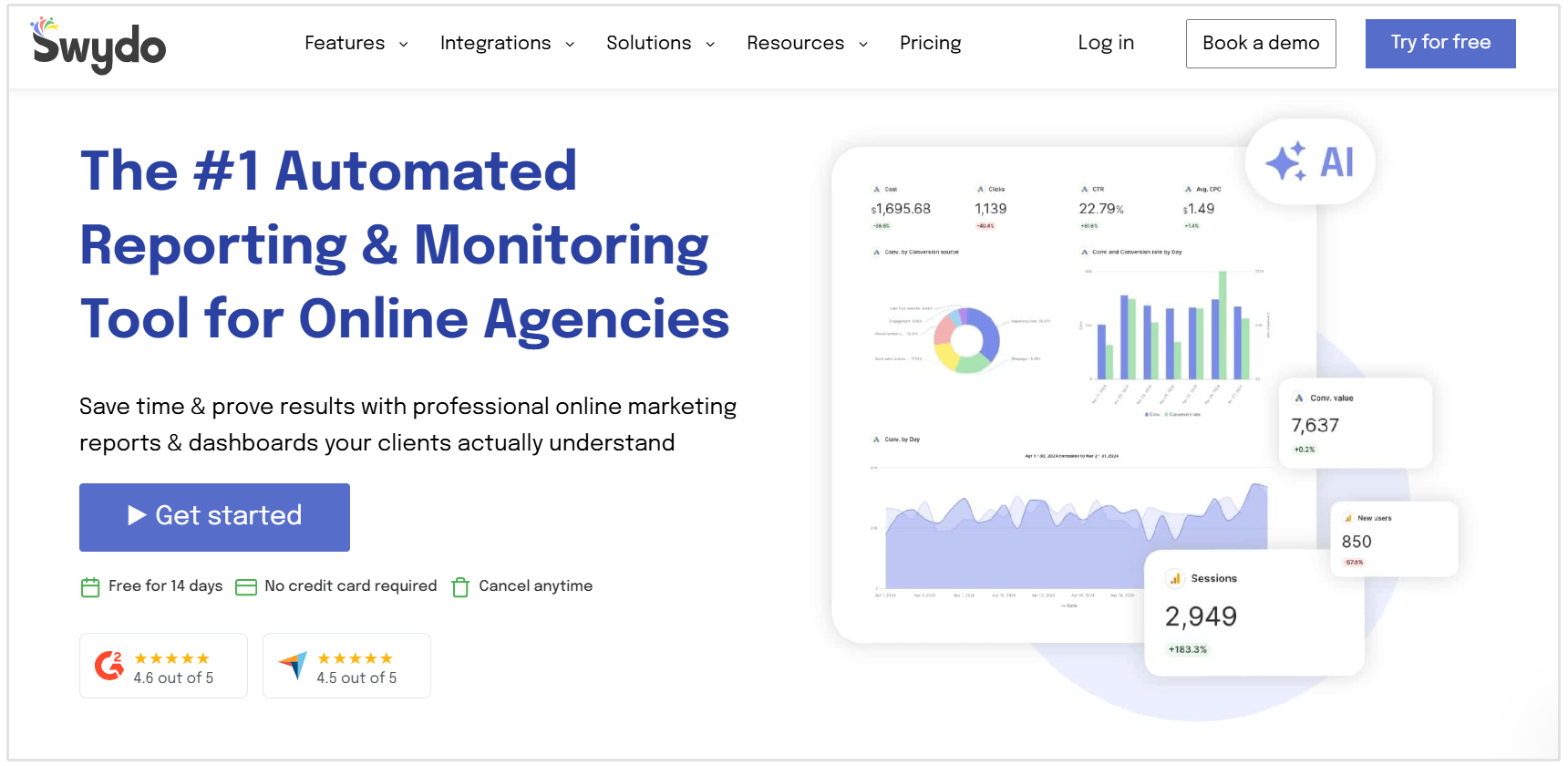
Swydo is a marketing reporting and monitoring platform built specifically for agencies. It brings PPC, SEO, social media, email marketing, and website analytics data into customizable dashboards and scheduled client reports.
Swydo is one of the closest alternatives to AgencyAnalytics.
It features white-label reporting, client access, report automation, KPI monitoring, and multi-client management, but uses a data-source-based pricing model instead of charging per client.
Key Features
- Automated client reports: Build reports using a drag-and-drop editor and schedule them for daily, weekly, monthly, or custom delivery.
- Dynamic report templates: Create a master template, connect it to multiple clients, and automatically apply future changes across every linked report.
- Cross-channel integrations: Connect more than 30 advertising, analytics, SEO, social media, and email marketing platforms.
- KPI monitoring and alerts: Track client goals, view important metrics across accounts, and receive notifications when performance moves outside a specified range.
- White-label and AI reporting: Add your agency’s logo, colors, fonts, domain, and email sender while using AI to generate report summaries and explain performance.
Pricing
Swydo offers one plan with all features included:
- Monthly billing: $69 per month
- Annual billing: $62 per month
The base price includes 10 data sources and unlimited clients, users, dashboards, and reports. Additional data sources are charged according to a sliding scale:
- 11–100 data sources: $4.50 each per month
- 101–500 data sources: $3 each per month
- 501 or more data sources: $2 each per month
Swydo offers a 14-day free trial, with no credit card required. You can calculate the cost for your agency on the Swydo pricing page.
Dashthis
Best for: Small and midsized agencies that want to create straightforward client dashboards quickly.
DashThis is an automated marketing reporting platform designed for agencies, freelancers, and in-house marketing teams.
You can connect SEO, PPC, social media, email marketing, ecommerce, and website analytics platforms into customizable client dashboards.
Compared to AgencyAnalytics, DashThis focuses heavily on simplicity and fast setup.
Agencies can start with a prebuilt template, connect their marketing accounts, and create a client-ready dashboard without needing advanced data or design skills.
Key Features
- Multi-channel dashboards: Combine data from more than 30 marketing platforms in a single automatically updated report.
- Prebuilt templates and widgets: Access over 50 dashboard templates and more than 1,000 preset widgets for common marketing KPIs.
- White-label reporting: Add your agency or client logo, customize colors, remove DashThis branding, and share reports through a custom domain.
- AI Insights: Automatically generate summaries and identify wins, issues, and opportunities within marketing data.
- Flexible report sharing: Schedule reports by email, share interactive dashboards through a link, download PDFs, or embed reports in a client portal.
Pricing
DashThis plans are based on the number of dashboards and connected data sources:
- Individual: $44 per month billed annually, or $54 monthly, for three dashboards and 15 data sources.
- Professional: $139 per month billed annually, or $164 monthly, for 10 dashboards and 40 data sources.
- Business: $279 per month billed annually, or $324 monthly, for 25 dashboards and 100 data sources.
- Standard: Starts at $429 per month billed annually, or $499 monthly, for 50 dashboards and 200 data sources.
Every plan includes unlimited users, access to all integrations, and basic AI Insights. Full white-label options are available from the Professional plan, while AI Insights Pro is offered as an optional add-on.
DashThis offers a 14-day free trial with 10 dashboards, and no credit card is required. It does not offer a permanent free plan. You can compare the latest allowances on the DashThis pricing page.
Supermetrics
Best for: Agencies that want to move marketing data into spreadsheets, BI platforms, AI tools, or data warehouses.
Supermetrics is slightly different from most AgencyAnalytics alternatives on this list.
Instead of focusing primarily on client-facing dashboards, it specializes in collecting marketing data and sending it to the reporting environment your agency already uses.
This means your team can pull data from advertising, SEO, social media, ecommerce, email, and CRM platforms into destinations such as Google Sheets, Excel, Looker Studio, Power BI, Supermetrics Studio, and various data warehouses.
Key Features
- Extensive connector library: Pull detailed data from a wide selection of marketing, sales, ecommerce, SEO, and advertising platforms.
- Multiple data destinations: Send data to spreadsheets, BI platforms, AI assistants, cloud storage, APIs, and data warehouses.
- Automated data refreshes: Schedule recurring queries and transfers so reports stay up to date without manual exports.
- Data blending and customization: Combine information from several sources, create custom fields, and standardize data before it reaches a report.
- AI and MCP access: Analyze trusted marketing data through Supermetrics Studio, ChatGPT, Claude, Microsoft Copilot, and their MCP server.
Pricing
Supermetrics pricing depends on the destination, number of data sources, connected accounts, and users you require.
Starter, Growth, and Pro each include one core destination. Enterprise plans can include data warehouse destinations such as BigQuery, Snowflake, Amazon S3, and Azure Synapse.
Supermetrics offers a 14-day free trial, with no credit card required.
Since pricing changes according to your selected destination and allowances, it is worth checking the Supermetrics pricing page using your agency’s actual reporting setup.
NinjaCat
Best for: Enterprise agencies and multi-location businesses managing hundreds or thousands of marketing accounts.
NinjaCat is an AI-powered marketing data and reporting platform designed for agencies, portfolio companies, and multi-location brands.
It combines data management, automated reporting, campaign monitoring, and AI agents within one environment.
Compared to AgencyAnalytics, NinjaCat is built for more complex, high-volume operations.
Its AI agents can monitor performance across multiple accounts, identify anomalies, check campaign pacing, automate reporting tasks, and recommend optimizations without requiring teams to review every account manually.
Key Features
- Unified marketing data: Collect, normalize, and govern data from more than 150 advertising, analytics, ecommerce, CRM, and cloud platforms.
- AI marketing agents: Automate reporting, quality assurance, anomaly detection, budget pacing, campaign analysis, and performance optimization.
- White-label reporting: Generate automated, client-ready reports and interactive dashboards customized with agency or client branding.
- Campaign monitoring: Track spending, goals, KPIs, and campaign pacing across accounts while receiving alerts when performance moves outside expected ranges.
- Multi-account management: Standardize data, reporting, and workflows across hundreds of clients, brands, franchises, or business locations.
Pricing
NinjaCat does not publish standard pricing plans on its website. Pricing is customized according to factors such as data volume, number of users, data destinations, connected accounts, and required platform features.
Prospective customers need to request a personalized demo and speak with the NinjaCat team to receive a quote. NinjaCat does not advertise a self-service free trial, although enterprise teams may be able to arrange a tailored pilot during the sales process.
Klipfolio
Best for: Data-driven agencies that need highly customizable dashboards and advanced metric calculations.
Klipfolio is a business intelligence and dashboard platform that helps teams connect, model, visualize, and share data.
It offers two main products:
- Klips for custom dashboards and client reporting
- PowerMetrics for centralized metric management and self-service analytics.
For agencies considering an AgencyAnalytics alternative, Klips is the more relevant product. It provides multi-client management, scheduled reports, extensive data modeling, and greater control over dashboard calculations and visualizations.
Key Features
- Custom dashboards: Build interactive dashboards using flexible charts, tables, formulas, filters, and visualization components.
- Advanced data modeling: Join datasets, transform raw data, create custom calculations, and build metrics using spreadsheet-style formulas.
- Extensive integrations: Connect to more than 130 cloud applications, databases, spreadsheets, APIs, and custom REST or URL data sources.
- Client reporting: Manage individual client accounts, publish dashboard links, schedule PDF reports, and control user access from a central agency account.
- White-label options: Add your logo, remove Klipfolio branding, apply custom CSS, and allow clients to access dashboards through your agency’s domain.
Pricing
Klipfolio offers four agency plans when billed annually:
- Starter: $160 per month for five dashboards and five clients.
- Lite: $240 per month for 15 dashboards and 15 clients.
- Pro: $440 per month for 30 dashboards and 30 clients.
- Premier: $900 per month for 80 dashboards and 80 clients.
All plans include unlimited users and access to more than 130 data integrations.
Full white-labeling, a custom domain, and priority support are included with Pro and Premier. These features can also be purchased separately as add-ons on eligible lower-tier plans.
Klipfolio offers a 14-day free trial of Klips, with no credit card required. You can compare the latest limits and add-ons on the Klipfolio agency pricing page.
Windsor.ai
Best for: Agencies that need an affordable way to move marketing data into their preferred reporting or business intelligence tools.
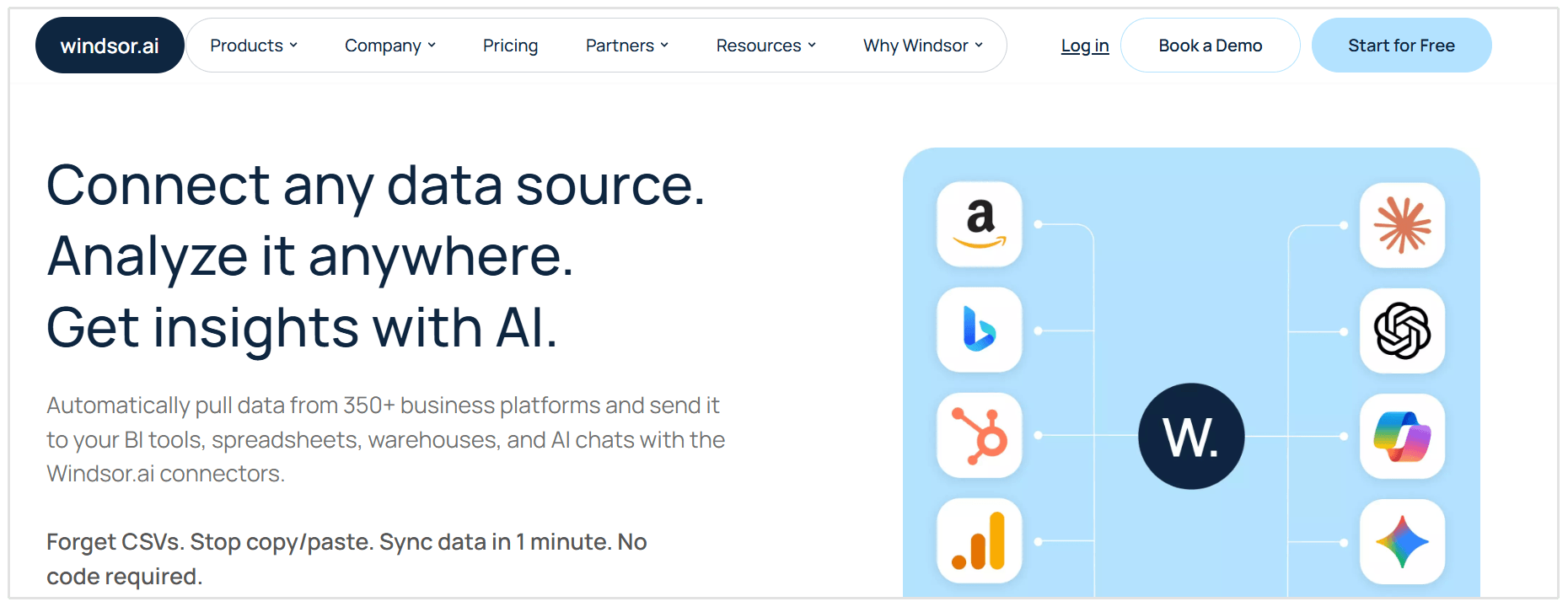
Windsor.ai is a no-code marketing data integration platform that connects advertising, analytics, CRM, SEO, and ecommerce data with tools such as Looker Studio, Power BI, Google Sheets, BigQuery, and Snowflake.
Unlike AgencyAnalytics, Windsor.ai does not provide a complete client reporting portal.
Instead, it handles the data collection and syncing, giving agencies more freedom to build custom dashboards in the platform of their choice.
Key Features
- 350+ Data Integrations: Connect marketing and business data from numerous platforms without building or maintaining custom API integrations.
- Flexible Data Destinations: Send data to spreadsheets, BI tools, databases, data warehouses, and supported AI assistants.
- Automated Data Syncing: Schedule recurring data updates and access historical data for longer-term performance analysis.
- Cross-Channel Data Blending: Combine campaign, website, CRM, and sales data to create more complete reports and attribution-ready datasets.
- Agency-Friendly Account Management: Paid plans include unlimited users, while external authentication links make it easier to connect client-owned accounts.
Pricing
According to the Windsor.ai pricing page, plans are primarily based on the number of data source types and connected accounts:
- Free: $0, with expanded limits during the first 30 days. After that, the plan supports one data source and one account.
- Basic: $23 per month, or $19 per month when billed annually, for three data sources and 75 accounts.
- Standard: $118 per month, or $99 per month when billed annually, for seven data sources and 75 accounts.
- Plus: $299 per month, or $249 per month when billed annually, for 10 data sources and 200 accounts.
- Professional: $598 per month, or $499 per month when billed annually, for 14 data sources and 500 accounts.
- Enterprise: Custom pricing for larger data requirements, custom connectors, onboarding, SSO, and dedicated support.
A 30-day free trial is available, and users can remain on the limited Forever Free plan afterward.
FAQ
What is the best AgencyAnalytics alternative?
SEOptimer is a good AgencyAnalytics alternative for SEO agencies that need audits, rank tracking, white-label reporting, and lead generation.
Swydo is another strong alternative, while Whatagraph suits agencies needing advanced cross-channel analysis.
Is there a free alternative to AgencyAnalytics?
Yes, Data Studio is one of the best free alternatives to AgencyAnalytics. It lets you create customizable dashboards using Google Analytics, Google Ads, Search Console, Google Sheets, and other data sources.
However, some third-party connectors cost extra, and reports generally require more manual setup and maintenance than AgencyAnalytics.
Which AgencyAnalytics alternatives offer white-label reporting?
AgencyAnalytics alternatives offering white-label reporting include SEOptimer, Swydo, Whatagraph, DashThis, Klipfolio, and NinjaCat.
Depending on the platform and plan, white-label features may include custom logos, colors, report domains, branded emails, client portals, and removal of the provider’s branding.
Can SEOptimer replace AgencyAnalytics?
SEOptimer can replace AgencyAnalytics for many SEO-focused agency workflows. It combines SEO, GEO, local, and Google Business Profile audits with rank tracking, white-label reports, scheduled reporting, website crawling, and an embeddable audit tool for lead generation.
However, SEOptimer is not designed to be a universal cross-channel reporting portal. Agencies that need to combine extensive PPC, social media, CRM, ecommerce, and sales data may still require another general marketing reporting platform.
Conclusion
The right AgencyAnalytics alternative should fit how your agency works, not simply offer the longest list of features.
Before choosing an alternative, consider how your team creates reports, how much technical setup it can manage, and how costs will change as your client base grows.
Take SEOptimer for a spin with our free 14-day trial.