Free JS Minifier
Reduce the size of your JavaScript files by removing unnecessary characters, spaces, and comments, enhancing loading speed.
Enter JavaScript code then click Minify button below to Minify:
Output:

SEO Audit Any Site in Seconds
+ Comprehensive SEO / GEO Tools for Every Function
Run over 100 checks on your website across On-Page SEO, Usability, Performance, Social and Links. Now with GEO in every report. SEOptimer also offers keyword research, rank tracking, backlinks and a full site crawler.

About JavaScript Minification
What does it mean to minify JavaScript?
To minify JavaScript is to remove everything the engine does not need: comments, whitespace, and, unlike CSS, the names of local variables and functions, which are shortened to single characters. The savings are larger as a result, often 30 to 60 percent before compression.
Renaming is where minification stops being purely cosmetic. A minifier has to prove a name is safe to change, which is why code that reaches for variables dynamically can break under aggressive settings while behaving perfectly in development.
Most tools also drop dead code and unreachable branches, so the output is not merely smaller but slightly leaner. The source you edit and the file you ship are genuinely different artefacts.
Does JavaScript minification still matter in 2026?
It matters more than CSS minification does, because JavaScript is usually the heaviest thing on a page and because its cost does not end with the download. Every kilobyte has to be parsed, compiled and executed, and that work happens on the visitor device rather than yours.
On a mid-range phone the execution cost frequently exceeds the transfer cost, which is why a page that feels fine on a desktop can feel sluggish in a hand. Shipping less code is the only reliable fix.
Minification is the smallest part of that. The larger wins come from removing dependencies, splitting bundles so each page loads only what it needs, and auditing third-party scripts that arrived for a campaign that ended.
JavaScript best practices
- Serve the important content in the HTML rather than assembling it client-side.
- Minify as part of the build, and publish source maps so production errors stay debuggable.
- Split bundles so a page loads only the code it actually needs.
- Defer anything not required for the first paint.
- Audit third-party scripts regularly; they accumulate and nobody owns them.
- Test with an ad blocker enabled, since a large share of visitors have one.
Common mistakes
- Relying on variable names at runtime, which breaks under name-mangling minification.
- Shipping without source maps, so production errors are unreadable stack traces.
- Minifying a bundle that is mostly unused code instead of removing the code.
- Loading everything on every page because the bundle was never split.
- Treating console errors as background noise rather than as broken functionality.
Using the JavaScript minifier
Paste your script into the input and the tool returns the minified output. It is well suited to a single file, a snippet, or a quick check of how much a script stands to save.
Test the result before shipping it. Minification is safe in the overwhelming majority of cases, but the exceptions cluster in older code that manipulates names dynamically, and the failure mode is a script that silently stops rather than one that reports a problem. For ongoing work, minify JavaScript in your build rather than by hand.
Where to go next
Scripts are usually the heaviest part of a page. Minify the rest with the CSS minifier and the HTML minifier, confirm your live assets are minified with the minification checker, and check what the result weighs using the page size and website speed tools. If content is assembled by script, the JavaScript errors test is worth running too.

Comprehensive SEO Toolbox with over 55 Tools
Check Titles, Meta Descriptions, Headings, Schema, Core Web Vitals, SSL and Robots.txt. Generate Meta Tags, Sitemaps and .htaccess Rules, minify CSS, JS and HTML, and draft copy with our AI Writing Tools - instantly and for free.
Further Reading
See More
Page Speed: What It Is, and How It Impacts SEO
What is Page Speed?
The term page speed refers to the amount of time your media content or web page will take to download from the...

What is Rendered Content and How it Affects AI Crawlers?
Key Takeaway
Rendered content refers to the version of a webpage that a browser displays after executing HTML, CSS, and JavaScript....
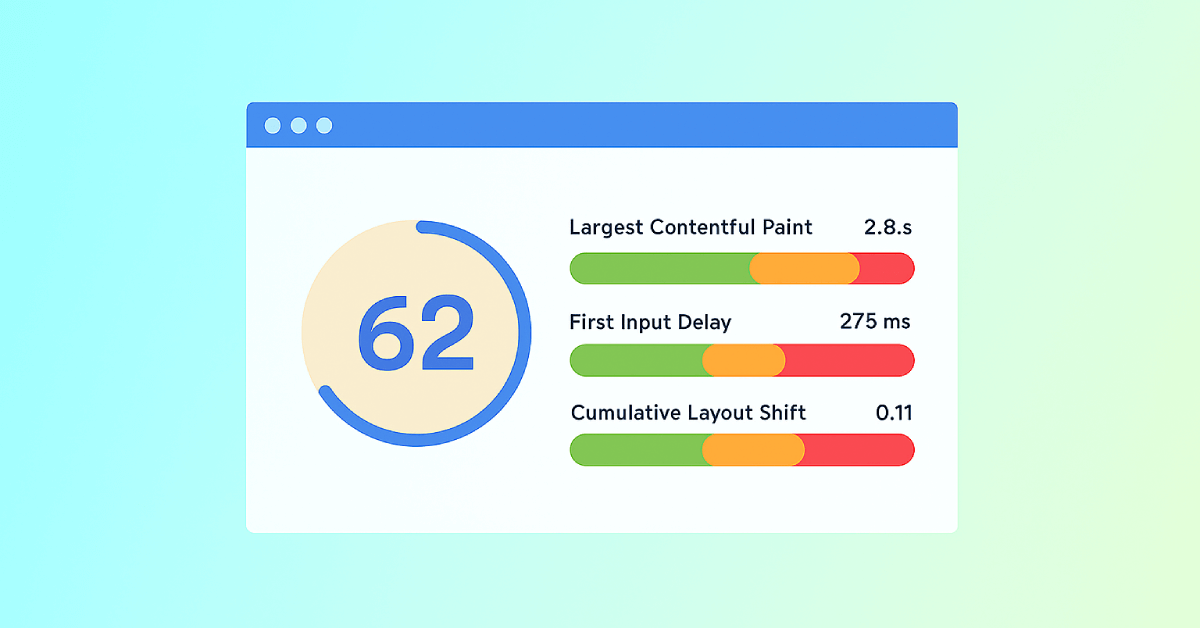
Core Web Vitals: What are They? How are They Crucial to SEO?
You should optimize your web pages for a seamless user experience. But how can you measure the quality of user experience on a site? That’...

How to Measure SEO Performance: 9 SEO Metrics You Need to Track
Your value as an SEO comes from your ability to demonstrate your results.
It’s being able to point to the search results and say, “You...