Webpage File Minification Checker
SEOptimer’s Webpage File Minification Checker examines your webpage to check if JavaScript and CSS files are minified.

SEO Audit Any Site in Seconds
+ Comprehensive SEO / GEO Tools for Every Function
Run over 100 checks on your website across On-Page SEO, Usability, Performance, Social and Links. Now with GEO in every report. SEOptimer also offers keyword research, rank tracking, backlinks and a full site crawler.

About File Minification
What is minification?
Minification strips everything from CSS and JavaScript that a browser does not need in order to run it: comments, line breaks, indentation, and in the case of JavaScript, the long descriptive names of local variables and functions.
The code behaves identically and becomes considerably smaller. CSS typically drops 20 to 40 percent, JavaScript often 30 to 60 percent, because renaming saves more than whitespace alone.
It is a build step rather than an editing style. You keep the readable source in version control and ship the compact version, which is why a minification checker is really asking whether your build pipeline is doing its job on the live site.
Minification and compression are not the same thing
These are constantly confused, and the distinction matters. Minification changes the file itself, permanently, before it is ever sent. Compression happens per request, on the fly, and the browser reverses it on arrival.
They overlap, because both exploit repetition, which is why minifying an already-compressed file buys less than the raw percentages suggest. They are not redundant, though: minification removes content that compression can only encode more efficiently.
Compression is the bigger win of the two and takes a single server setting. Minification is the smaller win and needs a build process. Doing both is normal.
Does minification still matter in 2026?
The saving on its own is modest once compression is in play. It is close to free, though, and every modern build tool does it by default, so there is little reason to leave it undone.
The more interesting signal is diagnostic. Unminified assets in production usually mean something specific: a build step that is not running, files being edited directly on the server, or a deployment process that changed and nobody noticed.
It matters more for JavaScript than CSS, because JavaScript costs are not limited to transfer. Every kilobyte also has to be parsed, compiled and executed on the visitor device, and on a mid-range phone that work often exceeds the download time.
How minification relates to AI search
It has no direct bearing on how content is read; crawlers do not care how tidy your stylesheets are.
The indirect benefit is the usual one. Smaller assets mean faster rendering, which matters when content depends on scripts running before it exists at all.
The far larger question in that area is whether your content is in the HTML in the first place. Minification helps a page that renders; it cannot help a page that does not.
Minification best practices
- Minify as part of the build rather than by hand.
- Publish source maps so production issues remain debuggable.
- Remove unused CSS and JavaScript first. Minifying code nobody runs is optimising the wrong thing.
- Combine with server compression; they solve overlapping but not identical problems.
- Verify the deployed file rather than the local one.
- Test after minifying JavaScript, since name mangling can break code that references names dynamically.
What this tool checks
The minification checker inspects the CSS and JavaScript the page loads and reports whether they appear minified.
It looks at formatting, so a file that is compact but full of dead code will still pass. A pass means the build is doing what it should; it does not mean you are shipping the right amount of code.
Where to go next
If your files are not minified, the three minifier tools will do it for a single file so you can see the saving before wiring it into a build: the CSS minifier, the JavaScript minifier and the HTML minifier. Then confirm the server is also compressing what it sends.

Comprehensive SEO Toolbox with over 55 Tools
Check Titles, Meta Descriptions, Headings, Schema, Core Web Vitals, SSL and Robots.txt. Generate Meta Tags, Sitemaps and .htaccess Rules, minify CSS, JS and HTML, and draft copy with our AI Writing Tools - instantly and for free.
Further Reading
See More
Page Speed: What It Is, and How It Impacts SEO
What is Page Speed?
The term page speed refers to the amount of time your media content or web page will take to download from the...

Webpage Size - Why is it important? And how do you optimize it?
What is Webpage Size?
The term webpage size in the SEO world refers to the downloaded file size of a given web page.
The...
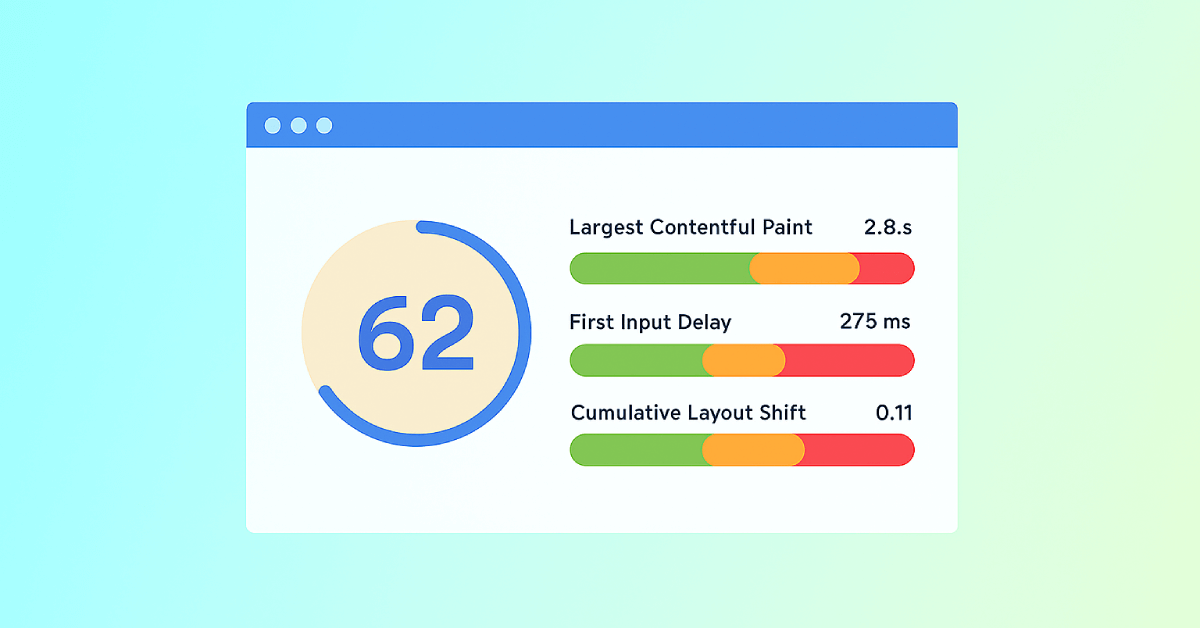
Core Web Vitals: What are They? How are They Crucial to SEO?
You should optimize your web pages for a seamless user experience. But how can you measure the quality of user experience on a site? That’...