Free HTML Minifier
Optimize your HTML by removing unnecessary spaces, comments, and code, improving page load times.
Enter HTML code then click Minify button below to Minify:
Output:

SEO Audit Any Site in Seconds
+ Comprehensive SEO / GEO Tools for Every Function
Run over 100 checks on your website across On-Page SEO, Usability, Performance, Social and Links. Now with GEO in every report. SEOptimer also offers keyword research, rank tracking, backlinks and a full site crawler.

About HTML Minification
What does it mean to minify HTML?
To minify HTML is to remove the whitespace, line breaks, comments and optional attribute quotes that make markup readable to a person but mean nothing to a browser. The rendered page is identical; the file is smaller.
It is the least dramatic of the three minification jobs, because HTML documents are usually far smaller than the stylesheets and scripts they load. The exception is pages that inline a lot of content or generate long repetitive markup, such as large tables or product grids, where the savings become worthwhile.
It is also the one with a genuine trap. Whitespace is significant inside pre and textarea elements, and between inline elements it affects spacing, so an over-eager minifier can change how a page looks rather than just how much it weighs.
Does HTML minification still matter in 2026?
It matters less than the other two, and it is worth being straightforward about why: compression already removes most of the redundancy minification targets, so the incremental saving on a typical page is modest. That makes it a refinement rather than a headline fix.
Where it is worth doing, it is worth doing automatically: as a build step or a server-level transformation, applied consistently and invisibly. The moment it becomes a manual task it stops being worth the attention it consumes.
The more valuable thing to look at is what the HTML contains. A document heavy with inline styles, deeply nested wrapper divs and abandoned tracking snippets has a poor ratio of content to markup, and no amount of whitespace removal fixes that.
HTML best practices
- Use semantic elements so structure carries meaning rather than only appearance.
- Keep styling in stylesheets rather than inline attributes.
- Serve the meaningful content in the document rather than assembling it client-side.
- Enable server compression, which does most of what minification aims at.
- Automate minification as a build or server step if you do it at all.
- Remove abandoned tracking snippets and commented-out blocks; they ship on every request.
Common mistakes
- Stripping whitespace inside pre or textarea elements, which changes what is displayed.
- Removing whitespace between inline elements and losing the spaces between words.
- Deleting conditional comments still relied on by legacy templates.
- Minifying by hand and introducing a malformed tag that breaks the layout below it.
- Optimising markup weight while ignoring the images and scripts that make up most of the page.
Using the HTML minifier
Paste your markup into the input and the tool returns the minified version. It is useful for a single template, an email body, or a quick check of how much a page stands to save.
Compare the output against the original in a browser before using it, particularly if the markup contains preformatted text or inline elements sitting side by side. For a live site, minify HTML through your build or server rather than pasting files through a tool by hand.
Where to go next
HTML is the smallest of the three savings, so the other two usually matter more. Minify them with the CSS minifier and the JavaScript minifier, check what your live assets are already doing with the minification checker, and measure the result with the page size and website speed tools.

Comprehensive SEO Toolbox with over 55 Tools
Check Titles, Meta Descriptions, Headings, Schema, Core Web Vitals, SSL and Robots.txt. Generate Meta Tags, Sitemaps and .htaccess Rules, minify CSS, JS and HTML, and draft copy with our AI Writing Tools - instantly and for free.
Further Reading
See More
Page Speed: What It Is, and How It Impacts SEO
What is Page Speed?
The term page speed refers to the amount of time your media content or web page will take to download from the...

Webpage Size - Why is it important? And how do you optimize it?
What is Webpage Size?
The term webpage size in the SEO world refers to the downloaded file size of a given web page.
The...
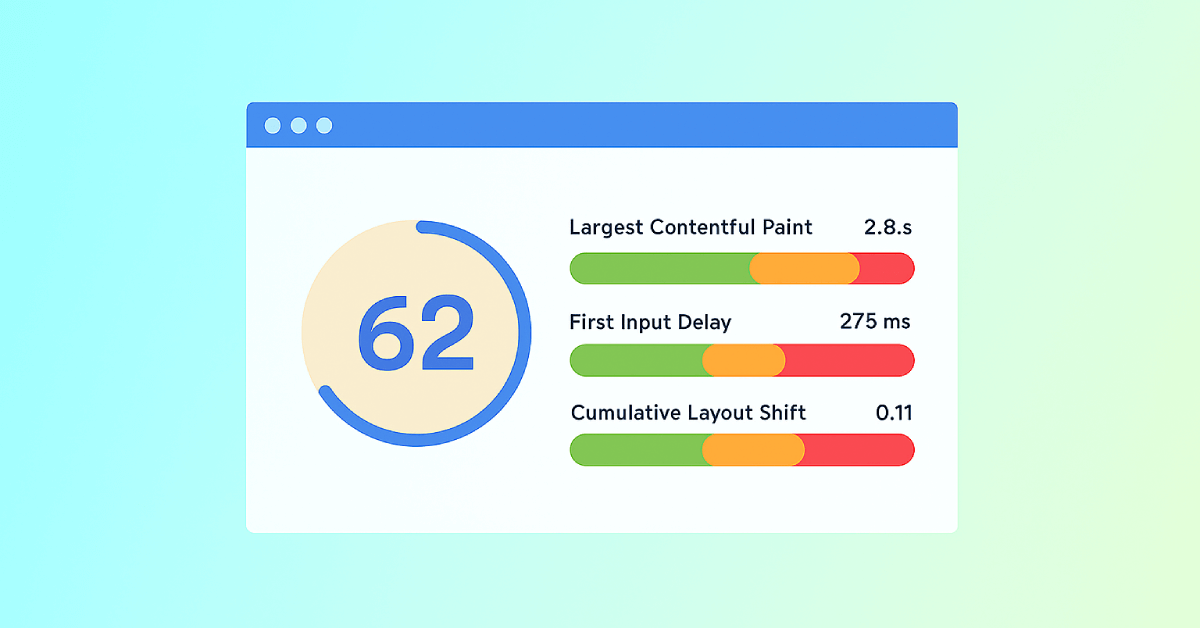
Core Web Vitals: What are They? How are They Crucial to SEO?
You should optimize your web pages for a seamless user experience. But how can you measure the quality of user experience on a site? That’...