Website Load Speed Performance Tester
SEOptimer’s Website Load Speed Performance Tester measures your website's loading speed, helping you identify performance issues and optimize for faster load times.

SEO Audit Any Site in Seconds
+ Comprehensive SEO / GEO Tools for Every Function
Run over 100 checks on your website across On-Page SEO, Usability, Performance, Social and Links. Now with GEO in every report. SEOptimer also offers keyword research, rank tracking, backlinks and a full site crawler.

About Website Load Speed
What determines website load speed?
Website load speed is the product of two separate things: how long the server takes to start answering, and how much work the browser has to do once it does. This tool measures the first, because it is the part that sets the floor under everything else.
Server response time, sometimes called time to first byte, is how long the server takes to send back the first byte of a page after being asked for it. It happens before anything is downloaded, parsed or drawn, so it is pure waiting.
It reflects hosting, database work, application code and caching rather than anything on the page itself. A perfectly optimised page on a slow server is still a slow page, and no amount of front-end work recovers the delay.
Does load speed still matter in 2026?
Every millisecond spent waiting for the first byte is added to every visitor, on every page, and it compounds with everything that follows. It is the one performance number that nothing else can compensate for.
It also shapes how much of your site gets crawled. Crawlers slow down against slow servers, so a sluggish backend quietly reduces how much of a large site is ever read, which is a cost that never appears in a speed report.
Connections have got faster while pages have got heavier, so the experience has improved considerably less than the infrastructure suggests it should have.
How load speed relates to AI search
AI crawlers operate under time limits like any other client. A server that responds slowly, or intermittently under load, risks being skipped rather than waited for.
For a large site this compounds: the slower the responses, the less of the site is read in any given crawl, and the more of your content is simply unknown to the systems answering questions about your subject.
Reliability matters as much as raw speed here. A server that is usually fast but occasionally times out teaches a crawler to be cautious.
Load speed best practices
- Cache full pages where possible so the application does no work per request.
- Profile slow database queries; they are the usual culprit on dynamic sites.
- Use a CDN so visitors are served from somewhere near them.
- Keep server software current. Interpreter and database upgrades often bring large gains for no code changes.
- Reduce what the browser has to do afterwards, since server speed only sets the floor.
- Measure under real load rather than on an idle server.
What this tool checks
The tool measures how long the server takes to begin responding and passes under 500 milliseconds.
It is a single measurement from one location at one moment, so a borderline result is a prompt to measure properly rather than a verdict. It also measures the server only, so a fast result here is entirely compatible with a page that still feels slow to a visitor.
Where to go next
Server speed is the floor; the rest is what the browser has to do. Check what the page weighs with the webpage file size tool, how many files it pulls in with the page request check, and how the combination feels to real visitors with the Core Web Vitals test.

Comprehensive SEO Toolbox with over 55 Tools
Check Titles, Meta Descriptions, Headings, Schema, Core Web Vitals, SSL and Robots.txt. Generate Meta Tags, Sitemaps and .htaccess Rules, minify CSS, JS and HTML, and draft copy with our AI Writing Tools - instantly and for free.
Further Reading
See More
Page Speed: What It Is, and How It Impacts SEO
What is Page Speed?
The term page speed refers to the amount of time your media content or web page will take to download from the...
Webpage Size - Why is it important? And how do you optimize it?
What is Webpage Size?
The term webpage size in the SEO world refers to the downloaded file size of a given web page.
The...
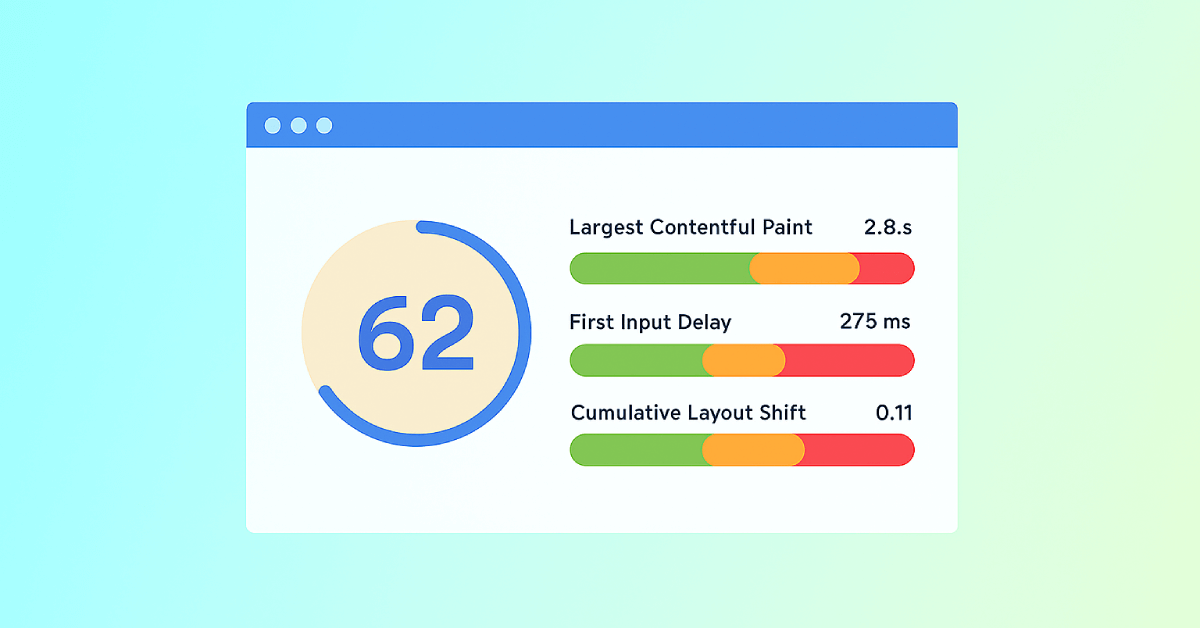
Core Web Vitals: What are They? How are They Crucial to SEO?
You should optimize your web pages for a seamless user experience. But how can you measure the quality of user experience on a site? That’...