Free CSS Minifier
Compress your CSS code by removing unnecessary spaces, comments, and characters to improve website performance.
Enter CSS code then click Minify button below to Minify:
Output:

SEO Audit Any Site in Seconds
+ Comprehensive SEO / GEO Tools for Every Function
Run over 100 checks on your website across On-Page SEO, Usability, Performance, Social and Links. Now with GEO in every report. SEOptimer also offers keyword research, rank tracking, backlinks and a full site crawler.

About CSS Minification
What does it mean to minify CSS?
To minify CSS is to strip out everything a browser does not need in order to apply your styles: comments, line breaks, indentation, the spaces around braces and colons, and the final semicolon in every rule. The stylesheet behaves identically and becomes considerably smaller, typically by 20 to 40 percent before compression is even applied.
It is a mechanical transformation, not a rewrite. Nothing is reordered, no rules are merged or removed, and no decisions are made about your CSS. That is precisely why it is safe to automate: the output is the same stylesheet with the whitespace taken out.
The important habit is to keep the readable source and ship the compact version. Minified CSS is close to unmaintainable by hand, so it should be a build output rather than the file you edit.
Does CSS minification still matter in 2026?
On its own the saving is modest, and smaller than people assume, because gzip and Brotli already remove much of the same redundancy. Minifying an already-compressed stylesheet usually buys a few percent rather than a transformation.
It still earns its place because it is effectively free. Every modern build tool does it by default, it costs nothing at runtime, and it applies to every visitor on every page rather than to one template.
The more useful signal is what unminified CSS in production implies. It usually means a build step is not running, or files are being edited directly on the server, and both of those tend to come with larger problems attached.
CSS best practices
- Minify as part of the build rather than by hand, and keep the readable source in version control.
- Publish source maps so production styles remain debuggable.
- Remove unused CSS first. Minifying rules nobody applies is optimising the wrong thing.
- Combine minification with server compression; they solve overlapping but not identical problems.
- Inline the small amount of CSS needed for the top of the page and defer the rest.
- Never block stylesheets in robots.txt.
Common mistakes
- Editing the minified file directly, so the next build silently reverts the change.
- Shipping several large stylesheets when most of the rules are never used on the page.
- Assuming minification replaces compression, when the two are complementary.
- Leaving development builds in production after a deployment process changes.
- Minifying by hand and introducing a syntax error that removes a whole block of styling.
Using the CSS minifier
Paste your stylesheet into the input and the tool returns the minified version to copy out. It is a one-off utility, useful for a single file, a snippet you have been handed, or checking how much a stylesheet stands to save before wiring minification into a build.
For anything ongoing, minify CSS as part of your build pipeline instead. Doing it manually works once and then quietly stops happening, which is how sites end up serving a stylesheet that was minified two redesigns ago.
Where to go next
Stylesheets are one part of what a page has to download. Minify the other two with the JavaScript minifier and the HTML minifier, check whether your live assets are already minified with the minification checker, and see what the total weight is costing you with the page size and website speed tools.

Comprehensive SEO Toolbox with over 55 Tools
Check Titles, Meta Descriptions, Headings, Schema, Core Web Vitals, SSL and Robots.txt. Generate Meta Tags, Sitemaps and .htaccess Rules, minify CSS, JS and HTML, and draft copy with our AI Writing Tools - instantly and for free.
Further Reading
See More
Page Speed: What It Is, and How It Impacts SEO
What is Page Speed?
The term page speed refers to the amount of time your media content or web page will take to download from the...
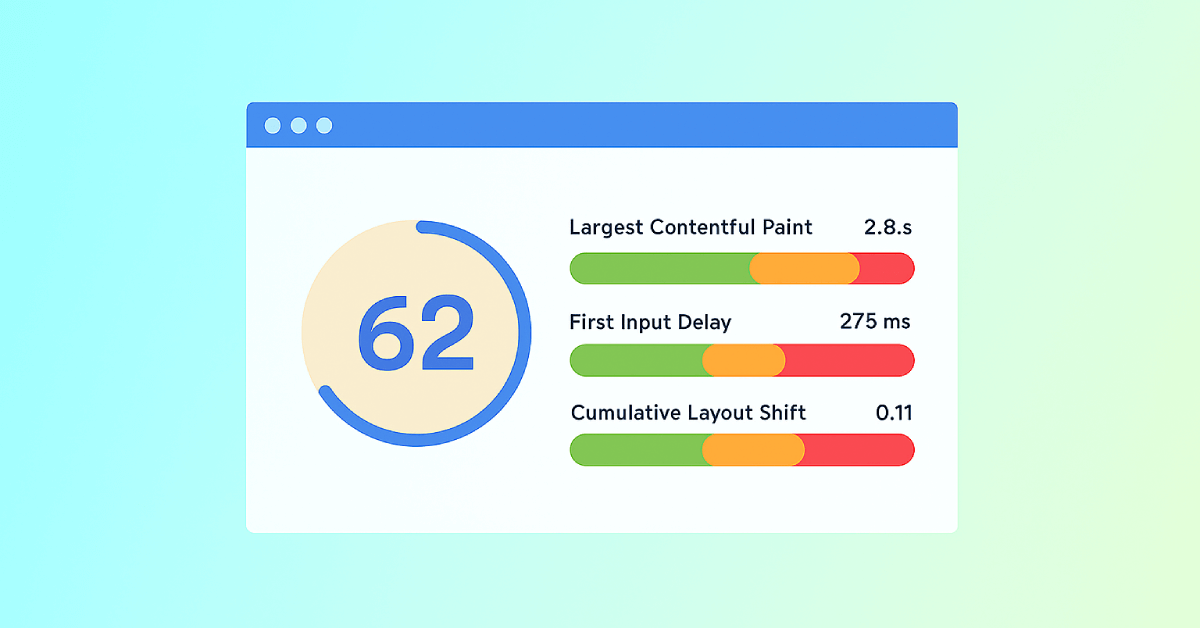
Core Web Vitals: What are They? How are They Crucial to SEO?
You should optimize your web pages for a seamless user experience. But how can you measure the quality of user experience on a site? That’...

Webpage Size - Why is it important? And how do you optimize it?
What is Webpage Size?
The term webpage size in the SEO world refers to the downloaded file size of a given web page.
The...