Webpage File Size Check Tool
SEOptimer’s Webpage File Size Check Tool analyzes the total download size of your webpage, including HTML, CSS, JavaScript, and media files.

SEO Audit Any Site in Seconds
+ Comprehensive SEO / GEO Tools for Every Function
Run over 100 checks on your website across On-Page SEO, Usability, Performance, Social and Links. Now with GEO in every report. SEOptimer also offers keyword research, rank tracking, backlinks and a full site crawler.

About Webpage File Size
What is webpage file size?
Webpage file size is the total weight of everything a browser must download to display a page: the HTML document, plus stylesheets, scripts, fonts, images, and anything third-party scripts fetch once they start running.
The document itself is usually a rounding error. Almost all the weight sits in images and JavaScript, which is why page weight tends to be a story about two decisions rather than a hundred.
The number that matters is what a real visitor downloads on first arrival, before anything is cached. That is the moment a page is judged, and it is the moment most testing skips.
Does page size still matter in 2026?
Connections are faster than they were, and page sizes have grown to match, so the experience has improved considerably less than the infrastructure has. Weight remains the dominant factor in whether a page is usable on a mobile connection in a weak signal area.
It is also a direct cost for visitors on metered data plans, which is easy to forget when testing on office wifi and impossible to forget when it is your own phone.
Weight tends to accumulate rather than arrive. Few pages are launched heavy; they get that way one campaign script and one uncompressed hero image at a time.
How page size relates to AI search
Crawlers fetch pages at enormous scale and are correspondingly impatient. A heavy page is slower to retrieve and more likely to be abandoned partway through, particularly when the content depends on scripts that must run first.
Keeping the meaningful content in the HTML, rather than assembling it client-side, matters more than the total byte count for anything that needs to read your page. A light page whose text arrives by API is worse than a heavy page whose text is in the document.
Weight and readability are separate problems that happen to share a cause, which is doing too much work in the browser.
Page size best practices
- Compress images and serve modern formats at the displayed dimensions.
- Lazy-load anything below the fold, but never the main image at the top.
- Audit third-party scripts periodically and remove the ones nobody can justify.
- Subset fonts and limit the number of weights loaded.
- Enable compression, which costs nothing and applies to every text file.
- Set a weight budget and treat exceeding it as a bug rather than a fact of life.
What this tool checks
The tool totals the resources the page loads and passes under 5MB.
That is a generous ceiling intended to catch genuinely bloated pages rather than to define a good one. A page can sit comfortably under it and still be several times heavier than it needs to be, so a pass is a floor rather than a target.
Where to go next
Weight comes from specific files. Check whether your image optimization is doing its job, see how many separate files the page pulls in with the page request tool, and confirm compression is enabled, since it applies to every text asset at once.

Comprehensive SEO Toolbox with over 55 Tools
Check Titles, Meta Descriptions, Headings, Schema, Core Web Vitals, SSL and Robots.txt. Generate Meta Tags, Sitemaps and .htaccess Rules, minify CSS, JS and HTML, and draft copy with our AI Writing Tools - instantly and for free.
Further Reading
See More
Webpage Size - Why is it important? And how do you optimize it?
What is Webpage Size?
The term webpage size in the SEO world refers to the downloaded file size of a given web page.
The...

Page Speed: What It Is, and How It Impacts SEO
What is Page Speed?
The term page speed refers to the amount of time your media content or web page will take to download from the...
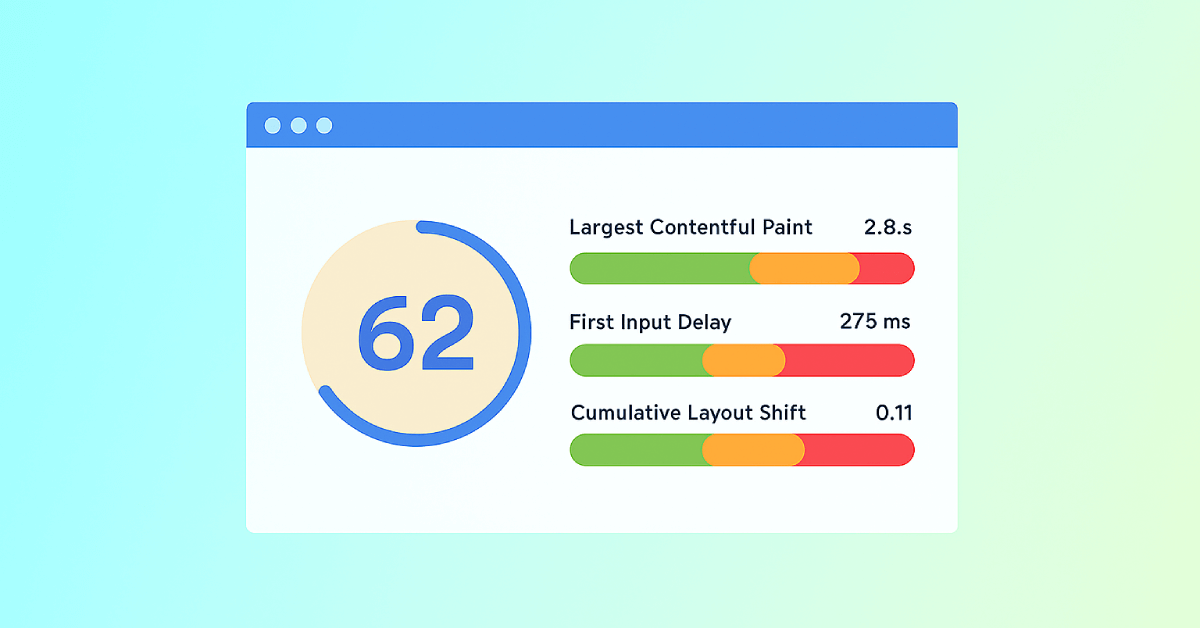
Core Web Vitals: What are They? How are They Crucial to SEO?
You should optimize your web pages for a seamless user experience. But how can you measure the quality of user experience on a site? That’...