Website Redesign SEO Checklist
If you are in a rush, here is the essential checklist on how to redesign a website without losing SEO.
- Crawl your current site: You must have a full list of your existing URLs before you change anything.
- Identify high-performing content: Know which pages drive traffic and revenue so you can keep these.
- Create a redirect map: If you are creating new URLs, match every old URL to a corresponding new URL using 301 redirects.
- Back up your data: Keep a copy of your old XML sitemap and crawl data.
- Update internal links: Ensure links within your content point to the new URLs, not the old ones (or redirect chains).
- Test on a staging site: Run an audit on the new design before it goes live.
- Launch and monitor: Submit your new sitemap to Google Search Console and watch for 404 errors.
Redesigning a website is exciting. It’s a chance to refresh your brand, improve user experience, and boost conversion rates.
But without a solid strategy for website redesign SEO, it can also be a disaster waiting to happen.
Imagine spending months on a beautiful new site, only to launch it and watch your organic traffic take a nosedive.
When you change URLs, content, or site structure without a plan, Google loses track of your pages, and your hard-earned rankings stand the chance of disappearing.
The good news is that traffic loss isn’t inevitable.
With the right preparation, you can launch a sleek new site that actually improves your search visibility.
This guide will show you exactly how to redesign a website without losing SEO.
Does Website Redesign Affect SEO?
Yes, website redesign almost always affects SEO, and usually, there is some volatility involved.
Search engines like Google rank specific URLs based on the content found on those pages and the authority those pages have earned over time.
When you redesign a website, you are often changing the very things Google uses to rank you:
- URL Structure: If you change plumbingsite.com/services/plumbing to plumbingsite.com/plumbing, Google sees a brand new page and forgets the old one unless you tell it where the page went.
- Content: Changing headlines, removing text, or overall page layout changes the relevance of your site for specific keywords.
- Technical Code: New themes or coding frameworks can introduce speed issues or block search crawlers if not implemented correctly.
Because of these factors, SEO website redesign projects carry inherent risk.
However, they also offer massive rewards.
A redesign allows you to fix technical issues, improve site speed, and organize your content better, all of which can help you rank higher in the long run.
Why SEO Must be Part of Your Website Redesign from Day One
One of the biggest mistakes businesses make is bringing in SEO experts only after the new site is designed and built.
For instance, if your developers delete a blog category that was driving 40% of your traffic, fixing it post-launch is expensive and can be a time-consuming task.
To successfully redesign a website without losing SEO, search engine optimization must be a requirement from the very first meeting with your team.
As Ravi Teja Surampudi, Senior Manager, Go-to-Market at Workday, explains:
In my opinion, redesigns work best when search sits at the heart of the build. Because people now find answers through AI tools, a site overhaul impacts more than traffic , it shapes if your words show up at all.
That’s why SEO data should inform the site architecture, the menu navigation, and the content strategy.
When design and SEO work together, you create a site that looks great to humans and makes sense to search engine bots.
How to Redesign a Website without Losing SEO
Protecting your traffic requires a systematic approach. You need to know exactly what you currently have, what you are changing, and how to bridge the gap between the two.
Follow these steps to ensure a smooth transition.
Pre-Design SEO Audit and Benchmarking
You cannot protect what you don't track.
Before a single page is redesigned, you need a complete audit of your current site. This serves as your baseline.
I recommend conducting a full crawl of the site to find the most successful pages, and then preserve the URLs and metadata for those "anchor" pages. By protecting these pages, you will ensure that the search engine does not consider your redesign a new/unproven site.
- Milos Eric, Co-Founder and General Manager at OysterLink
If traffic drops after launch, this data helps you understand exactly which pages were affected.
Start by crawling your current website to get a complete inventory of every existing URL on your site.
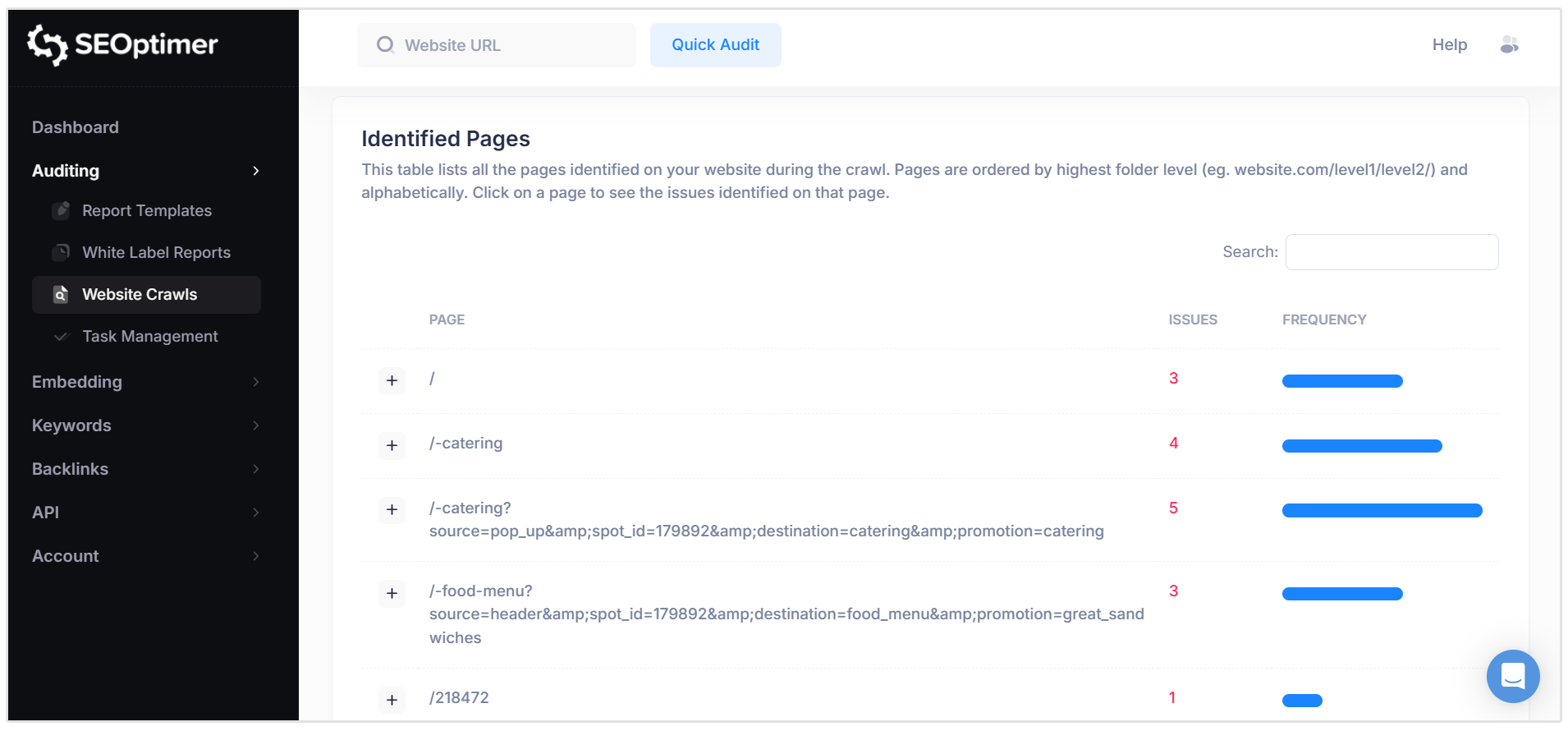
You need to identify:
- Top performing pages: Which pages drive the most organic traffic?
- High-converting pages: Which pages generate leads or sales?
- Backlinked pages: Which pages have links pointing to them from other websites?
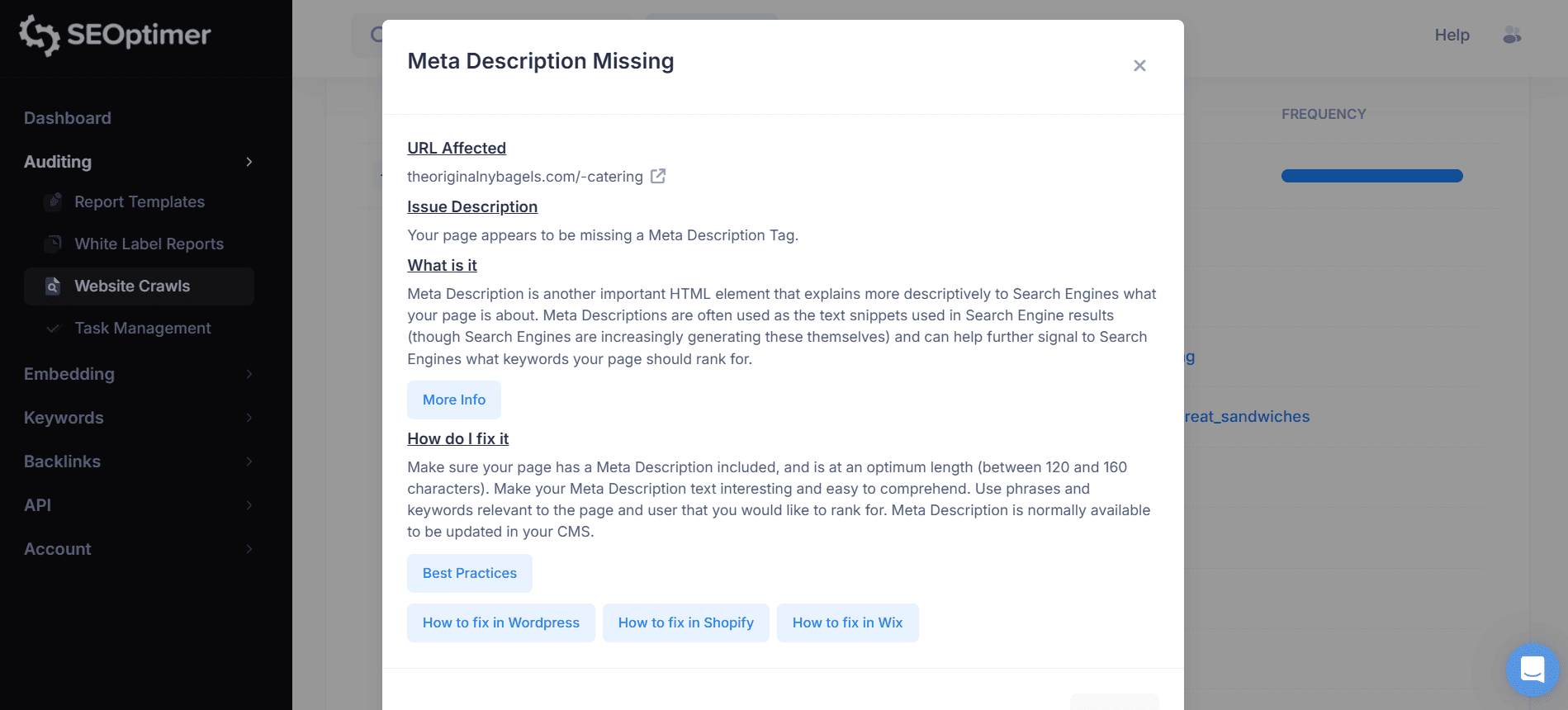
You can use tools like SEOptimer to run a comprehensive crawl of your current site. This will highlight your existing technical health, page speed scores, and on-page optimization. Our crawler tool will show you how to fix each issue, along with links to helpful guides and resources.
Furthermore, you can use SEOptimer's Backlink Research tool to identify your site's most linked to pages. If you click on the "Top Pages" tab, you will see detailed backlink metrics like the Page, Backlinks, Dofollow Backlinks, and Nofollow Backlinks.
The pages with the most Dofollow Backlinks are the most valuable pages from a backlink perspective.
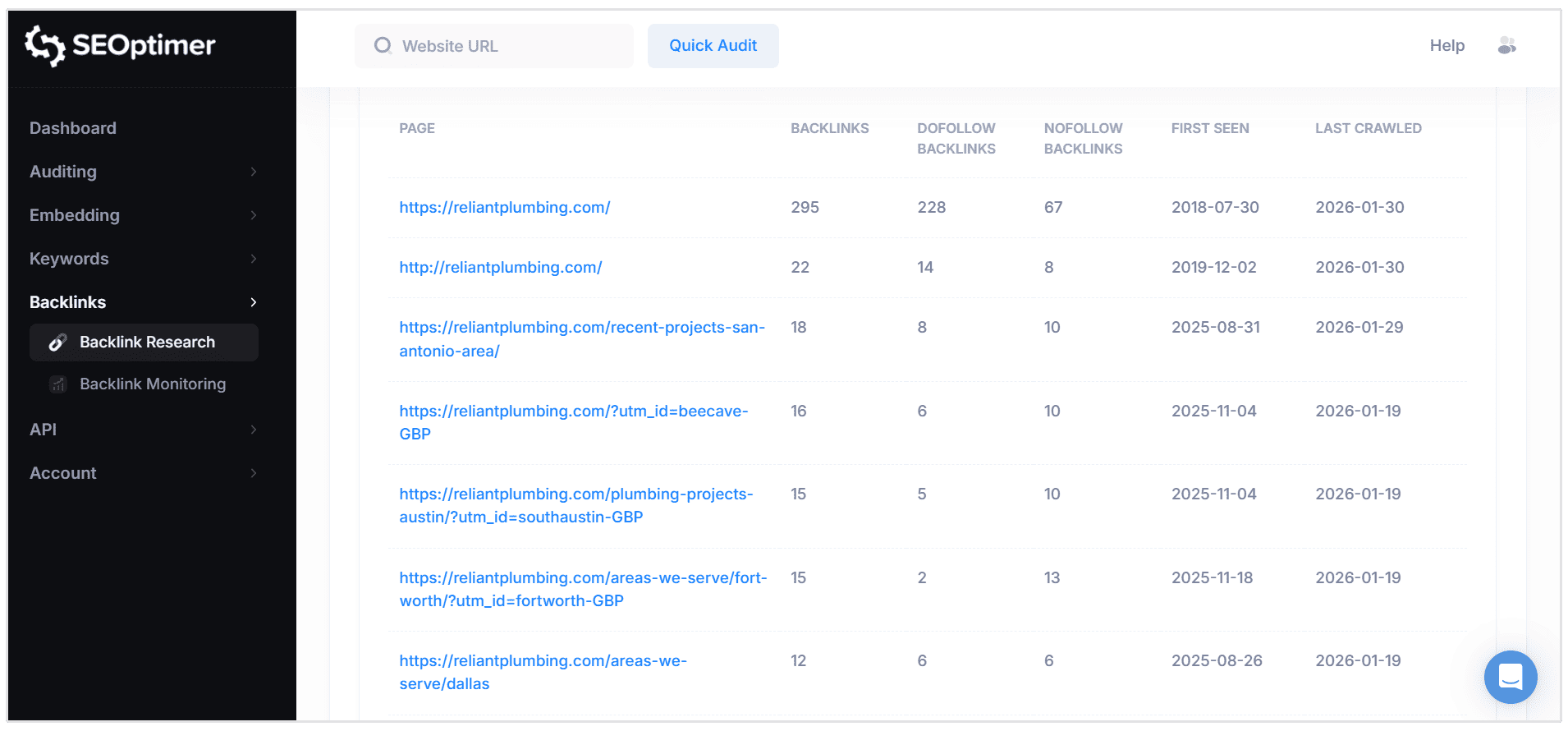
Be sure to export the list of these pages and save it for later.
Defining SEO Goals for Website Redesign
A redesign shouldn't just be about creating a website that looks new and feels fresh; you should also think about SEO growth.
From an SEO perspective, your primary goal is to redesign a website without losing SEO, however, you can also set secondary goals like:
- Improve Core Web Vitals (site speed) scores.
- Fix existing broken links (404s).
- Consolidate thin, low-value content into comprehensive guides.
By defining these goals early, you give your web developers clear targets to hit during the build process.
Site Structure and Internal Linking Strategy
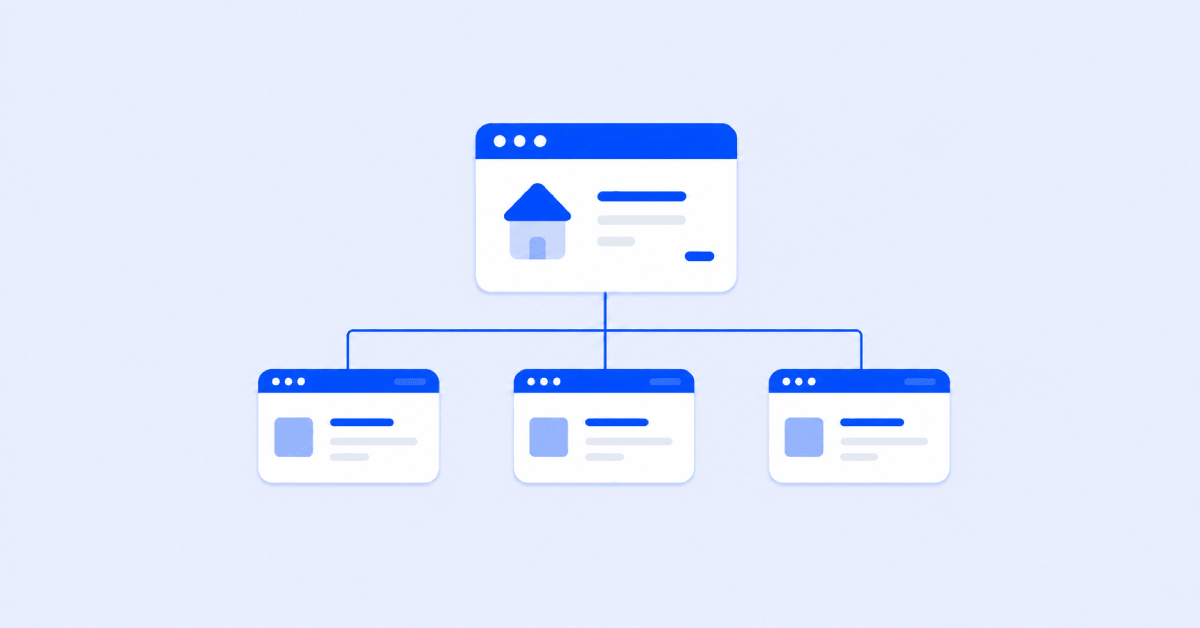
Your site structure outlines which pages are most important. A redesign often involves changing the menu or navigation. But be careful here.
If you currently have a "flat" architecture where important pages are just three clicks from the homepage, and you move to a deeper architecture where pages are buried five clicks deep, Google may view those pages as less important.
Ensure your new menu structure is logical.
Use internal linking to connect related content.
If you have a high-authority blog post, add a link to a relevant service page.
For example, Reliant Plumbing has this blog post on "Drain Cleaning Tips and Benefits" and it has several internal links pointing to important service pages like their Emergency Plumbing and Drain Cleaning pages.

Redirect Strategy
This is the most critical step in the entire website redesign SEO checklist. If you mess this up, you will lose traffic, and that is a guarantee.
When you move a page from an old URL to a new URL, you must use a 301 redirect.
A 301 redirect is a permanent signal that tells Google that the page has moved and to transfer all rankings and authority to the new URL.
Do not use 302 redirects. A 302 is temporary and does not pass ranking authority effectively.
How to create a redirect map:
- List all URLs on your old site (from your site crawl).
- List all URLs on your new site.
- Map every old URL to the most relevant new URL.
- If a page is being deleted, redirect it to its parent category or the homepage (only as a last resort).
Every old URL must go somewhere.
My advice is to keep existing page URLs unchanged wherever possible. Only update URLs when there is a clear technical, structural, or strategic reason to do so.
On-Page SEO Considerations during Website Redesign
Designers love minimalism. Sometimes, they love it so much they remove page titles, H1 headers, or text content to make the design look "cleaner."
This is disastrous for your existing SEO rankings.
Another issue we are seeing is clients who would make the new website "too beautiful" and think they don't need too many words, because people don't read anymore. They are cutting out pages, are desperate to make the website simple. Which often is not great for SEO rankings.
Google and other crawlers still need to understand the business. We always discuss finding a 'middle ground' between a pretty website and an SEO optimized website. Yes, a beautiful website is important, but words (and SEO!) still matter if you want to get found online. Even in times of AI.
- Kirsten Hopstaken, Owner of GYBO Marketing
When approving new designs, ensure the following elements are present on every page:
- H1 Tags: Every page needs one unique H1 tag that includes the target keyword.
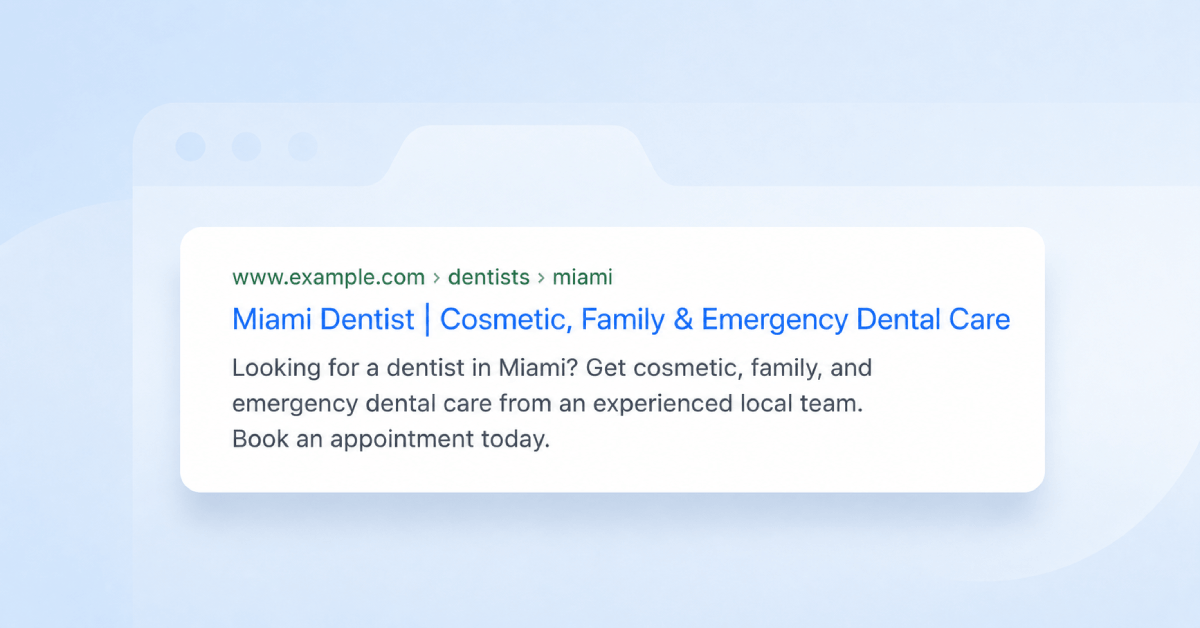
- Meta Titles and Descriptions: Ensure these are ported over from the old site. If they were working before, don't change them yet.
- Body Content: If a page was ranking well with 1,000 words of text, replacing it with a design-heavy page with only 100 words will likely cause a ranking drop.
- Alt Text: Ensure images on the new site have descriptive alt text.
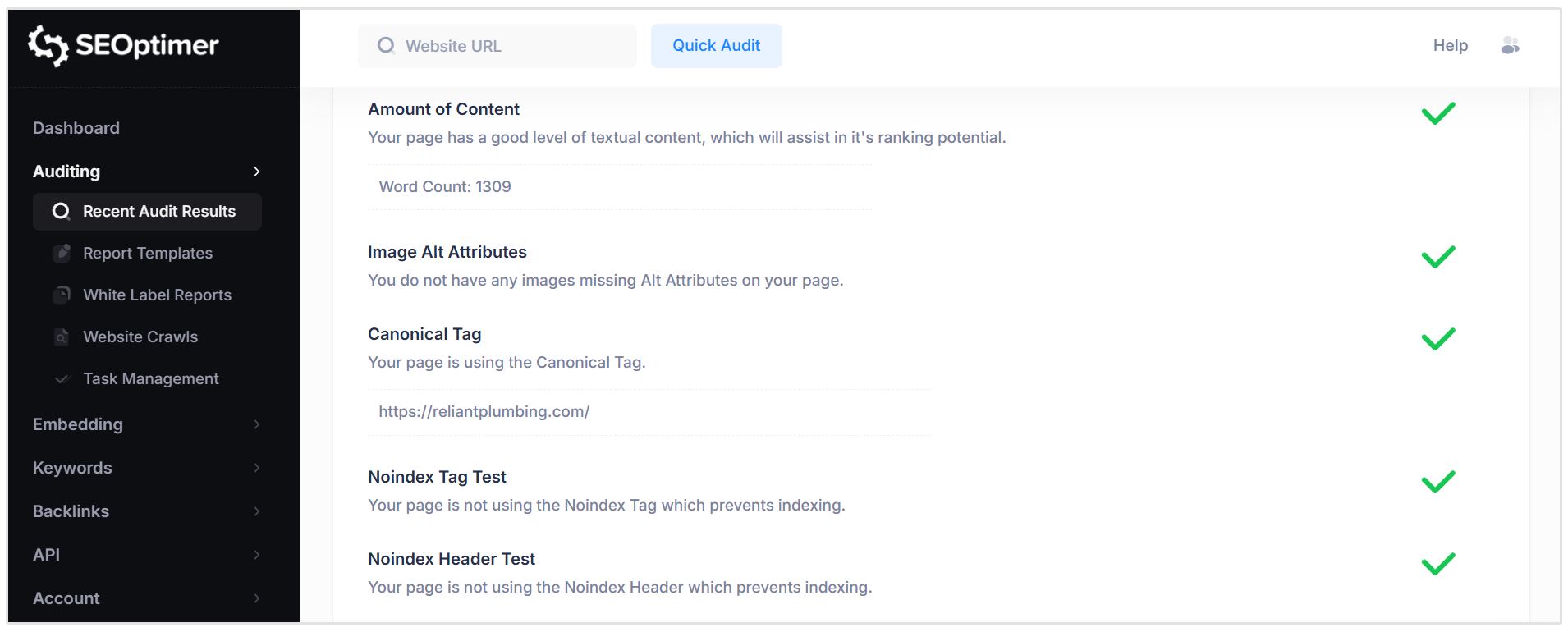
You can evaluate your new website’s on-page SEO by running a free audit using SEOptimer. The report reviews core on-page elements such as titles, meta descriptions, headings, and content signals, while also checking whether they are properly implemented.
Technical SEO Checklist for Website Redesign
Your new code needs to be clean and efficient.
Use this mini-checklist for your developers:
- Mobile-Friendliness: The site must be responsive. Google uses mobile-first indexing, meaning it looks at your mobile site to decide where to rank you.
- Page Speed: Optimize image sizes and minify CSS/Javascript.
- Schema Markup: If you had structured data (Schema) on your old site for reviews, products, or events, make sure it is implemented on the new site.
- Robots.txt: Ensure your staging site blocks search engines (so Google doesn't index your unfinished site), but crucially, remember to remove this block when you go live.
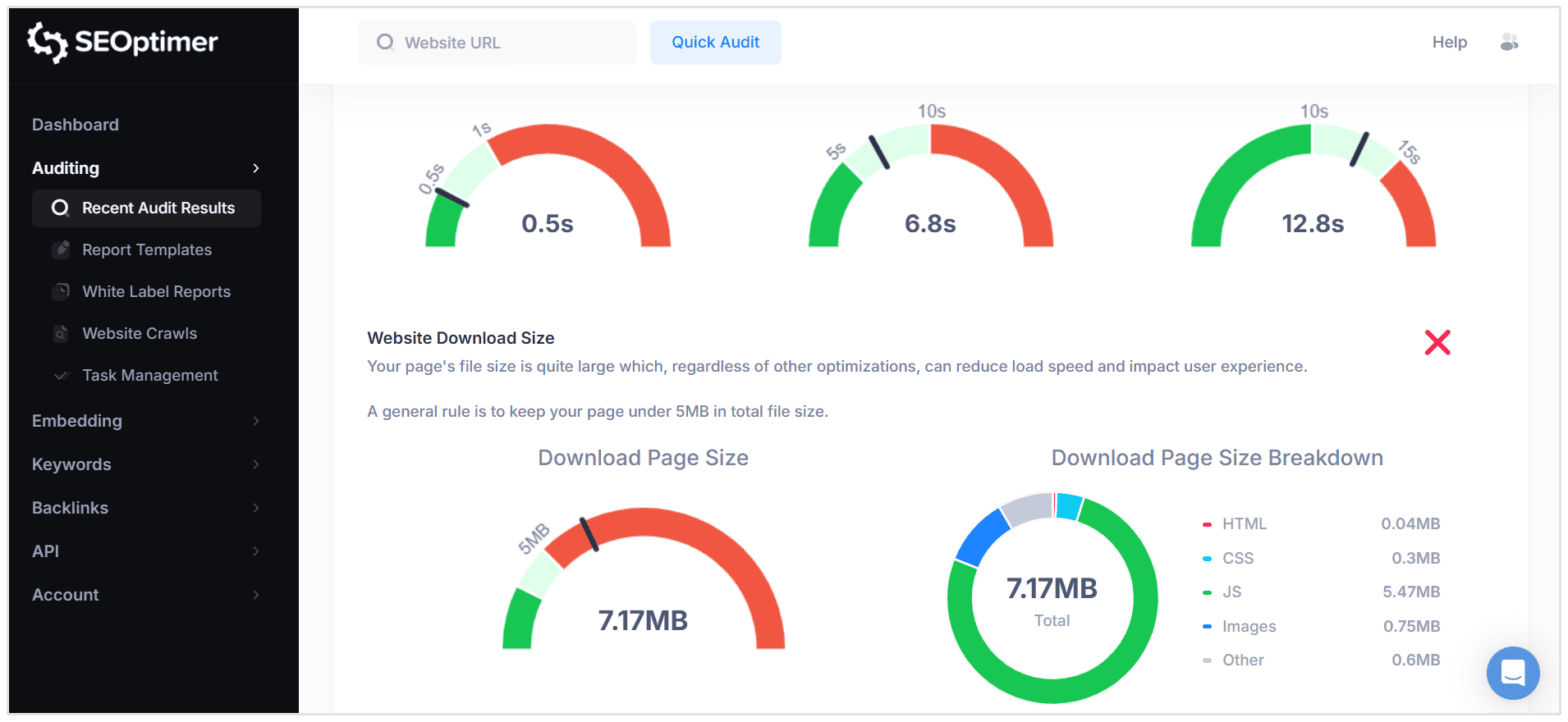
Pro Tip: You can use SEOptimer’s SEO Audit tool to check the technical SEO health of your staging site before pushing changes to your live website. The audit will show you where there are improvements needed from a technical SEO perspective.
What to Monitor Immediately after Website Redesign Launch
The moment you publish your new website, you need to monitor your site closely for the first 14 days to catch issues before they do permanent damage.
Indexing Status
Log in to Google Search Console. Inspect a few of your new URLs to ensure Google can crawl and index them.
If you have a new sitemap, be sure to submit it to Google Search Console immediately.
This invites Google to crawl your new structure.
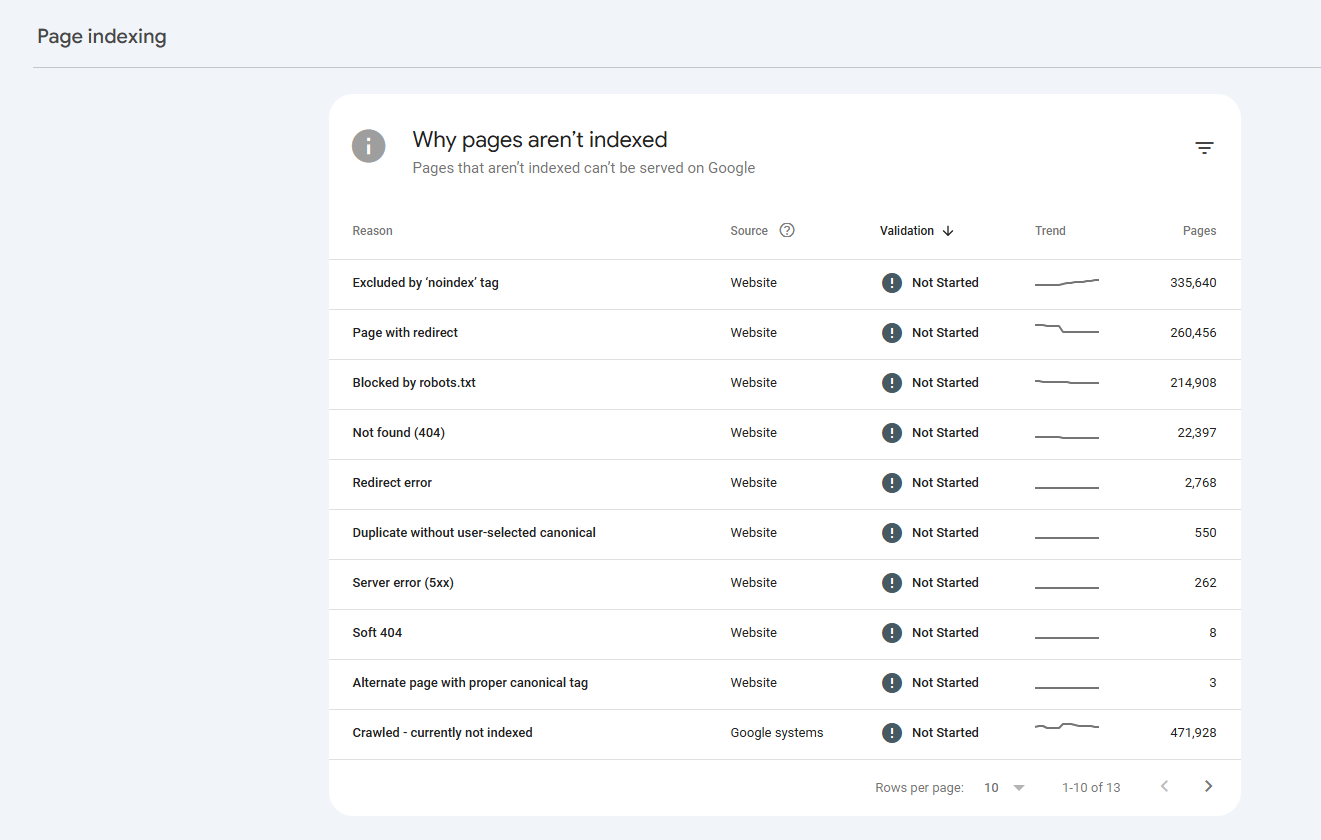
Watch the "Pages" report in Search Console. You want to see the number of "Indexed" pages rising and the number of valid pages excluded decreasing.
Crawl Errors
Watch your server logs and Google Search Console for 5xx (server errors) and 404 (not found) errors.
A spike in 404 errors usually means your redirect map wasn't implemented correctly or you missed a section of the site.
Fix these immediately by adding the missing 301 redirects. If Google encounters too many errors, it may slow down crawling, delaying the time it takes for your new site to rank.
SEO Volatility is Normal after a Website Redesign
Even if you do everything right, expect some turbulence. It is normal to see a temporary dip in traffic for a few weeks after a launch.
Google has to re-crawl your entire site, process the 301 redirects, and understand the new content.
According to Google Search Central, for a medium-sized website, this process can take a few weeks. For larger sites, it can take longer.
Don't panic if you see a 10-20% drop in the first two weeks.
However, if traffic drops by 50% or more, or if it doesn't recover after a month, you likely have a technical error or a redirect issue that needs investigation.
Common Website Redesign SEO Mistakes
We have seen many businesses fail to redesign a website without losing SEO because they fall into these common traps:
Removing High Ranking Pages without Redirects
Sometimes you might think that old blog posts aren't part of the new brand. And you end up deciding to delete hundreds of articles.
If those articles were driving traffic or had backlinks pointing to them, deleting them destroys your domain authority. If you must remove content, always 301 redirect the URL to a relevant existing page.
Never just delete a high-traffic page. Another alternative is to just update the old blog post.
A common, costly mistake is deleting old pages or blog content because it "looks outdated." That content holds ranking power, so refresh it, don't remove it.
- Matt Suffoletto, Founder and CEO of PageSpeed Matters
Breaking Internal Links
If you change your URL structure, all the links inside your content (e.g., a link from your homepage to your services page) need to be updated.
If you don't update them, users will click a link, hit a redirect, and then land on the right page. This adds load time (latency). Worse, if you missed the redirect, the user hits a 404 error. Update all internal links to point directly to the new, correct URLs.
Forgetting Sitemap Updates
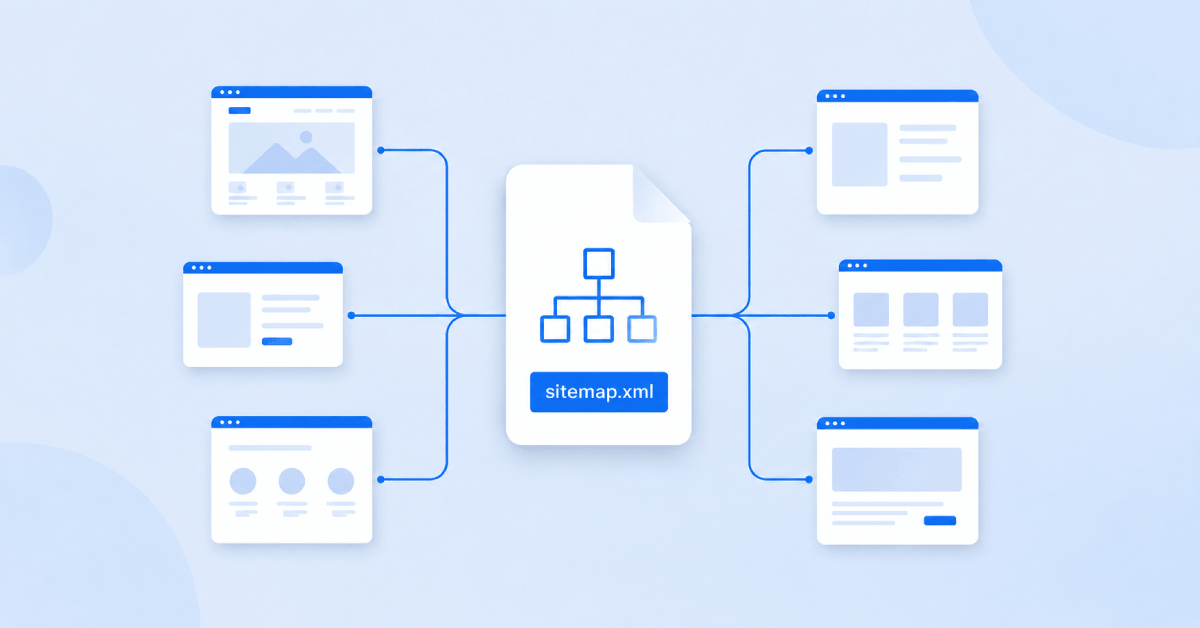
Your XML sitemap is a map for search engines. If you launch a new site but leave the old sitemap in place, you are asking Google to crawl pages that no longer exist.
Generate a new XML sitemap immediately upon launch.
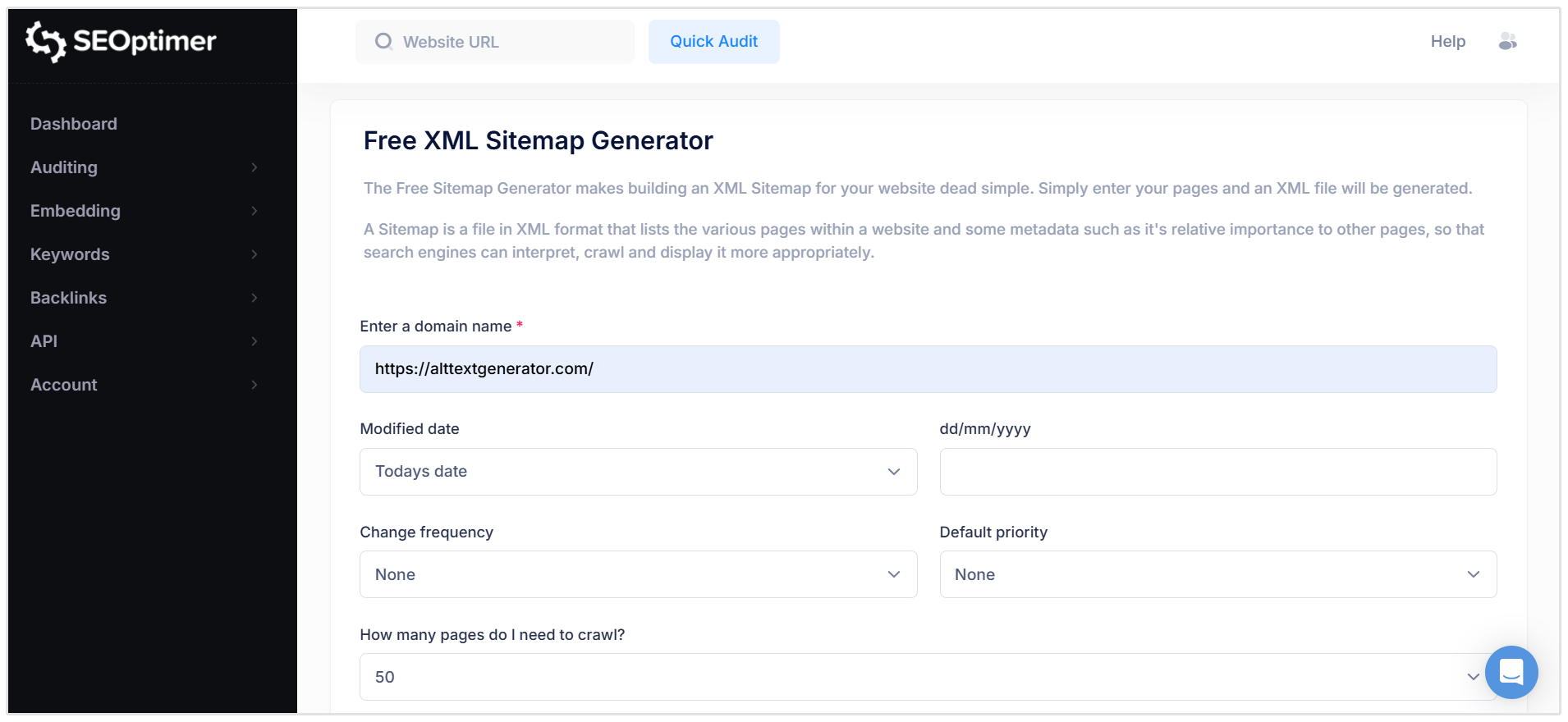
Ensure it only contains 200-status (live) pages. Do not include redirected URLs or 404 pages in your sitemap.
Changing URLs Unnecessarily
The golden rule of SEO website redesign is: if you don't have to change a URL, don't.
If your "About Us" page is currently at example.com/about-us, keep it there.
Changing it to example.com/company/about creates unnecessary work for Google. The more URLs you keep the same, the faster your rankings will recover.
Conclusion
A website redesign is a complex project, but it doesn't have to result in lost rankings or revenue.
By treating SEO as a core requirement rather than an afterthought, you can protect your hard-earned visibility.
The secret to learning how to redesign websites without losing SEO lies in preparation.
Audit your existing site, map your redirects carefully, and preserve the content that is currently working for you.
When you are ready to start your process, remember to use a tool like SEOptimer to benchmark your current performance. This gives you the data you need to build a better, faster, and more search-friendly website.