The best AI content generator tools will save you a ton of time creating content, no matter your use case.
Whether you’re creating blog posts, social media content, or something else entirely, there’s probably a content generator for you.
I’ve been in digital marketing for over a decade and I can tell you, content is one of the most effective acquisition channels there is.
So if increasing your content throughput is a priority, you should find a content generator for your use case.
Tools like SEOptimer, ChatGPT, Copy AI, Jasper, Writer.com, Rytr, and Copysmith are all really powerful. With the help of artificial intelligence, they turn your short written inputs into paragraphs of unique content for a wide array of use cases.
In this article, I’ll cover the best AI content generators for every business use case. Stay tuned, and pick the right one for your business.
What are Content Generators?
You can get content done in three ways:
- You can write it yourself
- You can outsource it to a blog writing service
- Or, use an automated content generator (also called an AI writing tool)
Content generators are AI-powered tools that automatically create written content by accessing a “corpus” of tens of billions of web pages or more. That means these tools can create totally unique content in the blink of an eye.
With content generators you can make:
- Ad copy for Facebook, Twitter, Google Ads, LinkedIn and more
- Blog copy for long-form content like listicles, “how-to posts,” and thought leadership articles
- Short product descriptions for ecommerce sites
- Social media copy for Facebook, Instagram, TikTok, etc.
- Sales and email copy
Now, let’s talk about the best ones for every use case.
The 15 Best Content Generator Tools
1. SEOptimer
If your goal is to write SEO-optimized blog posts 10x faster, look no further than SEOptimer.
SEOptimer enables you to research keywords and write blog posts with the click of a button.
And it works for any topic, in any language.
What it does:
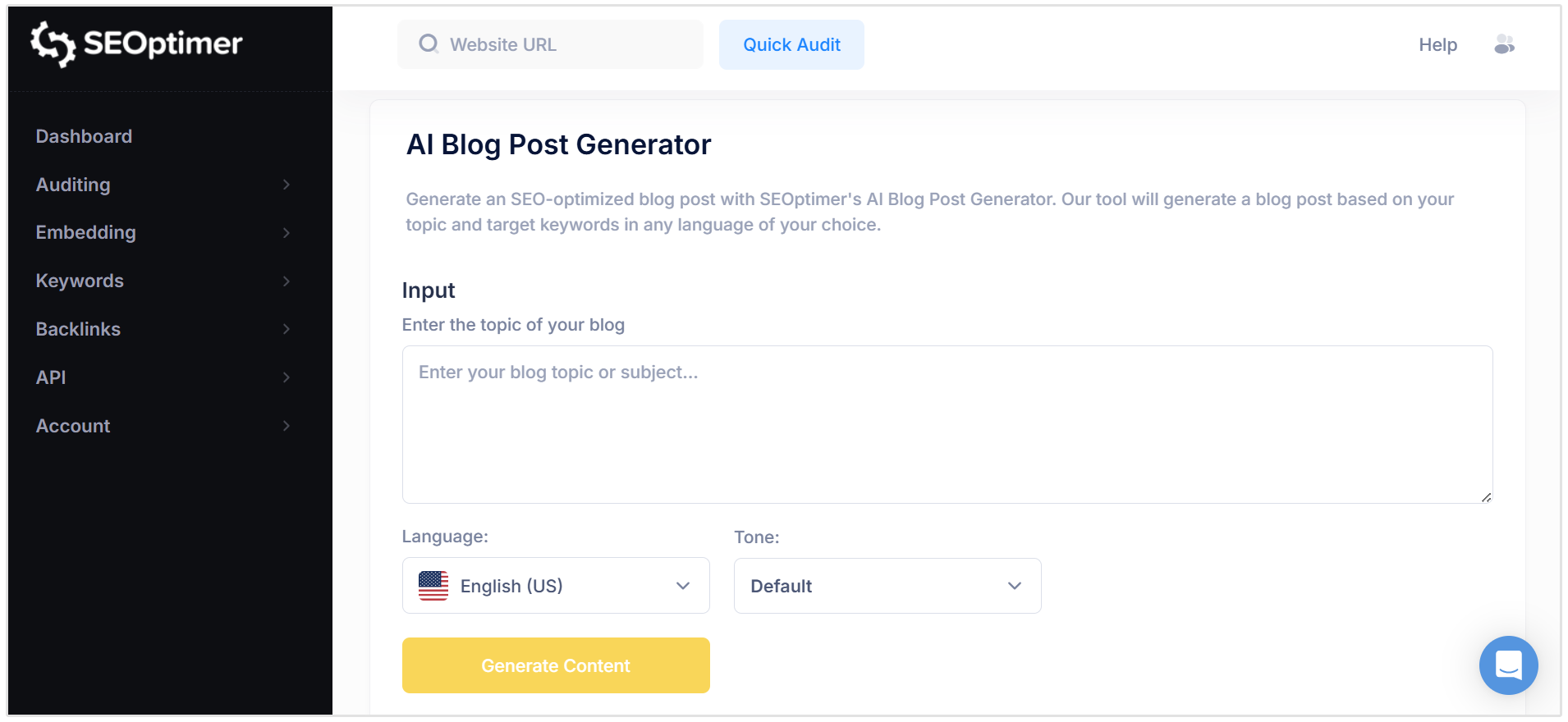
SEOptimer has earned 4.6 stars on G2 for its SEO audit and reporting capabilities, but we've recently released our own set of AI content generator tools, including an AI Blog Post Generator.
What can you do with SEOptimer:
- Write entire blog posts: SEOptimer takes your input keyword/topic, language, and desired tone of voice, and generates an entire SEO-optimized blog post.
- Create content outlines: SEOptimer can create your blog post outline to ensure your blog posts cover the entire topical map for your chosen keywords.
- Keyword and competitor research: SEOptimer's Keyword Research tool surfaces billions of data points so you can make sophisticated decisions about your content strategy. It includes over 5 billion keywords and search data in the Keyword Research tab, plus competitive data on every site on the web.
Features:
- AI blog topic creation
- AI email newsletters and sales emails
- On-page SEO audits
- Keyword research
- Competitor analysis
- Backlink analysis
Who it’s for:
SEOptimer is perfect for SEOs, agencies, and bloggers. Plus, at $29/mo it’s an extremely accessible price point. SEOptimer also works in 20+ languages.
Pricing:
- DIY: $29
- White Label: $39
- Embedding: $59
2. ChatGPT
ChatGPT is the only truly free AI content generator. If you haven’t heard of it by now, you may be living under a rock. Just kidding. ChatGPT enables you to do just about anything with AI.
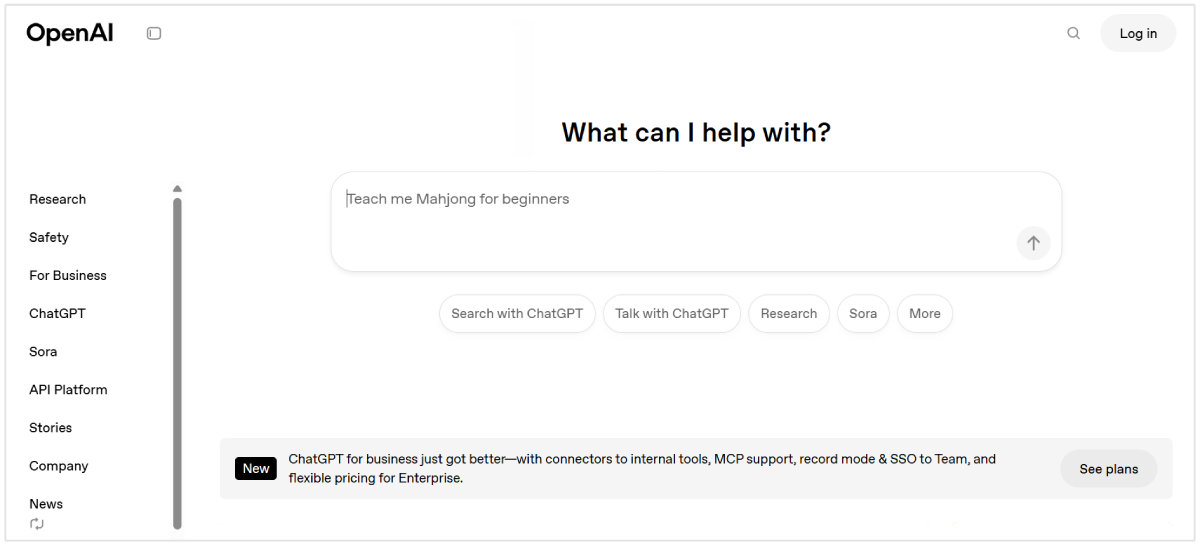
Write an email to your boss, rephrase a sales email, add more polish to a school essay, or even answer simple queries like, “how to make pasta from scratch.”
I like to use it for a bunch of time-saving tasks like generating a quick and dirty outline for a blog post or for finding topical gaps in my blog posts.
What it does:
ChatGPT is one of the most powerful AI tools ever created. It’s essentially a chatbot that has access to billions of documents and a huge corpus of information. That means you can ask it to do or generate basically anything and it will oblige.
The use cases are basically endless: from writing code, to crafting emails, to creating a YouTube script.
Features:
- Instantly generate copy for anything
- Use it as a brainstorming partner
- Simple chat interface with
Who it’s for:
ChatGPT is for anyone who writes copy.
Pricing:
- Free forever
- $20/month: gives you access to new ChatGPT features, faster completions, and priority access when their servers are busy
3. Copy.ai
Copy.ai is an automated creative tool that generates marketing copy in seconds. Copy AI spans over 90 use cases.

Built on powerful AI, Copy.ai generates ad copy, social media content, website copy, blog content, and any other form of digital copy. It has the most styles of copywriting of any tool (over 90 functions).
You can create email content, Facebook Ad content, Google Ad content, sales outreach copy, and much more. It doesn’t specialize, so it’s great for an all-around digital marketer.
What it does:
Copy.ai enables marketers to build custom workflows to generate all kinds of digital copy.
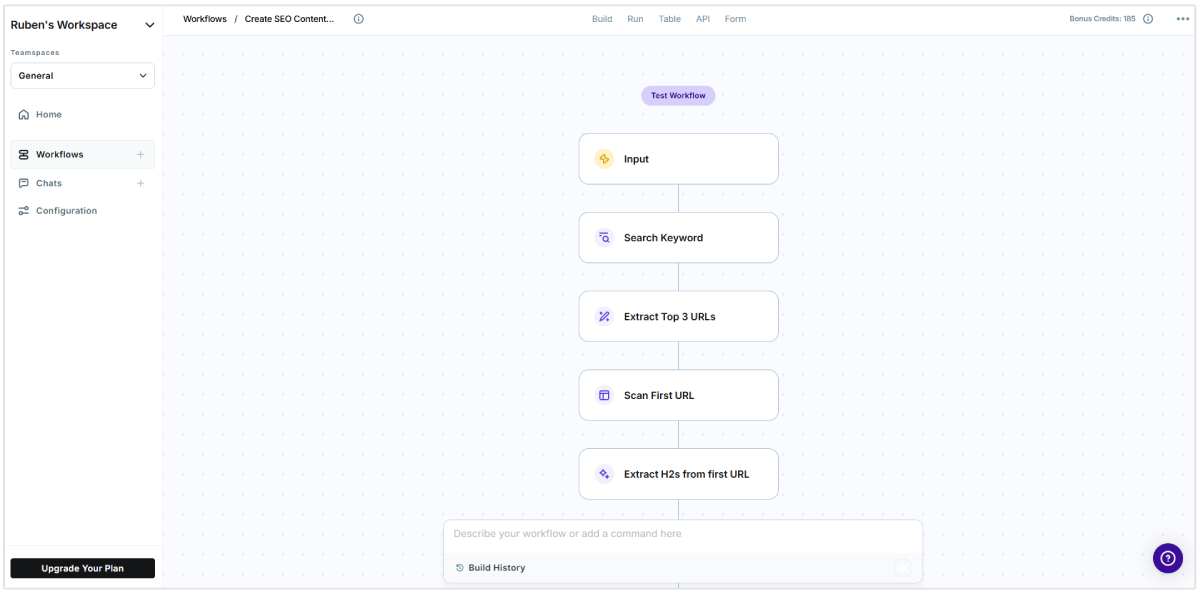
Features:
- Instantly generate any marketing copy
- Beat writer’s block by inputting some basic keywords and letting Copy.ai do the rest
- Free forever option
- 90+ different tools to explore: email marketing, social media, sales outreach, slogans, calls-to-action, paraphrasing, hashtags, mottos, etc.
- Recently released Copy AI Chat, which combines the power of ChatGPT’s chatbot interface with up-to-date information. ChatGPT’s biggest shortcoming is that its training data is old. So it likely doesn’t know current events or really anything happening on the web after 2022. Copy AI’s ChatGPT alternative solves this issue by connecting AI with real-time information, like a person’s LinkedIn updates or a company’s recently-announced news. This means you can create sales emails or marketing copy with current information.
Who it’s for:
Copy AI is for anyone looking to save time producing copy or push through a creative block. What you get back isn’t always going to be perfect, but it’s going to put you on the right path to creating a perfect piece of copy. It’s a great tool for entrepreneurs and growth hackers looking to save time.
Personally, I’ve used it for outbound email sales copy many times. Copy AI works in 25+ languages. Copy AI has 4.7 stars on G2.
Pricing:
- Free for 2,000 words
- Starter: $49/mo
4. Jasper
Jasper (formerly known as Jarvis) is one of the best content generators on the market.
Their AI instantly generates high-quality copy for almost endless options beyond your marketing classics, including the “Explain it to a child” setting to real estate listings and Quora answers.
They’re probably the most recognizable name in AI writing, mostly due to their $125 million fundraise.
At higher pricing tiers, Jasper enables users to write long-form content with the assistance of AI. This means that for every few sentences of “human” content, you can click to produce some AI-generated content. In theory, this should save you a ton of time as you write.
What it does:
Jasper enables users to create a number of different content types and even choose the tone of the content they’re creating. It has more than 30 language options, perfect grammar, and offers a long-form writing assistant.
Like Copy AI, it has a lot of use cases. Both Jasper and Copy AI are going after enterprise customers. As such, they offer API access and other “big company” features.
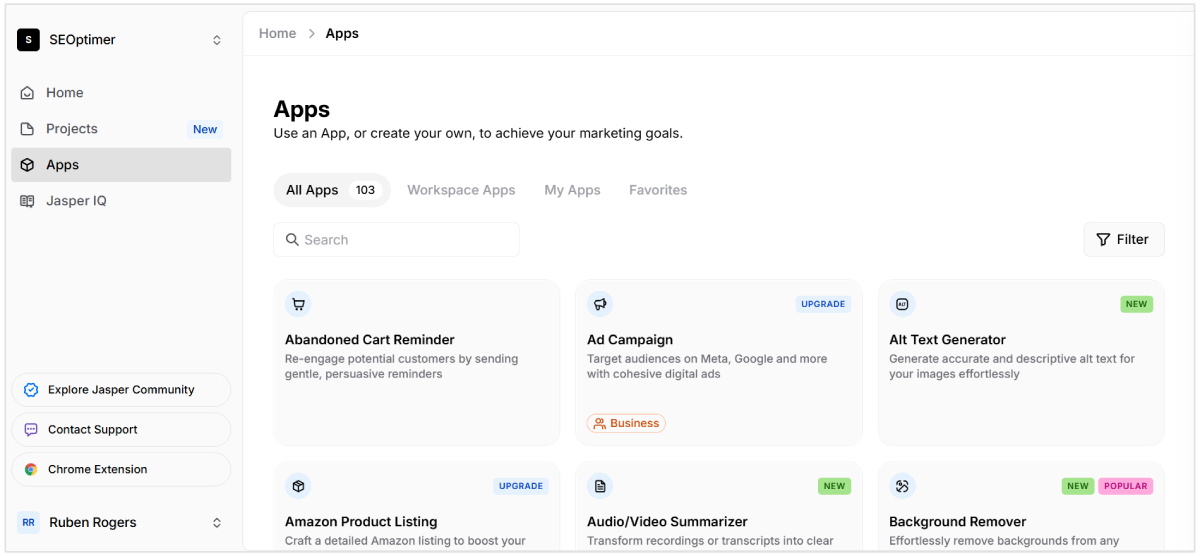
Features:
- AIDA framework
- Blog post topic ideas
- Blog post outline
- Blog post intro and conclusion paragraphs
- Feature to benefit
- Sentence expander
- Facebook ad headline and primary text
- Personal bio or company bio
- Google ad headline and description
- Marketing angles and ideas
- Review responder
- AI image generator
Who it’s for:
Jasper is for content creators and digital marketers who want to take some shortcuts with their writing. As with Copy AI and some other full-content production tools, the results are mixed. I find the long-form copy to be worse than SEOptimer or Copy AI.
However, ad copy seems to be great, plus they just introduced Jasper Images for DALL-E generated images. Jasper has 4.7 stars on G2.
Pricing:
- Creator: $49 per month per seat
- Pro: $69 per month per seat
5. Rytr
Like Copy AI and Jasper, Rytr is a jack-of-all-trades when it comes to creating copy. It uses AI to generate unique copy for a number of use cases, including business pitch ideas, brand names, calls to action, email, Facebook, Twitter, and LinkedIn ads, product descriptions, meta descriptions, and more.
It’s a straightforward tool that generates unique copy in seconds.
What it does:
Rytr is a multi-faceted content generator with over 30 writing functions. Choose a use case, add some input text, and get written outputs courtesy of Rytr’s AI. Rytr gets great compliments on G2 for its slick user interface and wonderfully-accurate “writing tone” feature.
Features:
- 30+ AI use cases including blog ideas, business pitches, Facebook/LinkedIn/Twitter Ads, and more
- 35+ languages
- 18+ tones you can select from (convincing, awestruck, inspirational, etc.) to add personality to your content
- API available
- Uses scientific copywriting formulas — such as AIDA & PAS — to provide best quality output that requires minimal to no editing
- Honed content outputs mean pretty reliable text generations
Who it’s for:
Everyone from entrepreneurs to big company marketers can use Rytr. The Rytr site advertises that Freshworks, Ikea, Ford, Payoneer, PWC and Adidas all are customers. It’s great if you have a number of use cases, want a simple interface, and an affordable price. Rytr has 4.7 stars on G2.
Pricing:
- Free: $0/mo, generate 10,000 characters per month
- Unlimited: $9/mo, generate unlimited characters per month and 50 plagiarism checks per month
- Premium: $29/mo, generate unlimited characters per month and 100 plagiarism checks per month
6. Writer.com
Writer.com is the only end-to-end AI content generator for enterprise businesses. If you want your entire fleet of salespeople or customer support staff to efficiently cowrite with AI and write according to your company style guide, Writer.com is for you.
It’s meant for large teams that want to gain efficiency from AI with automated writing that includes business context and company facts. Plus, since they’re enterprise-ready, Writer.com is HIPAA, SOC, and PCI-compliant.
What it does:
Writer.com ingests your company’s facts and style guide so that it can train a custom AI model for your business. In this way, Writer.com doesn’t pull text from a one-size-fits-all corpus of information. Because it has “read” your business’s blog posts, investor reports, style guidelines, and more, it can help your team write in one common voice.
Features:
- Writer.com’s core product is an AI writing engine that helps your team write with AI and adhere to brand voice and tone
- Create a library of brand-approved snippets, so that your team can save time while they CoWrite
- Integrates with Chrome (via extension), Google Docs, Contentful, Figma, and Outlook
- Has an analytics suite so that your team knows how they can improve their writing
Who it’s for:
Writer.com is for enterprise businesses that want to use a custom generative AI model across their organizations. Writer.com customers include Charter, Peloton, Spotify, and Cisco. Writer.com has 4.3 stars on G2.
Pricing:
- $39 per user, per month which includes up to 100 prebuilt agents
7. Writesonic
Writesonic is a comprehensive suite of tools for writers, bloggers, marketing teams, and entrepreneurs. It’s similar to Copy AI in that there are many use cases. You can create everything from Quora answers to social media posts to blog posts, landing page copy, emails and so much more.
Writesonic is unique in that you can actually choose your output quality — premium AI text outputs cost more than more basic text outputs.
What it does:
Writesonic enables marketers to write copy across a huge number of use cases. They actually have the most copywriting tools of any tool on this list (over 100). They even have an AI image generator and a ChatGPT competitor, ChatSonic.
Features:
- AI generations across 20+ languages
- 100+ use cases
- A long-form blog generator
- A 5-step blog post writer
- AI image and art generation
- Bulk processing (generate many outputs at once)
- API access
- Integration with Surfer SEO for content analytics
Who it’s for:
Entrepreneurs and small businesses with a wide variety of use cases. According to Writesonic’s website, Rakuten, Genesys, and several other midsize enterprise businesses use the product. Writesonic has 4.7 stars on G2.
Pricing:
Writesonic’s Lite package goes for $49/month, with the Advanced package going up to $499/month.
8. Blogcast
Audio content—podcasts in particular—have been on a meteoric rise for several years. If you’re looking for a way to automatically repurpose your content into audio format, Blogcast is the tool you’re looking for.
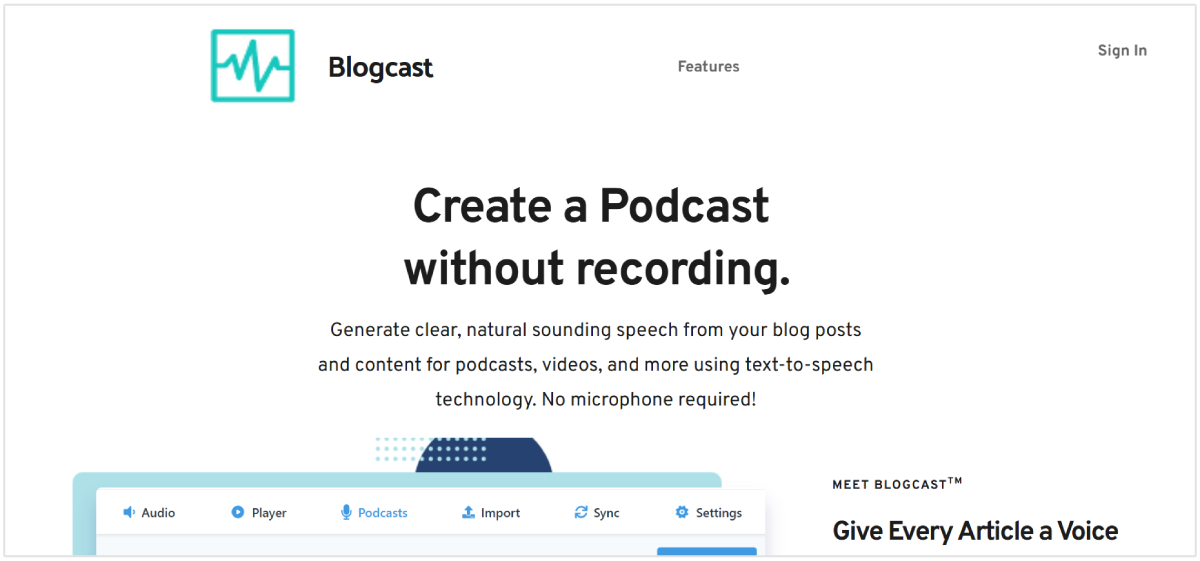
This tool generates realistic voice-overs for written content, video, podcasts, and more. It uses AI text-to-speech technology, so you don’t have to use your voice.
What it does:
Blogcast uses text-to-speech technology to read text and create audio. Effectively as if it’s reading your article out loud.
You then have the audio file you can attach to your blog post, use it as a podcast, or in any other way you wish.
Features:
- Quickly turn your blog posts into audio files.
- Create audiobooks, podcasts, and other audio formats
- Create audio content without the need for a microphone or other editing equipment
Who it’s for:
Blogcast is for anyone wanting to create audio content without the need for the skills and equipment required when creating audio from scratch.
It’s a great tool for quickly creating a new media format. If you already have blog content in many niches, it makes sense to make an audio format available for your audience.
Pricing:
- Starter: $8/mo for 10 articles
- Professional: $22/mo for 30 articles
- Business: $59/mo for 100 articles
9. Pencil
Used by industry giants like Kellogg’s, Unilever, and L’Oreal, Pencil is an ad content generator that quickly generates dynamic ad copy.

This tool uses AI to generate a bunch of different ad copy variations and layouts in minutes. You can then split-test those ads, take a data-driven approach to what’s working, and improve your ROIs.
Pencil goes as far as to say their AI-generated ad copy performs better than a manually generated copy. That’s certainly food for thought.
What it does:
You provide a brief consisting of key details, images, video clips, and other media you want in your ads. Pencil then generates dozens of unique ads for you to check out.
You can make any edits or changes you want, then reproduce the ads. You can also go back and make some changes to the content you’re using in the ads. Either way, you have full control over the content going into the ads and what the final ads look like.
Features:
- Ad content generator
- Easy-to-use-interface and drag and drop builder
- Can split test your own ads against Pencil’s generated ads
Who it’s for:
If you currently run ad campaigns or want to start running ads, you should try Pencil. Ad copy is challenging. It’s worth at least testing their copy against yours. If not, just to speed up the process.
Pricing:
- Core: $14 per month for up to 50 generations
- Growth: $55 per month for up to 250 generation
- Enterprise: Contact their team for pricing
10. Jenni
Jenni is the ideal AI content generator and writing assistant for academic essays. It’s a modern, intuitive app that autocompletes text as you write within the slick text editor.

You can write, rewrite, paraphrase, and simplify your writing. Jenni also cites sources as you write and checks for plagiarism–all things a student might care about.
What it does:
Jenni AI is a tool for students. It enables the writing of essays, speeches, stories, personal statements, emails, and anything else a student might need. Jenni’s AI is a mixture of in-house AI systems, OpenAI, AI21, as well as custom data from users.
Features:
- Proactively autocompletes your writing for any academic topic
- Automatic citations as you write
- Plagiarism checker
Who it’s for:
Students at Harvard, Cambridge, MIT, and other top schools use Jenni AI.
Pricing:
- Free: Includes up to 10 PDF uploads, 2,600 citation styles, and partial document export
- Unlimited: $30 per month and includes unlimited PDF uploads, access to the latest features, full document exports, and unlimited AI autocomplete
11. Plot Generator
Coming up with plots and writing stories is where writer’s block can really hit hard. The solution to this is Plot Generator.
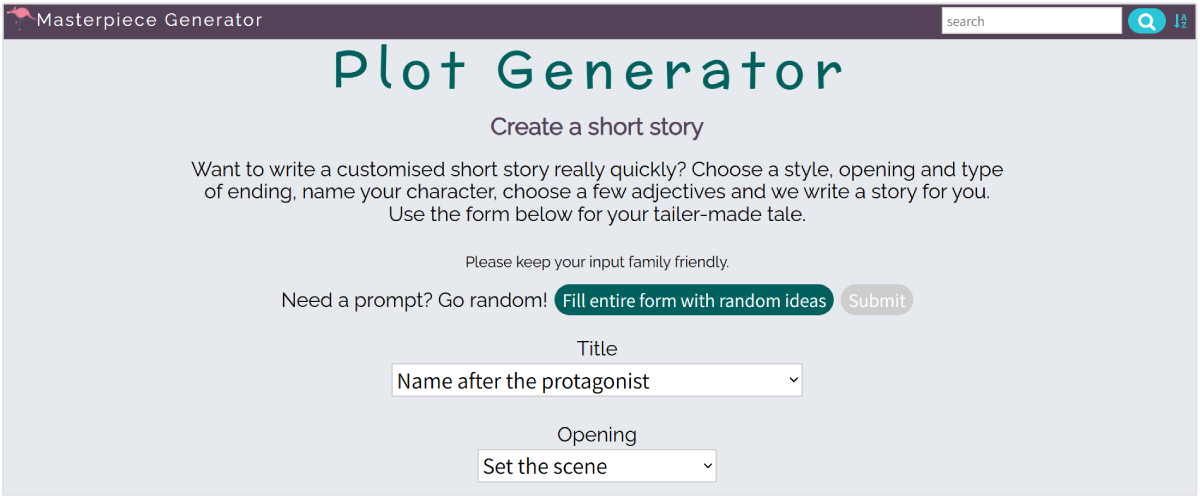
As the name suggests, Plot Generator will generate plots for you based on some basic information about your story.
You’re not going to get a masterpiece back in minutes…wouldn’t that be something? But you are going to get a creative plot outline to set you on your way to writing your own masterpiece.
What it does:
Plot Generator takes some of the keywords for your story, such as names of characters, how they feel about each other, where the story is set, and so on, then generates a plot/short story.
You can then opt to either publish or discard your plot. Or, you can simply use it as inspiration to write up your own story.
Features:
- Simple to use interface with a long list of parameters to fill out
- A good range of flexibility in the direction in which you can take the plot
- A great way to quickly generate a lot of ideas to
Who it’s for:
This tool is perfect for anyone in need of a little creative help outlining a short story.
Pricing:
This tool is completely free to use—so give it a shot.
12. Name Generator
Sometimes you need a list of names, right? After going through all the people you know and famous characters, it can become hard to come up with names.
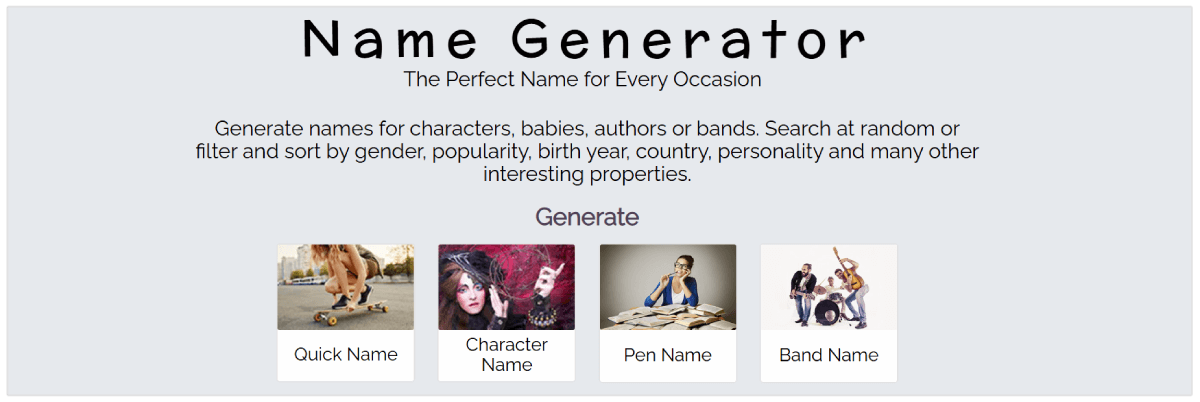
That’s where name generators like this one—called Name Generator—come in. Whether you want a first name, male name, band name, or even hero names, this tool will populate a long list for you.
What it does:
Name Generator is a simple tool. It does one thing, and it does that one thing well; it generates lists of names.
It goes a little deeper than just populating a list of random names, though. You can fill out some details, such as nationality, religion, and other details that will influence the names.
Features:
- Lots of categories of names to choose from
- You can add input to influence the types of names generated.
- Quick and easy to use
Who it’s for:
This tool is for anyone looking for a long list of names. Whatever the reason, genre, or occasion, if you need names, Name Generator will populate them for you.
Pricing:
This tool is completely free to use.
13. Rocketium
Rocketium is a video creation platform that automates the video creation process. You can quickly and easily create various types of videos by simply uploading content or using templates provided by Rocketium.

Video is as popular as it’s ever been. Creating your own video clips without the cost of an editor or editing software is a huge advantage. If you’re looking for a quick and inexpensive way to produce video content, Rocketium does exactly that.
What it does:
Rocketium is a powerful video generator. All you have to do is upload images or short clips, and this tool joins them together and gives you the ability to add text, audio, and other customized features.
The result is a professional-looking video. You have full rights to the video, so you can share it on social media, post it on your site, and use it anywhere you want.
Features:
- Voice over support
- Easy to use with no video editing experience or tools needed
- Over 2 billion royalty-free images to make use of
- Quick and easy to make unique video content
Who it’s for:
This tool is for anyone in need of video content, without wanting to pay editors, buy editing software, or spend the time learning how to edit and create a video.
Pricing:
Rocketium’s pricing varies depending on the exact features and products you want. You’ll have to discuss your requirements with their team for a quote.
14. Business Name Generator
Starting a new business and stuck on brainstorming ideas for a unique business name? This Business Name Generator will solve that issue.
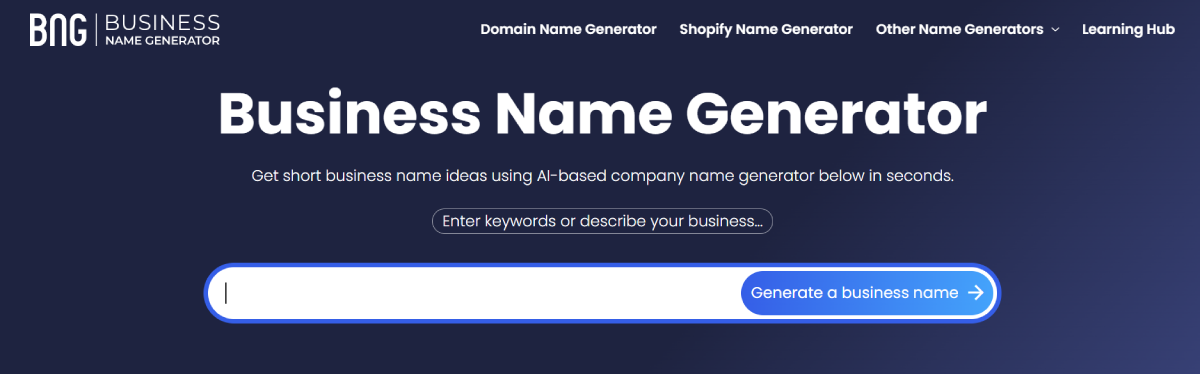
All you need to do is input one or more keywords relevant to your business, and this tool will populate a huge list of potential business names.
You can drill down further and select your industry and the number of words you want for your business. It also lets you know if the domain is available over on GoDaddy too.
What it does:
This tool generates long lists of business names based on some basic criteria. If you and your team can’t decide on a business name, this tool will almost certainly help you find the perfect name for your new business.
Features:
- Generates lists of potential business names
- Checks the availability of domain names on GoDaddy
- You can narrow your search based on your industry and some other data points.
Who it’s for:
This tool is for anyone starting a new business and in need of some creative input for a business name.
Pricing:
This tool is completely free to use.
Best Blog Content Generator
If you’re looking for a tool explicitly for generating blog content, you want SEOptimer.
SEOptimer uses OpenAI’s latest GTP models for producing the most human-like sentence structures. SEOptimer focuses exclusively on content creators, so if you’re looking for a content generator, look no further.
Some of our free AI writing tools include:
- AI blog post generator
- AI topic generator
- AI outline generator
- Sentence expander
- Paragraph rewriter
Best Ad Copy Generator
Copy.ai is a jack-of-all-trades marketing tool. It enables you to produce product copy, email copy, Facebook headlines, Google descriptions, Instagram captions, and much more. It has taken hold in the performance marketing community as a great tool for producing quippy, short ad copy in just a few seconds. Jasper is a close second.
While the recommendations aren’t always perfect, it certainly has a diverse product offering and with enough tries, you’ll get copy you’d be proud to put in your ad campaigns.
Benefits of Using Content Generators
Businesses spent over $300 billion on content marketing last year.
And producing content from scratch is an expensive and time-consuming process.
From coming up with an idea or the right keywords to producing thousands of words, it can take hours—even days—depending on the level of research required for the topic. Moreover, marketers spend a lot of time dreaming up quippy ad copy and email prose — time that can be eliminated with a good content generator.
Content generators produce content at the click of a button. Before you get excited, they’re not perfect. They’re still prone to error and nothing beats a good old human edit.
But there are many of them and several key benefits to using content generators:
Time-Saving
Time is money, not to mention missing deadlines can be costly.
Content generators can produce just about any number of words of content with a click of a button. Sure, you’ll still need to read, edit, and add your own voice and style to the content. But the primary benefit of using content generators is the time they save.
Beating Writer’s Block
Writer’s block is a real issue that can put the brakes on content production. AI doesn’t get writer’s block—neither does it struggle to come up with creative ideas.
If you’re one of those writers that struggle to get started with a blank screen in front of you, a content generator is going to bail you out every time.
New/Fresh Ideas
Sometimes, no matter how hard you try or how much research you do, you just will not come across certain ideas and keywords. Content generators can scan an almost infinite amount of content in seconds. Something we as humans simply cannot physically do. This is particularly useful when looking for keywords or a burst of creativity for a new blog post.
Conclusion
The AI powering content generators isn’t at a point where it can replace us (yet). But, as you can see from the tools above, there is no question that content generators can save you a lot of time.
In conclusion, each of these tools is capable of producing content at the click of a button. If you need some inspiration, a little creative help, or a way to speed up your content production, there’s a tool out there to help.