About Meta Tags
What are meta tags?
Meta tags are instructions placed in the head of an HTML document. They are invisible on the page itself, and they describe the page to everything that reads it rather than looks at it: search engines, social platforms, browsers and, increasingly, the systems that assemble answers from web content.
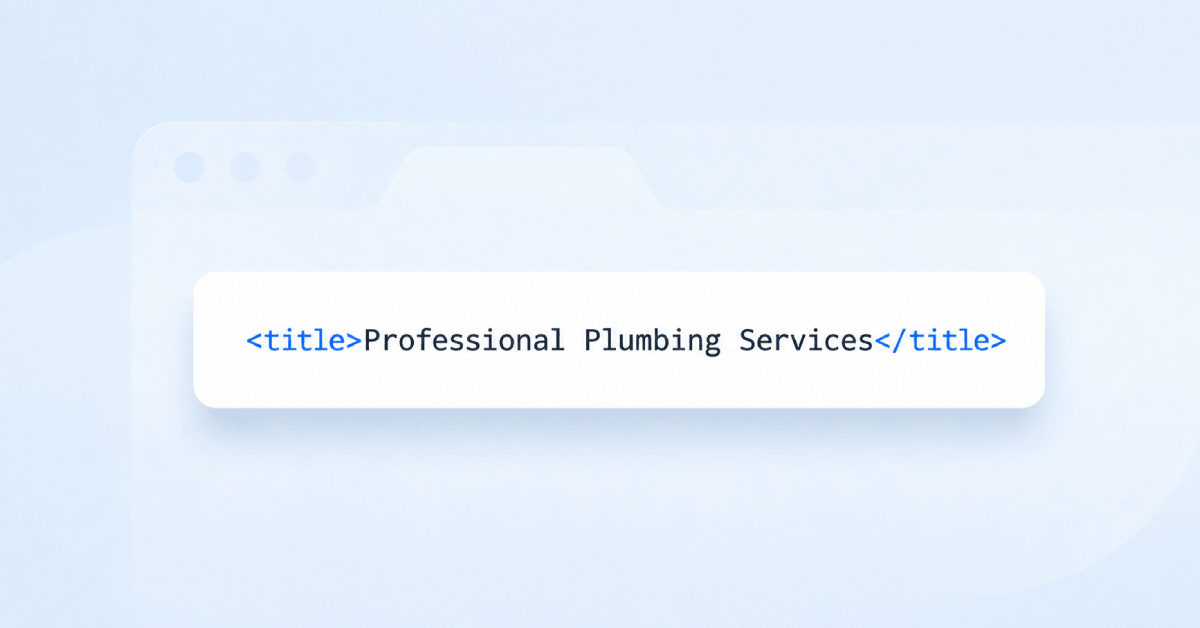
The set that matters for most pages is small. A title states what the page is. A description summarises it. A robots tag says whether it should be indexed. A viewport tag tells a phone how to lay it out. A charset declaration prevents text rendering as gibberish. A meta tag generator exists because writing these by hand is fiddly and easy to get subtly wrong, particularly the ones with fixed vocabularies where a typo fails silently.
Everything else people once put in the head has largely fallen away. The meta keywords tag, in particular, has been ignored by every major search engine for well over a decade.
Do meta tags still matter in 2026?
The useful ones matter more than they did, because the surfaces reading them have multiplied. A page today is rendered as a search result, a social card, a messaging app preview, a browser tab and a citation in an AI answer, and the meta tags are what most of those read to decide how to present it.
What has changed is which tags earn their place. Title and description do real work every day. Robots directives can remove a page from every index in one line. Viewport determines whether the page is usable on a phone at all. The rest of what a legacy meta tag generator might offer, from revisit-after to distribution to rating, is ignored by everything.
The risk is no longer omission so much as clutter: heads accumulate tags across years of plugins and redesigns, and nobody removes the ones that stopped meaning anything.
How meta tags relate to AI search
Models reading a page have to work out what it is about before deciding whether to use it. Meta tags are the cheapest possible answer to that question: a short, explicit, human-written statement of subject and summary, sitting in a fixed location that requires no interpretation of layout or styling.
They matter twice over when a page is cited. The title is usually the label a reader sees in a source list, and the description is often what appears beneath it. A description written as a teaser, withholding the answer to force a click, gives a model nothing to quote and a reader no reason to trust that the answer is there.
Robots directives are the other half of the story, and the half people forget. A noindex tag keeps a page out of search results and, in practice, out of the pool of sources AI answers draw on. That is a much larger consequence than it used to be.
Which meta tags are worth setting
For most pages the useful list is short:
- Title: the single most important tag, used as the headline in results and as the tab label.
- Description: a genuine summary, unique to the page, aimed at earning the click.
- Robots: index and follow for pages you want found; noindex only where you mean it.
- Viewport: required for any responsive layout to take effect on mobile.
- Charset: declare UTF-8 so accented and non-Latin characters render correctly.
- Open Graph and Twitter Card tags: control how links look when shared.
- Canonical: not strictly a meta tag, but it belongs in the same head and prevents duplicate URLs competing.
Skip meta keywords. It has no effect on any major search engine, and a long keyword list is a reasonably reliable indicator of advice that has not been revisited since 2009.
Common mistakes
- Leaving the same site-wide description on every page, which tells a searcher nothing about the page they found.
- Shipping a stray noindex from a staging environment, which quietly removes pages from search entirely.
- Setting tags in a plugin and again in a theme, so two contradictory versions reach the page.
- Writing a description that oversells, producing clicks that bounce immediately.
- Omitting the viewport tag on custom landing pages built outside the main template.
Using the meta tag generator
Fill in the fields for the page you are working on and the meta tag generator produces the block of HTML to paste into the head, correctly formatted and with the values properly escaped. On most content management systems you will not paste anything at all: the same values go into the SEO panel or plugin fields, and the generated markup simply shows you what those settings will produce.
Treat the output as a starting point rather than a finished job. The generator guarantees valid syntax; whether the description is worth reading is still down to you, and that is the part that decides whether anyone clicks.
Where to go next
Generated tags are a starting point; the wording is what decides whether anyone clicks. Check the length of your
title tag and
meta description, and preview how the pair actually looks to a searcher with the
SERP preview tool.