SERP Preview Tool
SEOptimer's SERP Preview Tool allows you to check how your SERP Snippet may look in when presented in Search Results based on your website's data.

SEO Audit Any Site in Seconds
+ Comprehensive SEO / GEO Tools for Every Function
Run over 100 checks on your website across On-Page SEO, Usability, Performance, Social and Links. Now with GEO in every report. SEOptimer also offers keyword research, rank tracking, backlinks and a full site crawler.

About SERP Snippet Previews
What is a SERP snippet?
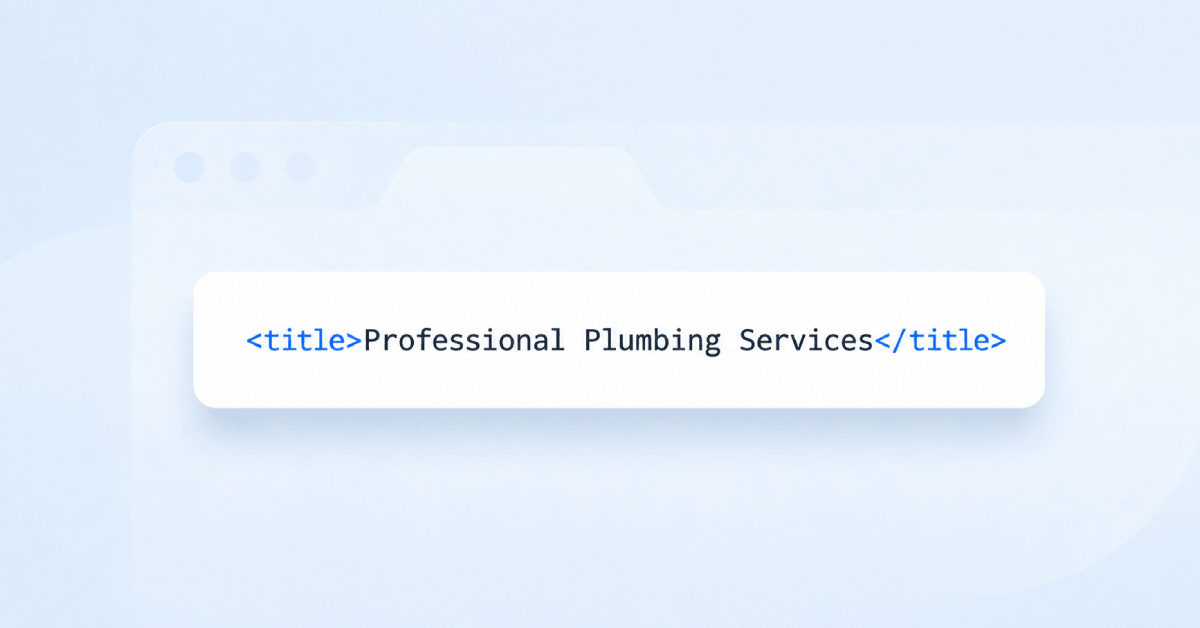
A SERP snippet is how a page appears in search results: the clickable headline, the URL beneath or above it, and the short description that follows. It is assembled from your title tag, your URL and usually your meta description, though the search engine reserves the right to substitute its own wording for any of them.
A SERP preview tool shows that assembly before you publish, so you can see what a searcher will actually be offered rather than what you hope they will be. The gap between those two things is the entire reason the tool exists.
The constraint that catches people out is that truncation is measured in pixels rather than characters. A title of narrow letters survives longer than the same number of capitals, which is why counting characters in a text editor gives a false sense of safety.
Do snippets still matter in 2026?
The snippet is the whole of your pitch. A searcher compares several in a couple of seconds and picks one, and ranking first is worth surprisingly little if the listing above the fold reads worse than the one below it.
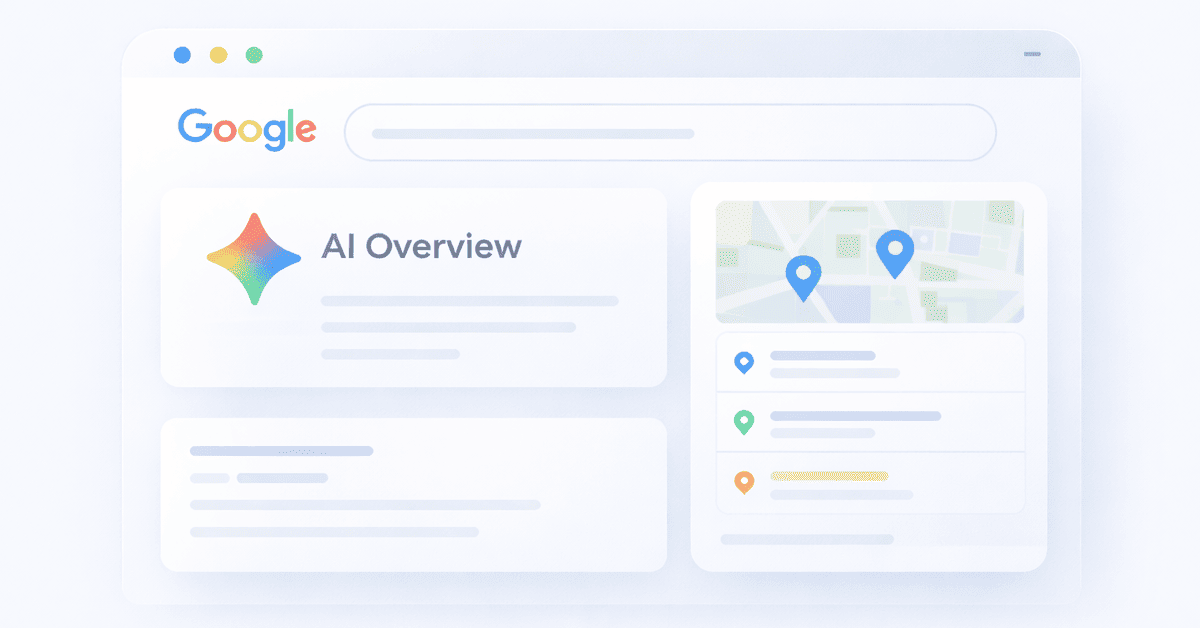
The space available has also shrunk. Results pages now carry ads, shopping units, video carousels, discussion threads and AI summaries, so an organic listing occupies less of the screen than it did and has to work harder within it.
That shift has changed what a good snippet looks like. Clever or coy wording performed acceptably when a listing had the page to itself; against an AI summary that has already answered the question, only specificity earns a click.
How snippets relate to AI search
When an AI answer cites its sources, it typically shows a title and sometimes a short description drawn from the same fields. The snippet is doing the same job in a new context, with even less room and even more competition for the reader attention.
The requirement is that it stands alone. A title that only makes sense alongside your other results, or a description that teases rather than summarises, performs worse in a citation list than it does on a results page, because there is no surrounding context to lean on.
Writing the pair to be self-contained is the single most useful habit here, and it costs nothing.
Why the preview may not match what you see in search
Search engines rewrite titles on a meaningful share of results, and replace descriptions even more often, choosing a passage from the page that better matches the query.
They also personalise. Results differ by location, device, language and search history, so there is no single canonical snippet to preview, only a good approximation of the most common rendering.
That does not make previewing pointless. A rewrite usually happens because the original was vague, duplicated or stuffed, and a specific, accurate snippet is far more likely to be kept as written.
Snippet best practices
- Write the title and description together; they are read as one unit, not two fields.
- Front-load the specifics so nothing important is lost to truncation.
- Make the pair readable on its own, without the context of the page around it.
- Match what the page delivers. A misleading snippet earns a click and loses a visitor.
- Preview on mobile, where far less text survives than on desktop.
- Keep the URL readable, since it is displayed as part of the snippet.
What this tool checks
The SERP preview tool builds a representation of how the page would appear in a search result, using the title, URL and description it finds on the page.
The SERP preview tool is a visualisation rather than a pass or fail test. The point is to look at it and answer one question honestly: sitting in a list of ten similar results, would you click this one?
Where to go next
A preview shows the result of three separate decisions. Check the title tag checker and the meta description checker individually, make sure the URL reads well since it is displayed too, and use the meta tag generator to produce the finished markup.

Comprehensive SEO Toolbox with over 55 Tools
Check Titles, Meta Descriptions, Headings, Schema, Core Web Vitals, SSL and Robots.txt. Generate Meta Tags, Sitemaps and .htaccess Rules, minify CSS, JS and HTML, and draft copy with our AI Writing Tools - instantly and for free.
Further Reading
See More
How to Drive Up Your CTR and SEO
What Is CTR?
CTR stands for Click Through Rate, and is defined as the percentage of people who click a search result after seeing it.
To see...
What is a Title Tag? How to Write Better SEO Titles
What is a Title Tag?
A title tag is an HTML element that tells search engines and users what a webpage is about. It appears as the c...

How to Write Meta Descriptions that Get More Clicks
Meta descriptions may be small, but they can have an impact on how people decide whether to click on your page in search results.
Ev...
How to Get into SERP Features: Complete Guide
Key Takeaways
SERP features now dominate above-the-fold visibility and reduce organic CTR.
Content that’s structured, concise,...

Importance of Tracking SERPs: 4 Reasons to Track Search Performance
The search engine results page (SERP) is shown to users when they conduct a search on search engines like Google.
The user types i...