How would you prefer to start a post about a Copy.ai review?
“The problem Copy.ai solves is utterly fascinating and has been a long time coming for the content marketing industry: writing original content just got a lot easier. If you’re an inbound marketer, like I am, you’ll know that creating great content consistently is a major pain point. You have to research extensively, then write detailed reviews and articles that not only provide useful information to the reader with valuable insights but are also optimized for SEO and shareability to further drive traffic and conversions.”
Or maybe:
“If there is one thing you need for on-page SEO, it is original and quality content. But hiring a writer doesn’t always make financial sense. What if I told you that you could build 20 blog posts by the end of today? And what if I also told you this could be done for less than the price one article from the writer? If this sounds too good to be true, read the Copy.ai review further and find out what this clever platform can do for your business.”
Or even:
“If you are looking for a way to generate high-quality content but don’t have the skills or time to do it. Then CopyAI is something worth looking at. Here’s my review of the platform along with some opinions on whether or not it could benefit your business or blog.”
These are just some of the many content options that Copy.ai provided after I put in some context for its AI content generator to start work with. And some of the outputs really were great. Of course, like most content generators, there aren’t always perfect outcomes. But, let’s review!
What is Copy.ai?
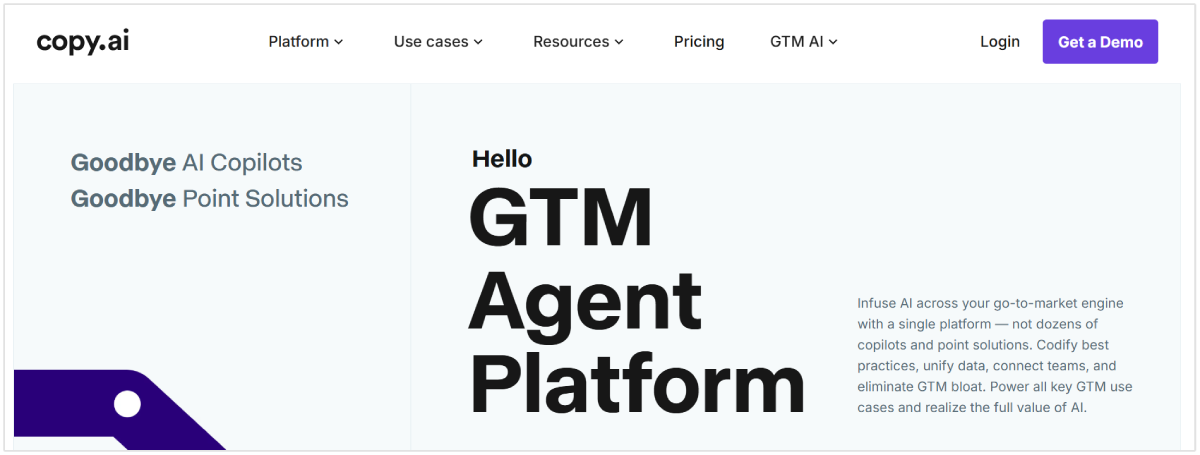
Copy.ai is a copy generator that provides “automated creativity tools” for various industries and use cases. Focusing on providing copy for blog writers, social media managers, and email marketers, Copy.ai primarily provides short-form copy generation, but is currently releasing longer form copy like their blog content outline.
Basically, users create a workflow of their choice, provide some context (from product to content to tones and style), and get AI generated marketing copy to review.
Copy.ai offers 90+ content generation options, but some of those include a baby name and wedding hashtag generator, which you might not get multiples uses for.
Who Uses Copy.ai?
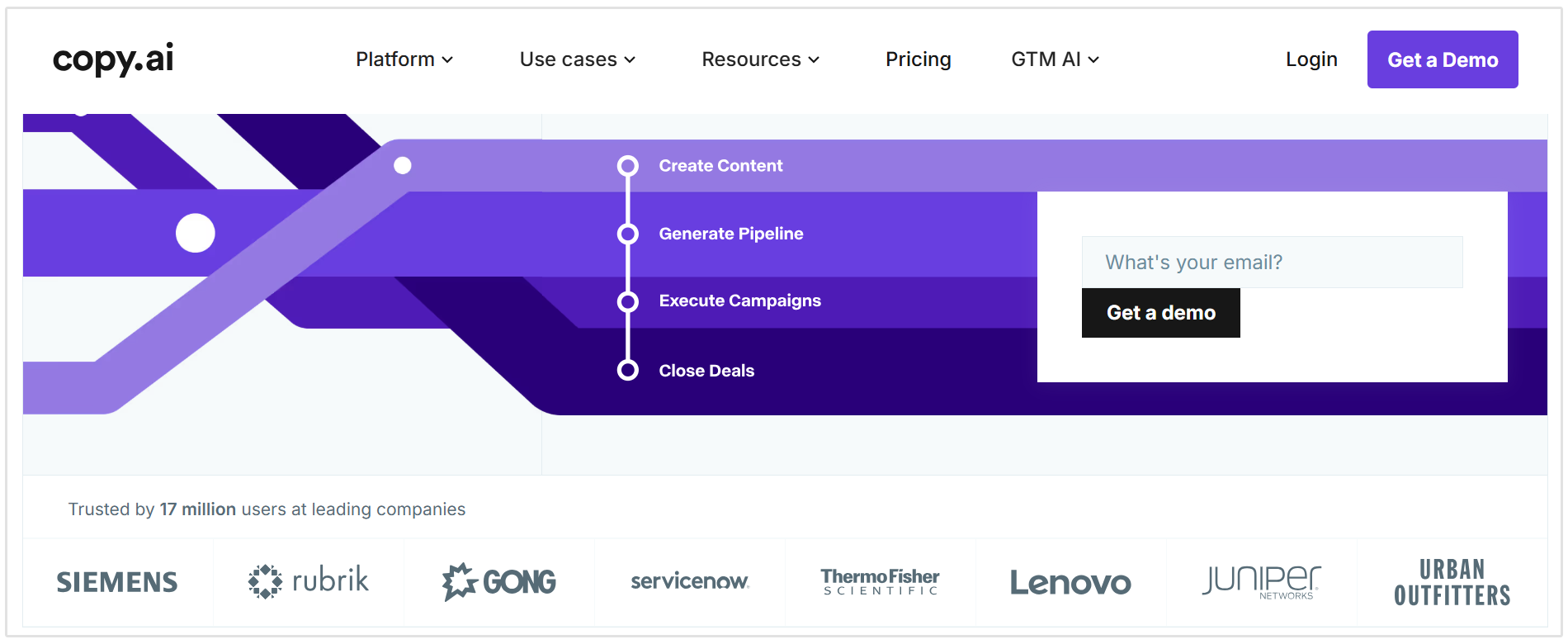
Copy.ai boasts that over 17 million users work with Copy.ai, from marketers to social media managers to bloggers to entrepreneurs. Their client roster includes Siemens, Juniper Networks, Urban Outfitters, and Nestle.
Is Copy.ai Free?
Is Copy.ai a free copywriting generator? While it’s not completely free, it does offer a free plan, which provides:
- 1 seat
- 2,000 words in Chat
- Access to ChatGPT 3.5 and Claude 3
- Copy.ai brand voice
- Copy.ai infobase
How You Use Copy.ai
Copy.ai is a very straightforward platform to use. Let’s take a look step by step!
1. Make a New Workflow
The first step in using Copy.ai’s copy generator (after making an account of course) is starting a new worklow.
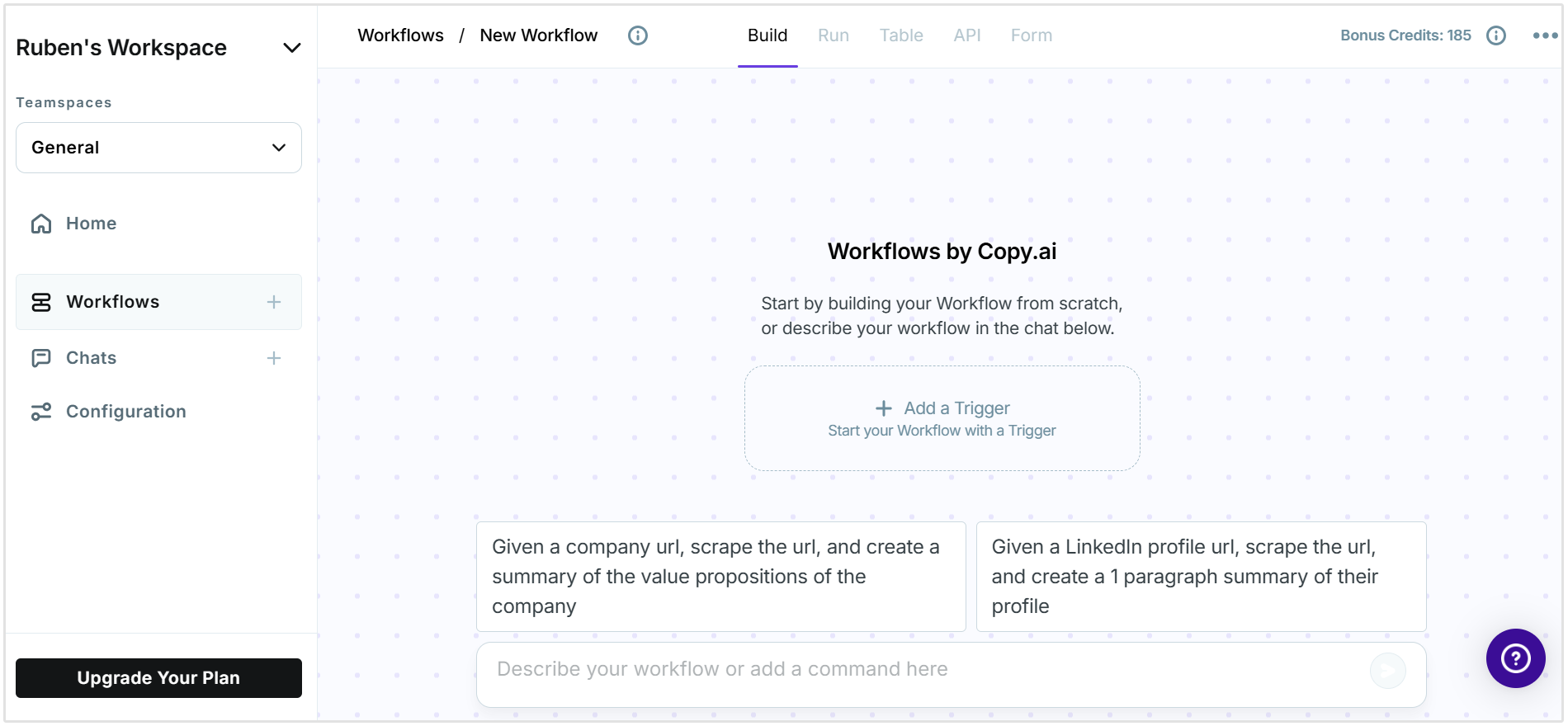
After you start your workflow, you can change its name.
2. Choose a Template if You Haven’t Yet
If you haven’t chosen a template to start with, you can choose one from Copy.ai's workflow library. There are over 90 content tools to choose from, ranging from value propositions and meta descriptions to viral ideas and analogies.
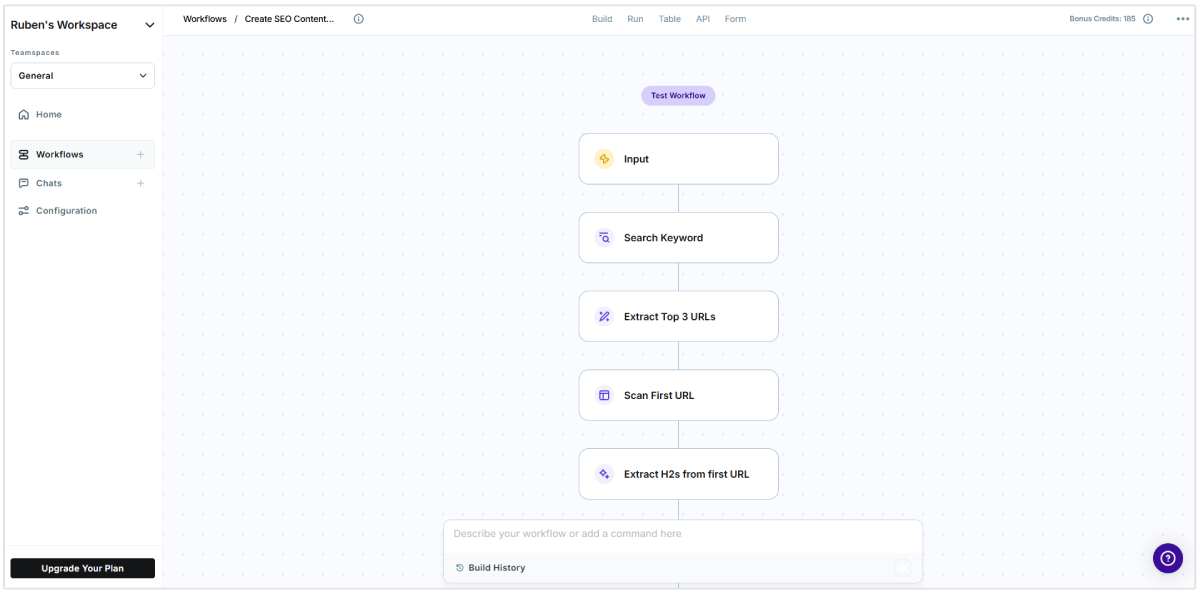
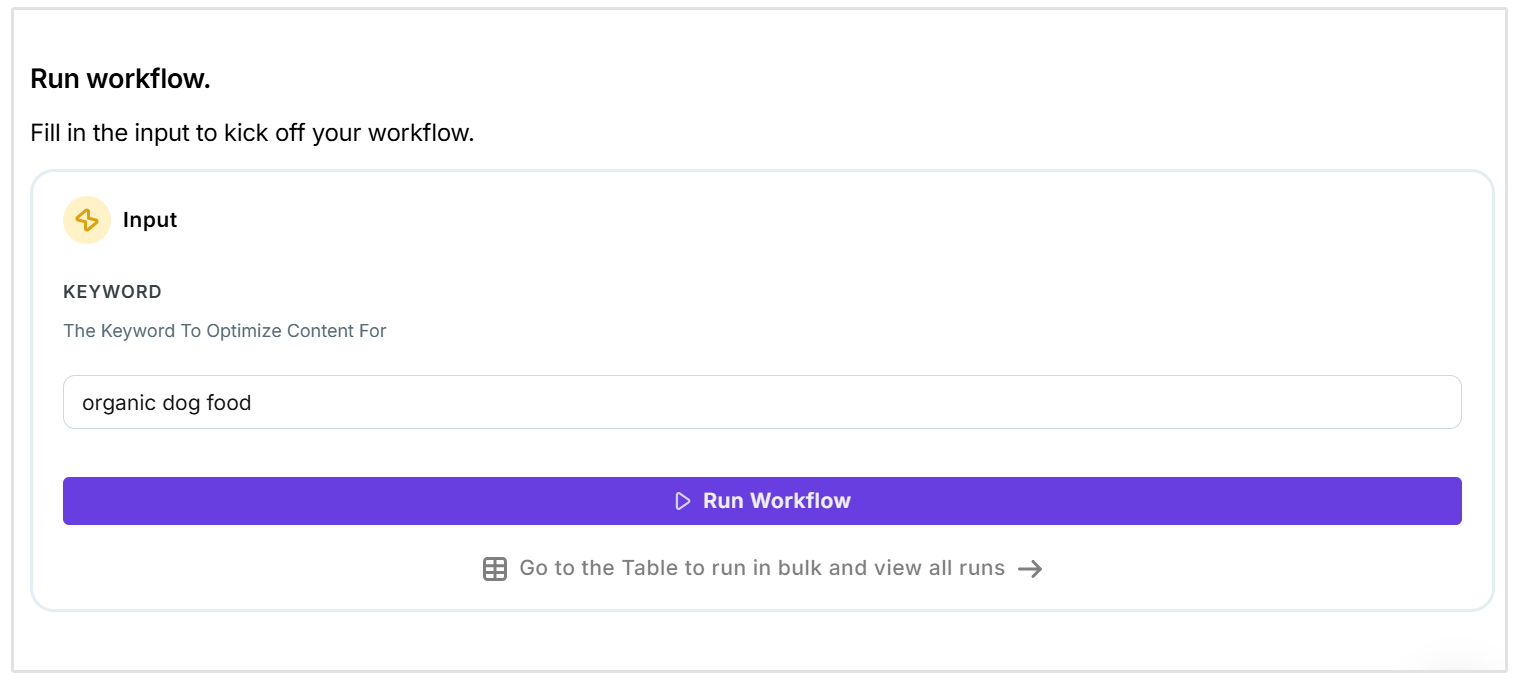
In the below screenshot you can see that I created a workflow for writing content briefs.
3. Add Context to Your Generation Request
The next step is including enough information so Copy.ai can do its generation. Since I was trying to make a blog post content briefe I had to include a target keyword that I want to write about.
4. Review Your Outputs, and Take Action
You’ll get various outputs to review, which you can:
- Copy and paste into another document, or Copy.ai’s document editor.
- Save to your Copy.ai project so you can review later. Make sure you really do save it, because the outputs will disappear if you leave your project.
5. Make “More Like This”
Make more like this is a pretty cool feature because you can select the output you like and get similar options that can help you tweak and find the best output.
6. Use Your Outputs
Whether you’re writing within the Copy.ai interface or copying and pasting your outputs to another editor, you can start using the outputs you got, or create some other outputs.
Copy.ai Review
Copy.ai Features:
- 90+ copywriting tools including bios, email subject lines, instagram captions, TikTok ideas, name generators, paraphrasing, and…about 80 more!
- 25+ languages
- Grammar and tone checker
- Various tones to choose from, or input anything yourself
Copy.ai Pros
- Copy.ai community and supportive help center
- Free plan option to try before you buy
- You can organize your copy by projects
- It’s very simple to find their writing tools, but if not they also have a search feature
- Some of their copywriting tools are free to use without an account, like their blog ideas generator
Copy.ai Limitations
- Better for short-form than long-form content
- Not always 100% accurate (though that’s common with AI generators)
- Some of their generators might not be overly helpful for what you need
- Less focus on search engine optimization or specific marketing goals
Copy.ai Pricing
- Free: This plan includes 1 seat, 2,000 words in Chat and Copy.ai Brand Voice and Infobase
- Starter: $49 per month or $432 for the year for unlimited credits, unlimited projects, priority support, and access to their newest features
- Enterprise: You can build a custom plan with their team
Our Take on Copy.ai
Copy.ai is a good content generator that offers a lot of different output options. Of course–like most AI generators–it’s not going to be perfect. Some of the Copy.ai outputs for the introduction paragraphs ended up like this:
Copy.ai is an AI Yoast for eCommerce stores. It allows you to consistently create variations of the same product with just one click. Their platform has helped dramatically increase my conversion rates, and it’ll do the same for your store as well.
So, clearly not perfect, but still good! And, they provide so many outputs (a lot more than many other content generators out there) that you can usually find one that works for what you’re looking for.
But if not, there are also some Copy.ai competitors and alternatives that can be better fit for different content needs.
Copy.ai Alternatives
SEOptimer
SEOptimer is know for its SEO reporting and auditing features.
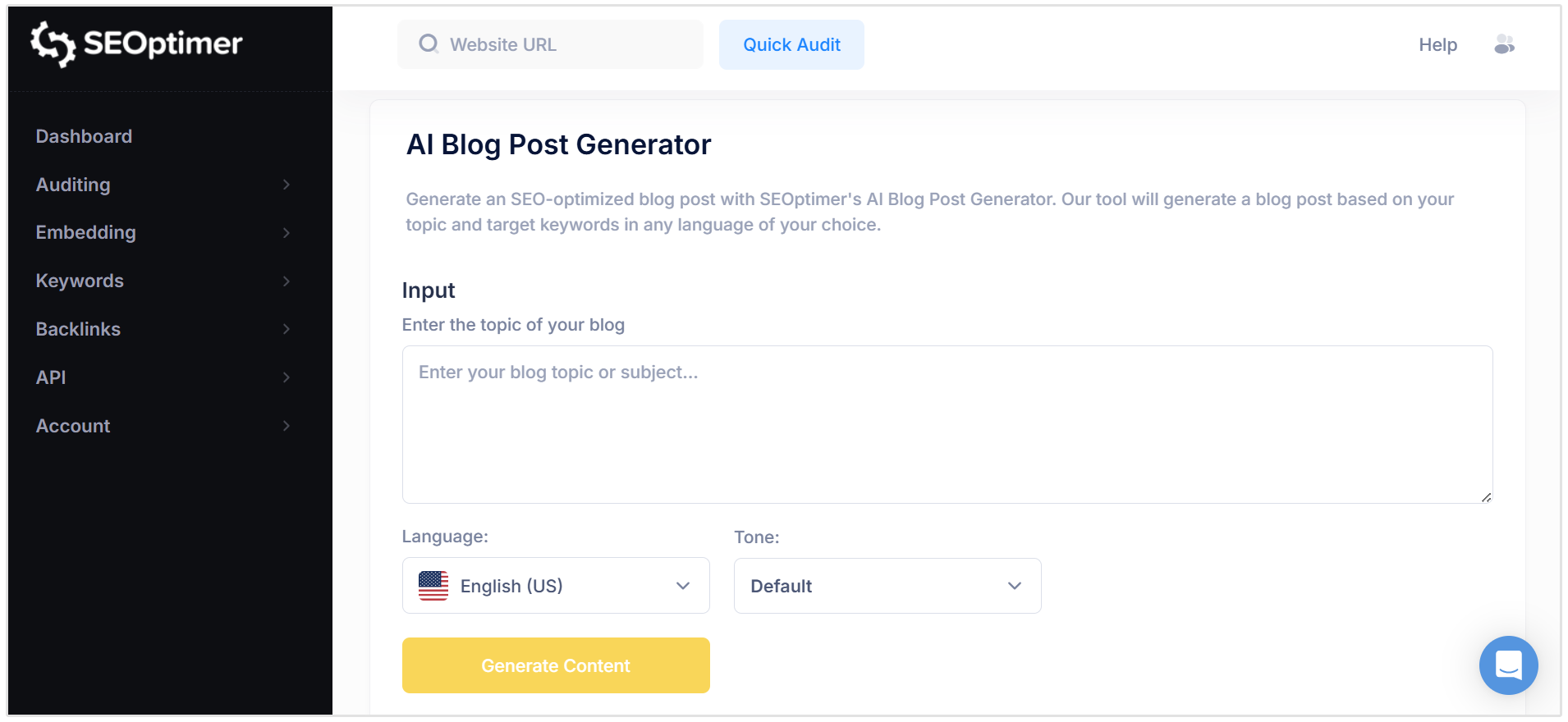
However, we recently released our own AI Blog Post Generator along with serveral other free AI writing tools, including:
- AI Answer Generator
- AI Hook Generator
- Conclusion Generator
- FAQ Generator
- AI Sales Email Generator
- AI Topic Generator
- and much more
What it does:
SEOptimer has a wide range of SEO features including:
- SEO audit and reporing
- Keyword research
- Keyword tracking
- Backlink research
- Backlink monitoring
- SEO crawler
- Embeddable SEO audit tool
- AI writing tools
Pros:
- It’s AI content generator offers blog posts titles, paragraphs, outlines, heading suggestions, keywords to include, and much more
- Your copy is being designed to rank on Google, so your content can do the work for you
- It offers a suite of other SEO tools, as well as access to their writer’s marketplace if you need an article writing service
Cons:
- It focuses heavily on SEO content, so if you need copy like social media captions, video subtitles, and X then it won’t be the best tool for you
Best for: SEO-focused bloggers, freelancers, and marketers who want more than just copy generation.
Pricing: Monthly pricing starts at $29 for DIY, $39 for White Label, and $59 for Embedding.
Jasper (previously Jarvis)
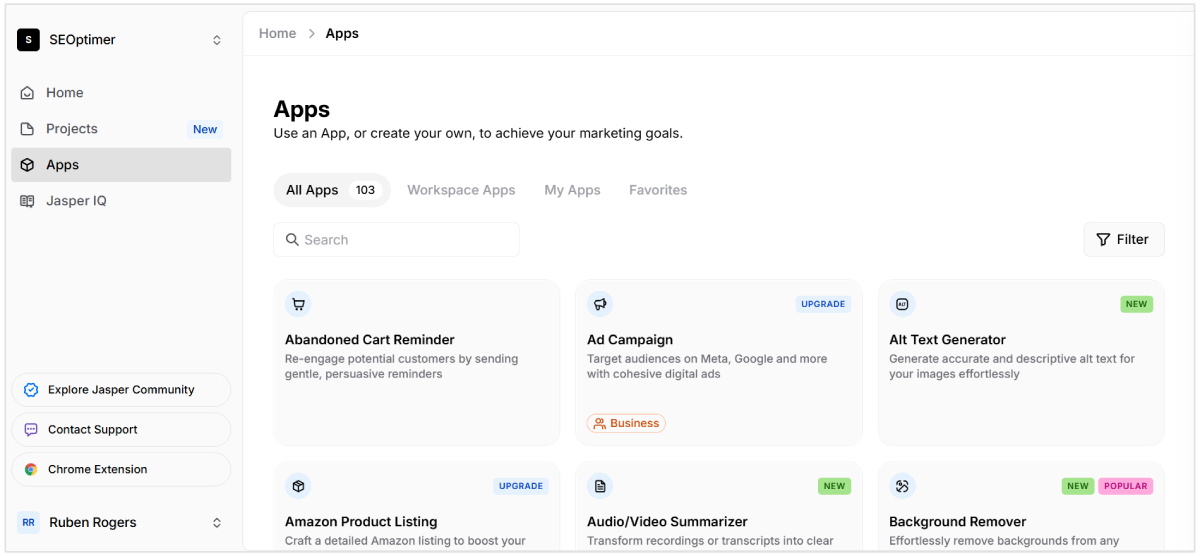
Jasper has many features and functions that solidify it as one of the best long-form content generators on the market. The AI instantly generates high-quality SEO-friendly content for almost endless options even beyond your marketing classics, from “explain it to a child” setting to real estate listings and Quora answers.
When I say “almost endless,” I mean it. Jasper has more copy options than most copy generators out there. So if you’re looking for versatility, Jasper is a great choice.
Key features:
- 30+ use cases
- 25+ languages
- 18+ tones
Pros:
- Long-form writing assistant in addition to 30+ short-form templates
- Integrations with Surfer SEO to provide more optimized content
Cons:
- You’ll need to edit the outputs before publishing
- Higher monthly costs than other platforms
Best for: Jasper is great for medium and larger businesses that have a decent budget for content.
Pricing:
- Creator: $49 per month which includes 1 user seat, 1 brand voice, and access to Jasper Chat.
- Pro: $69 per month which includes 3 brand voices, AI image generation and editing tools, and 10 Knowledge assets.
Conclusion
Copy.ai’s features, ease of use, and pricing do make it a great content generator. However, depending on your budget, writing priorities (for example, if you need support with SEO, we always recommend GrowthBar), and marketing needs, an alternative can always be a better fit.