Page Request Checker Tool
SEOptimer’s Page Request Checker Tool identifies the number of network requests needed to load a webpage, helping you optimize file retrieval to reduce connection overhead and improve page load times.

SEO Audit Any Site in Seconds
+ Comprehensive SEO / GEO Tools for Every Function
Run over 100 checks on your website across On-Page SEO, Usability, Performance, Social and Links. Now with GEO in every report. SEOptimer also offers keyword research, rank tracking, backlinks and a full site crawler.

About Page Requests
What is a page request?
A page request is a single round trip to fetch one file. A page needing a hundred files makes a hundred requests, and each carries a small fixed cost regardless of how large the file turns out to be.
Two pages of identical weight can behave very differently as a result. One large image is usually faster than fifty small ones, because the overhead is paid once rather than fifty times.
The composition matters more than the count. Twenty requests to your own server behave differently from twenty requests to twenty different third-party domains, each needing its own connection to be established first.
Does request count still matter in 2026?
It has lost much of its former weight as a performance target. HTTP/2 and HTTP/3 multiplex requests over one connection, which removed most of the penalty that made request counting worth obsessing over a decade ago.
It still signals something useful, though. A page making hundreds of requests is usually a page carrying dependencies nobody has reviewed, and third-party requests in particular bring privacy, reliability and consent obligations alongside the performance cost.
Read the number as an inventory rather than a score. The interesting question is not how many, but how many of them you could not explain if asked.
How page requests relate to AI search
A crawler generally wants the HTML rather than the full asset set, so raw request count matters little to it directly.
What matters is whether your content requires those requests to exist at all. A page that assembles its text from several API calls after load is a page whose content may never be seen by something that does not wait for JavaScript.
That is the version of this problem worth finding: not a page with many requests, but a page whose meaning arrives in one of them.
Request best practices
- Remove third-party scripts nobody actively uses; it is the fastest win available.
- Combine small icons into a sprite or use inline SVG.
- Load non-critical resources only when they are needed.
- Serve the meaningful content in the initial HTML rather than fetching it afterwards.
- Watch for tags that inject further tags; one tag manager quietly becomes dozens of requests.
- Review the list periodically, since requests accumulate and rarely get removed.
What this tool checks
The page request checker counts the resources the page loads and reports the total.
It is informational rather than pass or fail, because a reasonable count depends entirely on what kind of page it is. An image gallery legitimately makes more requests than an article, and the number alone cannot tell them apart.
Where to go next
Requests and weight are two views of the same thing. Check what those files add up to with the webpage file size tool, confirm the server is using a modern protocol with the HTTP/2 check, and see how the combination affects real visitors with the Core Web Vitals test.

Comprehensive SEO Toolbox with over 55 Tools
Check Titles, Meta Descriptions, Headings, Schema, Core Web Vitals, SSL and Robots.txt. Generate Meta Tags, Sitemaps and .htaccess Rules, minify CSS, JS and HTML, and draft copy with our AI Writing Tools - instantly and for free.
Further Reading
See More
Page Speed: What It Is, and How It Impacts SEO
What is Page Speed?
The term page speed refers to the amount of time your media content or web page will take to download from the...

Webpage Size - Why is it important? And how do you optimize it?
What is Webpage Size?
The term webpage size in the SEO world refers to the downloaded file size of a given web page.
The...
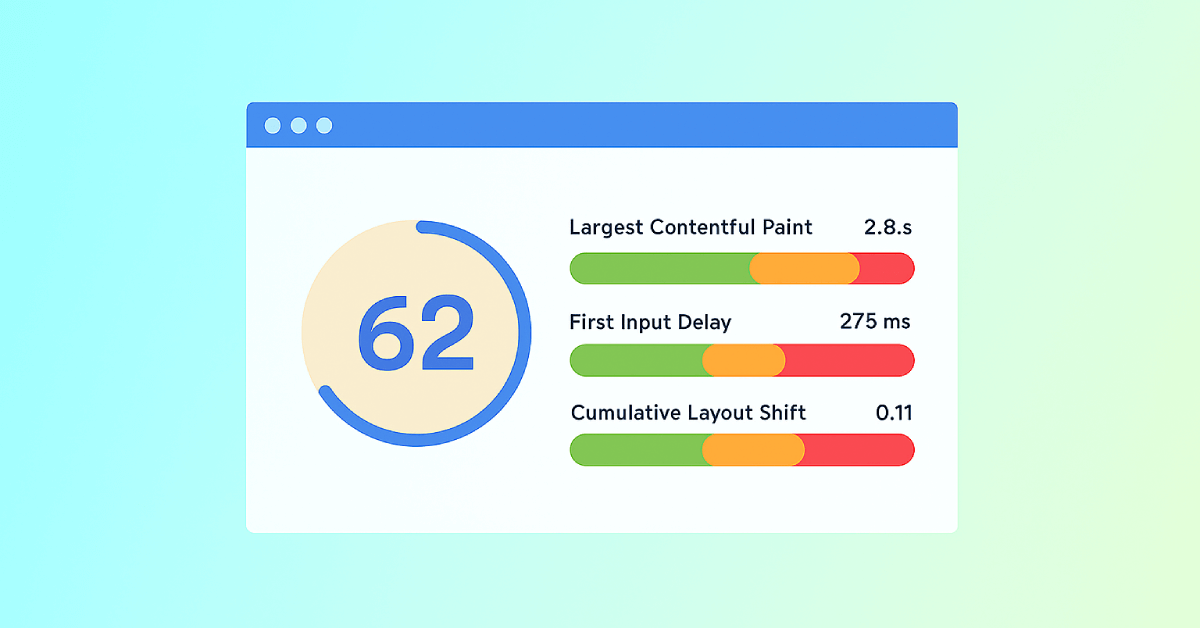
Core Web Vitals: What are They? How are They Crucial to SEO?
You should optimize your web pages for a seamless user experience. But how can you measure the quality of user experience on a site? That’...