ウェブサイトのクロール可能性をテスト
SEOptimerの無料クロール可能性テストでは、検索エンジンやAIクローラーがページにアクセスし、取得してインデックス登録できるかどうかを確認します。robots.txtのルール、noindexディレクティブ、ステータスコード、そして実際にどの程度のコンテンツがレンダリングされるかをチェックします。

数秒であらゆるサイトをSEO監査
+ あらゆる機能に対応する包括的なSEO/GEOツール
オンページSEO、ユーザビリティ、パフォーマンス、ソーシャル、リンクに関して、ウェブサイトを100項目以上チェックします。すべてのレポートにGEO分析も追加されました。SEOptimerでは、キーワード調査、順位追跡、バックリンク分析、サイト全体のクローリングも利用できます。

ウェブサイトのクロール可能性について
クロール可能性とは?
検索エンジンがページに到達でき、取得を許可され、到達後に保持する価値のあるものを見つけられる場合、そのページはクロール可能です。これらのいずれか1つでも欠けると、コンテンツの質がどれほど高くても、そのページは実質的に見えない状態になります。
これは、他の何よりも先に確認すべきステップです。ランキング、スニペット、AIによる引用など、すべてはそもそもページがインデックスに登録されていることを前提としています。そのため、ページがまったく表示されない場合にまず行うべきなのは、コンテンツを書き直し始めることではなく、ウェブサイトがクロール可能かどうかをテストすることです。
厄介なのは、これらの問題がすべてサイレントに発生することです。何かが壊れるわけでも、エラーが表示されるわけでもなく、ページは自分には完璧に見えます。ただ、検索結果には一度も表示されません。
ページがインデックスに登録されるのを妨げる4つの要因
クロール可能性に関する問題のほとんどは、次のいずれかに該当し、特定の順序で発生します。
- URLが解決されません。404エラー、サーバーエラー、または途中で失敗するリダイレクトチェーンが発生しています。
- robots.txtがクローラーを拒否しているため、ページがまったく取得されません。
- noindexディレクティブは、検索エンジンにページを取得させますが、検索結果には表示しないよう指示します。
- JavaScriptなしではページがほとんど何も表示されないため、インデックスに登録できる内容がほとんどありません。
修正する際は順序が重要です。robots.txtによるブロックがあると、その下にあるnoindexタグはそもそも読み取られません。そのため、この2つを組み合わせると、期待とは逆の結果になります。ページはクロールがブロックされたままになり、削除指示も認識されません。
robots.txtとnoindexは同じものではありません
これは、最も大きな悪影響を引き起こす混同です。robots.txtはクローラーがページを取得してよいかどうかを制御し、noindexは取得したページをインデックスに残してよいかどうかを制御します。両者は異なる段階で機能するため、互換的に使用することはできません。
ページを検索結果から除外したい場合はnoindexを指定し、クローラーがページを取得してその指定を確認できるようにする必要があります。代わりにrobots.txtでブロックすると、検索エンジンはURLを把握していても、そのページを確認することを一度も許可されていないため、説明文がまったくない状態でURLだけが掲載される可能性があります。
反対に、見つけてもらいたいページでは、両方を明確にする必要があります。また、noindex は HTML または HTTP ヘッダーのいずれかに含まれる場合があります。ヘッダー版はページソース上では見えないため、見落とされがちです。
2026年において、AIクローラーは別途判断が必要です
AI企業はそれぞれ独自の名前付きクローラーを運用しており、AIクローラーをブロックするかどうかは、検索エンジンをブロックするかどうかとは別の選択です。GPTBot、ClaudeBot、PerplexityBotなどは、それぞれrobots.txt内で独自の指定を行います。
多くのサイトが、意図せずにそれらをブロックしてしまっています。別の場所から robots.txt をコピーしたことが原因である場合も少なくありません。AIの回答で引用されることが重要であれば、後になって気づくのではなく、あらかじめ知っておく価値があります。
反対の立場も、正当な選択肢です。コンテンツをトレーニングや要約に使われたくないのであれば、そう伝える方法がそれらのエージェントをブロックすることです。重要なのは、それが意図しない結果ではなく、判断に基づく選択であるべきだという点です。
このツールでウェブサイトのクロール可能性をテストする方法
URLを入力すると、このツールは11項目のチェックを実行し、クローラーが検出する順に各項目の結果を個別に報告します。
- ページにアクセス可能 - URLが返すステータスコード。
- 検索エンジンのブロック - robots.txtでGooglebotが許可されているかどうか。
- AIクローラーのブロック - 主要なAIユーザーエージェントのうち、許可されていない数。
- Noindexタグ - ページのHTMLに含まれるnoindexディレクティブ。
- Noindexヘッダー - X-Robots-Tagとして配信される同じディレクティブ。
- Robots.txt - ファイルが存在するかどうか、およびその内容。
- XMLサイトマップ - クローラーがサイトの残りのページを発見するためのものが存在するかどうか。
- Llms.txt - AIアシスタントが探すファイルが存在するかどうか。
- Canonicalタグ - ページがインデックス対象として指定しているURL。
- レンダリング済みコンテンツ - JavaScriptを実行せずにクローラーがページ上で認識できるコンテンツの量。
- JavaScriptエラー - ページ上でスクリプトが失敗している状態。これが、レンダリング済みコンテンツが少ない原因になることがよくあります。
これはサイト全体をクロールするのではなく、指定した単一のURLをチェックするため、ホームページではなく、実際に問題が発生しているページでサイトのクロール可能性をテストしてください。この2つは異なることが多く、問題があるのはホームページではない場合がほとんどです。
次に行うこと
これらすべてに問題がなく、それでもページが表示されない場合は、次に見つけやすさを確認してください。ページがXMLサイトマップに記載されているか確認し、1つのエージェントに対するルールだけでなく、robots.txtファイル全体を確認し、内部リンクチェッカーでサイト内のどこかからそのページにリンクされているか確認してください。

55種類以上のツールを備えた包括的なSEOツールボックス
タイトル、メタディスクリプション、見出し、スキーマ、コアウェブバイタル、SSL、robots.txtをチェック。AIライティングツールを使って、メタタグ、サイトマップ、.htaccessルールを生成し、CSS、JS、HTMLを圧縮、コンテンツの草案を即座に無料で作成できます。
関連記事
もっと見る
Google Crawlerとは何ですか?
Googleを使ってサービスを検索したり、情報を見つけたりする時のことを知っていますか?ページが読み込まれると、常に一番上にあるウェブサイトがあります。 Google検索エンジンの結果ページ(SERP)で1位に位置するサイトは、すべてのクリックの大部分を獲得します。...

AI Crawlability: Should You Let AI Bots Access Your Site and How Can You Check?
As more people use ChatGPT, Claude, Perplexity, and Google’s AI search features, AI crawlability is becoming increasingly important for webs...
Robots.txt - 究極のガイド
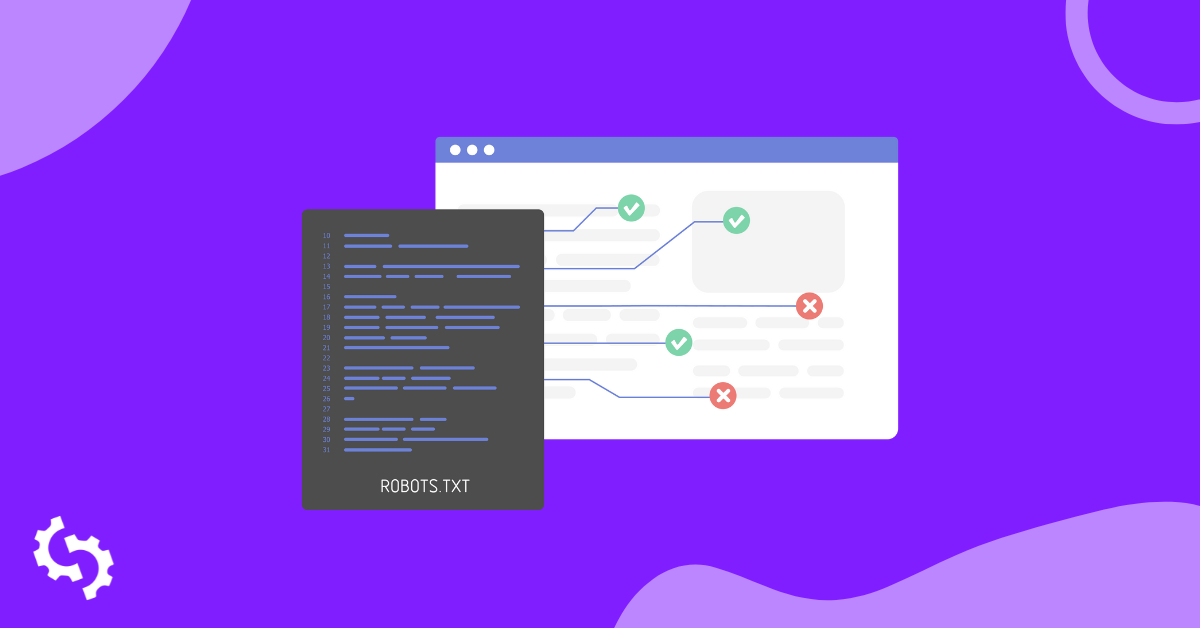
Robots.txtとは何ですか? Robots.txtは、特定のページをインデックスに登録するかしないかをボットクローラーに指示するテキスト形式のファイルです。これは、あなたのサイト全体のゲートキーパーとしても知られています。ボットクローラーの最初の目的は、サイトマッ...
Google Search Consoleで「Indexed, though blocked by robots.txt」を修正する方法
Google Search Consoleで「Indexed, though blocked by robots.txt」という警告通知を受け取った場合、検索エンジンの結果ページ(SERPS)でページがランク付けされる能力に影響を与えている可能性があるため、できるだけ早く修正する...
What is Rendered Content and How it Affects AI Crawlers?
Key Takeaway
Rendered content refers to the version of a webpage that a browser displays after executing HTML, CSS, and JavaScript....

SEOにおけるクロールの深さ: それは何ですか & どうやって改善するのですか?
クロールの深さは、Googleがコンテンツをどれだけ効率的にインデックスできるかに影響します。 Googlebotは限られた時間とサーバーリソースを持っています。したがって、クロール予算、つまり特定の時間枠内でGooglebotがあなたのサイトでクロールできるページ...