


SEO Task Management Tool
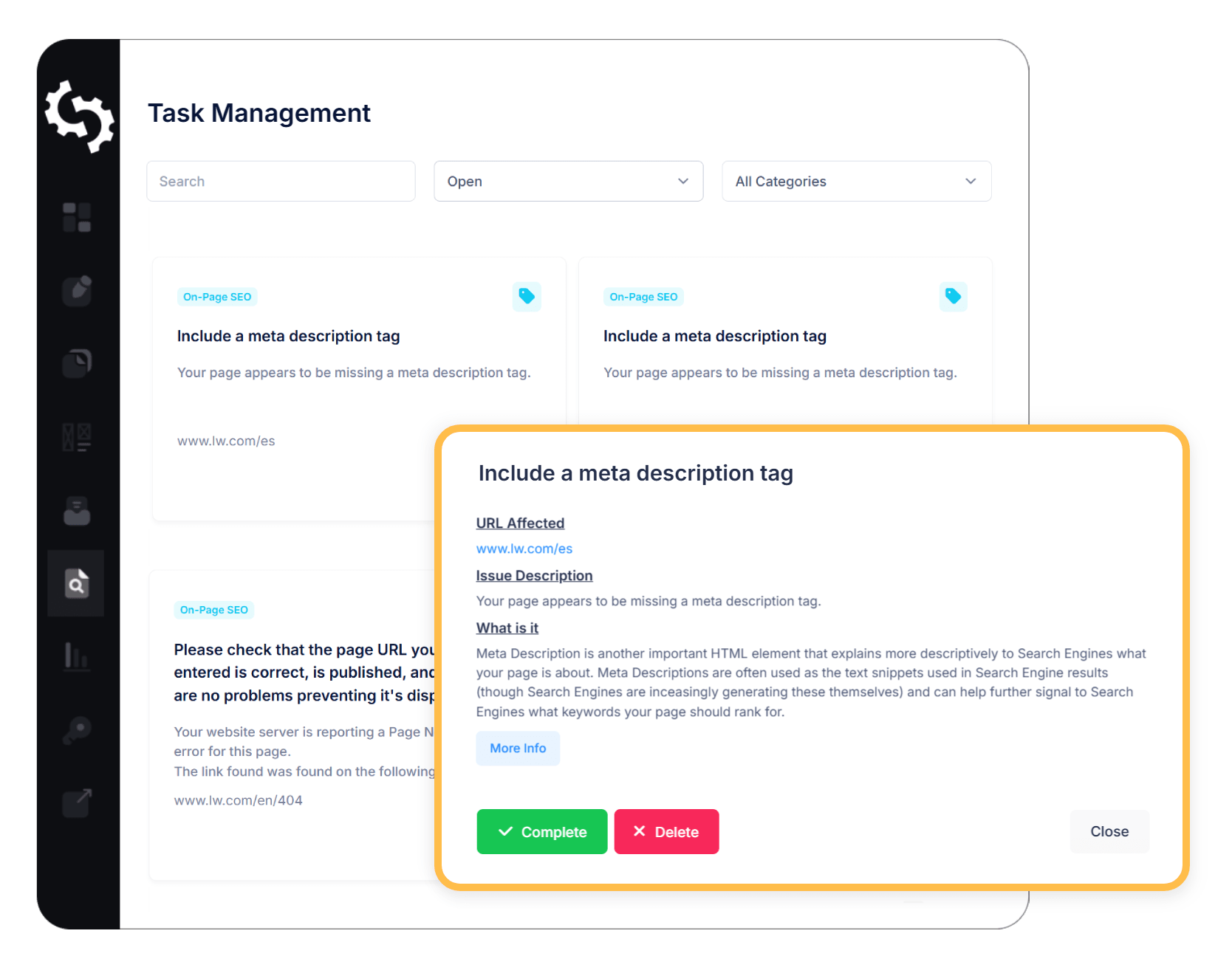
Organize and track every SEO task in one simple workspace. Perfect for marketers and teams.

The Problem
SEO can feel overwhelming. From technical fixes to on-page tweaks and link building, there’s always a long list of tasks competing for your attention. Knowing what to prioritise, how to tackle each issue, and keeping track of your progress can quickly become confusing and time-consuming. Without structure, it’s easy to get stuck in the weeds and lose sight of what really matters.
The Solution
Our SEO Task Manager Tool gives you clarity on which SEO tasks to focus on. Instead of juggling endless to-dos, you get a clear, prioritised list of tasks based on your site’s actual issues.
Manage and Optimize Your SEO Workflows 
Most site owners know they should be doing SEO, but don't know where to start. Spreadsheets, generic checklists, or dozens of browser tabs only make it harder.
SEOptimer’s SEO Task Management tool changes that. It’s built specifically for task management for SEO, so you can move from audits to action without relying on spreadsheets or scattered checklists.
How it Works
Step 1
Run a Full Site Crawl
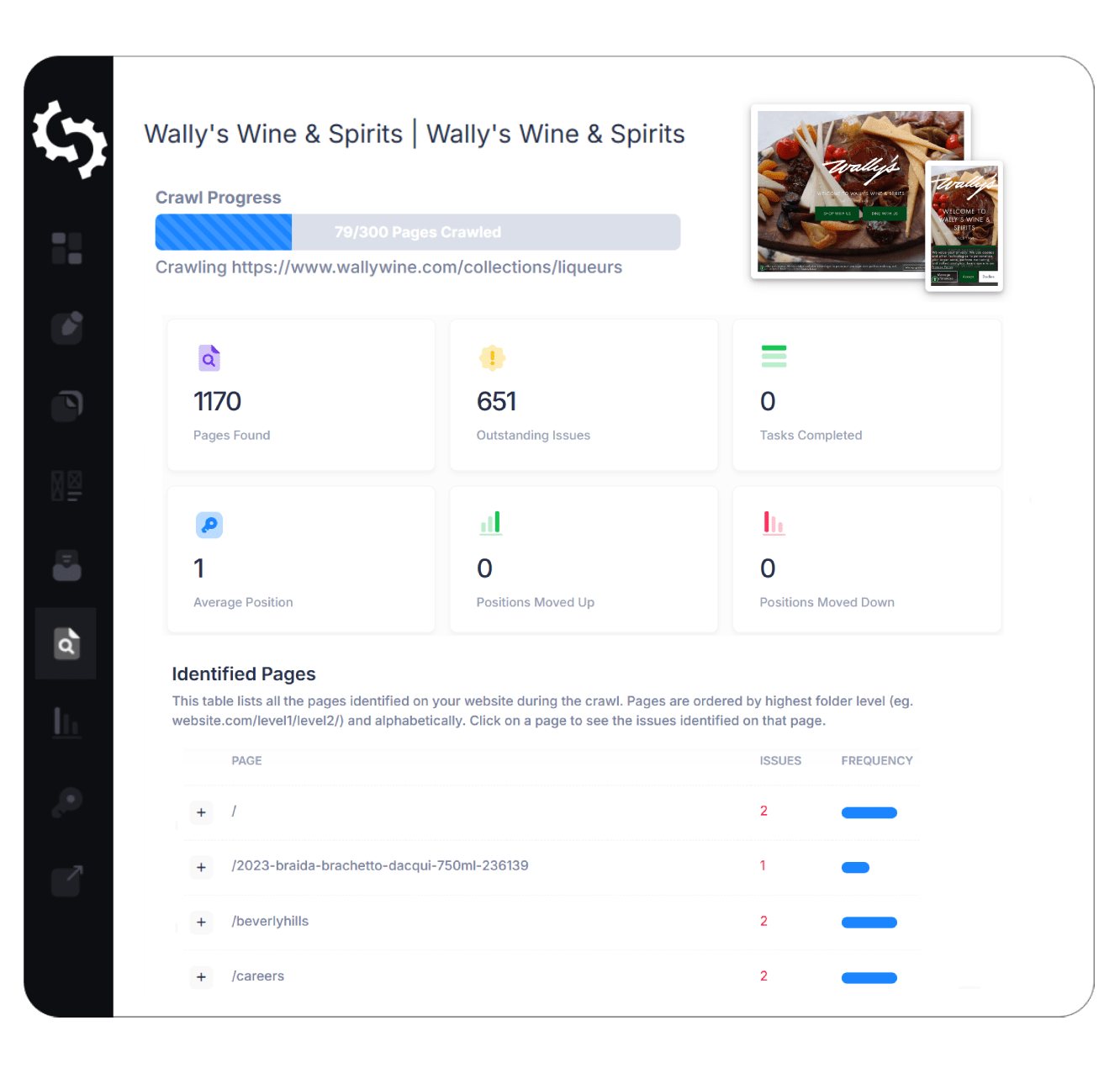
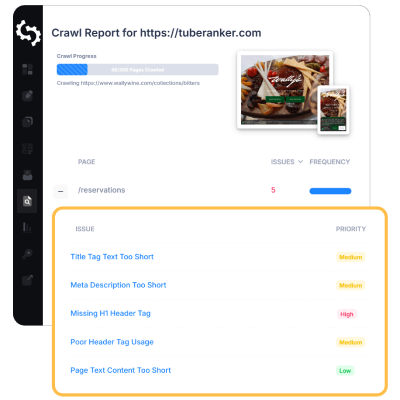
SEOptimer will perform a comprehensive review of your website’s pages to identify any problems or issues that could be holding them back from their ranking potential.
We’ll scan page by page and show you the pages with the highest number, or the most pressing problems. You can easily search and filter by page, or category of issues to focus on.
Step 2
Get an Instant Task List
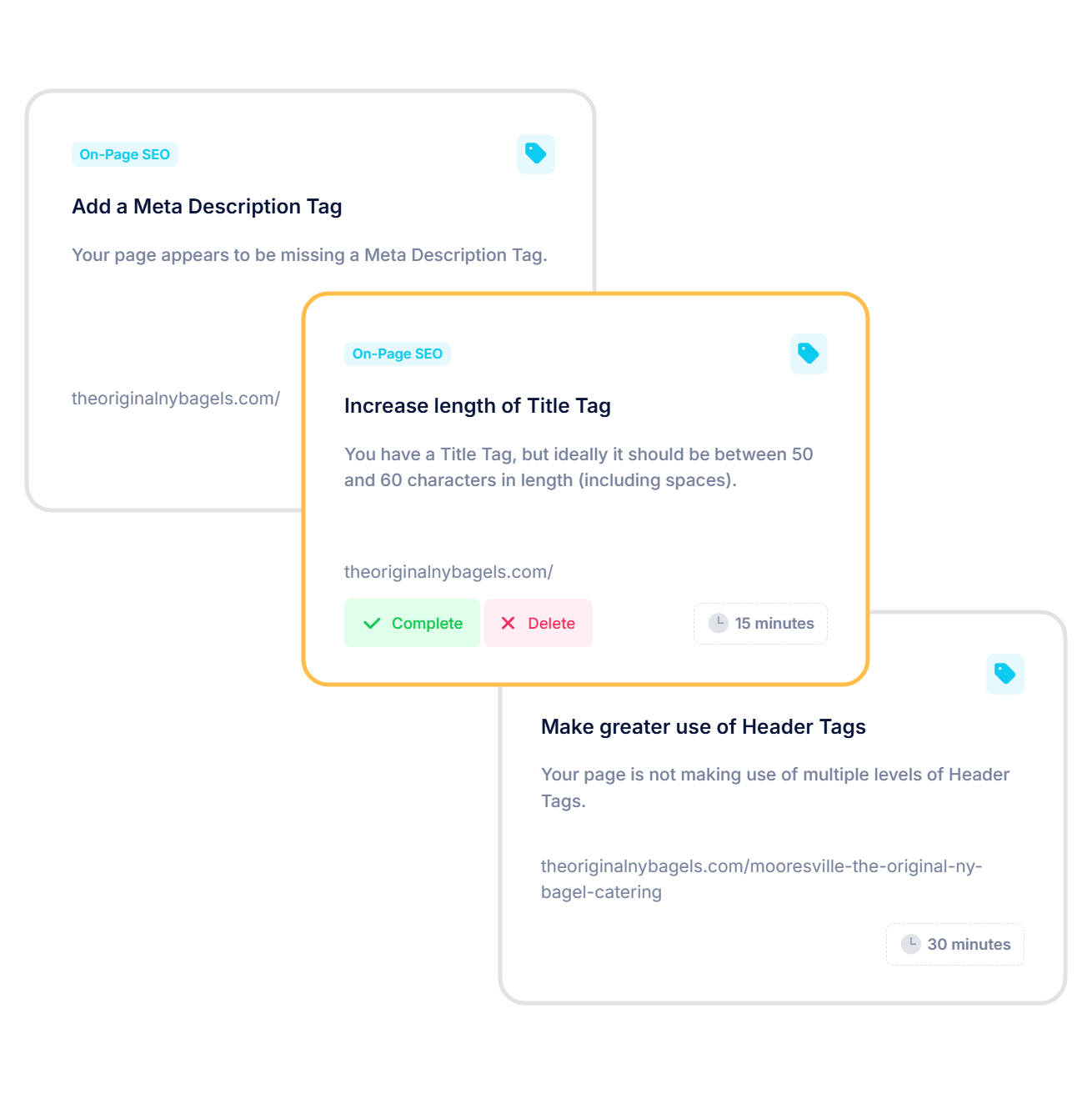
Our SEO Task Manager takes the thinking and guesswork out of improving your website by automatically generating a task list prioritised by importance and impact. We’ll help you keep track of your completed tasks and progress over time.
Step 3
See Guides and Resources for Every Website
You’ll also links to step-by-step guides, best practices, and resources tailored for most popular CMS systems. Whether you’re working in WordPress, Wix, Shopify, or Squarespace, you’ll find clear instructions designed for your platform, making it easier to implement improvements without the confusion.
Step 4
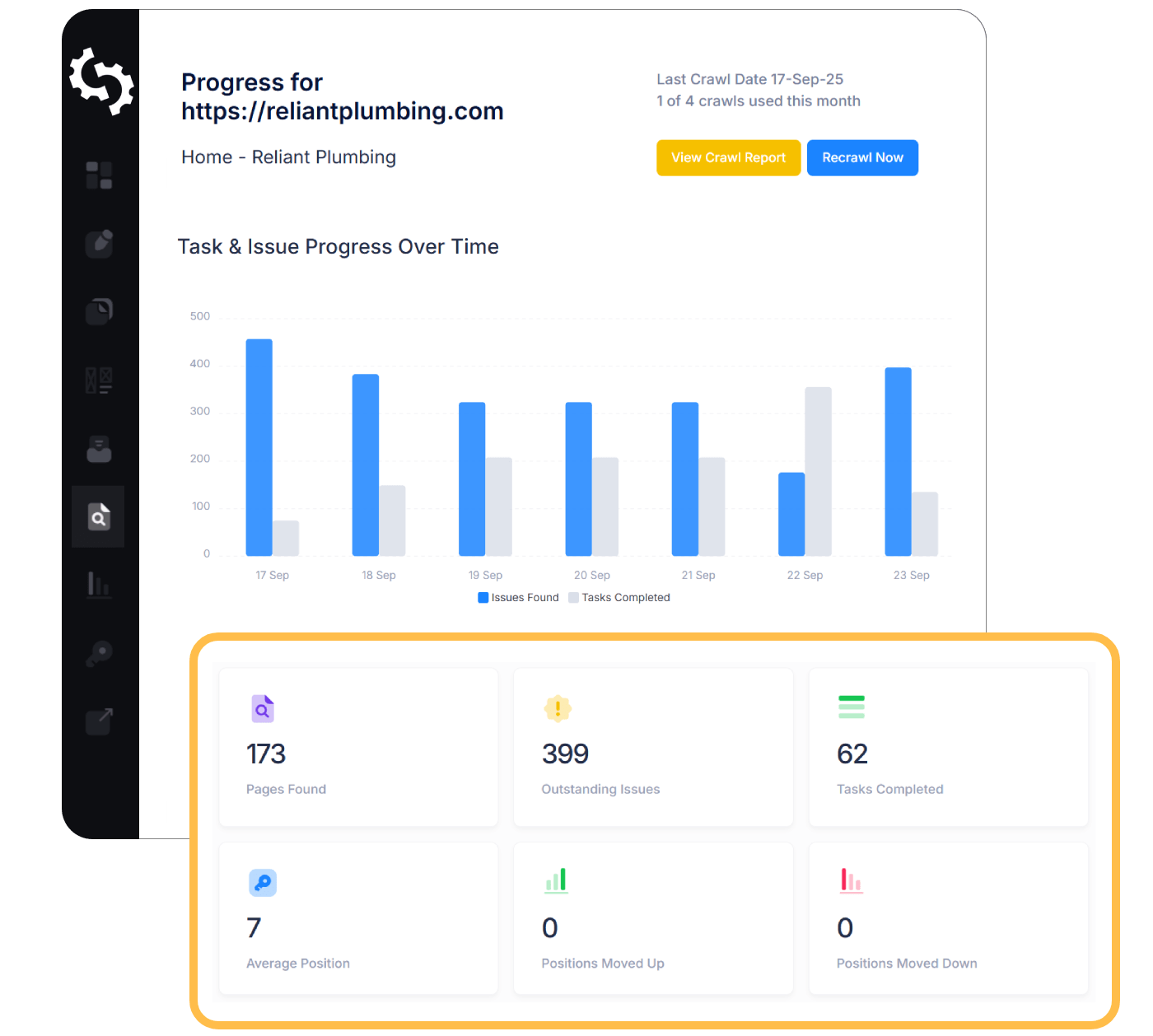
Track Progress Over Time
SEO isn’t a one-and-done job. With SEOptimer, you can monitor your progress as you work through your tasks and see how your site improves over time.
Easily track which tasks you’ve completed, which ones are still in progress, and how many issues remain. As you close tasks, you’ll get a clear view of the impact your work is having.

Stay Organized
SEOptimer makes it easy to focus on the tasks that matter most by letting you filter your SEO task list in multiple ways.
Whether you’re working solo or managing a team, having an SEO task manager keeps you accountable, organized, and motivated to reach your SEO goals.
Dive Deep into What Matters
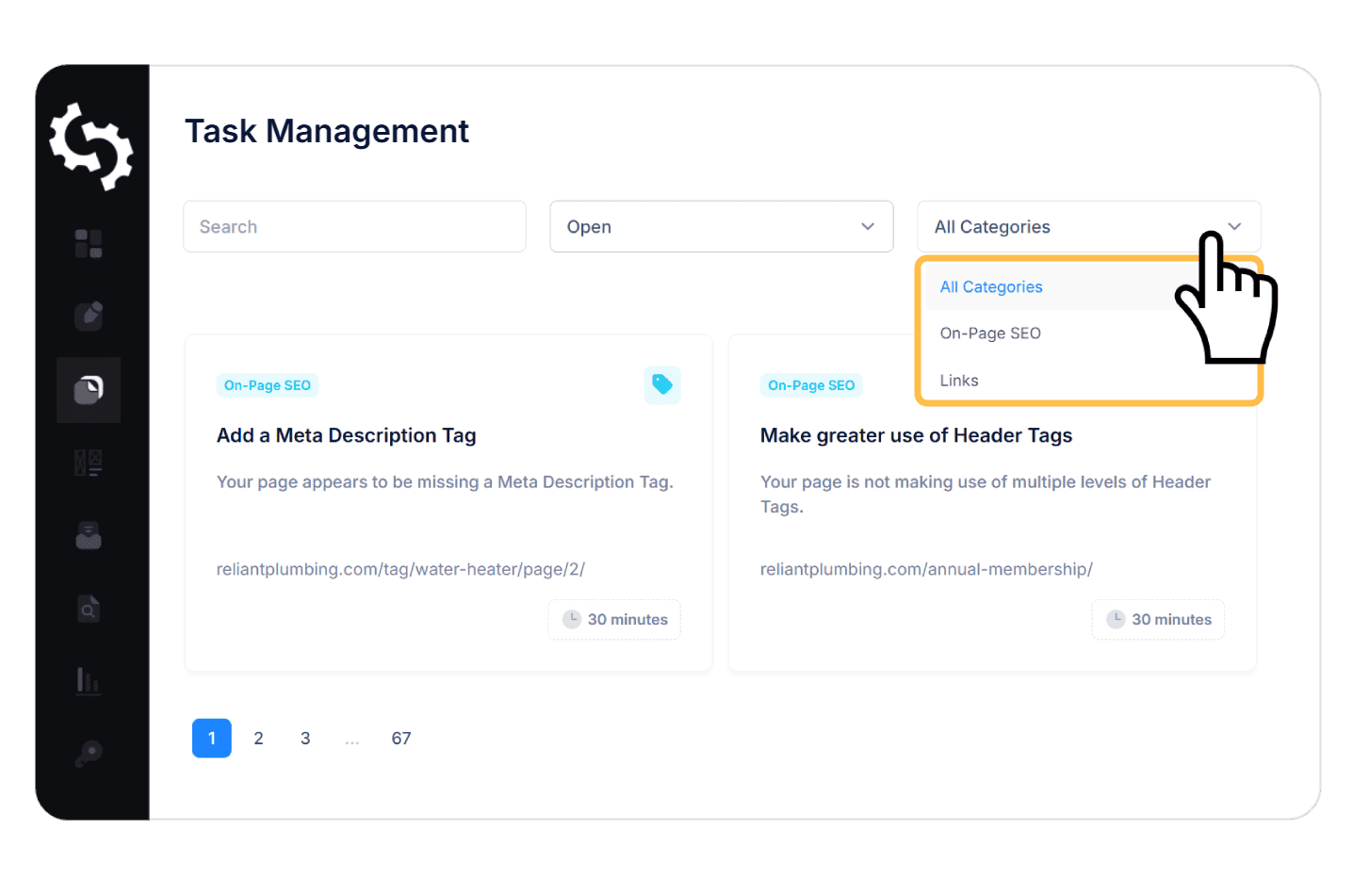
SEOptimer makes it easy to focus on the tasks that matter most by letting you filter your SEO task list in multiple ways.
You can filter by status to see tasks that are Open, Completed, or Deleted, so you always know which items still need attention and which have already been handled.


Use cases
Smarter SEO Starts with SEOptimer’s Task Management Tool



Turn Audits into Action
Most SEO tools stop at telling you what’s wrong. Our SEO Task Manager takes the next step by organizing issues into clear, actionable tasks so you can actually start improving your site.

Get Results Faster
Your tasks are automatically sorted, grouped, and structured so you can move straight from insight to execution without wasting hours figuring out what to do next.

Know What to Do First
Not all SEO fixes are equal. A good task manager prioritizes your to-dos by impact, helping you focus on what matters most, whether that’s speeding up your site, fixing broken links, or optimizing meta tags.
Frequently Asked Questions, Answered
SEO Task Management is the process of organizing, prioritizing, and tracking SEO-related tasks based on your website's actual issues. In other words, it’s effective task management for SEO, giving you structure and clarity when improving your site.
Once you run a site audit using SEOptimer, we automatically generate a task list based on the issues identified during the crawl. Each task includes a description of the problem, why it matters, how to fix it, and an estimated time to complete it.
Absolutely. Agencies can use SEO Task Management to keep client projects organized, show progress clearly, and reduce time spent managing spreadsheets or jumping between tools.
We recommend reviewing your task list after each audit or major website update. As your site evolves, new issues can appear and old ones may no longer apply. Regular reviews ensure you're always working on the most relevant and effective optimizations.
Complete, Affordable SEO Suite
SEOptimer is famous for its SEO Auditing capabilities coupled with configurable White Label Reports and the ability to Embed Auditing into your site.
However, we’ve also built out a comprehensive suite of tools covering every SEO function, at a fraction of the cost of competing tools.



Products and Pricing
Feature Breakdown
- SEO Audits

- White Label PDF Reporting
- PDF Report Downloads

- Audit Website Sub-Pages
- Add Target Keywords
- Add Competitors
- Reports in 15 Languages
- Custom Branding, Logo & Company Details
- Customize Report Colors, Fonts, and Intro Text
- Choose Checks & Sections to Include
- White Label Custom Domain
- Report Templates
- Schedule Reports
- Embeddable Website Audit Tool
- Generated Embedded Audit Forms
- Generate Leads
- Embed Form Design Customization
- Embed Form Behaviour
- Leads Sent to Email (with Contact Details)
- Call To Action Buttons
- Web Hook Integration
- Zapier Integration
- Branded Customer 'Thank You' Emails
- Search, Sort and Export All Leads
- Optional GDPR Fields
- SEO Crawler
- See All Site Pages
- See All Site Issues
- SEO Crawls4 Crawls a Month (for 1 Website)
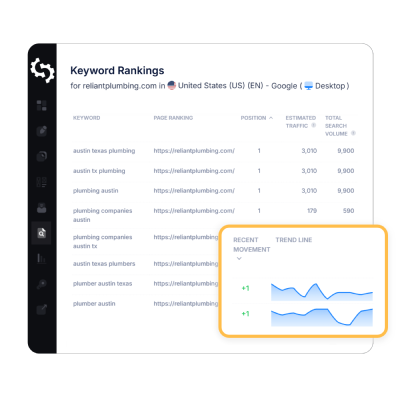
- Keyword Tracking
- Keyword Recommendations for Site
- Google, Bing & Mobile Tracking
- See Site's Keywords and Volumes
- Keyword Rank Tracking20 Keywords
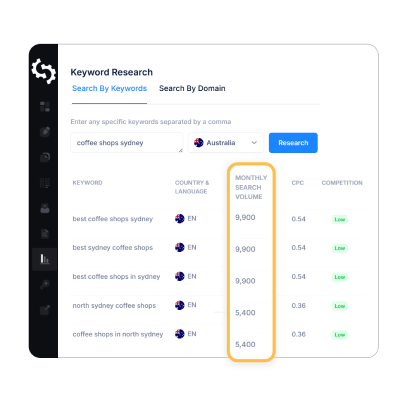
- Keyword Research
- Research by Keyword
- Research by URL
- Keyword Searches25
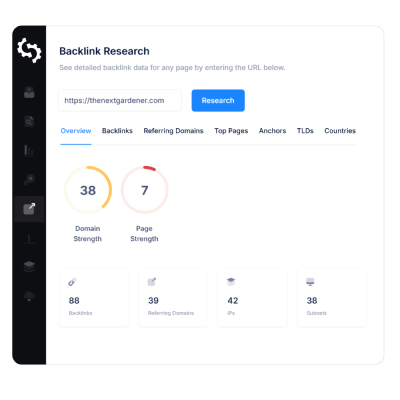
- Backlink Research
- Research by URL
- Site Backlink Lookups25
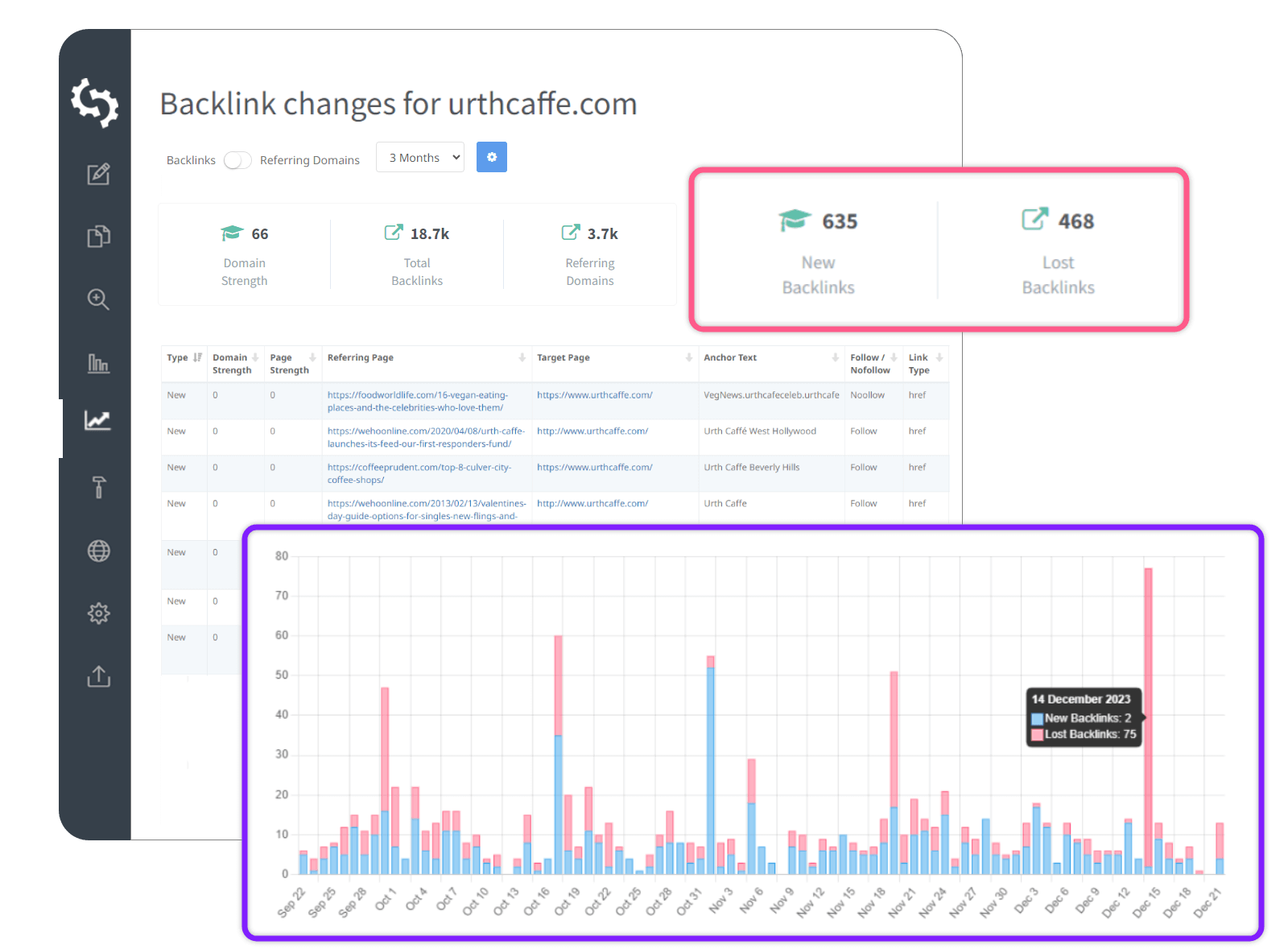
- Backlink Monitoring
- Backlink Changes Dashboard
- Changes by Backlink or Referring Domain
- Email Alerts
- Sites Monitored
- Task & Progress Management
- Task Recommendations
- Guides for different CMSs
- Tracking of Task & Issue Progress
- User Management
- Additional Users
- SEO Toolbox
- SEO Audits
- White Label PDF Reporting
- PDF Report Downloads
- Audit Website Sub-Pages
- Add Target Keywords
- Add Competitors
- Reports in 15 Languages
- Custom Branding, Logo & Company Details
- Customize Report Colors, Fonts, and Intro Text
- Choose Checks & Sections to Include
- White Label Custom Domain
- Report Templates3 Templates
- Schedule Reports10 Schedules
- Embeddable Website Audit Tool
- Generated Embedded Audit Forms
- Generate Leads
- Embed Form Design Customization
- Embed Form Behaviour
- Leads Sent to Email (with Contact Details)
- Call To Action Buttons
- Web Hook Integration
- Zapier Integration
- Branded Customer 'Thank You' Emails
- Search, Sort and Export All Leads
- Optional GDPR Fields
- SEO Crawler
- See All Site Pages
- See All Site Issues
- SEO Crawls10 Crawls a Month (across Multiple Websites)
- Keyword Tracking
- Keyword Recommendations for Site
- Google, Bing & Mobile Tracking
- See Site's Keywords and Volumes
- Keyword Rank Tracking100 Keywords
- Keyword Research
- Research by Keyword
- Research by URL
- Keyword Searches100
- Backlink Research
- Research by URL
- Site Backlink Lookups50
- Backlink Monitoring
- Backlink Changes Dashboard
- Changes by Backlink or Referring Domain
- Email Alerts
- Sites Monitored3
- Task & Progress Management
- Task Recommendations
- Guides for different CMSs
- Tracking of Task & Issue Progress
- User Management
- Additional Users2
- SEO Toolbox
- SEO Audits
- White Label PDF Reporting
- PDF Report Downloads
- Audit Website Sub-Pages
- Add Target Keywords
- Add Competitors
- Reports in 15 Languages
- Custom Branding, Logo & Company Details
- Customize Report Colors, Fonts, and Intro Text
- Choose Checks & Sections to Include
- White Label Custom Domain
- Report Templates6 Templates
- Schedule Reports50 Schedules
- Embeddable Website Audit Tool
- Generated Embedded Audit Forms
- Generate Leads
- Embed Form Design Customization
- Embed Form Behaviour
- Leads Sent to Email (with Contact Details)
- Call To Action Buttons
- Web Hook Integration
- Zapier Integration
- Branded Customer 'Thank You' Emails
- Search, Sort and Export All Leads
- Optional GDPR Fields
- SEO Crawler
- See All Site Pages
- See All Site Issues
- SEO Crawls50 Crawls a Month (across Multiple Websites)
- Keyword Tracking
- Keyword Recommendations for Site
- Google, Bing & Mobile Tracking
- See Site's Keywords and Volumes
- Keyword Rank Tracking250 Keywords
- Keyword Research
- Research by Keyword
- Research by URL
- Keyword Searches250
- Backlink Research
- Research by URL
- Site Backlink Lookups150
- Backlink Monitoring
- Backlink Changes Dashboard
- Changes by Backlink or Referring Domain
- Email Alerts
- Sites Monitored10
- Task & Progress Management
- Task Recommendations
- Guides for different CMSs
- Tracking of Task & Issue Progress
- User Management
- Additional Users5
- SEO Toolbox
Feature Breakdown
- SEO Audits
- White Label PDF Reporting
- PDF Report Downloads
- Audit Website Sub-Pages
- Add Target Keywords
- Add Competitors
- Reports in 15 Languages
- Custom Branding, Logo & Company Details
- Customize Report Colors, Fonts, and Intro Text
- Choose Checks & Sections to Include
- White Label Custom Domain
- Report Templates
- Schedule Reports
- Embeddable Website Audit Tool
- Generated Embedded Audit Forms
- Generate Leads
- Embed Form Design Customization
- Embed Form Behaviour
- Leads Sent to Email (with Contact Details)
- Call To Action Buttons
- Web Hook Integration
- Zapier Integration
- Branded Customer 'Thank You' Emails
- Search, Sort and Export All Leads
- Optional GDPR Fields
- SEO Crawler
- See All Site Pages
- See All Site Issues
- SEO Crawls4 Crawls a Month (for 1 Website)
- Keyword Tracking
- Keyword Recommendations for Site
- Google, Bing & Mobile Tracking
- See Site's Keywords and Volumes
- Keyword Rank Tracking20 Keywords
- Keyword Research
- Research by Keyword
- Research by URL
- Keyword Searches25
- Backlink Research
- Research by URL
- Site Backlink Lookups25
- Backlink Monitoring
- Backlink Changes Dashboard
- Changes by Backlink or Referring Domain
- Email Alerts
- Sites Monitored
- Task & Progress Management
- Task Recommendations
- Guides for different CMSs
- Tracking of Task & Issue Progress
- User Management
- Additional Users
- SEO Toolbox
- SEO Audits
- White Label PDF Reporting
- PDF Report Downloads
- Audit Website Sub-Pages
- Add Target Keywords
- Add Competitors
- Reports in 15 Languages
- Custom Branding, Logo & Company Details
- Customize Report Colors, Fonts, and Intro Text
- Choose Checks & Sections to Include
- White Label Custom Domain
- Report Templates3 Templates
- Schedule Reports10 Schedules
- Embeddable Website Audit Tool
- Generated Embedded Audit Forms
- Generate Leads
- Embed Form Design Customization
- Embed Form Behaviour
- Leads Sent to Email (with Contact Details)
- Call To Action Buttons
- Web Hook Integration
- Zapier Integration
- Branded Customer 'Thank You' Emails
- Search, Sort and Export All Leads
- Optional GDPR Fields
- SEO Crawler
- See All Site Pages
- See All Site Issues
- SEO Crawls10 Crawls a Month (across Multiple Websites)
- Keyword Tracking
- Keyword Recommendations for Site
- Google, Bing & Mobile Tracking
- See Site's Keywords and Volumes
- Keyword Rank Tracking100 Keywords
- Keyword Research
- Research by Keyword
- Research by URL
- Keyword Searches100
- Backlink Research
- Research by URL
- Site Backlink Lookups50
- Backlink Monitoring
- Backlink Changes Dashboard
- Changes by Backlink or Referring Domain
- Email Alerts
- Sites Monitored3
- Task & Progress Management
- Task Recommendations
- Guides for different CMSs
- Tracking of Task & Issue Progress
- User Management
- Additional Users2
- SEO Toolbox
- SEO Audits
- White Label PDF Reporting
- PDF Report Downloads
- Audit Website Sub-Pages
- Add Target Keywords
- Add Competitors
- Reports in 15 Languages
- Custom Branding, Logo & Company Details
- Customize Report Colors, Fonts, and Intro Text
- Choose Checks & Sections to Include
- White Label Custom Domain
- Report Templates6 Templates
- Schedule Reports50 Schedules
- Embeddable Website Audit Tool
- Generated Embedded Audit Forms
- Generate Leads
- Embed Form Design Customization
- Embed Form Behaviour
- Leads Sent to Email (with Contact Details)
- Call To Action Buttons
- Web Hook Integration
- Zapier Integration
- Branded Customer 'Thank You' Emails
- Search, Sort and Export All Leads
- Optional GDPR Fields
- SEO Crawler
- See All Site Pages
- See All Site Issues
- SEO Crawls50 Crawls a Month (across Multiple Websites)
- Keyword Tracking
- Keyword Recommendations for Site
- Google, Bing & Mobile Tracking
- See Site's Keywords and Volumes
- Keyword Rank Tracking250 Keywords
- Keyword Research
- Research by Keyword
- Research by URL
- Keyword Searches250
- Backlink Research
- Research by URL
- Site Backlink Lookups150
- Backlink Monitoring
- Backlink Changes Dashboard
- Changes by Backlink or Referring Domain
- Email Alerts
- Sites Monitored10
- Task & Progress Management
- Task Recommendations
- Guides for different CMSs
- Tracking of Task & Issue Progress
- User Management
- Additional Users5
- SEO Toolbox