Canonical Tag Checker
SEOptimer's Canonical Checker tool looks for the presence of the Canonical Tag in your site's HTML. Google recommends having this tag present on every page.

SEO Audit Any Site in Seconds
+ Comprehensive SEO / GEO Tools for Every Function
Run over 100 checks on your website across On-Page SEO, Usability, Performance, Social and Links. Now with GEO in every report. SEOptimer also offers keyword research, rank tracking, backlinks and a full site crawler.

About Canonical Tags
What is a canonical tag?
A canonical tag tells search engines which URL is the definitive version of a page. Sites routinely serve identical content at several addresses, through tracking parameters, session IDs, printer-friendly versions, pagination, or simply the difference between a trailing slash and none. The canonical is how you say which one counts.
Without it, the ranking signals that should accumulate on one URL are spread across several near-identical ones, and the search engine picks a winner for you. It usually picks reasonably, but not always, and not necessarily the version you would have chosen.
A canonical checker is worth running because the failure is invisible from the page itself. Nothing looks wrong; the URL simply competes with copies of itself, and the effect shows up as pages that rank slightly worse than they should for no apparent reason.
Do canonical tags still matter in 2026?
The problem they solve has grown rather than shrunk. Marketing platforms, analytics tools, ad networks and email systems all append parameters to URLs, so a single page can accumulate dozens of variants without anyone intending it or noticing.
Ecommerce makes it worse. Filters, sorting, colour variants and pagination can generate thousands of URLs from a handful of genuine pages, all serving substantially the same content.
Against that, a canonical tag is one line of markup that stops the sprawl fragmenting a page. It remains among the cheapest fixes available in technical SEO.
How canonical tags relate to AI search
When a model cites a source, it cites a URL. If your content is reachable at several addresses, citations scatter across them, and so does whatever authority those citations confer.
Consolidating on one canonical URL means every reference points at the same place. That matters more for a page that gets quoted repeatedly than for one that gets visited once, and quoting is increasingly how content travels.
There is a practical benefit too. A reader following a citation to a parameterised URL sees a messy address, which reads as less trustworthy than a clean one even when the content is identical.
Canonical tag best practices
- Point every variant of a page at the same canonical URL.
- Use absolute URLs, including protocol and domain.
- Have the canonical version point at itself. A self-referencing canonical is normal and expected.
- Keep it consistent with your sitemap, internal links and redirects; contradictory signals get disregarded.
- Never point a canonical at a page that redirects, is blocked, or does not exist.
- Use canonicals for near-duplicates and redirects for pages that have genuinely moved.
Common mistakes
- Pointing every page on the site at the homepage, which tells search engines the rest of the site is duplicate content.
- Setting canonicals in both a plugin and a theme, so two contradictory tags reach the page.
- Canonicalising paginated pages to page one, which hides the deeper pages entirely.
- Using a relative URL that resolves differently depending on the address it is read from.
- Leaving a staging domain in the canonical after launch, which points production at a site nobody can reach.
What this tool checks
The canonical checker counts the canonical tags on the page and reports one of three outcomes:
- None found, so search engines choose the definitive URL themselves.
- Exactly one, which passes.
- More than one, which is contradictory and typically causes all of them to be ignored.
The canonical checker counts tags rather than following them, so it cannot tell you whether the URL a canonical points at is the right one, or whether it resolves at all. A page can pass here while pointing confidently at a page that no longer exists.
Where to go next
Canonicals are one of several signals that decide which URL wins. Confirm the address itself is sound with the SEO friendly URL checker, check the URL status code checker of the URL a canonical points at, and make sure your XML sitemap generator lists the same canonical versions.

Comprehensive SEO Toolbox with over 55 Tools
Check Titles, Meta Descriptions, Headings, Schema, Core Web Vitals, SSL and Robots.txt. Generate Meta Tags, Sitemaps and .htaccess Rules, minify CSS, JS and HTML, and draft copy with our AI Writing Tools - instantly and for free.
Further Reading
See More
Canonical URLs: Why They Are Important & How to Use Them
Canonical URLs help webmasters solve the problem of duplicate content issues.
Knowing how to implement them correctly is essentia...
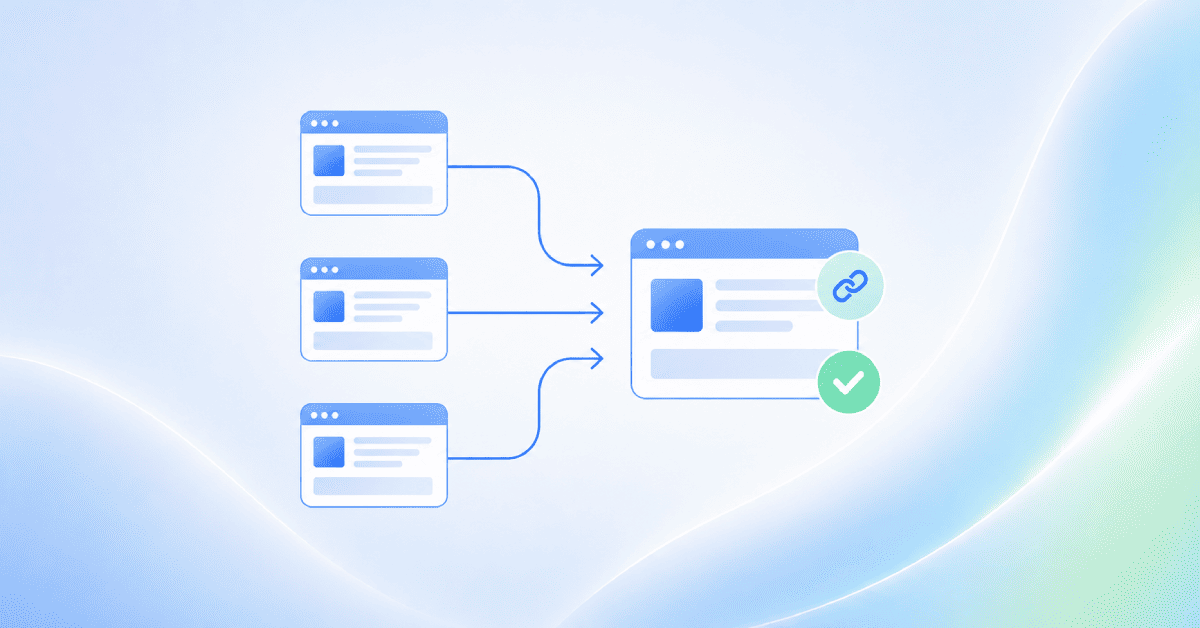
Canonical Tag Issues: How to Find and Fix Errors
Canonical issues occur when search engines find duplicate or very similar pages on your website and are not given a clear preferred URL to i...
How to Create Properly Optimized URLs for SEO
URLs are important in the digital marketing industry, especially in the field of SEO. URLs are the address of our online home – our website,...
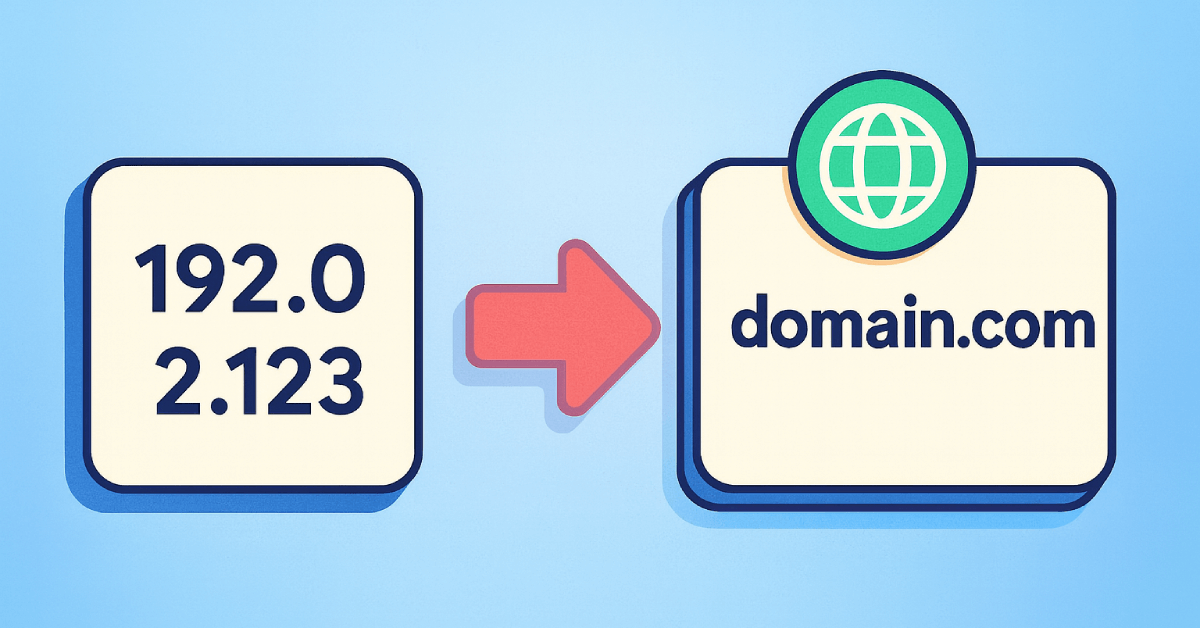
How Do You Canonicalize Your IP Address? What is IP Canonicalization Anyway?
There are two ways to access a site. Using the IP address (as in 157.19.0.1) and using the domain name (as in www.abc.com). Ideally, both...
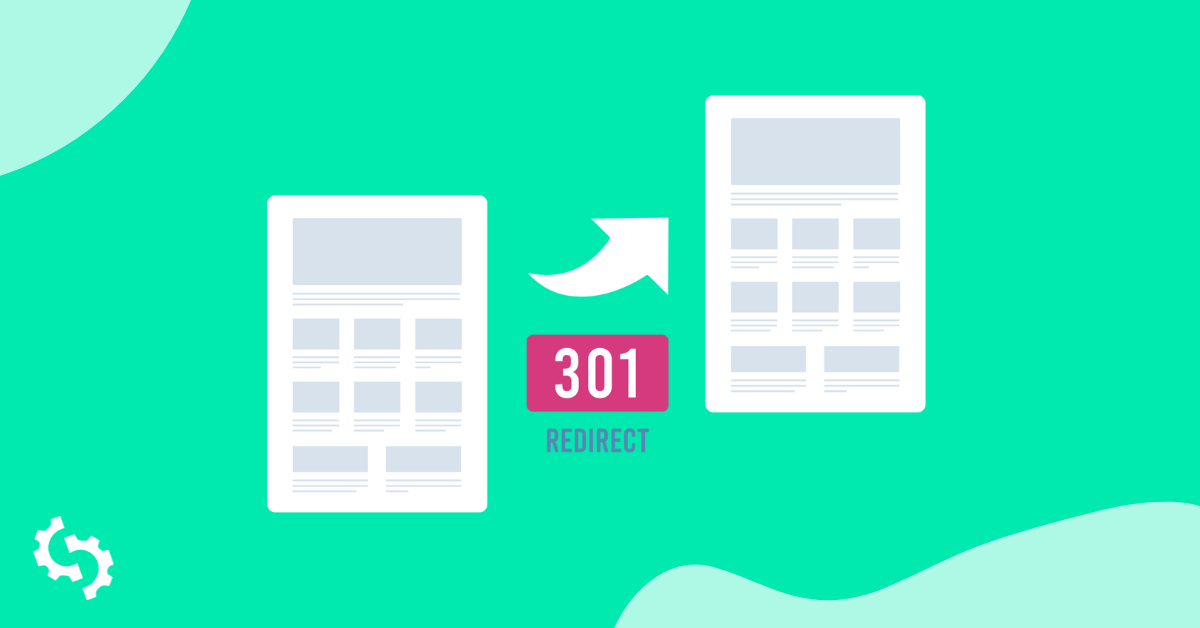
3xx Redirects: What are They & How They Impact SEO
Understanding 3xx redirects is important for anyone involved in digital marketing and SEO. These redirects tell browsers that the requested...