Website IP Address Finder Tool
Our Website IP Address Finder retrieves the IP address of a website, helping you identify its hosting server location and other network details.

SEO Audit Any Site in Seconds
+ Comprehensive SEO / GEO Tools for Every Function
Run over 100 checks on your website across On-Page SEO, Usability, Performance, Social and Links. Now with GEO in every report. SEOptimer also offers keyword research, rank tracking, backlinks and a full site crawler.

About Website IP Addresses
What is a website IP address?
The IP address is the numeric address of the server answering for a domain. DNS exists to translate one into the other, so visitors never need to see it and rarely do.
What you find is not always the origin server. On shared hosting many sites answer on one address, and behind a CDN the address belongs to the CDN edge rather than to your infrastructure, which is normal rather than a misconfiguration.
A website IP address finder is therefore best used as a confirmation tool: does this domain point where you believe it does, seen from outside your own network and your own DNS cache.
When looking up an IP address is genuinely useful
The most common case is a migration. After moving hosts, the only way to know the change has propagated is to resolve the domain from somewhere that is not your own machine, where a cached entry can keep showing the old answer for hours.
The second is verifying a CDN. If you have put one in front of your origin and the address still belongs to your host, traffic is bypassing it entirely and none of the caching you configured is happening.
The third is diagnosing a difference between environments. When staging and production behave differently for no apparent reason, confirming they resolve where you expect eliminates the simplest explanation first.
What an IP address does and does not affect
Less than folklore suggests, at least as a ranking concern. The old belief that shared hosting harms rankings through bad neighbours has little support behind it, and search engines understand shared infrastructure perfectly well.
There is one genuine issue attached to it. If your site also answers on its bare IP address, that creates a duplicate of the entire site at a second address, and redirecting the IP to the domain resolves it in one rule.
Server location retains some relevance for speed, though a CDN makes it largely moot. Physical distance still costs milliseconds when there is no edge between you and the visitor.
How the IP address relates to AI search
No direct relationship. Crawlers resolve and connect exactly like any other client.
The indirect concern is reachability, and it is worth taking seriously. Rate limiting and firewall rules are applied by address, and rules written to stop scrapers routinely catch legitimate search and AI crawlers as collateral.
That failure is invisible from the inside, because the site works perfectly for every human who visits it. It is worth ruling out when a well-built site is poorly represented in results.
Using this information
- Verify DNS resolves where you expect after a migration.
- Confirm a CDN is in front of the origin rather than being bypassed.
- Make sure the bare IP redirects to the canonical domain.
- Check that firewall rules are not blocking legitimate crawlers.
- Do not pay for a dedicated IP on SEO grounds alone.
- Note the address shown is the public endpoint, which may not be your server.
What this tool checks
The website IP address finder resolves the domain and reports the address it answers on.
It is informational, and it reflects the public endpoint rather than necessarily the origin behind it. Behind a CDN that is the correct answer to a different question than the one people usually mean to ask, which is worth remembering before drawing conclusions from it.
Where to go next
An address is one part of how a domain is served. Review the full DNS configuration, check which web server is answering, and confirm the SSL certificate is valid for the hostname rather than only for the address.

Comprehensive SEO Toolbox with over 55 Tools
Check Titles, Meta Descriptions, Headings, Schema, Core Web Vitals, SSL and Robots.txt. Generate Meta Tags, Sitemaps and .htaccess Rules, minify CSS, JS and HTML, and draft copy with our AI Writing Tools - instantly and for free.
Further Reading
See More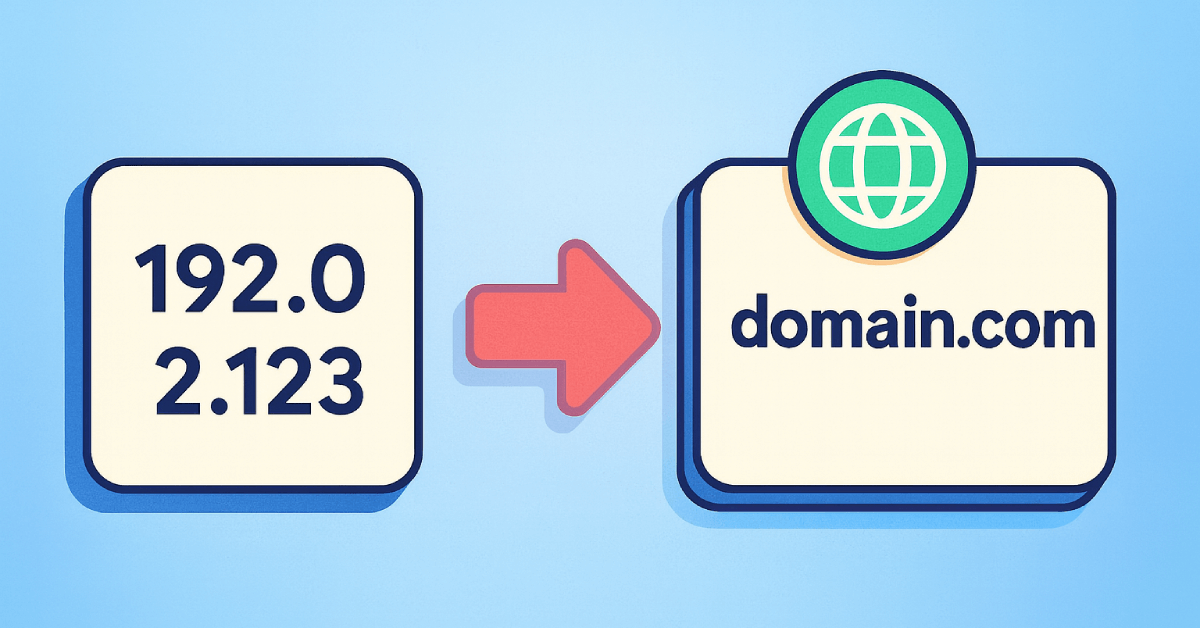
How Do You Canonicalize Your IP Address? What is IP Canonicalization Anyway?
There are two ways to access a site. Using the IP address (as in 157.19.0.1) and using the domain name (as in www.abc.com). Ideally, both...

When to use Localized Domains, and their SEO Impacts
Does Domain Localization Help My SEO?
Over the last few years, we have seen the rise of local SEO. Here are local SEO stats by Soc...

What Domain Extension (TLD) Is Best for SEO?
Did you know that there are about 628.5 million registered domains as of July, 2023?
Nowadays, choosing a domain name is much trickier than...