Cumulative Layout Shift (CLS) Testi
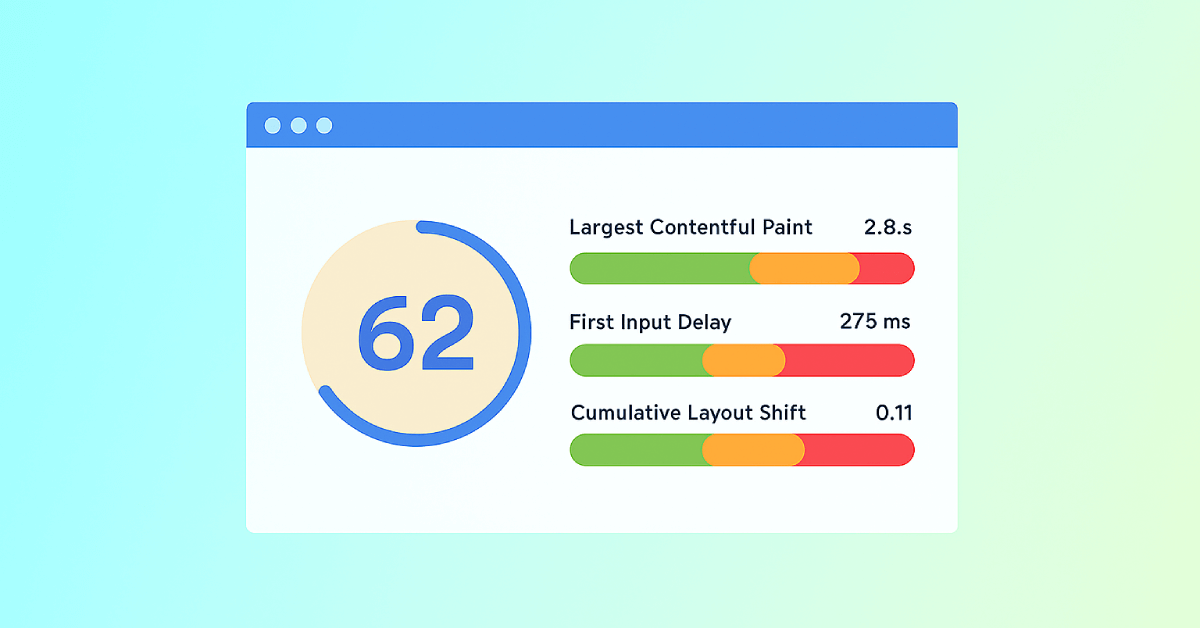
SEOptimer'ın Cumulative Layout Shift testi, gerçek ziyaretçilerden elde edilen Google'a ait alan verilerini kullanarak sayfanızın CLS'sini Google'ın eşik değerlerine göre gösterir.

Saniyeler İçinde Herhangi Bir Sitede SEO Denetimi Yapın
+ Her İşlev İçin Kapsamlı SEO / GEO Araçları
Web sitenizde Sayfa İçi SEO, Kullanılabilirlik, Performans, Sosyal Medya ve Bağlantılar genelinde 100'den fazla kontrol gerçekleştirin. Artık her raporda GEO da var. SEOptimer ayrıca anahtar kelime araştırması, sıralama takibi, backlink analizi ve eksiksiz bir site tarayıcısı sunar.

Kümülatif Düzen Kayması Hakkında
Kümülatif Düzen Kayması Nedir?
İyi bir CLS değeri nedir?
Düzen kaymasına genellikle ne neden olur
- Genişlik ve yükseklik öznitelikleri olmayan görseller ve videolar; bu nedenle yüklenene kadar hiçbir alan ayrılmaz.
- Boyutu belirlenmemiş bir kapsayıcıya eklenen reklamlar ve gömülü içerikler.
- Web yazı tiplerinin yedek yazı tipinden farklı bir boyutta yüklenmesi ve metnin yeniden akışa girmesi.
- Mevcut içeriğin üzerine eklenen banner'lar, bildirimler ve çerez çubukları.
- Sayfa zaten oluşturulduktan sonra komut dosyası tarafından eklenen içerikler.
Nasıl iyileştirilir?
- Tarayıcının alanı önceden ayırabilmesi için her görselin ve videonun genişliğini ve yüksekliğini belirtin.
- Reklam alanlarına ve gömülü içeriklere, boş olsalar bile sabit bir minimum boyut verin.
- Önemli yazı tiplerini önceden yükleyin ve yazı tipi değişiminin yeniden akışa neden olmaması için yedek yazı tipi metriklerini eşleştirin.
- Banner'ları ve bildirimleri mevcut içeriğin altına ekleyin veya içeriği aşağı itmek yerine üst katman olarak gösterin.
- Bir komut dosyasının daha sonra ekleyeceği her şey için alan ayırın.
- Dar bir sütunun küçük bir kaymayı büyük bir kaymaya dönüştürdüğü mobil cihazlarda bunu gözlemleyin.
Bu aracın kontrol ettikleri
Sonraki adımlar

55'ten Fazla Araç İçeren Kapsamlı SEO Araç Kutusu
Başlıkları, meta açıklamalarını, başlık etiketlerini, Schema işaretlemelerini, Core Web Vitals'ı, SSL'yi ve Robots.txt'yi kontrol edin. Meta etiketleri, site haritaları ve .htaccess kuralları oluşturun; CSS, JS ve HTML'yi küçültün ve AI Yazma Araçlarımızla anında ve ücretsiz olarak içerik taslakları hazırlayın.
Daha fazla okuma
Daha Fazla Gör