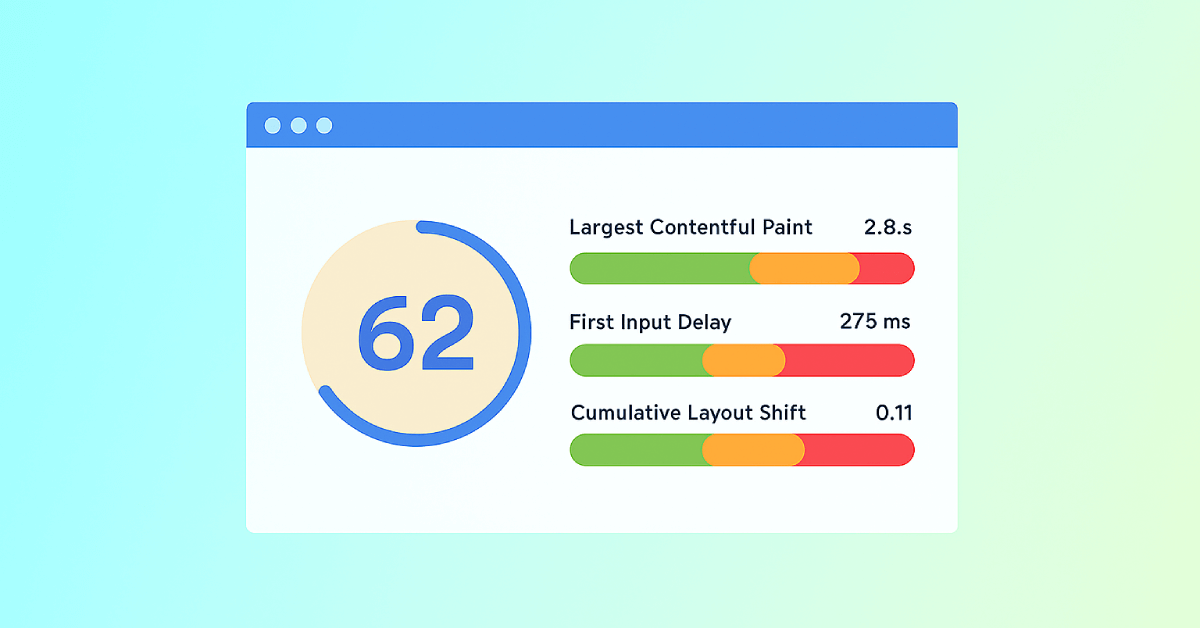
Cumulative Layout Shift (CLS) Test

SEOptimer's Cumulative Layout Shift test shows your page's CLS against Google's thresholds, using Google's own field data from real visitors.

SEO Audit Any Site in Seconds
+ Comprehensive SEO / GEO Tools for Every Function

Run over 100 checks on your website across On-Page SEO, Usability, Performance, Social and Links. Now with GEO in every report. SEOptimer also offers keyword research, rank tracking, backlinks and a full site crawler.

About Cumulative Layout Shift

What is Cumulative Layout Shift?

Cumulative Layout Shift measures how much the page moves around while it loads. Every time a visible element jumps to a new position without the visitor causing it, that shift is scored, and the scores accumulate.
It is the metric with the most familiar symptom: reaching for a link and pressing something else because an advert or an image loaded above it and pushed the page down.
Unlike the other two it is not measured in time. It is a ratio describing how much of the screen moved and how far, which is why the numbers are small and a score of 0.1 already represents visible movement.

What counts as a good CLS?

Google treats 0.1 or less as good, 0.1 to 0.25 as needing improvement, and anything above 0.25 as poor, at the 75th percentile of real page loads.
Shifts a visitor causes themselves do not count. Opening an accordion or dismissing a banner moves the page legitimately, and only movement within half a second of an interaction is excused, which is roughly the window in which a person attributes the movement to their own action.
This is usually the most achievable of the three. Where LCP and INP need performance work, most layout shift is fixed by reserving space, which is a change to markup rather than to architecture.

What usually causes layout shift

  • Images and video without width and height attributes, so nothing is reserved until they load.
  • Advertisements and embeds dropped into a container that had no set size.
  • Web fonts swapping in at a different size to the fallback and reflowing the text.
  • Banners, notices and cookie bars injected above existing content.
  • Content inserted by script after the page has already been painted.
The pattern behind all of them is the same: something arrives late and takes up room nothing had set aside for it. Everything below is pushed down, and whatever the visitor was about to touch moves.

How to improve it

  • Set width and height on every image and video so the browser reserves the space.
  • Give ad slots and embeds a fixed minimum size, even when empty.
  • Preload key fonts and match the fallback metrics so the swap does not reflow.
  • Insert banners and notices below existing content, or overlay them rather than pushing.
  • Reserve space for anything a script will add later.
  • Watch it on mobile, where a narrow column turns a small shift into a large one.

What this tool checks

The CLS test reads Google's field data for the page - measurements collected from real visitors in Chrome - and shows where it falls against the thresholds above.
If no result is shown, there is not enough traffic to the page for Google to report on. Layout shift is the one metric you can reliably find by hand in the meantime: load the page on a phone, on a slow connection, and watch what moves.
For the other two metrics, or all three together, use the Core Web Vitals test.

Where to go next

Most layout shift traces back to images and late-arriving assets. Check the image optimization on the page, how much it weighs with the webpage file size check, and how it behaves on a phone with the mobile responsive test.

Comprehensive SEO Toolbox with over 55 Tools

Check Titles, Meta Descriptions, Headings, Schema, Core Web Vitals, SSL and Robots.txt. Generate Meta Tags, Sitemaps and .htaccess Rules, minify CSS, JS and HTML, and draft copy with our AI Writing Tools - instantly and for free.

Further Reading

Mehr sehen
Core Web Vitals: What are They? How are They Crucial to SEO?
You should optimize your web pages for a seamless user experience. But how can you measure the quality of user experience on a site? That’...
SEOptimer's Core Web Vitals Checks
What are Core Web Vitals?   Google launched the Core Web Vitals (CWV) initiative in 2020 - "essential metrics for a healthy site". T...
Page Speed: What It Is, and How It Impacts SEO
What is Page Speed?   The term page speed refers to the amount of time your media content or web page will take to download from the...
Webpage Size - Why is it important? And how do you optimize it?
What is Webpage Size?   The term webpage size in the SEO world refers to the downloaded file size of a given web page.    The...