Über das Erkennen einer Website-Plattform
Wie erkennt man, womit eine Website erstellt wurde?
Jede Plattform hinterlässt Fingerabdrücke. Ein Generator-Meta-Tag, ein vorhersehbarer Ordnername in einer Asset-URL, ein Cookie, das nur ein bestimmtes System setzt, oder ein Header, den ein bestimmter Host immer hinzufügt – nichts davon wird bewusst angekündigt, und all das kann ausgelesen werden.
Ein CMS-Detektor liest diese Signale aus und gleicht sie mit einer Bibliothek bekannter Plattformen ab. Es handelt sich eher um Mustererkennung als um etwas besonders Raffiniertes. Deshalb ist sie schnell, liegt aber gelegentlich auch falsch.
Das Nützlichste daran ist, dass es auf Websites funktioniert, mit denen du nichts zu tun hast. In wenigen Sekunden kannst du herausfinden, welche Technologie ein Wettbewerber verwendet oder welche Lösung ein potenzieller Kunde von dir erwartet – statt erst ein Gespräch führen zu müssen.
CMS, E-Commerce-Plattform oder Website-Baukasten?
Diese Begriffe werden oft in einen Topf geworfen, verhalten sich in der Praxis aber unterschiedlich:
- Ein CMS verwaltet Inhalte – WordPress, Drupal, Ghost, Craft.
- Eine E-Commerce-Plattform verwaltet Produkte und den Checkout – Shopify, Magento, BigCommerce.
- Ein Website-Baukasten erstellt die Seiten visuell – Wix, Squarespace, Webflow.
- Ein statischer Website-Generator erstellt Seiten im Voraus und liefert einfache Dateien aus.
Dieses Tool zeigt an, welche der beiden Kategorien auf die jeweils erkannte Plattform zutrifft, anstatt alles unter „CMS“ einzuordnen. Ein Shop, der Shopify verwendet, hat im strengen Sinne kein CMS, und diese Angabe ist hilfreicher, als etwas anderes vorzutäuschen.
Warum die Plattform für SEO wichtig ist
Es legt die Rahmenbedingungen fest, innerhalb derer Sie arbeiten. Was Sie an URLs ändern können, wie Titel und Meta-Beschreibungen verwaltet werden, ob strukturierte Daten automatisch enthalten sind oder erstellt werden müssen, wie viel Kontrolle Sie über die Seitengeschwindigkeit haben – all das wird von der Plattform entschieden, lange bevor jemand ein Wort schreibt.
Es sagt auch Probleme voraus. Bestimmte Plattformen verursachen zuverlässig bestimmte Probleme. Wenn Sie wissen, womit Sie es zu tun haben, wissen Sie, wo Sie zuerst suchen müssen und welche Korrekturen tatsächlich möglich sind.
Bei Agenturprojekten ist das ebenso eine Frage des Leistungsumfangs wie eine technische. Ein Angebot für eine Website, die Sie frei bearbeiten können, unterscheidet sich von einem Angebot für eine Website, bei der jede Änderung einen Entwickler erfordert.
Wenn die Erkennung keine Ergebnisse liefert
Ein leeres Ergebnis bedeutet nicht, dass mit der Website etwas nicht stimmt. Viele gut entwickelte Websites sind individuell erstellt, verwenden etwas Ungewöhnliches oder bestehen aus statischen Dateien, die überhaupt keine Fingerabdrücke hinterlassen.
Einige Plattformen verhalten sich außerdem absichtlich unauffällig. Das Entfernen des Generator-Tags und das Umbenennen von Asset-Pfaden gehören zu den üblichen Empfehlungen zur Härtung. Auch ein Proxy oder CDN vor der Website kann die Header entfernen, die ein Erkennungstool ansonsten auslesen würde.
Auch die Erkennung kann in die andere Richtung in die Irre geführt werden. Eine Website, die zwischen Plattformen migriert wurde, enthält oft noch jahrelang Spuren der alten Plattform in ihrem Markup. Ein unerwartetes Ergebnis sollte daher genauer geprüft werden, statt ihm sofort Glauben zu schenken.
Was dieses Tool prüft
Geben Sie eine URL ein. Das Tool lädt die Seite und gleicht die gefundenen Informationen mit einer Bibliothek bekannter Plattformen ab. Dabei wird jede erkannte Plattform zusammen mit der zugehörigen Kategorie und – sofern die Plattform diese Information preisgibt – der Version angezeigt.
Es betrachtet speziell die Plattform. Eine Seite nutzt in der Regel deutlich mehr Technologien – etwa für Analytics, Schriftarten, Frameworks und Hosting – und das Gesamtbild ist eine separate Prüfung.
Wie es weitergeht
Die Plattform ist der Ausgangspunkt und nicht die Antwort. Sehen Sie mit der Prüfung
Technologie, was die Seite sonst noch lädt, prüfen Sie mit dem
Googlebot-Simulator, wie die Seite sich präsentiert, und stellen Sie mit dem
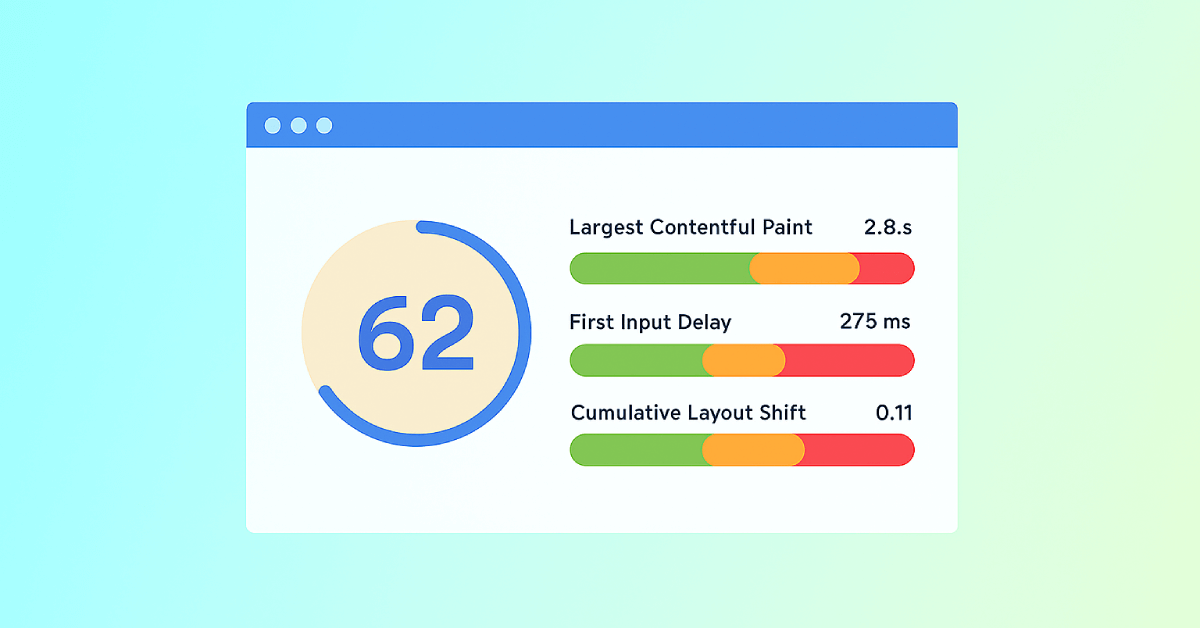
Core Web Vitals-Test fest, ob die Plattform Sie etwas kostet.