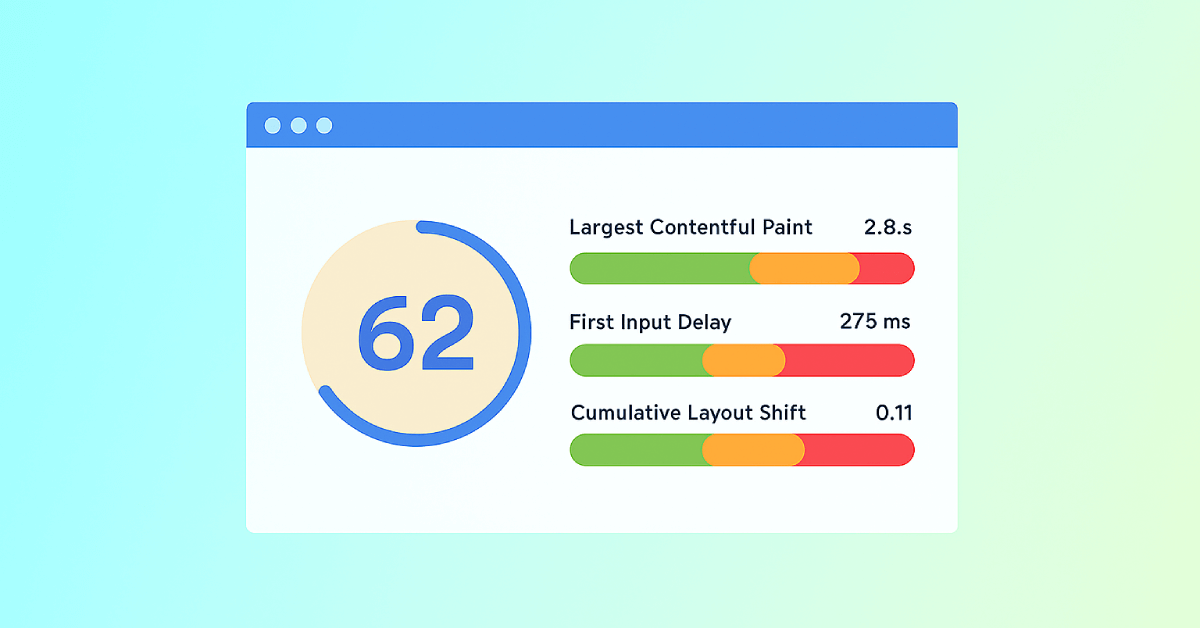
Largest Contentful Paint (LCP) Test

SEOptimer's Largest Contentful Paint test shows your page's LCP against Google's thresholds, using Google's own field data from real visitors.

SEO Audit Any Site in Seconds
+ Comprehensive SEO / GEO Tools for Every Function

Run over 100 checks on your website across On-Page SEO, Usability, Performance, Social and Links. Now with GEO in every report. SEOptimer also offers keyword research, rank tracking, backlinks and a full site crawler.

About Largest Contentful Paint

What is Largest Contentful Paint?

Largest Contentful Paint measures how long it takes for the biggest visible element to finish rendering - usually a hero image, a video poster or a block of headline text. It is the closest any single number gets to answering "when did the page appear?".
It deliberately ignores everything below the fold and everything invisible. A page can still be loading scripts and fonts long after its LCP, and as far as this measurement is concerned that is fine, because the visitor already has something to read.
That is what separates it from total load time. Load time describes the browser finishing its work; LCP describes the moment the page became useful, which is the moment the visitor actually experiences.

What counts as a good LCP?

Google treats 2.5 seconds or less as good, 2.5 to 4 seconds as needing improvement, and anything beyond 4 seconds as poor. The threshold applies to the 75th percentile of real page loads, so it has to be met for three visitors in four rather than on average.
That percentile matters more than it first appears. An average is easily rescued by fast visits on fast connections, while the 75th percentile keeps the slower quarter of your audience in view, which is usually the mobile quarter.
A page can therefore fail on LCP while feeling perfectly quick on the machine it was built on. That gap is the normal case rather than the exception.

What usually causes a slow LCP

The element itself is rarely the problem. What delays it is almost always something happening before it, and there are four usual culprits:
  • A slow server response, which delays everything downstream before a byte is rendered.
  • Render-blocking CSS and JavaScript in the head, which the browser must finish before painting.
  • The hero image being large, unoptimised, or lazy-loaded when it should not be.
  • The image being discovered late, because it is set by CSS or injected by a script rather than being in the HTML.
That last one catches people out most often. A browser can only start fetching what it can see in the markup, so an image the HTML never mentions cannot begin loading until the stylesheet or script that mentions it has been fetched and parsed.

How to improve it

  • Put the hero image in the HTML as an img tag so the browser finds it immediately.
  • Never lazy-load the LCP element - lazy loading is for what is below the fold.
  • Serve it in a modern format at the size it is actually displayed at.
  • Preload it if it is genuinely the most important thing on the page.
  • Move non-critical CSS and JavaScript out of the render path.
  • Reduce server response time, since every millisecond there is spent before anything else starts.

What this tool checks

The LCP test reads Google's field data for the page - measurements collected from real visitors in Chrome - and shows where it falls against the thresholds above.
If no result is shown, there is not enough traffic to the page for Google to report on, which is common for new or quiet pages. That is not a failure, and the sensible response is to fix the obvious causes rather than wait for a score to appear.
For the other two metrics, or all three together, use the Core Web Vitals test.

Where to go next

LCP is a symptom; the causes are weight and waiting. Check how long the server takes to respond with the website load speed test, how much the page weighs with the webpage file size check, and whether the images themselves are the problem with the image optimization checker.

Comprehensive SEO Toolbox with over 55 Tools

Check Titles, Meta Descriptions, Headings, Schema, Core Web Vitals, SSL and Robots.txt. Generate Meta Tags, Sitemaps and .htaccess Rules, minify CSS, JS and HTML, and draft copy with our AI Writing Tools - instantly and for free.

Further Reading

Daha Fazla Gör
Core Web Vitals: What are They? How are They Crucial to SEO?
You should optimize your web pages for a seamless user experience. But how can you measure the quality of user experience on a site? That’...
SEOptimer's Core Web Vitals Checks
What are Core Web Vitals?   Google launched the Core Web Vitals (CWV) initiative in 2020 - "essential metrics for a healthy site". T...
Page Speed: What It Is, and How It Impacts SEO
What is Page Speed?   The term page speed refers to the amount of time your media content or web page will take to download from the...
Webpage Size - Why is it important? And how do you optimize it?
What is Webpage Size?   The term webpage size in the SEO world refers to the downloaded file size of a given web page.    The...