Character Encoding Checker

SEOptimer’s Character Encoding Checker reports the charset your page declares, so you can catch the mismatch behind garbled accents and symbols.

SEO Audit Any Site in Seconds
+ Comprehensive SEO / GEO Tools for Every Function

Run over 100 checks on your website across On-Page SEO, Usability, Performance, Social and Links. Now with GEO in every report. SEOptimer also offers keyword research, rank tracking, backlinks and a full site crawler.

About Character Encoding

What is character encoding?

Character encoding is the agreement between your server and a browser about how the bytes in a page turn back into letters. Declare it and everyone reads the same text; leave it to guesswork and a browser picks, sometimes wrongly.
Wrong guesses are the reason a page shows é where it meant é, or a row of question marks where a name should be. The content is intact; only the interpretation is broken.
This tool reports the character encoding your page declares.

UTF-8 and everything else

The answer for nearly every site is UTF-8. It covers every language, handles currency symbols, dashes, quotes and emoji, and is what the web has standardised on.
Older encodings such as ISO-8859-1 or Windows-1252 still turn up in legacy systems and exports. They work for a narrow range of characters and fail the moment content includes anything outside it, which today usually means a smart quote pasted from a word processor.
If a page declares something other than UTF-8, that is worth knowing about even when it currently looks fine.

Common causes of garbled text

  • No charset declared, leaving the browser to guess.
  • A declaration that disagrees with how the file was actually saved.
  • An HTTP header and a meta tag naming different encodings.
  • A database or connection using a different encoding to the page.
  • Content pasted in from a word processor carrying its own characters.
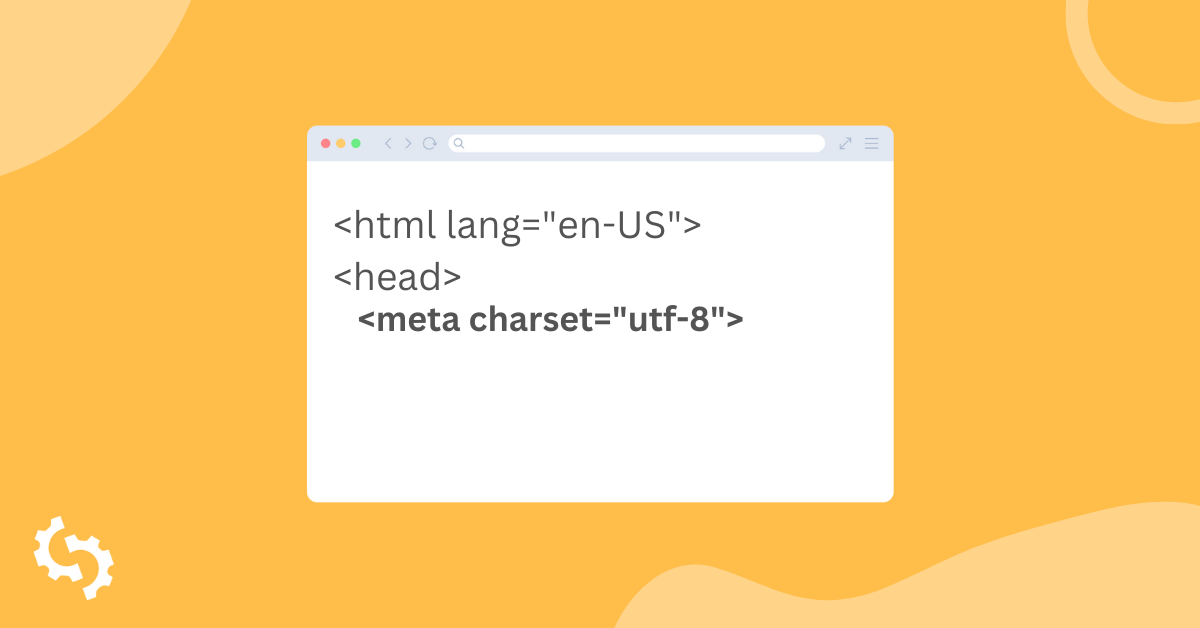
The declaration belongs in the first kilobyte of the document, since a browser that has already started guessing will not go back.

Does encoding still matter in 2026?

It is largely a solved problem, which is exactly why it is worth a quick look: the sites that get it wrong now tend to be the ones nobody has checked in years.
The cost when it does go wrong falls on trust. Garbled characters in a heading or a product name read as neglect, and they show up in search results and in shared previews as well as on the page.
For anything reading your page as text, whether a search crawler or an AI assistant, mangled characters are mangled content. There is no recovery step that puts the right letters back.

What this tool checks

It reports the character encoding declared for the page you enter.
It reads the declaration rather than verifying that the file matches it, so a page can declare UTF-8 and still be saved as something else. If characters look wrong despite a correct declaration, that mismatch is where to look.

Where to go next

Encoding is one of a set of declarations a page makes about itself. Check the HTML lang attribute states the right language, review your hreflang tags if you publish in several, and confirm the web server response headers agree with the page.

Comprehensive SEO Toolbox with over 55 Tools

Check Titles, Meta Descriptions, Headings, Schema, Core Web Vitals, SSL and Robots.txt. Generate Meta Tags, Sitemaps and .htaccess Rules, minify CSS, JS and HTML, and draft copy with our AI Writing Tools - instantly and for free.

Further Reading

Zobacz więcej
What is Meta Charset and How Do You Use It?
What is meta charset?   A charset or character set in full is essentially a set of characters recognized by the computer the same way th...