Checker voor tekencodering
SEOptimer’s Checker voor tekencodering rapporteert de tekenset die je pagina opgeeft, zodat je de oorzaak van verkeerd weergegeven accenten en symbolen kunt achterhalen.

Voer in enkele seconden een SEO-audit uit voor elke website
+ Uitgebreide SEO-/GEO-tools voor elke functie
Voer meer dan 100 controles uit op je website op het gebied van On-Page SEO, gebruiksvriendelijkheid, prestaties, social media en links. Nu met GEO in elk rapport. SEOptimer biedt ook zoekwoordonderzoek, ranktracking, backlinkanalyse en een volledige sitecrawler.

Over tekencodering
Wat is tekencodering?
Tekencodering is de afspraak tussen je server en een browser over hoe de bytes op een pagina weer worden omgezet in letters. Geef de tekencodering op en iedereen leest dezelfde tekst; laat de browser raden en deze kiest soms de verkeerde.
Verkeerde schattingen zijn de reden dat een pagina é weergeeft waar é had moeten staan, of een rij vraagtekens waar een naam hoort te staan. De inhoud is intact; alleen de interpretatie is verkeerd.
Deze tool rapporteert welke tekencodering je pagina opgeeft.
UTF-8 en alle andere encoderingen
Het antwoord voor vrijwel elke site is UTF-8. Het ondersteunt elke taal, verwerkt valutasymbolen, streepjes, aanhalingstekens en emoji en is de standaard die het web hanteert.
Oudere tekencoderingen zoals ISO-8859-1 of Windows-1252 komen nog steeds voor in verouderde systemen en exports. Ze werken voor een beperkt aantal tekens en gaan mis zodra de inhoud iets bevat dat daarbuiten valt. Tegenwoordig is dat meestal een slim aanhalingsteken dat vanuit een tekstverwerker is geplakt.
Als een pagina iets anders dan UTF-8 declareert, is dat het vermelden waard, zelfs als de pagina er momenteel goed uitziet.
Veelvoorkomende oorzaken van onleesbare tekst
- Geen charset opgegeven, waardoor de browser moet raden.
- Een declaratie die niet overeenkomt met de manier waarop het bestand daadwerkelijk is opgeslagen.
- Een HTTP-header en een metatag die verschillende coderingen aangeven.
- Een database of verbinding die een andere codering gebruikt dan de pagina.
- Inhoud die vanuit een tekstverwerker is geplakt en eigen tekens bevat.
De declaratie hoort in de eerste kilobyte van het document te staan, omdat een browser die al is begonnen met raden niet opnieuw zal controleren.
Is codering nog steeds belangrijk in 2026?
Het is grotendeels een opgelost probleem, en precies daarom is het de moeite waard om er even naar te kijken: de sites waarop het nu nog misgaat, zijn meestal sites die al jaren door niemand zijn gecontroleerd.
Als het toch misgaat, komt de rekening te liggen bij het vertrouwen. Verminkte tekens in een kop of productnaam wekken de indruk van nalatigheid en verschijnen zowel in zoekresultaten en gedeelde voorbeelden als op de pagina zelf.
Voor alles wat je pagina als tekst leest, of dat nu een zoekcrawler of een AI-assistent is, zijn verminkte tekens verminkte content. Er is geen herstelstap die de juiste letters weer terugplaatst.
Wat deze tool controleert
Het rapporteert de tekencodering die voor de ingevoerde pagina is opgegeven.
Het leest de opgegeven codering uit zonder te controleren of het bestand hiermee overeenkomt. Een pagina kan dus UTF-8 opgeven, maar toch in een andere codering zijn opgeslagen. Als tekens er ondanks een correcte opgave verkeerd uitzien, moet je daar naar de oorzaak zoeken.
Waar je nu verder kunt gaan

Uitgebreide SEO-toolbox met meer dan 55 tools
Controleer titels, metabeschrijvingen, koppen, Schema, Core Web Vitals, SSL en Robots.txt. Genereer metatags, sitemaps en .htaccess-regels, verklein CSS, JavaScript en HTML, en maak content met onze AI-schrijftools — direct en gratis.
Verder lezen
Meer Zien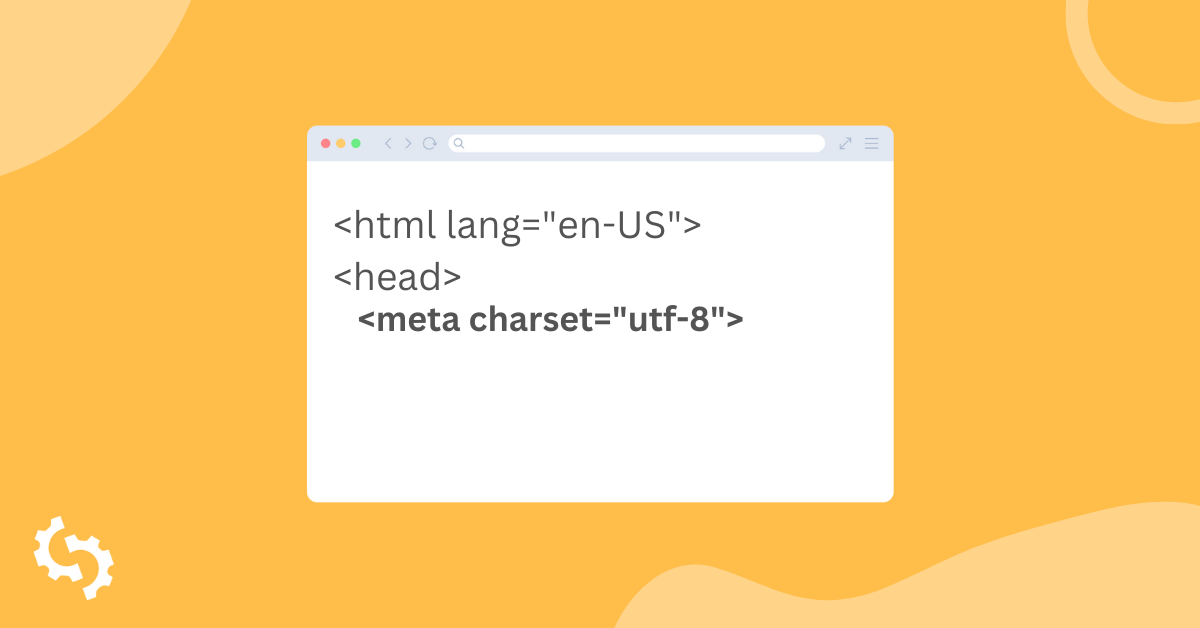
What is Meta Charset and How Do You Use It?
What is meta charset?
A charset or character set in full is essentially a set of characters recognized by the computer the same way th...