Comprobador de robots.txt
El comprobador de Robots.txt de SEOptimer verifica si tu sitio web tiene un archivo robots.txt configurado, ayudándote a gestionar el acceso de los rastreadores de motores de búsqueda a tu sitio.

Audita cualquier sitio web con SEO en cuestión de segundos
+ Herramientas SEO / GEO completas para cada función
Realiza más de 100 comprobaciones en tu sitio web de SEO On-Page, usabilidad, rendimiento, redes sociales y enlaces. Ahora con GEO en todos los informes. SEOptimer también ofrece investigación de palabras clave, seguimiento de posiciones, análisis de backlinks y un rastreador web completo.

Acerca de Robots.txt
¿Qué es un archivo robots.txt?
¿Sigue siendo importante el archivo robots.txt en 2026?
Cómo se relaciona robots.txt con la búsqueda mediante IA
Buenas prácticas para robots.txt
- Mantén el archivo en la raíz del dominio. En cualquier otro lugar, se ignorará por completo.
- No lo uses nunca para ocultar contenido sensible. El archivo es público, y leerlo es la forma más rápida de encontrar las rutas que querías ocultar.
- Usa una directiva noindex en lugar de un bloqueo del rastreo cuando el objetivo sea impedir que una página aparezca en los resultados.
- No combines ambos en la misma página. Una página bloqueada nunca puede leerse, por lo que su noindex nunca se detecta.
- Incluye la referencia a tu sitemap XML en el archivo para que los rastreadores lo encuentren sin necesidad de indicárselo por separado.
- Asigne a los subdominios su propio archivo; una regla del dominio principal no los cubre.
Errores comunes
- Dejar, después del lanzamiento, una regla de la etapa de desarrollo que bloquee todo el sitio, que es la versión más perjudicial de este error.
- Bloquear el CSS o JavaScript, lo que impide que los motores de búsqueda representen la página tal como la ve un visitante.
- Suponer que una URL bloqueada desaparece de los resultados de búsqueda, cuando puede seguir apareciendo sin una descripción.
- Escribir reglas para una cadena de agente de usuario que no existe, por lo que nada se ve afectado.
- Bloquear rutas de rastreo que tu propio sitemap envía después, transmitiendo instrucciones contradictorias.
Qué comprueba esta herramienta
Qué hacer a continuación
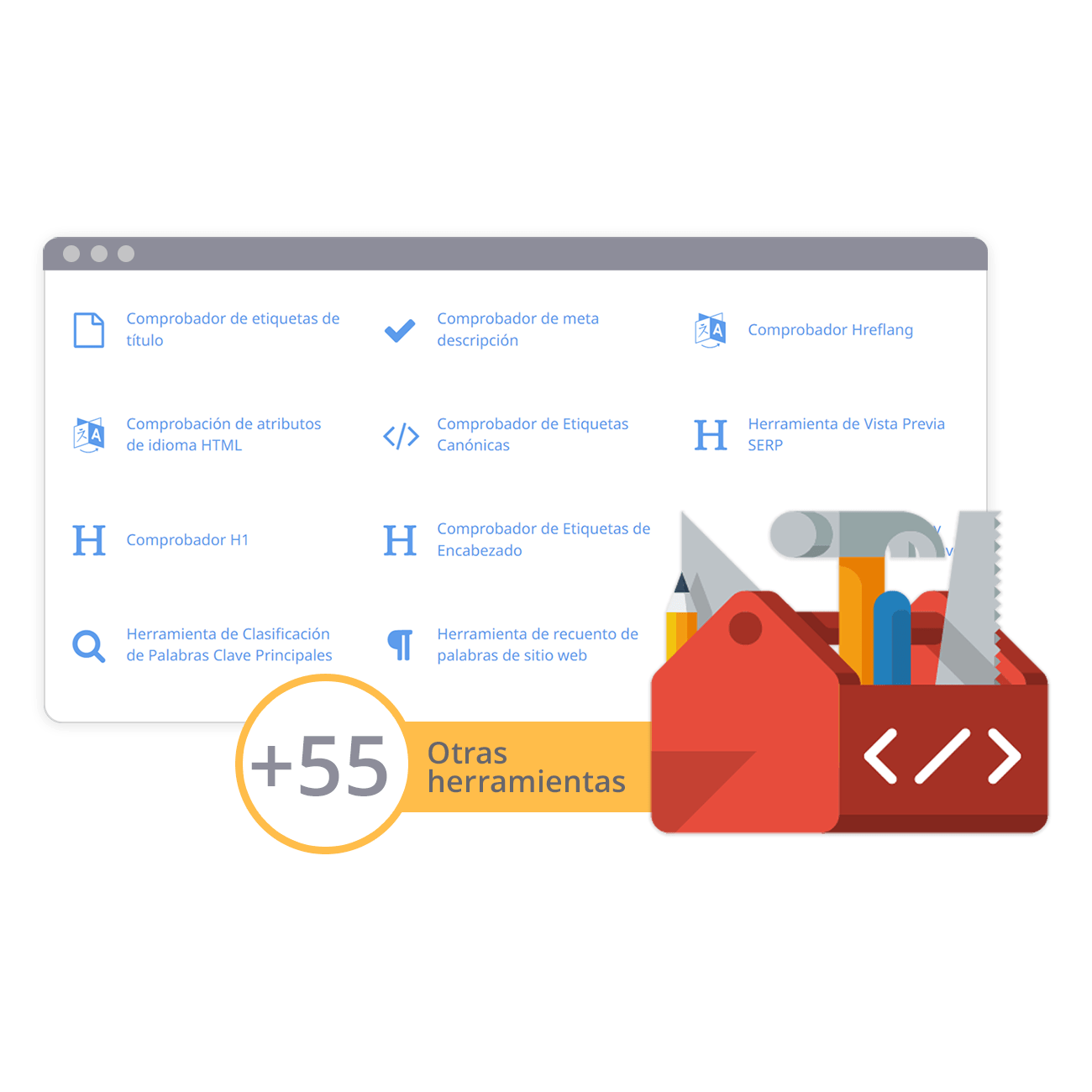
Caja de herramientas SEO completa con más de 55 herramientas
Comprueba los títulos, las meta descripciones, los encabezados, los datos estructurados, las Core Web Vitals, el SSL y el archivo robots.txt. Genera metaetiquetas, mapas del sitio y reglas .htaccess, minimiza el CSS, el JS y el HTML, y redacta textos con nuestras herramientas de redacción con IA, al instante y gratis.
Más información
Más información