Visor de sitios web en caché
Consulta una copia archivada de cualquier página web. Introduce una URL y se abrirá la versión en caché más reciente en Wayback Machine.

Audita cualquier sitio web con SEO en cuestión de segundos
+ Herramientas SEO / GEO completas para cada función
Realiza más de 100 comprobaciones en tu sitio web de SEO On-Page, usabilidad, rendimiento, redes sociales y enlaces. Ahora con GEO en todos los informes. SEOptimer también ofrece investigación de palabras clave, seguimiento de posiciones, análisis de backlinks y un rastreador web completo.

Acerca de las páginas web almacenadas en caché
¿Qué es una página web en caché?
Una página en caché es una copia de una página tal y como aparecía en algún momento anterior, conservada por alguien distinto de su propietario. Te permite leer una página que ha cambiado, se ha trasladado o ha desaparecido por completo.
Esta herramienta utiliza Wayback Machine, el registro público de la web de Internet Archive, que lleva capturando páginas desde 1996. Introduce una dirección y la copia más reciente que conserva se abrirá en una pestaña nueva.
Nosotros no almacenamos ni enviamos nada a ningún sitio: la herramienta simplemente crea la dirección del archivo y te redirige a él.
¿Qué ha pasado con la caché de Google?
Durante veinte años, la forma habitual de ver una página en caché era consultar la propia copia de Google, accesible mediante una búsqueda con «cache:» o un enlace en los resultados. Google retiró esta función en 2024 y el operador «cache:» ya no funciona.
La Wayback Machine es ahora el sustituto práctico y, en muchos aspectos, una opción mejor. Conserva muchas copias de una página a lo largo del tiempo, en lugar de solo la más reciente, por lo que puedes ver cómo ha cambiado algo y no únicamente lo que dice ahora.
La contrapartida es la cobertura. Google almacenaba en caché más o menos todo lo que indexaba; el archivo conserva una muestra amplia, pero incompleta, y los sitios pequeños o nuevos suelen faltar.
Para qué se utilizan las páginas almacenadas en caché
- Leer una página que no está disponible, se ha movido o se ha eliminado.
- Ver qué decía una página antes de que se reescribiera.
- Recuperar contenido de un sitio que ya no controlas.
- Comprobar qué ha cambiado un competidor y, aproximadamente, cuándo.
- Confirmar una afirmación sobre lo que solía decir una página.
- Encontrar la estructura de URL antigua de un sitio después de una migración.
Esa última opción es, discretamente, la más útil para el trabajo de SEO. Una migración que ha perdido sus redirecciones es mucho más fácil de reparar cuando puedes ver cómo eran las URL anteriormente.
Leer detenidamente una página archivada
Una página archivada es una reconstrucción, no una fotografía. El HTML se captura fielmente, pero las hojas de estilo, las fuentes, las imágenes y los scripts se cargan por separado y pueden faltar o proceder de una fecha diferente, por lo que una página puede verse rota aunque su texto sea exactamente correcto.
Todo lo que dependiera de un servidor activo no funcionará. Los cuadros de búsqueda, los inicios de sesión, los carritos y la mayoría de las funciones interactivas están inactivos, y el contenido cargado mediante JavaScript después de que se renderizara la página suele estar completamente ausente.
Comprueba la fecha en la barra de herramientas del archivo antes de sacar conclusiones. La captura más cercana a hoy podría ser de la semana pasada o de hace cuatro años, y nada en la propia página te indica cuál es.
Qué dirección introducir
Cualquier formato razonable de la dirección es válido. El archivo normaliza lo que introduzcas, por lo que example.com, www.example.com, http://example.com y https://example.com acceden al mismo registro; no es necesario adivinar qué versión se archivó.
Introduce la ruta completa para consultar una página en lugar del sitio. Una página específica es un registro diferente de la página de inicio, y la página de inicio no te indicará qué decía un artículo.
Si no hay nada archivado para la dirección, el archivo devuelve una página de contenido no encontrado en lugar de una sugerencia. Esto suele significar que la página nunca se capturó, algo habitual en sitios pequeños y en cualquier contenido reciente.
Qué hace esta herramienta
Comprueba que la dirección sea válida, crea la URL del archivo correspondiente a la captura más reciente y la abre en una pestaña nueva. No realiza ninguna búsqueda ni hay que esperar.
Como el archivo resuelve la dirección por sí mismo, la herramienta no reescribe deliberadamente lo que escribes, más allá de codificarlo. Adivinar un esquema o añadir «www» podría hacer que se solicitara un registro distinto del que pretendías.
Qué hacer a continuación
Una página almacenada en caché te indica qué había allí; estas opciones te informan de lo que hay ahora. Comprueba adónde dirige actualmente una URL con comprobador de redirecciones, si se puede acceder a ella con el comprobador Código de estado de la URL y cómo está estructurada la página actual con una auditoría del sitio completa.
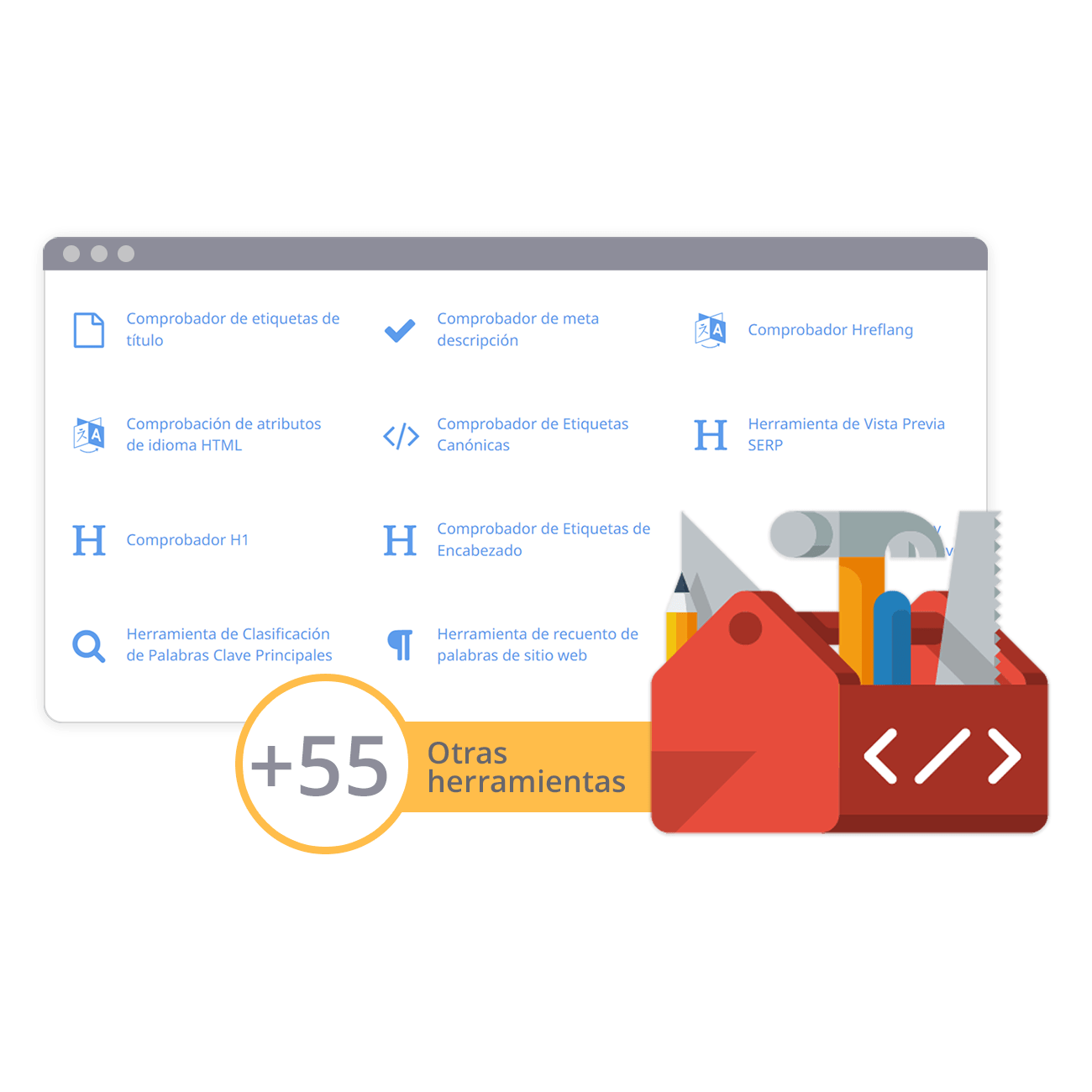
Caja de herramientas SEO completa con más de 55 herramientas
Comprueba los títulos, las meta descripciones, los encabezados, los datos estructurados, las Core Web Vitals, el SSL y el archivo robots.txt. Genera metaetiquetas, mapas del sitio y reglas .htaccess, minimiza el CSS, el JS y el HTML, y redacta textos con nuestras herramientas de redacción con IA, al instante y gratis.
Más información
Más información
On-Page SEO: Complete Guide + Checklist for 2026
What is On-Page SEO?
On-page SEO is the process of optimizing the content and elements on a webpage so that search engines can bette...